
1. Introduction
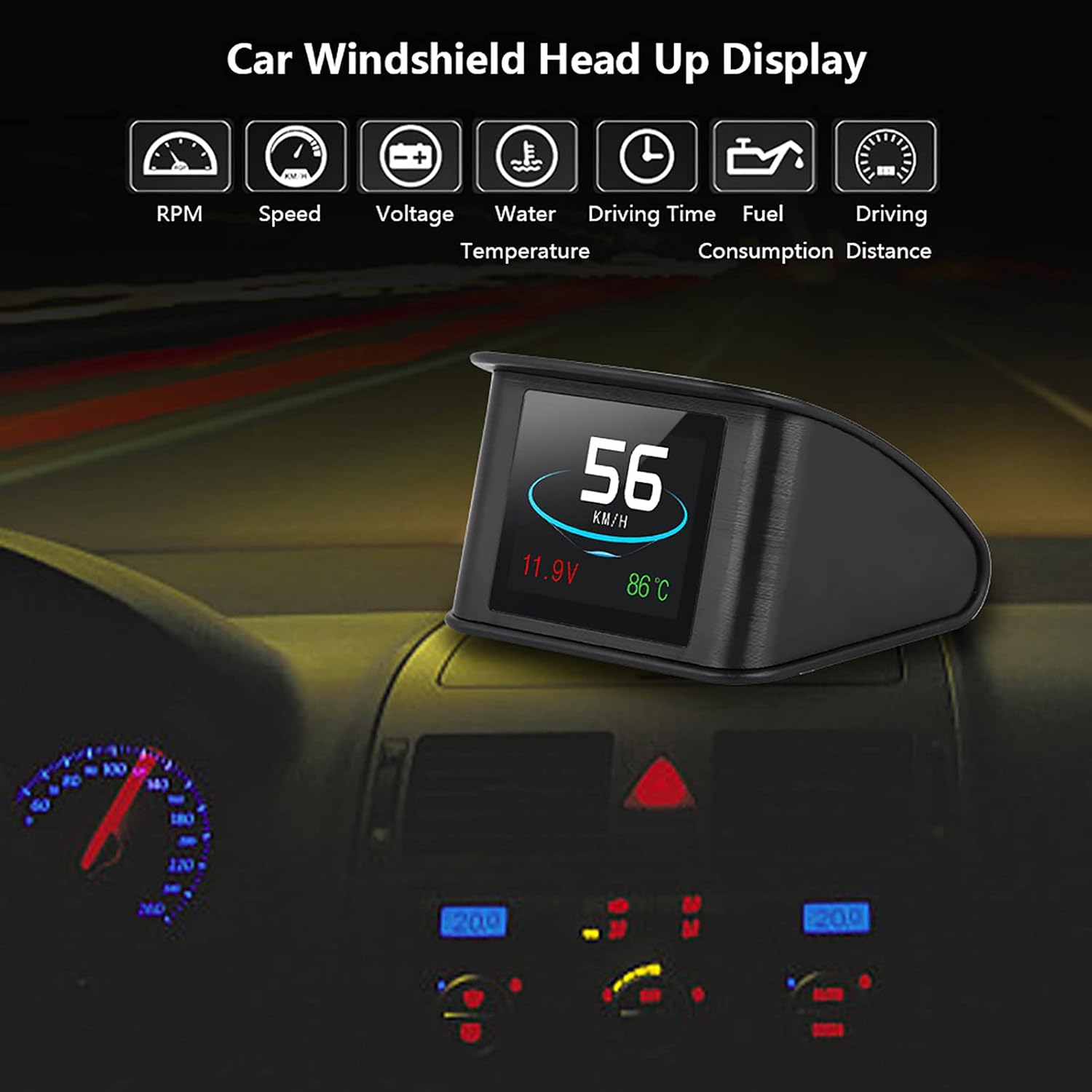
Thank you for choosing the DEWIN P10 Car HUD Display. This intelligent OBD digital meter is designed to enhance your driving safety by projecting essential vehicle information directly onto your windshield, allowing you to keep your eyes on the road. It displays critical data such as speed, RPM, fuel consumption, water temperature, and voltage, providing quick and direct access to driving information.
2. Product Overview
The DEWIN P10 HUD Display is a versatile and user-friendly device that integrates seamlessly with your vehicle's OBD II or EUOBD system. Its multi-color TFT LCD display ensures clear and easy-to-read information.



Key Features:
- Car Display: Displays car dashboard information (such as speed, RPM, fuel consumption, water temperature, voltage, etc.), preventing the danger of looking down at the dashboard, making drivers safer while driving.
- Compatibility: Automatically adapts to the car model and is compatible with cars with consistent OBD II and EUOBD ports (CAR automatic diagnostic system).
- Quick Access to Driving Information: Displays rich content, including speed, RPM, water temperature, voltage, instantaneous fuel consumption, average fuel consumption, driving distance measurement, driving time, low pressure alarm, high water temperature alarm, high speed alarm, freely switchable between kilometers and miles.
- Multifunctional: Adds new functions such as acceleration competition mode, braking performance test, and can read deleted car data stream information. Most function display modes or simple function display modes can be freely switched.
- Convenient to Use: Multi-color design, making the screen richer and easier to read. Multi-color intelligent TFT LCD display, the first scan will show the vehicle agreement.
3. Specifications
| Attribute | Value |
|---|---|
| Brand | DEWIN |
| Model Number | DEWINgdynvgk7sz |
| Product Dimensions | 17 x 13 x 5 cm; 163 g |
| Material | Plastic |
| Screen Size | 136.4 Millimeters |
| Ambient Temperature | -40℃ ~ +80℃ |
| Relative Humidity | 10% - 15% |
| Atmospheric Pressure | 86-106KPa |
| Alarm Sound Level | >= 30dB(A) |
| Ambient Noise | <= 60dB(A) |
| Operating Voltage | DC 9V ~ 16V (DC 12V/400mA) |
4. Setup
Follow these steps to properly install your DEWIN P10 Car HUD Display:
- Check Vehicle Compatibility: Ensure your vehicle supports OBD II or EUOBD agreements. Open the engine hood and locate the emission control information sticker. If it states "OBDII CERTIFIED", the product can be installed.
- Locate OBD2 Port: Find the 16-pin diagnostic link in your vehicle. This port is typically located under the dashboard on the driver's side.
- Connect the Device: Connect the provided OBD2 connection cable to the vehicle's OBD2 port and then to the HUD display unit.
- Position the HUD: Place the HUD display unit on your dashboard, ideally using the anti-slip pad provided, in a position that allows for clear projection onto the windshield without obstructing your view of the road.

5. Operating Instructions
Once installed, the DEWIN P10 HUD Display will automatically power on with your vehicle. The first scan will establish the vehicle agreement.
Display Information:
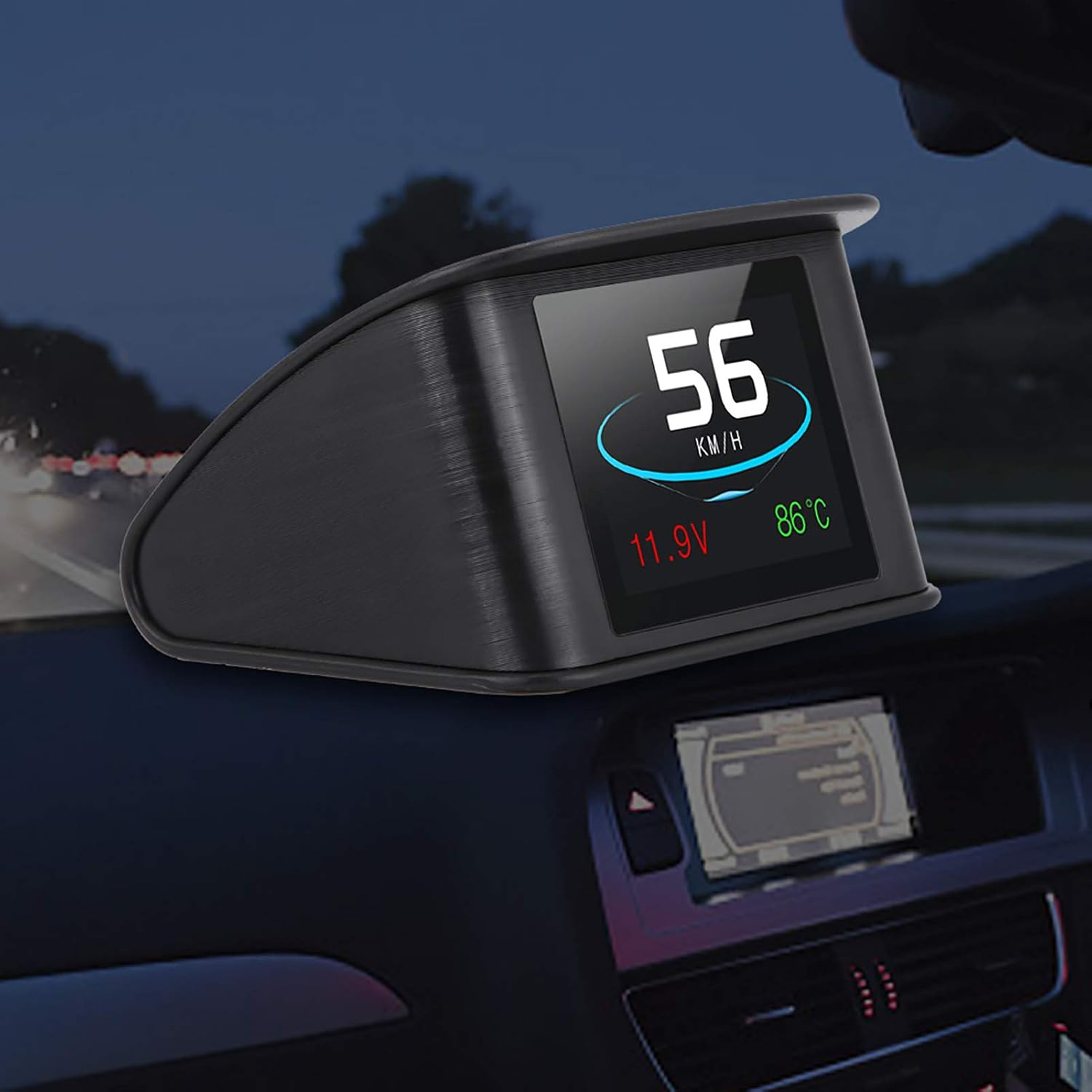
The display shows various driving parameters. The multi-color design enhances readability.
Adjusting Settings:
The device features a 'Semicircle setting button' and a 'Light sensor hole' on the back (refer to Figure 2.6). Use the setting button to navigate through menus and adjust parameters such as:
- Switching between kilometers (KM) and miles (MPH).
- Setting alarm thresholds for low pressure, high water temperature, and high speed.
- Accessing advanced functions like acceleration competition mode and braking performance test.
The light sensor automatically adjusts display brightness based on ambient light conditions.
6. Maintenance
To ensure the longevity and optimal performance of your DEWIN P10 Car HUD Display, follow these simple maintenance guidelines:
- Cleaning: Use a soft, dry cloth to wipe the display screen and the device's exterior. Avoid using abrasive cleaners or solvents, as they may damage the surface.
- Storage: If storing the device for an extended period, disconnect it from the OBD2 port and store it in a cool, dry place away from direct sunlight and extreme temperatures.
- Cable Care: Handle the OBD2 connection cable with care. Avoid sharp bends or kinks that could damage the internal wires.
7. Troubleshooting
If you encounter any issues with your DEWIN P10 Car HUD Display, please refer to the following common problems and solutions:
| Problem | Possible Cause | Solution |
|---|---|---|
| Display does not turn on | No power from OBD2 port; Loose connection; Vehicle not OBDII compatible. | Check OBD2 cable connection; Ensure vehicle ignition is on; Verify vehicle's OBDII compatibility. |
| Inaccurate readings | Incorrect unit settings (KM/MPH); Sensor calibration issue. | Adjust units using the setting button; Consult the full manual for calibration steps if available. |
| Display flickers or is dim | Poor connection; Light sensor obstructed; Extreme ambient light. | Ensure secure connection; Clean light sensor hole; Adjust display brightness manually if option is available. |
| No data displayed | OBD2 communication error; Vehicle not fully compliant. | Restart vehicle and device; Try on another OBDII compliant vehicle if possible. |
If the problem persists after trying these solutions, please contact DEWIN customer support for further assistance.
8. Warranty and Support
Specific warranty details for the DEWIN P10 Car HUD Display are not provided in the product information. For any warranty claims, technical support, or service inquiries, please refer to the seller's return policy or contact the DEWIN customer service directly through their official channels or the point of purchase.
Please retain your proof of purchase for any warranty or support claims.