
Introduction
Thank you for choosing kurdene Wireless Earbuds S8 Pro. This manual provides detailed instructions to help you set up, operate, and maintain your earbuds for the best audio experience. These earbuds feature Bluetooth 5.4 technology, offering stable connectivity, immersive Hi-Fi sound, and up to 60 hours of total playtime with the charging case.

Image: kurdene Bluetooth Wireless Earbuds, showcasing the product and brand logo.
Setup
1. Unboxing and Package Contents
Carefully unpack your kurdene Wireless Earbuds S8 Pro. Ensure all components are present:
- Headphones case (with earbuds inside) x1
- User Manual x1
- Earbud caps (various sizes) x2 sets
- Charging Cable x1
- Detachable lanyard x1

Image: Contents of the kurdene S8 Pro package, including the charging case with earbuds, user manual, ear tips, charging cable, and lanyard.
2. Charging the Earbuds and Case
Before first use, fully charge the earbuds and the charging case. Connect the provided USB-C cable to the charging port on the case and to a power source. The indicator light on the case will show charging status. A full charge for the case takes approximately 1.5 hours.
- Earbud Playtime: Up to 12 hours on a single charge.
- Total Playtime with Case: Up to 60 hours.
- Quick Charge: 10 minutes of charging provides 2 hours of playtime.
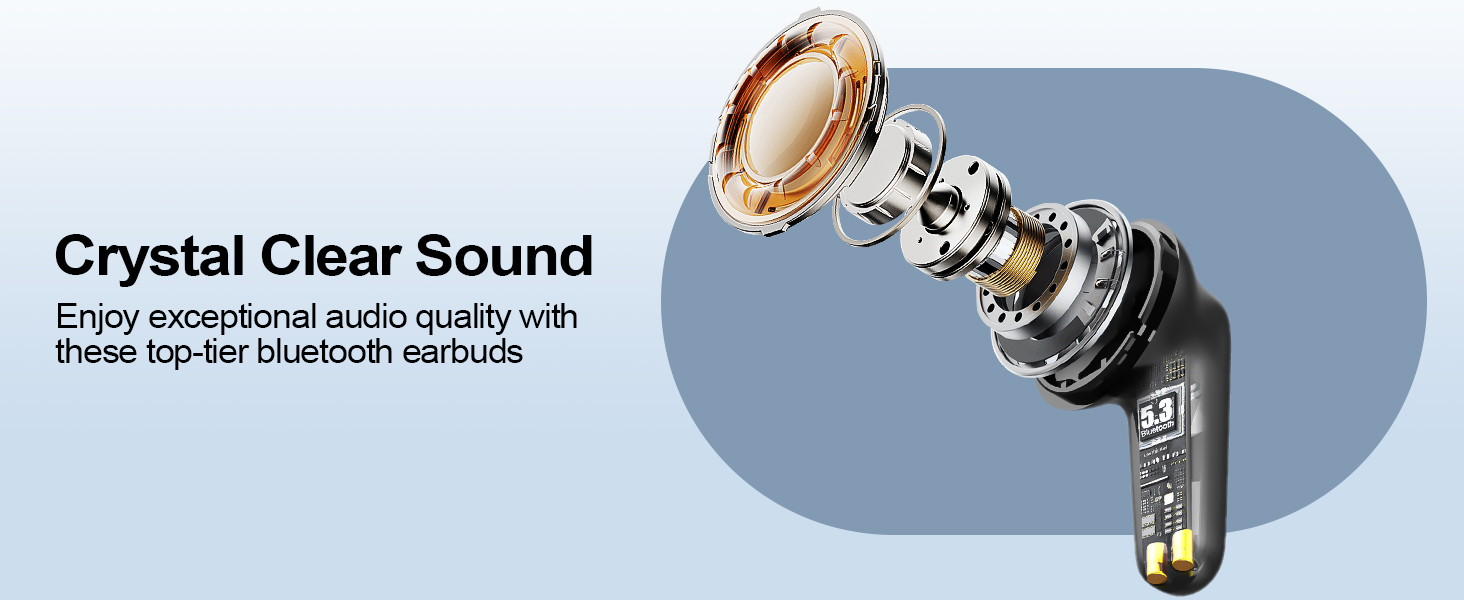
Image: Visual representation of the 60-hour battery life, fast charging, call duration, and music playback times.
3. Pairing with Your Device
The earbuds use Bluetooth 5.4 for a fast and stable connection.
- Open the charging case. The earbuds will automatically enter pairing mode.
- On your device (smartphone, tablet, computer), go to Bluetooth settings.
- Select "kurdene S8 Pro" from the list of available devices.
- Once connected, you will hear a confirmation tone. The earbuds will automatically reconnect to the last paired device when removed from the case.
4. Achieving a Comfortable Fit
For optimal sound quality and comfort, choose the correct size ear tips. The earbuds are designed with a 72° angled in-ear design for a secure and comfortable fit.
- Experiment with the included small (S), medium (M), and large (L) silicone ear tips.
- Gently insert the earbud into your ear canal and twist slightly to secure it.
- The fit should feel snug and comfortable, creating a good seal to enhance bass and reduce external noise.
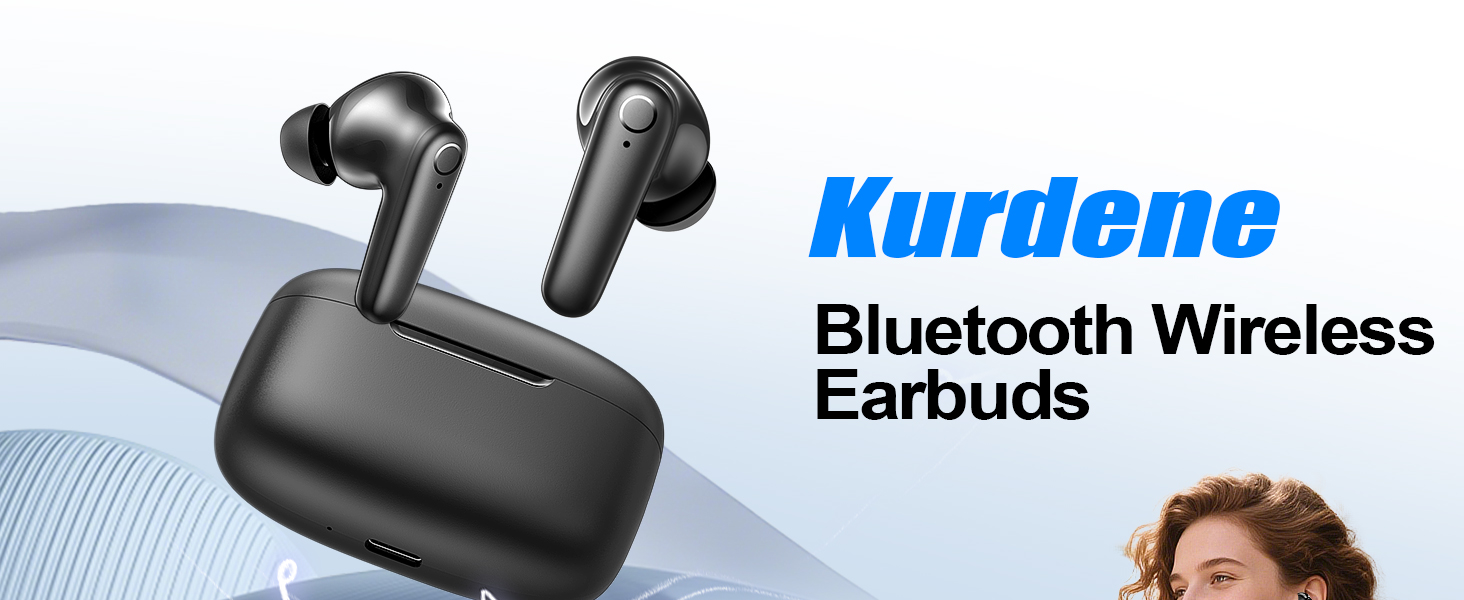
Image: Diagram showing the 72-degree angled in-ear design for ergonomic comfort.
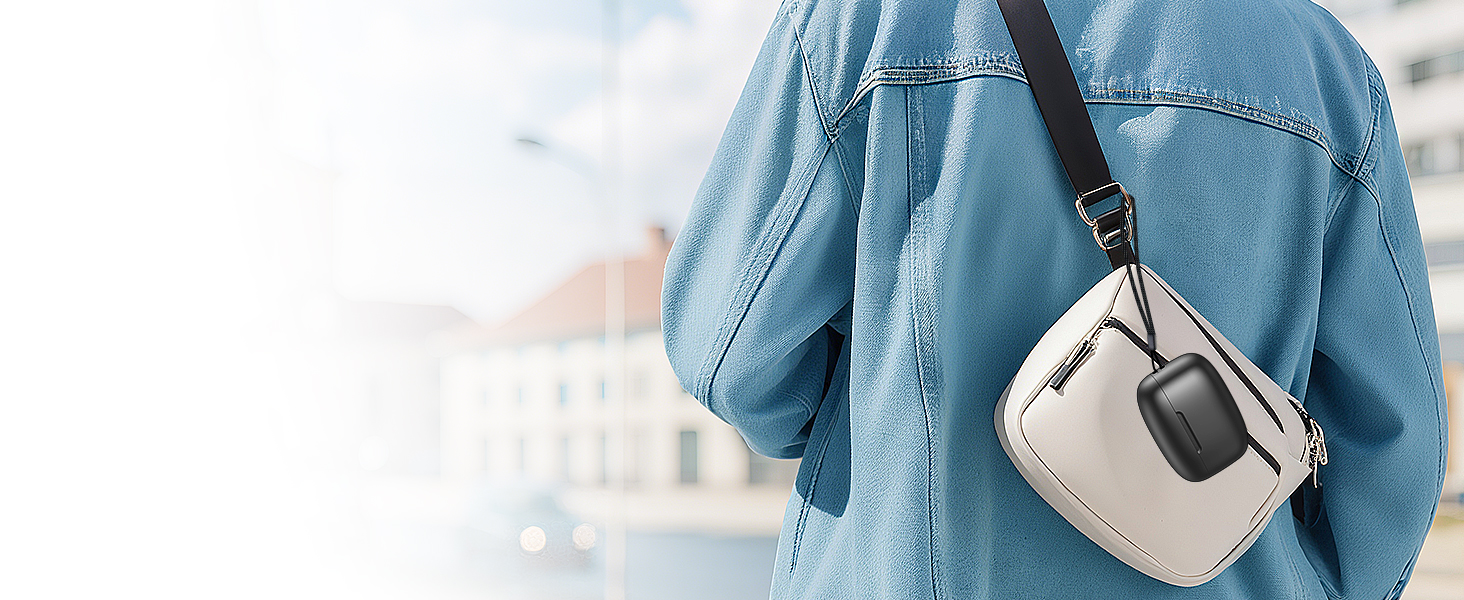
Image: Illustration of the ergonomic in-ear design and the three sizes of ear tips (S, M, L) for a customized fit.
Operating the Earbuds
The kurdene S8 Pro earbuds feature intuitive touch controls for managing audio and calls.
Touch Controls
The touch sensors on each earbud allow for various functions:
| Action | Function | Earbud |
|---|---|---|
| Single Tap | Play/Pause Music | L/R Earbud |
| Double Tap | Next Song | R Earbud |
| Double Tap | Previous Song | L Earbud |
| Long Press (2s) | Volume Up | R Earbud |
| Long Press (2s) | Volume Down | L Earbud |
| Single Tap | Answer/End Call | L/R Earbud |
| Long Press (2s) | Reject Call | L/R Earbud |
| Triple Tap | Activate Voice Assistant (Siri, Google Assistant) | L/R Earbud |
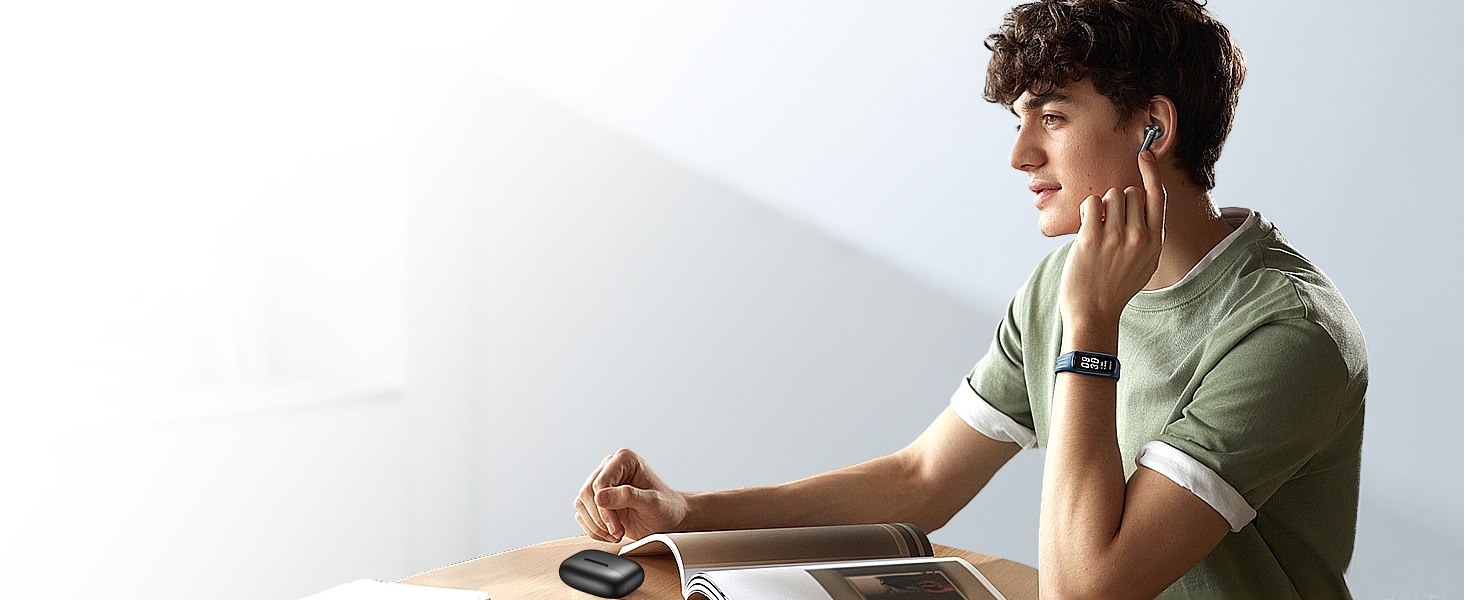
Image: Visual guide to the touch controls on the left and right earbuds.
Audio Quality
Experience concert-quality audio with 13.2mm dynamic drivers, delivering deep bass, crisp vocals, and brilliant treble for true-to-life sound reproduction.
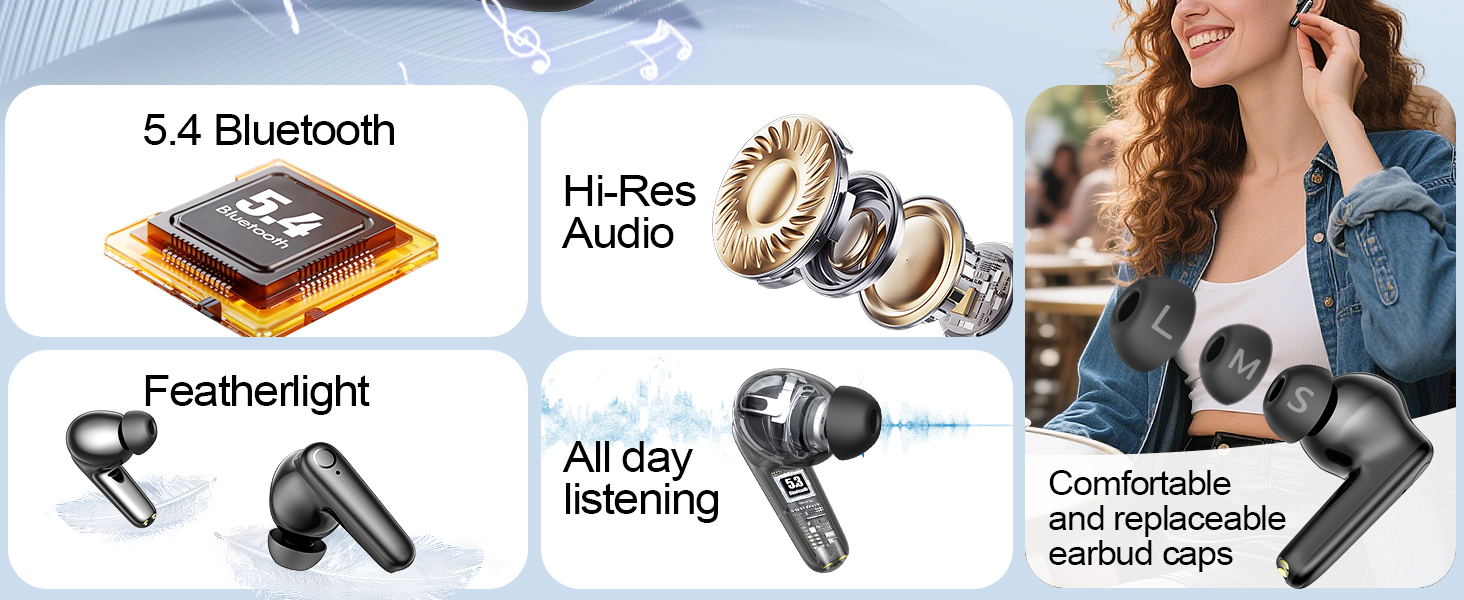
Image: Diagram illustrating the internal components of the earbud for HiFi sound quality.
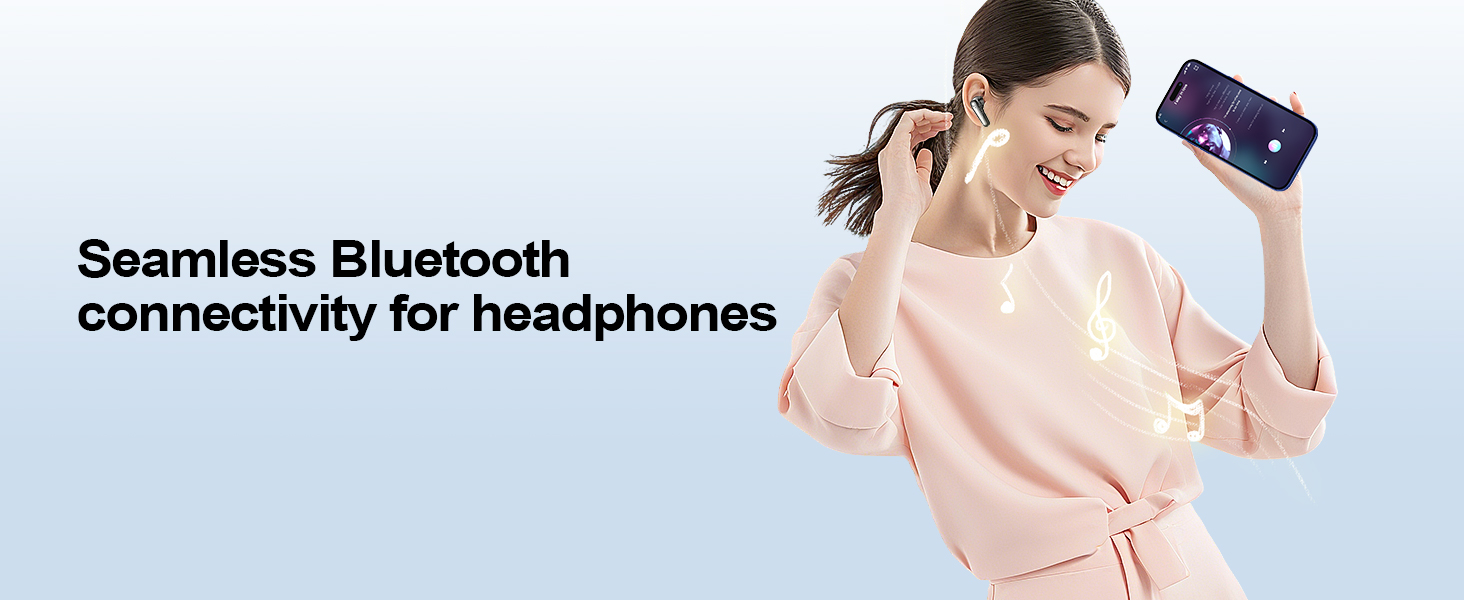
Image: A person enjoying music with the earbuds, illustrating immersive audio.
Maintenance
Cleaning Your Earbuds
Regular cleaning helps maintain sound quality and hygiene.
- Use a soft, dry, lint-free cloth to wipe the earbuds and charging case.
- For ear tips, remove them from the earbuds and clean with a mild soap solution, then rinse thoroughly and dry completely before reattaching.
- Do not use abrasive cleaners or sharp objects.
Water Resistance
The kurdene S8 Pro earbuds are rated as Waterproof. This means they are designed to withstand sweat and light splashes, making them suitable for workouts and outdoor activities. However, they are not intended for swimming or submersion in water.
- Ensure earbuds are dry before placing them back into the charging case to prevent damage.
- The charging case is not waterproof.
Storage
When not in use, store the earbuds in their charging case to protect them and keep them charged. Store in a cool, dry place away from extreme temperatures.
Troubleshooting
If you encounter issues with your kurdene S8 Pro earbuds, try the following solutions:
No Sound or Disconnection
- Check Battery: Ensure both earbuds and the charging case are sufficiently charged.
- Re-pair: Disconnect the earbuds from your device's Bluetooth settings and then re-pair them.
- Distance: Ensure your device is within the 33ft Bluetooth range.
- Interference: Move away from other wireless devices that might cause interference.
Earbuds Not Charging
- Check Cable: Ensure the charging cable is securely connected to both the case and the power source.
- Clean Contacts: Clean the charging contacts on both the earbuds and inside the case with a dry cotton swab.
- Power Source: Try a different USB port or power adapter.
Touch Controls Are Too Sensitive or Unresponsive
- Accidental Touches: Be mindful of how you handle the earbuds when adjusting them in your ear to avoid unintended commands.
- Clean Surface: Ensure the touch surface is clean and free from moisture or debris.
- Reset: Refer to the full user manual for specific reset instructions if available, or try placing them back in the case and closing it for a few seconds before reopening.
Specifications
| Feature | Detail |
|---|---|
| Model Name | N9I (S8 Pro) |
| Brand | kurdene |
| Connectivity Technology | Wireless (Bluetooth 5.4) |
| Ear Placement | In Ear |
| Form Factor | In Ear |
| Color | Charcoal |
| Material | Silicone |
| Item Weight | 0.06 Kilograms (2.08 ounces) |
| Product Dimensions | 2.76 x 1.18 x 1.18 inches |
| Battery Life (Earbuds) | 8-12 Hours (up to 60 hours with charging case) |
| Charging Time | 1.5 Hours (for case) |
| Control Method | Touch |
| Water Resistance Level | Waterproof |
| Special Features | Microphone Included, Noise Cancellation, Sports and Exercise, Water-Resistant |
Warranty & Support
For warranty information and customer support, please refer to the documentation included in your product packaging or visit the official kurdene website. If you experience any issues not covered in this manual, please contact kurdene customer service for assistance.


