
9 DIGITAL Lite
9 DIGITAL Bone Conduction Headphones Lite User Manual
Model: Lite
Introduction
Thank you for choosing the 9 DIGITAL Bone Conduction Headphones Lite. These open-ear headphones utilize patented bone conduction technology to deliver audio through your cheekbones, allowing you to remain aware of your surroundings while enjoying sound. Designed for comfort and durability, they are ideal for various activities including running, cycling, hiking, and gym workouts.

Image: The 9 DIGITAL Bone Conduction Headphones Lite in black, showcasing their ergonomic design.
Bone conduction technology transmits sound vibrations directly to the inner ear via the cheekbones, bypassing the eardrum. This method allows for an open-ear listening experience, enhancing safety during outdoor activities by keeping your ears open to ambient sounds.
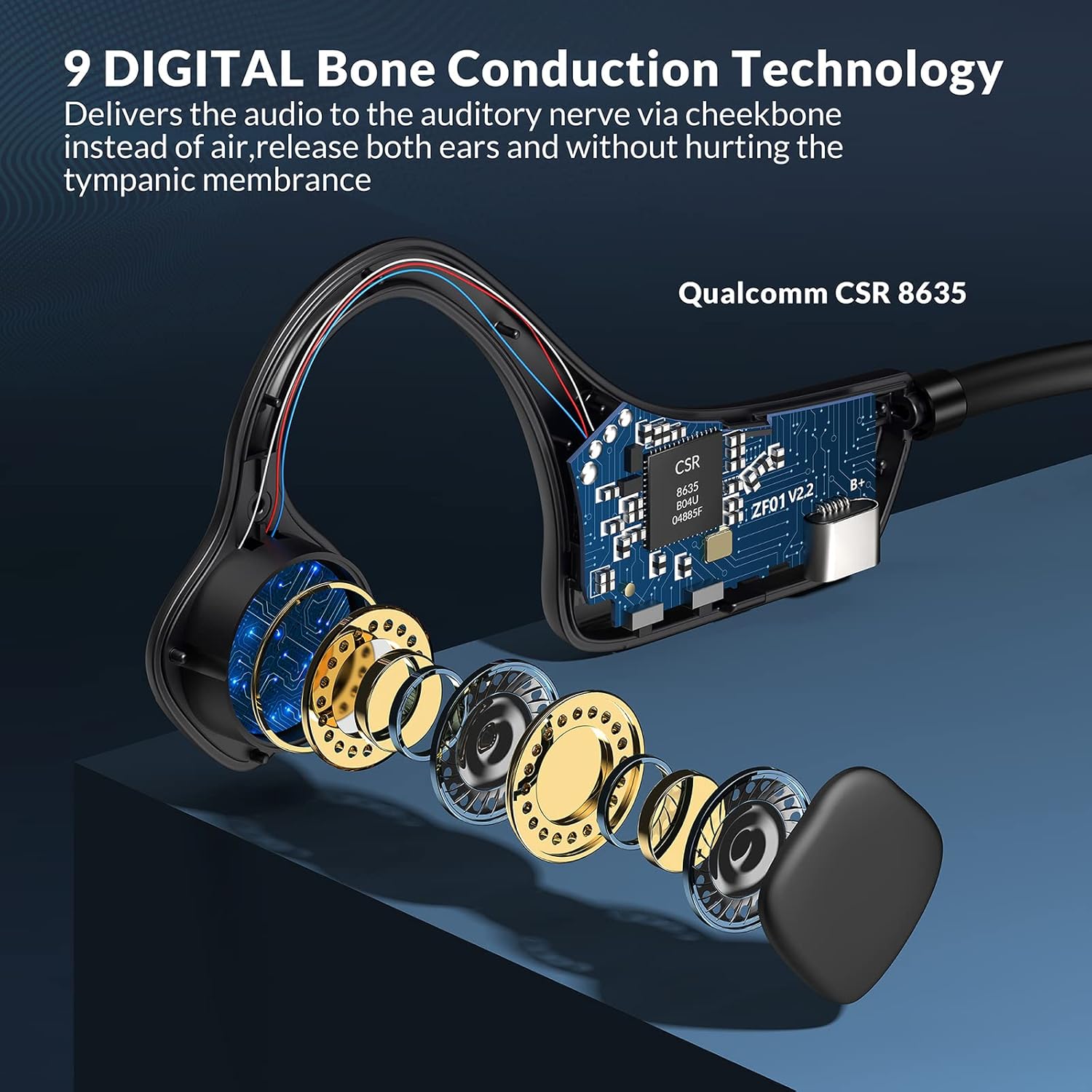
Image: An exploded view illustrating the internal bone conduction components and Qualcomm CSR 8635 chip.
Setup
1. Charging the Headphones
Before first use, fully charge your headphones. A full charge takes approximately 2 hours.
- Connect the charging cable to the USB port on the headphones.
- Connect the other end of the cable to a USB power source (e.g., computer, wall adapter).
- The LED indicator will show charging status (refer to product specific LED behavior for details).
2. Bluetooth Pairing
The headphones use Bluetooth 5.0 for wireless connectivity.
- Ensure the headphones are powered off.
- Press and hold the power button (often the multifunction button) for approximately 3-5 seconds until the LED indicator flashes red and blue, indicating pairing mode.
- On your device (smartphone, tablet, computer), enable Bluetooth and search for available devices.
- Select "9 DIGITAL Lite" (or similar name) from the list of devices.
- Once connected, the LED indicator will typically show a solid blue light or flash blue slowly.
3. Wearing the Headphones
Position the transducers on your cheekbones, just in front of your ears, with the band resting comfortably behind your head. The open-ear design ensures comfort and situational awareness.
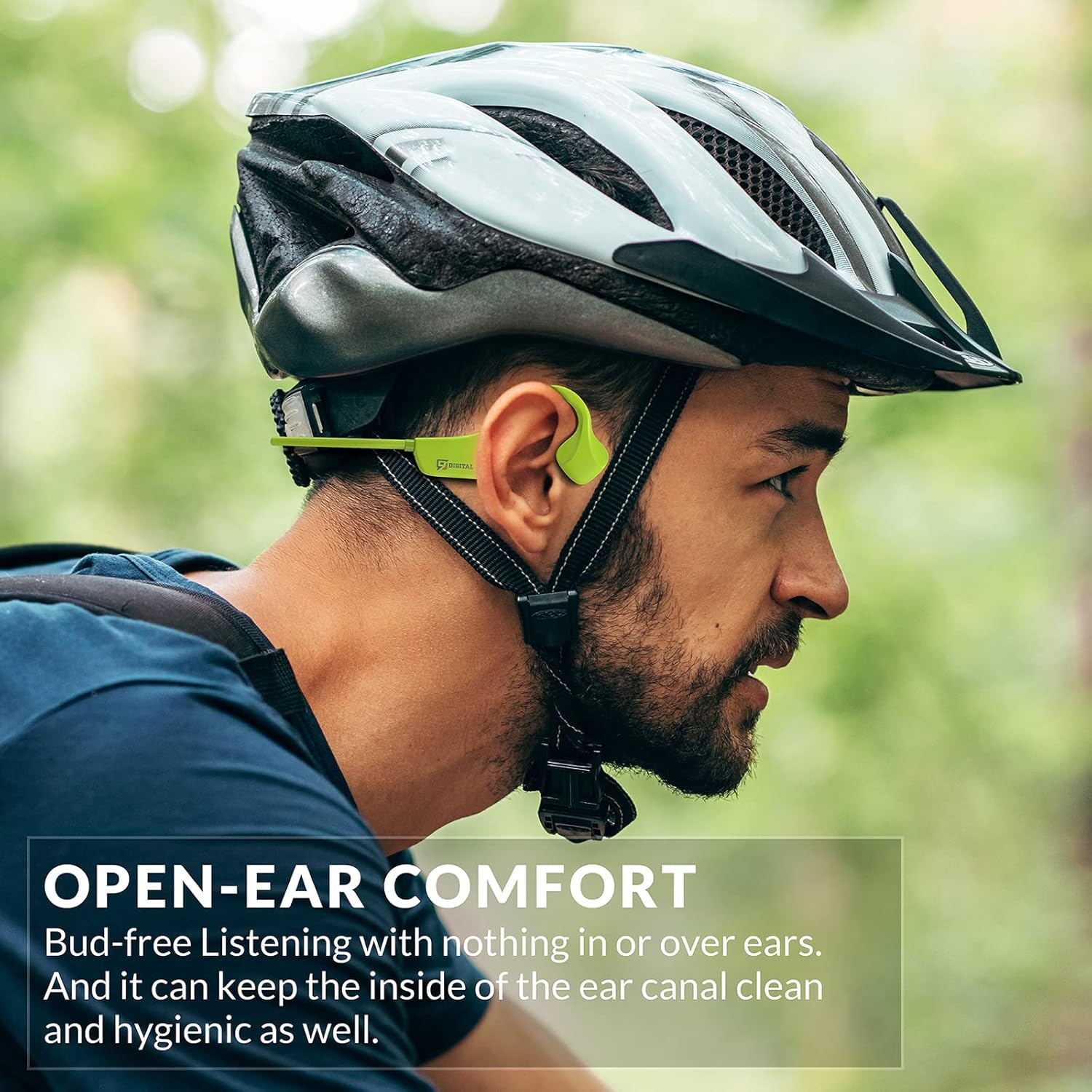
Image: A man wearing the headphones while cycling, demonstrating the secure and open-ear fit.
Operating Instructions
The 9 DIGITAL Bone Conduction Headphones Lite feature intuitive controls for media playback and call management.

Image: A visual guide to the headphone's control buttons and their functions.
Button Functions:
- Power On/Off: Press and hold the Multifunction Button (MFB) for 3 seconds.
- Play/Pause: Click the MFB once.
- Next Track: Double-click the MFB.
- Answer/End Call: Click the MFB once during an incoming call or active call.
- Reject Call: Press and hold the MFB for 2 seconds during an incoming call.
- Volume Up: Click the '+' button once.
- Volume Down: Click the '-' button once.
Note: The playing time is dependent on the volume level. It is recommended to adjust the volume to 80% for optimal battery life during playback or calls.
Maintenance
Cleaning and Care
- Wipe the headphones with a soft, damp cloth. Avoid using harsh chemicals or abrasive materials.
- Ensure the charging port is dry before connecting the charging cable.
Water Resistance
These headphones are certified waterproof and sweatproof, making them suitable for indoor and outdoor sports. However, they are not suitable for swimming.

Image: A woman exercising, highlighting the sweatproof design of the headphones.
Storage
- Store the headphones in a cool, dry place away from direct sunlight and extreme temperatures.
- Avoid placing heavy objects on the headphones.
Troubleshooting
| Problem | Possible Solution |
|---|---|
| Cannot power on | Ensure the headphones are fully charged. Connect to a power source and try again. |
| Cannot pair with device |
|
| No sound or low volume |
|
| Sound quality issues (e.g., buzzing) |
|
| Headphones feel uncomfortable or don't fit well | Adjust the position of the transducers on your cheekbones. While designed for comfort, individual fit may vary. |
Specifications
| Feature | Detail |
|---|---|
| Model Name | Bone Conduction Headphone Lite |
| Connectivity Technology | Wireless, Bluetooth |
| Bluetooth Version | 5.0 |
| Bluetooth Range | 10 Meters |
| Audio Driver Type | Bone Conduction Driver |
| Battery Life | Up to 6.5 Hours (music/calls) |
| Standby Time | 480 Hours |
| Charging Time | 2 Hours |
| Frequency Range | 20 Hz - 20,000 Hz |
| Water Resistance Level | Waterproof (IP54 Sweatproof) |
| Item Weight | 25 Grams (0.882 ounces) |
| Material | PC&ABS&Titanium |
| Microphone | Built-in |
| Control Method | Touch / Media Control Buttons |
| Ear Placement | Open Ear |
Warranty and Support
9 DIGITAL is committed to providing quality products and customer satisfaction.
- Warranty: The product includes a 12-month satisfying service.
- Technical Support: Lifetime technical support is available.
- Contact: For any questions or issues, please contact Nine Digital Direct. We aim to reply and resolve all inquiries within 12 hours.
Related documentsLite


Ask a question about this manual
Ask about setup, troubleshooting, compatibility, parts, safety, or missing instructions. Manuals+ will review the question and use this page’s manual context to help answer it.