
Product Overview
The Caline CP-502 Mellow Drive is an overdrive effect pedal designed for electric guitars. It delivers smooth, tube-like overdrive tones suitable for various genres including blues, rock, and country. The pedal features a true bypass design, ensuring your guitar's tone remains unaffected when the pedal is disengaged. An LED indicator clearly shows the pedal's operational status. Constructed with an aluminum-alloy casing, it offers durability for reliable performance.

Figure 1: Top-down view of the Caline CP-502 Mellow Drive Pedal, highlighting its control knobs and input/output jacks.
Setup Instructions
- Power Connection: The CP-502 pedal requires a 9V DC power adapter with a center-negative polarity and a minimum current of 500mA. The power adapter is not included. Ensure the correct power adapter is used to prevent damage to the pedal.
- Input Connection: Connect your electric guitar to the 'IN' jack on the right side of the pedal using a standard 1/4 inch audio cable.
- Output Connection: Connect the 'OUT' jack on the left side of the pedal to your amplifier or the next pedal in your signal chain using a standard 1/4 inch audio cable.
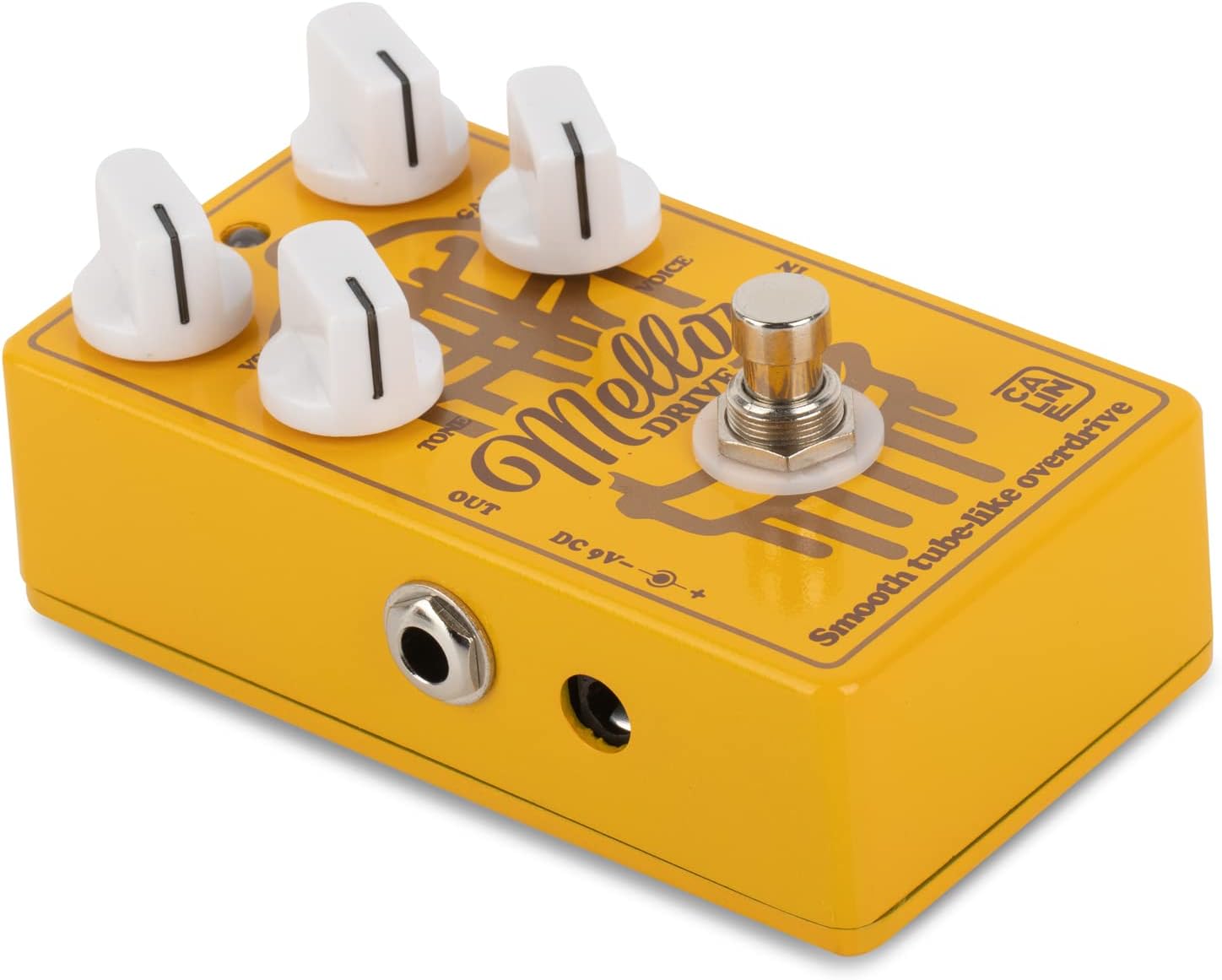
Figure 2: Side view of the Caline CP-502 Mellow Drive Pedal, illustrating the input, output, and DC 9V power connections.

Figure 3: Power supply notice for the Caline CP-502, emphasizing the 9V DC, center-negative, 500mA current requirement.
Operating the Pedal
The Caline CP-502 Mellow Drive features four control knobs and a footswitch to shape your tone.
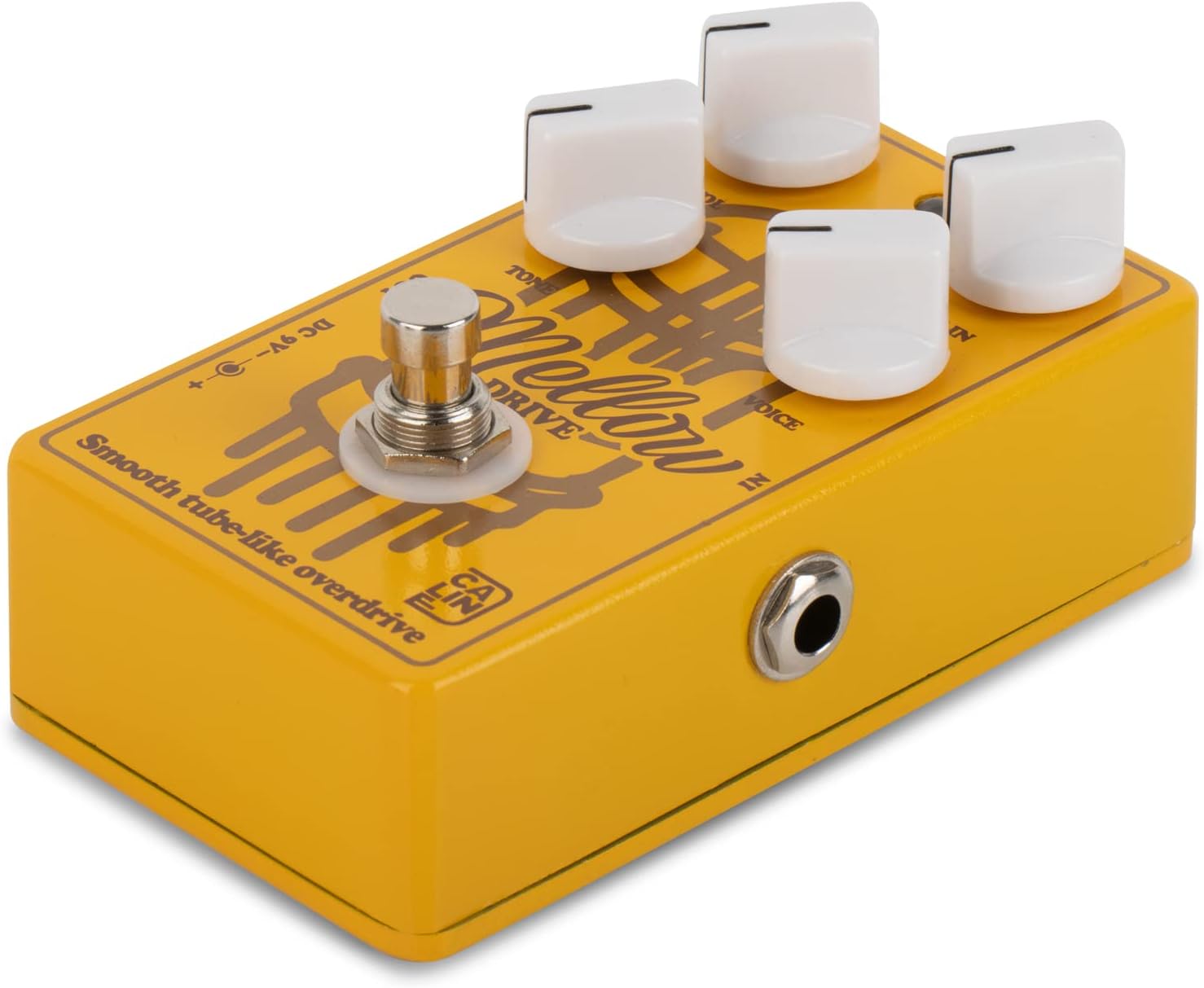
Figure 4: Close-up of the Caline CP-502 Mellow Drive Pedal's control layout.
Control Knobs:
- VOL (Volume): Controls the overall output volume of the pedal. Adjust this to balance the effect's level with your clean signal or to boost your sound.
- GAIN: Adjusts the amount of overdrive or distortion applied to your signal. Higher settings produce more saturated and aggressive tones.
- TONE: Controls the brightness or darkness of the sound. Turn clockwise for brighter tones and counter-clockwise for warmer, mellower tones.
- VOICE: Shapes the mid-range characteristics and overall presence of the overdrive. Experiment with this knob to find your desired tonal color.
Footswitch and LED:
- Footswitch: Engages or disengages the overdrive effect. The pedal features true bypass, ensuring no tonal coloration when the effect is off.
- LED Indicator: Illuminates when the effect is active.
Maintenance
- Cleaning: Use a soft, dry cloth to clean the pedal's surface. Avoid using abrasive cleaners or solvents.
- Storage: Store the pedal in a dry environment away from extreme temperatures and direct sunlight when not in use.
- Power Disconnection: Always disconnect the power adapter when the pedal is not in use for extended periods to prolong its lifespan.
Troubleshooting
- No Power/Pedal Not Working: Ensure you are using a 9V DC center-negative power adapter with at least 500mA current. Improper power supply can prevent the pedal from functioning or even damage it.
- No Sound: Check all cable connections (guitar to input, output to amplifier). Verify that the power adapter is correctly connected and functioning. Ensure your guitar's volume is up and your amplifier is on.
- Excessive Noise/Hum: This can sometimes occur with higher gain settings. Try reducing the 'GAIN' knob. Ensure your power supply is clean and free from interference. Check for faulty cables.
- Unwanted Tonal Changes (when off): The pedal features true bypass, so if you experience tonal changes when the pedal is off, check your cables or other pedals in your signal chain.
Specifications
| Feature | Specification |
|---|---|
| Model Number | CP-502 (also referred to as CP-500S) |
| Effect Type | Overdrive |
| Power Requirement | 9V DC, Center Negative, 500mA (Adapter not included) |
| Body Material | Aluminum-alloy |
| Item Weight | 9.5 ounces (270 Grams) |
| Product Dimensions | 4.33 x 2.76 x 1.77 inches (4.4"L x 2.5"W x 1.5"H) |
| Connector Type | 1/4 inch audio jack |
| Signal Format | Analog |
| True Bypass | Yes |
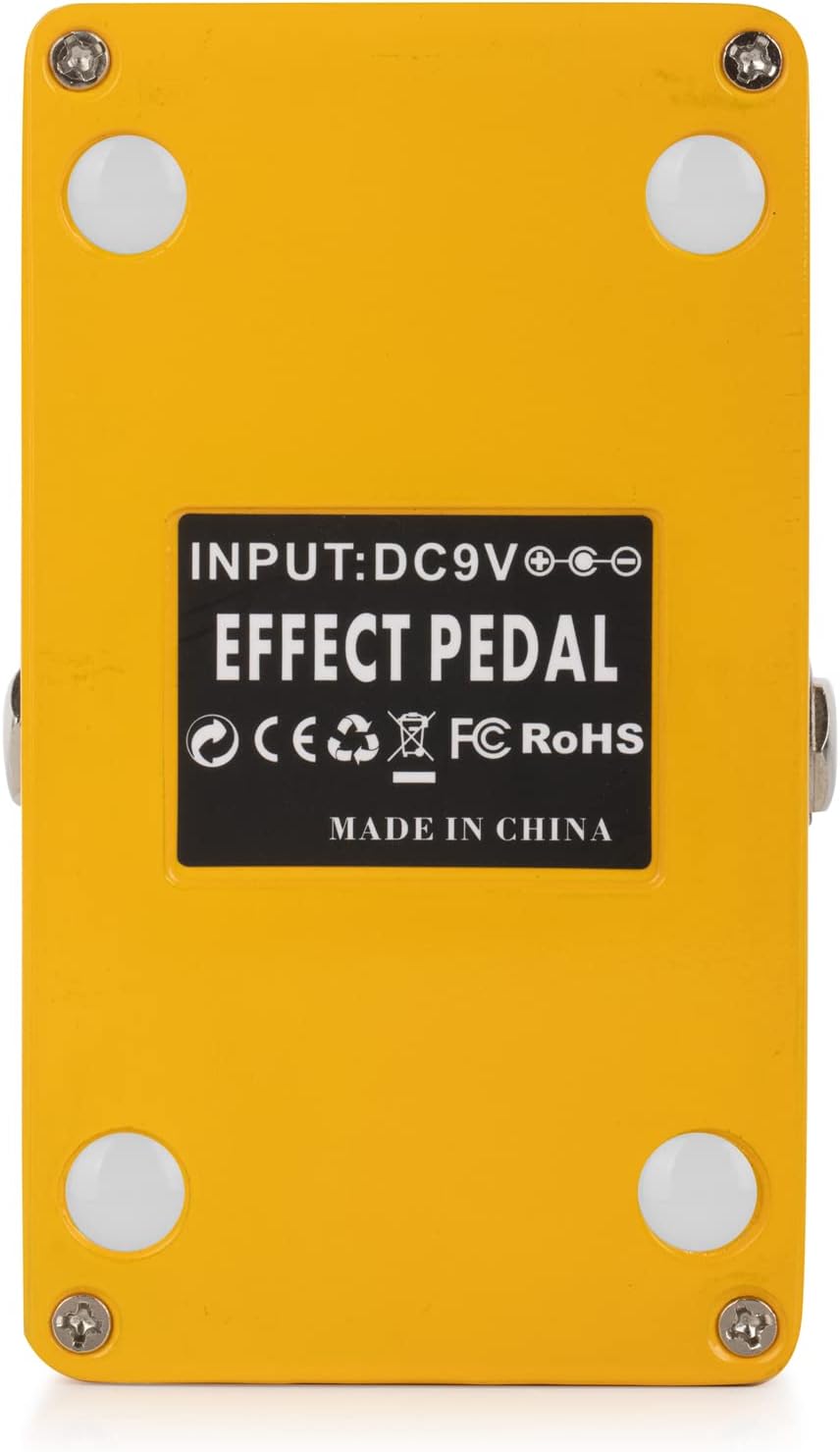
Figure 5: Bottom view of the Caline CP-502 Mellow Drive Pedal, displaying product information and certifications.
Warranty and Support
Caline products are designed for durability and performance. For specific warranty information and support inquiries, please refer to the official Caline website or contact their customer service directly. Keep your purchase receipt as proof of purchase.
You can visit the official Caline store for more information and product range: Caline Official Store

Figure 6: Caline brand logo.