
1. Introduction
Thank you for choosing the EVTSCAN ME102H WiFi Smart Thermostat. This device is designed to provide intelligent temperature control for various heating systems, including electric heating, gas boilers, and hot water heating. Its color LCD touch screen and WiFi connectivity allow for convenient local and remote operation via a mobile application. Please read this manual carefully before installation and operation to ensure proper use and safety.
2. Safety Information
- Installation must be performed by a qualified electrician to prevent electric shock or damage to the thermostat.
- Ensure the power supply is disconnected before installation or maintenance.
- Do not expose the thermostat to water or excessive humidity.
- Do not attempt to disassemble or repair the thermostat yourself. Contact customer support if issues arise.
- Keep the device away from children.
3. Package Contents
Upon unpacking, please verify that all items are present and undamaged:
- 1 x EVTSCAN ME102H WiFi Smart Thermostat
- 1 x User Manual
4. Product Overview
The EVTSCAN ME102H features a modern design with a color LCD touch screen for intuitive control. It integrates seamlessly into various environments such as homes, offices, shopping malls, and hotels.
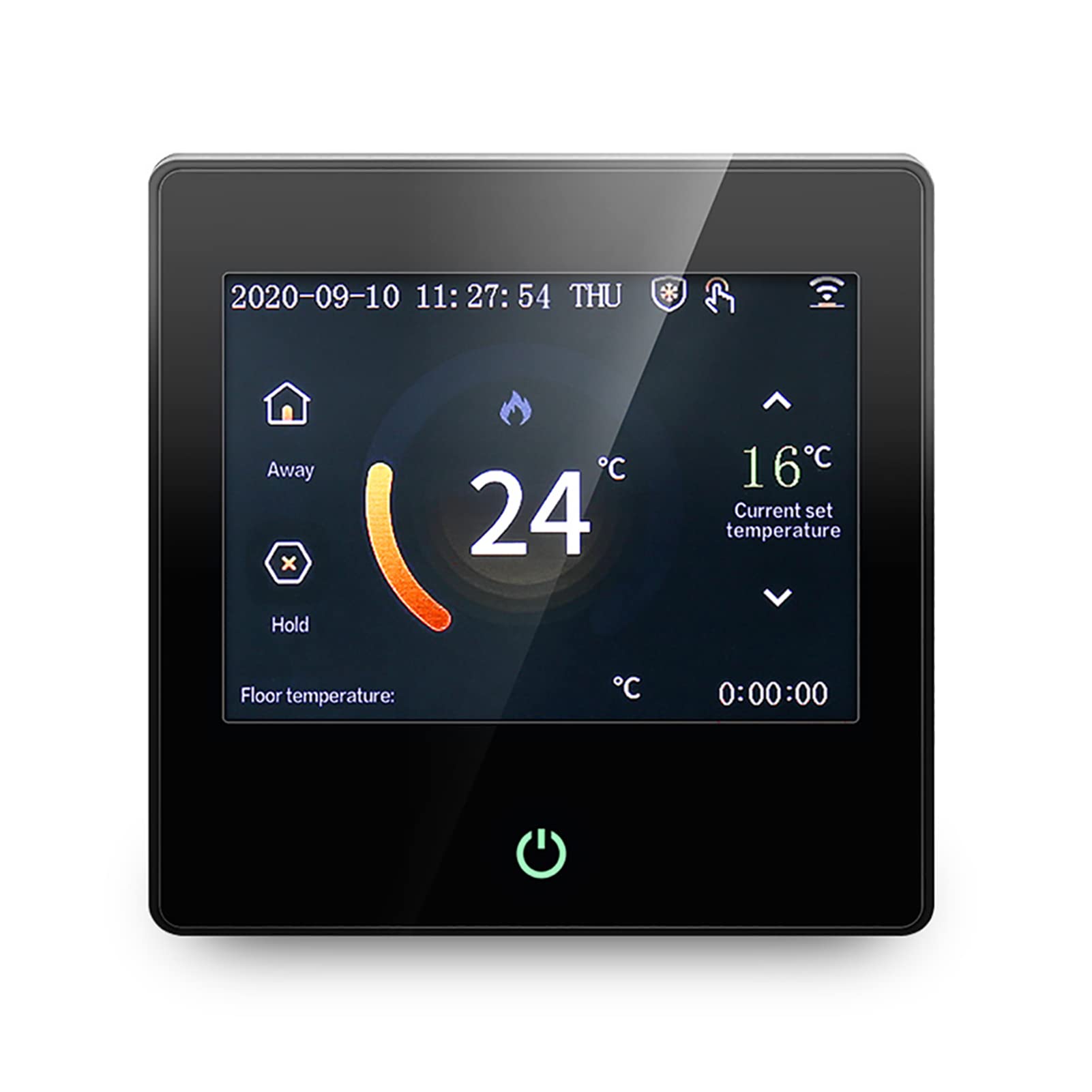
Figure 4.1: EVTSCAN ME102H WiFi Smart Thermostat front view, showing the color touch screen display.
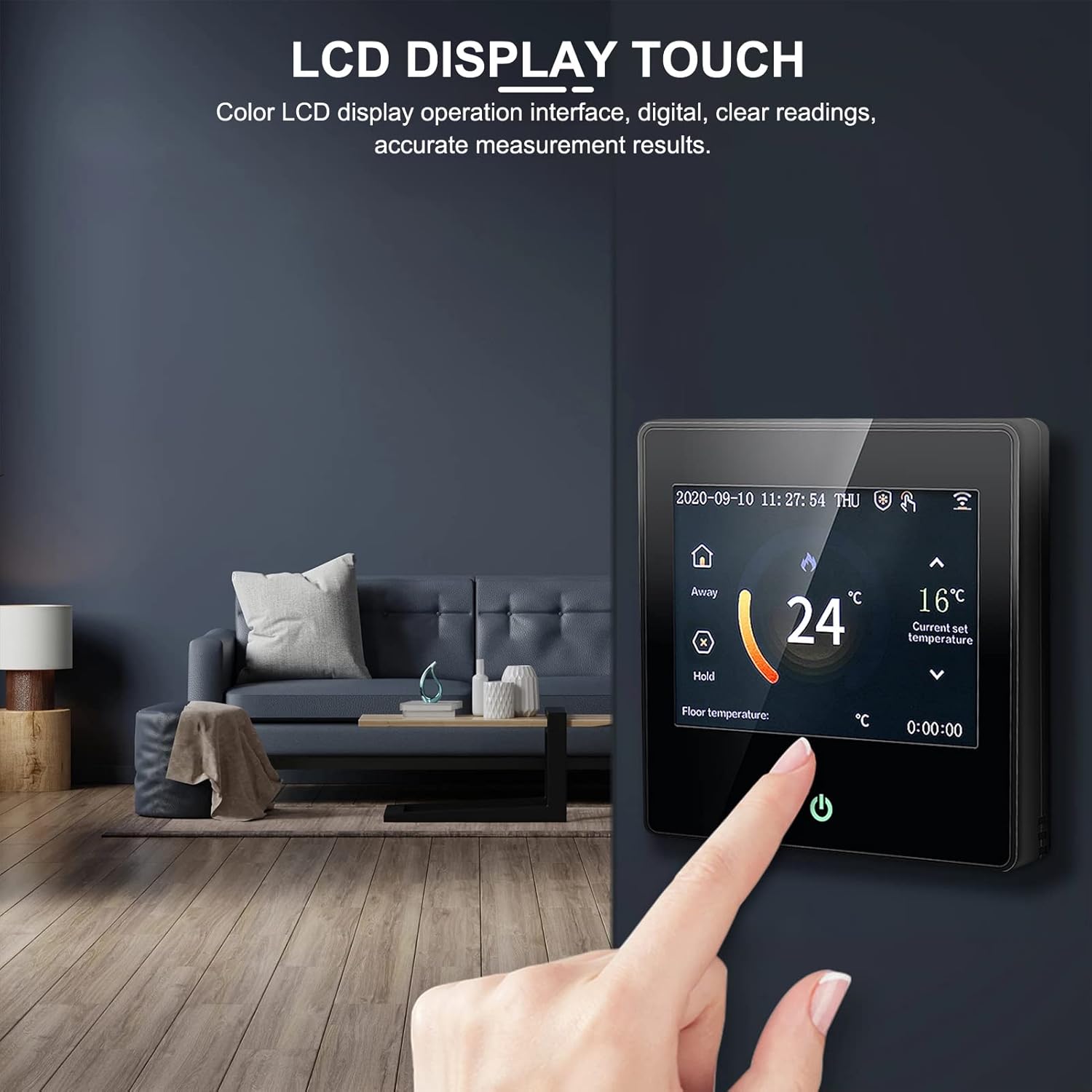
Figure 4.2: Close-up of the thermostat's color LCD touch screen interface.
5. Setup
5.1 Installation
It is highly recommended that a professional electrician performs the installation to ensure safety and correct wiring. The thermostat is designed for wired power supply (AC230V).
5.2 Wiring Diagram
Refer to the following diagram for proper wiring connections. Ensure all connections are secure and comply with local electrical codes.

Figure 5.1: Wiring diagram for the EVTSCAN ME102H thermostat.
5.3 Initial Power-On
After successful installation and wiring, restore power to the thermostat. The device will power on, and the color LCD screen will display the current temperature and settings. Follow the on-screen prompts for initial setup, including time and date.
6. Operating Instructions
6.1 Basic Operation
The thermostat features a color LCD display and touch buttons for easy navigation and setting adjustments. The interface provides clear digital readings and accurate measurement results.

Figure 6.1: Thermostat in a home setting, demonstrating ease of use.
6.2 Operating Modes
The ME102H supports several operating modes to suit your needs:
- Manual Mode: Set a desired temperature that the thermostat will maintain until changed.
- Programming Mode: Create custom heating schedules for different times of the day and week.
- Leave Mode: Set a lower temperature when the premises are unoccupied to save energy.
- Hold Mode: Temporarily override the current schedule to maintain a specific temperature.
- Vacation Mode: Maintain a low, energy-saving temperature for extended periods of absence.
6.3 WiFi and App Remote Control
The thermostat supports wireless WiFi connectivity, allowing you to control it remotely via a dedicated mobile application. This feature enables you to adjust settings, monitor temperature, and manage schedules from anywhere.

Figure 6.2: Thermostat controlled remotely via a smartphone app.
6.4 Low-Temperature Protection
The ME102H includes a low-temperature protection function to prevent pipes from freezing or to maintain a minimum temperature in unoccupied areas, enhancing safety and system longevity.
7. Maintenance
To ensure optimal performance and longevity of your thermostat, follow these simple maintenance guidelines:
- Cleaning: Gently wipe the screen and body with a soft, dry cloth. Do not use abrasive cleaners, solvents, or chemical sprays.
- Avoid Obstructions: Ensure that the thermostat's temperature sensor is not obstructed by furniture, curtains, or other objects that could affect accurate temperature readings.
- Regular Checks: Periodically check the wiring connections for any signs of wear or looseness. (Ensure power is off before checking wiring).
8. Troubleshooting
If you encounter issues with your EVTSCAN ME102H thermostat, refer to the following common problems and solutions:
| Problem | Possible Cause | Solution |
|---|---|---|
| Thermostat not powering on | No power supply; incorrect wiring. | Check circuit breaker. Verify wiring connections (consult a professional if unsure). |
| Incorrect temperature reading | Sensor issue; thermostat location. | Ensure sensor is properly connected. Relocate thermostat away from drafts or heat sources. |
| WiFi connection failure | Incorrect WiFi password; router issues; out of range. | Verify WiFi password. Restart router. Move thermostat closer to router or use a WiFi extender. |
| Heating system not responding | Wiring issue; heating system fault. | Check thermostat wiring to heating system. Consult a heating technician if the system itself is faulty. |
If the problem persists after attempting these solutions, please contact EVTSCAN customer support for further assistance.
9. Specifications
- Model: ME102H
- Power Supply: AC230V
- Application: Electric heating, gas boiler, hot water heating
- Temperature Sensor: NTC
- Temperature Accuracy: ±1°C
- Self-consumption Power: <2W
- Ambient Temperature: 0 ~ 50°C
- Temperature Setting Range: 5 ~ 95°C
- Load Current: 3A/16A (resistive)
- Button Type: Touch button
- Display: Color LCD screen
- Connectivity: Wi-Fi
- Material: ABS + flame-retardant PC
- Special Features: Low-temperature thermal protection
10. Warranty and Support
EVTSCAN products are manufactured to high-quality standards. For warranty information, technical support, or service inquiries, please refer to the warranty card included with your product or visit the official EVTSCAN website. Please have your model number (ME102H) and purchase date available when contacting support.