
Beldray BEL01195-150
Beldray BEL01195-150 Airgility+ Cordless Stick Vacuum Instruction Manual
Model: BEL01195-150 | Brand: Beldray
Introduction
This manual provides essential information for the safe and efficient operation, maintenance, and troubleshooting of your Beldray BEL01195-150 Airgility+ Cordless Stick Vacuum. Please read this manual thoroughly before first use and retain it for future reference.
The Beldray Airgility+ Cordless Stick Vacuum is designed for versatile cleaning, offering powerful suction and convenient cordless operation. It features a 22.2V rechargeable battery, a motorised LED floor brush, and a 1.2L dust tank, making it ideal for various cleaning tasks, including pet hair removal.
Important Safety Instructions
Always follow basic safety precautions when using electrical appliances to reduce the risk of fire, electric shock, and personal injury.
- Do not immerse the appliance in water or any other liquid.
- Do not use the appliance if any part is damaged.
- Keep hair, loose clothing, fingers, and all parts of the body away from openings and moving parts.
- Use only as described in this manual.
- This appliance is for domestic use only.
- Ensure the unit is switched off and unplugged from the charging adapter before performing any maintenance or cleaning.
Product Overview & Components
The Beldray Airgility+ Cordless Stick Vacuum comes with several key components for effective cleaning.

Key Components:
- Main Unit (with 1.2L Dust Tank and 22.2V LI-ION Battery)
- Extension Tube
- Motorised LED Floor Brush
- Motorised Pet Tool
- Charging Adapter

Assembly and First Use
1. Initial Charge:
Before first use, fully charge the vacuum's 22.2V LI-ION battery. Connect the charging adapter to the main unit and plug it into a suitable power outlet. The battery indicator lights will show charging progress. A full charge provides up to 40 minutes of runtime.
2. Assembling the Vacuum:
- Attach the extension tube to the main unit by aligning the connectors and pushing until it clicks into place.
- Attach the motorised LED floor brush to the other end of the extension tube, ensuring it clicks securely.
- For handheld use, detach the extension tube and attach desired accessories (e.g., pet tool) directly to the main unit.

Operation
Power On/Off:
Press the power button on the main unit to turn the vacuum on or off.
Suction Modes:
The vacuum typically offers different suction modes (e.g., standard and high). Select the appropriate mode for your cleaning task. Higher suction will reduce battery runtime.
Using Attachments:
- Motorised LED Floor Brush: Ideal for both hard floors and carpets. The LED lights illuminate the cleaning path, making dust and debris more visible.
- Motorised Pet Tool: Specifically designed for removing pet hair and stubborn dirt from upholstery, stairs, and pet beds.
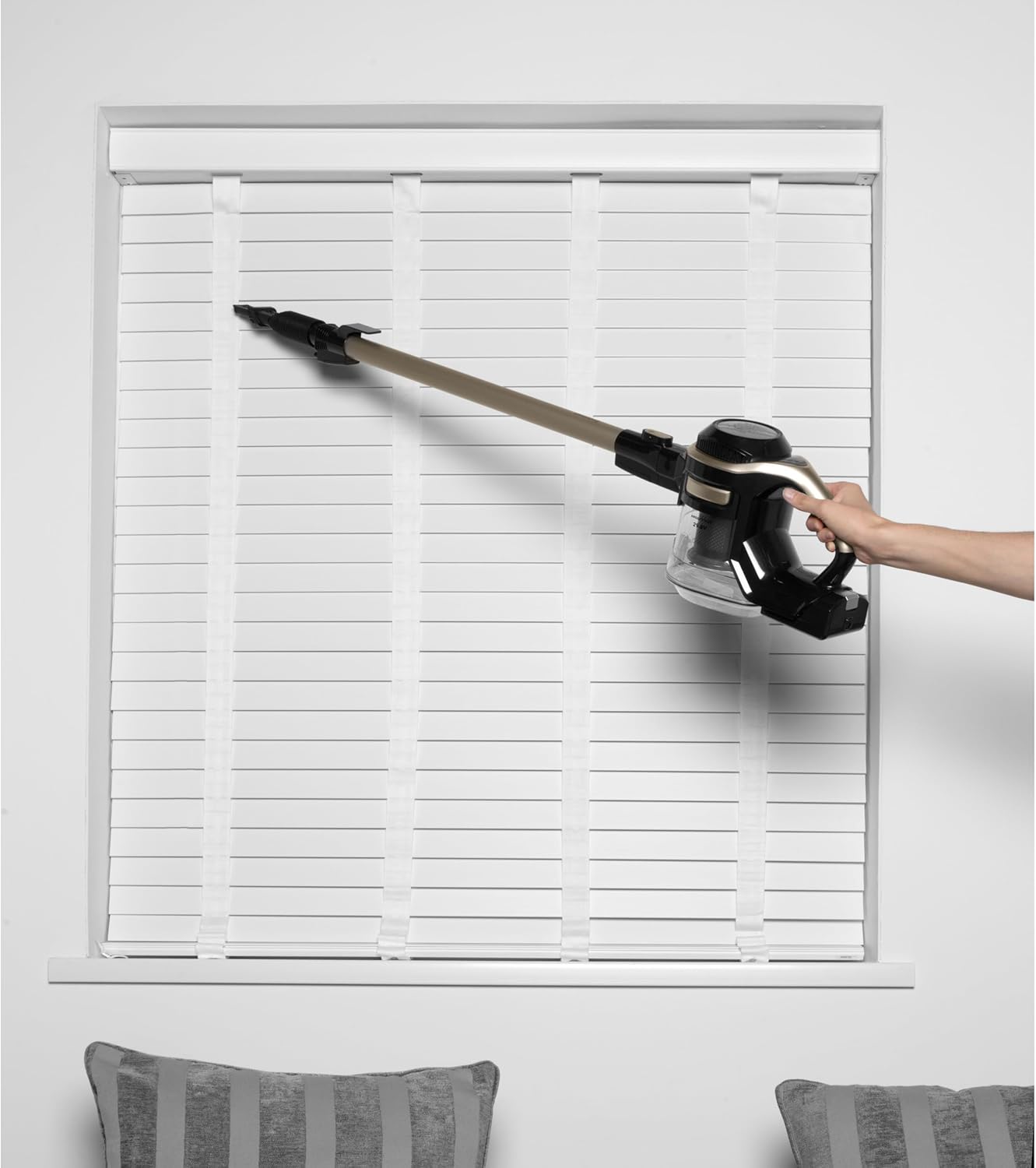
- Handheld Mode: Detach the extension tube to use the main unit as a handheld vacuum for quick clean-ups, car interiors, or hard-to-reach areas.

Cleaning and Maintenance
Regular cleaning of the filters and brush bar is crucial to maintain optimal suction performance and prolong the life of your vacuum cleaner.
1. Emptying the Dust Tank:
- Ensure the vacuum is switched off and unplugged from the charger.
- Hold the main unit over a dustbin.
- Press the release latch to open the dust tank and empty its contents.
2. Cleaning the HEPA Filter:
- After emptying the dust tank, remove the HEPA filter by rotating the filter cone and gently pulling it out.
- Gently tap the HEPA filter and filter cone to remove loose dust and debris.
- Rinse both the HEPA filter and filter cone under running tap water for a couple of minutes.
- Important: Allow the filters to dry completely for at least 24 hours before re-inserting them. Do not refit wet filters.
- Once dry, replace the HEPA filter and filter cone by aligning the indents and rotating clockwise to secure. Close the dust tank.
Video Guide: How to Clean Your Beldray Airgility+ Filters
This video demonstrates the correct procedure for cleaning the filters of your Beldray Airgility+ vacuum cleaner, ensuring optimal performance and longevity. It shows how to remove, clean, and re-install the HEPA filter and filter cone.
3. Cleaning the Brush Bar (Motorised Pet Tool):
- Always check for blockages in the air inlet and floor brush.
- To remove the brush bar from the motorised pet tool, press the release button and rotate the end cap anti-clockwise.
- Slide out the brush bar. Use scissors to carefully cut and remove any tangled hair or debris.
- To replace, slide the brush bar back into the pet tool and push the end plate until it clicks securely into place.
Video Guide: How to Clean Your Beldray Airgility+ Pet Tool
This video illustrates how to clean the motorised pet tool, including removing tangled hair from the brush bar, to maintain its effectiveness in picking up pet hair and debris.
Troubleshooting Guide
| Problem | Possible Cause | Solution |
|---|---|---|
| Reduced Suction | Full dust tank; Clogged filter; Blocked air inlet/brush bar. | Empty dust tank; Clean/wash HEPA filter; Check and clear blockages from air inlet and brush bar. |
| Vacuum not turning on | Battery not charged; Power button not pressed correctly. | Charge the battery fully; Ensure power button is pressed firmly. |
| Short battery life | Battery not fully charged; Using high suction mode excessively; Battery degradation. | Ensure full charge; Use standard mode for general cleaning; Contact support if battery life significantly degrades. |
Technical Specifications
- Brand: Beldray
- Model Number: BEL01195-150
- Colour: Platinum
- Product Dimensions: 25 x 21 x 115 cm
- Item Weight: 3.6 kg
- Capacity: 1.2 litres (Dust Tank)
- Power / Wattage: 150 watts
- Noise Level: 75 dB
- Runtime: Up to 40 minutes
- Special Features: Pet Brush Tool, Stick/Upright Vacuum, Upholstery, Sofa, Stairs, Car, Lightweight, Portable, Easy to Store, Rechargeable, Cordless, Handheld
- Filter Type: HEPA
- Cordless: Yes
Warranty and Customer Support
Your Beldray BEL01195-150 Airgility+ Cordless Stick Vacuum comes with a standard manufacturer's warranty. Please refer to the warranty card included in your product packaging for specific terms and conditions.
For technical support, spare parts, or warranty claims, please contact Beldray customer service. You can find contact details on the official Beldray website or through your retailer.
Online Resources: For additional tips, FAQs, and product registration, visit the official Beldray website: www.beldray.com
Related documentsBEL01195-150


Ask a question about this manual
Ask about setup, troubleshooting, compatibility, parts, safety, or missing instructions. Manuals+ will review the question and use this page’s manual context to help answer it.