
1. Introduction
This user manual provides comprehensive instructions for the FAMOO S22Pro Wireless Earbuds. These earbuds feature Bluetooth 5.3 connectivity, delivering enhanced sound quality with deep bass and clear calls. Designed for comfort and durability, they are IPX7 waterproof and offer extended playtime with their portable charging case. Please read this manual carefully to ensure proper use and maintenance of your device.

Image: The FAMOO S22Pro Wireless Earbuds shown in their open charging case, highlighting their compact and sleek design.
2. What's in the Box
- FAMOO S22Pro Wireless Earbuds (Left and Right)
- Charging Case
- USB-C Charging Cable
- User Manual (this document)
3. Setup
3.1. Charging the Earbuds and Case
Before first use, fully charge the earbuds and the charging case. Connect the provided USB-C cable to the charging port on the case and a compatible USB power source. The earbuds will charge automatically when placed inside the case.
- Earbuds Playtime: Up to 5 hours on a single charge.
- Total Playtime with Charging Case: Up to 35 hours.
- Charging Time (Earbuds): Approximately 1 hour.
- Charging Time (Case): Approximately 6 hours.

Image: Visual representation of the 35-hour total playtime, indicating 5 hours from earbuds and 30 hours from the charging case, with a 1-hour quick charge time.
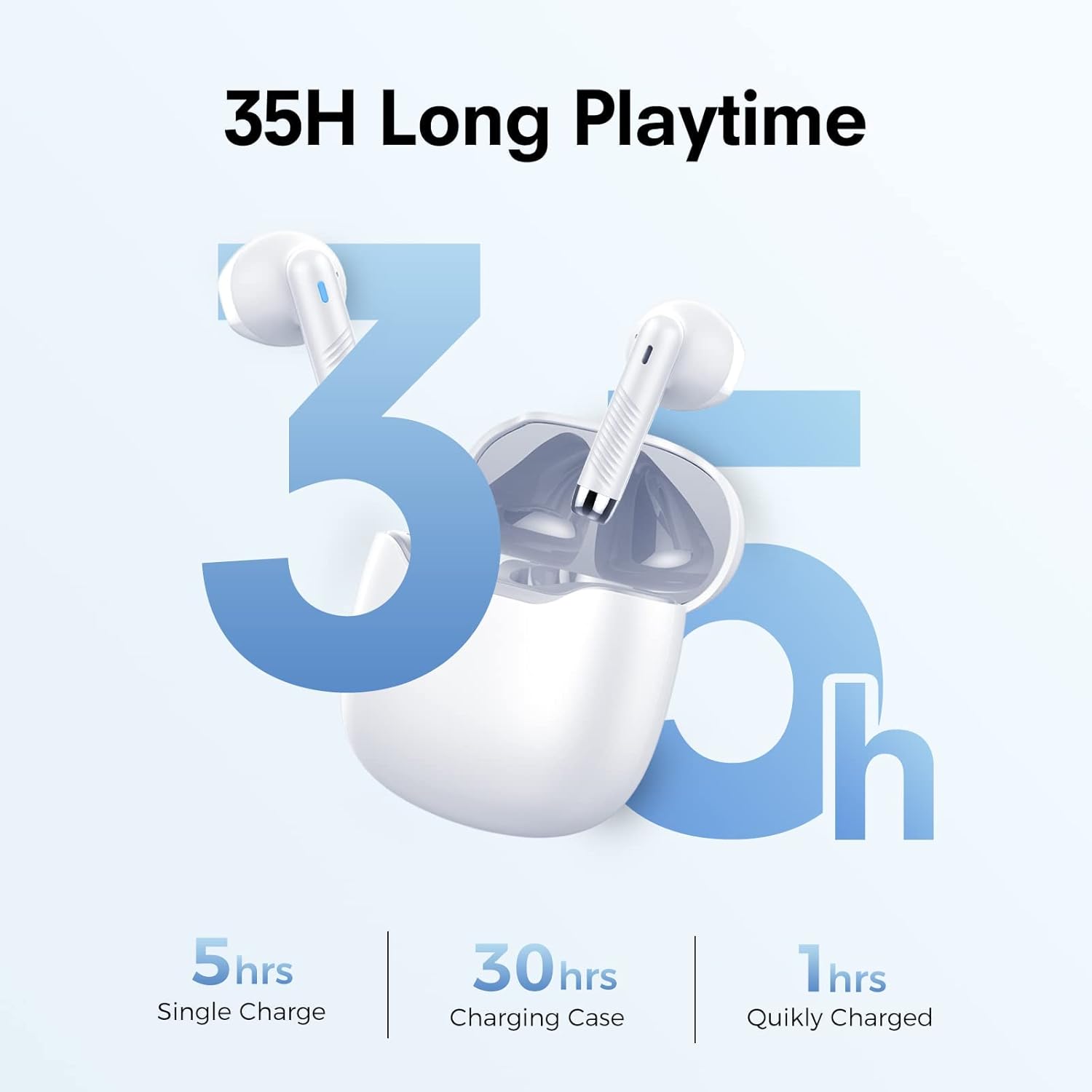
Image: Diagram illustrating the LED light descriptions for earbuds and charging case, showing red/blue for pairing and green/orange for charging status, along with cleaning advice for charging contacts.
3.2. Bluetooth Pairing
The earbuds are designed for quick and stable pairing with Bluetooth 5.3 technology.
- Open the charging case. The earbuds will automatically enter pairing mode (LEDs will flash).
- On your device (smartphone, tablet, computer), enable Bluetooth.
- Search for "S22" or "FAMOO S22Pro" in the list of available devices.
- Select "S22" to connect. Once connected, the earbud LEDs will turn off.
- The connection signal is stable, and pairing can be established rapidly.

Image: A smartphone screen displaying Bluetooth settings, showing "S22" as a discoverable device, illustrating the one-step pairing process with Bluetooth 5.3.
4. Operating Instructions
4.1. Wearing the Earbuds
The FAMOO S22Pro earbuds feature an ultralight, semi-in-ear design for comfortable all-day wear. Gently insert each earbud into your ear canal, adjusting for a secure and comfortable fit.

Image: A person comfortably wearing the semi-in-ear earbuds, demonstrating their secure fit for extended use.
4.2. Smart Touch Controls
The earbuds are equipped with intuitive touch controls for easy management of music and calls.
| Function | Action |
|---|---|
| Play/Pause | Double click on L/R earbud |
| Next Song | Long press on R earbud |
| Previous Song | Long press on L earbud |
| Answer/End Call | Double click on L/R earbud |
| Reject Call | Click once on L/R earbud |
| Volume Up | Double click on R earbud |
| Volume Down | Double click on L earbud |
| Activate Voice Assistant (Siri) | Triple click on L/R earbud |
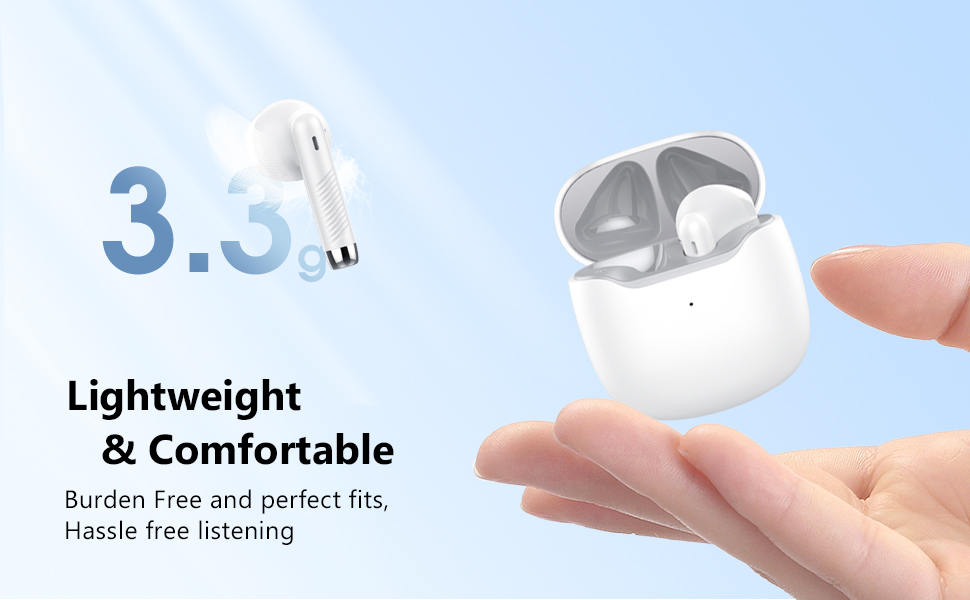
Image: A visual guide to the smart touch controls on the earbuds, detailing actions for pause/play, switching songs, call management, volume, and voice assistant activation.
4.3. Sound Quality and Call Management
The earbuds feature 13mm powerful speakers that boost bass for a rich audio experience. Built-in microphones with Environmental Noise Cancellation (ENC) work to enhance human voice and reduce environmental noise, ensuring clear calls.
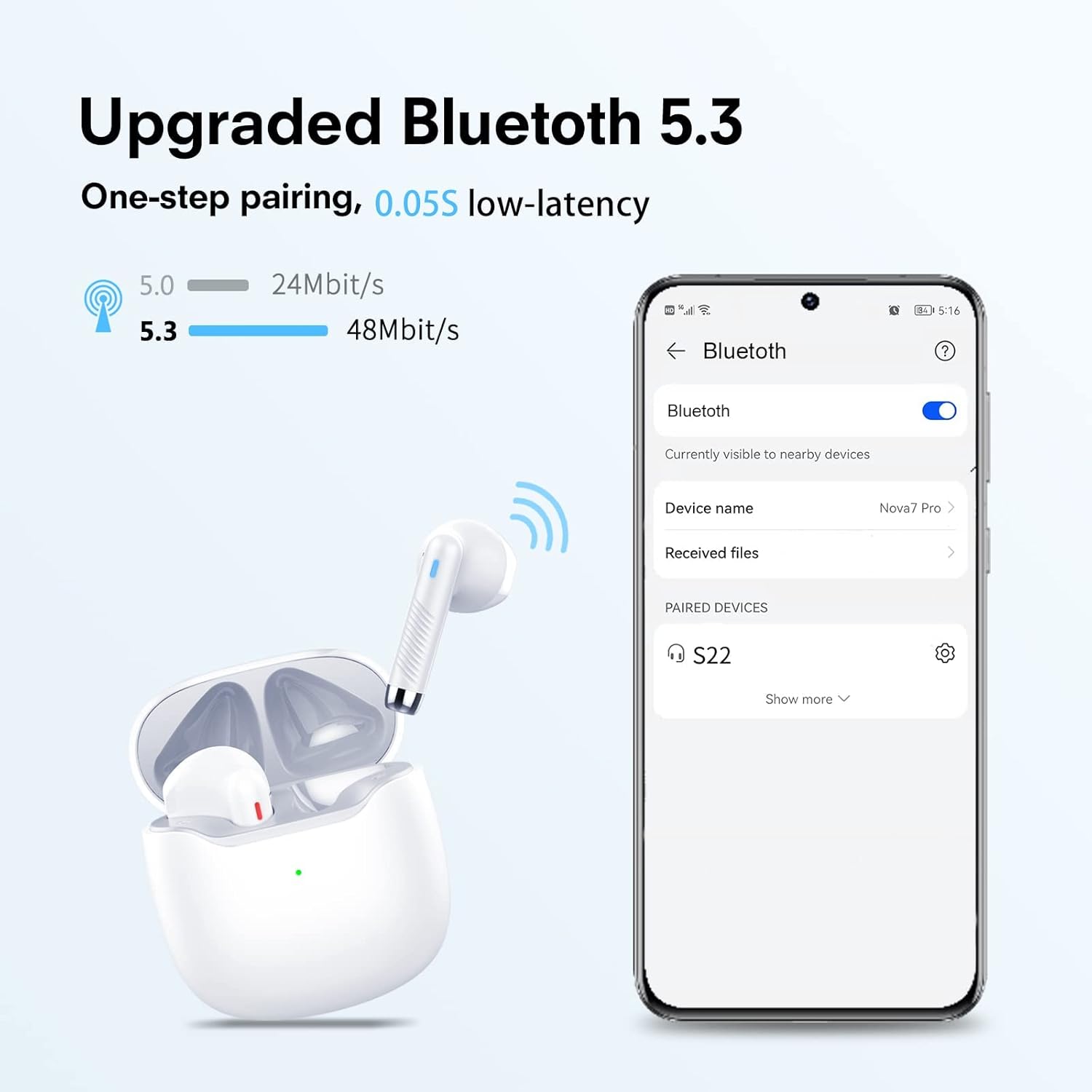
Image: A graphic illustrating the "Deep Bass with 13mm Driver" feature, showing the internal components of the earbud speaker for enhanced sound quality.
Refer to the "Smart Touch Controls" section (4.2) for specific actions to answer, end, or reject calls.
5. Maintenance
5.1. Cleaning
To ensure optimal charging and performance, regularly clean the charging contacts on both the earbuds and inside the charging case. Use a cotton swab lightly dampened with alcohol to gently wipe the gold-plated contacts.
Image: A diagram showing the charging contacts on the earbuds and inside the case, with a note advising to clean them with alcohol if charging issues occur.
5.2. Water Resistance
The earbuds are IPX7 waterproof, meaning they can withstand submersion in up to 1 meter of water for 30 minutes. This protects them from sweat and rain, making them suitable for workouts and outdoor activities. However, the charging case is not waterproof. Do not expose the charging case to liquids.
6. Troubleshooting
| Problem | Possible Cause | Solution |
|---|---|---|
| Earbuds not charging | Dirty charging contacts; improper placement in case. | Clean the charging contacts on both earbuds and inside the case with alcohol. Ensure earbuds are correctly seated in the charging slots. |
| Cannot pair with device | Earbuds not in pairing mode; Bluetooth off on device; interference. | Ensure earbuds are in pairing mode (LEDs flashing). Turn Bluetooth off and on again on your device. Move closer to the earbuds. Forget the device in your Bluetooth settings and re-pair. |
| No sound from one earbud | Low battery; connection issue. | Charge both earbuds fully. Place both earbuds back into the charging case, close the lid, wait a few seconds, then open again to reset the connection. |
| Poor sound quality | Earbuds not properly seated; distance from device; interference. | Adjust earbuds for a secure fit. Reduce distance between earbuds and device. Avoid environments with strong Wi-Fi or other Bluetooth signals. |
7. Specifications
| Feature | Detail |
|---|---|
| Model Name | S22Pro |
| Connectivity Technology | Wireless (Bluetooth 5.3) |
| Audio Driver Size | 13 Millimeters |
| Battery Life (Earbuds) | 5 Hours (single charge) |
| Battery Life (Total with Case) | 35 Hours |
| Charging Time (Earbuds) | 1 Hour |
| Charging Time (Case) | 6 Hours |
| Water Resistance Level | IPX7 (Earbuds only) |
| Control Type | Touch |
| Item Weight | 1.57 ounces (44.4 Grams) |
| Product Dimensions | 1.38 x 1.38 x 0.59 inches |
| Material | Plastic |
| Manufacturer | FAMOO |
8. Warranty and Support
For detailed warranty information and further support, please refer to the official user guide PDF provided by FAMOO. You can access it via the following link:
Download Official User Guide (PDF)
For additional assistance, please contact FAMOO customer support through their official channels.
