
1. Introduction
Welcome to the world of wood-fired cooking with your new Traeger Grills Pro Series 575 Wood Pellet Grill and Smoker. This manual provides essential information for the safe and efficient operation, maintenance, and care of your grill. Please read it thoroughly before initial use and keep it for future reference.

Image 1.1: The Traeger Pro Series 575 Wood Pellet Grill and Smoker, shown with its protective cover.
2. Setup and First Use
2.1 Unpacking and Assembly
Carefully remove all components from the packaging. It is recommended to assemble the grill on a flat, stable surface. Follow the detailed assembly instructions provided in the separate assembly guide that came with your grill. Ensure all parts are securely fastened before proceeding.
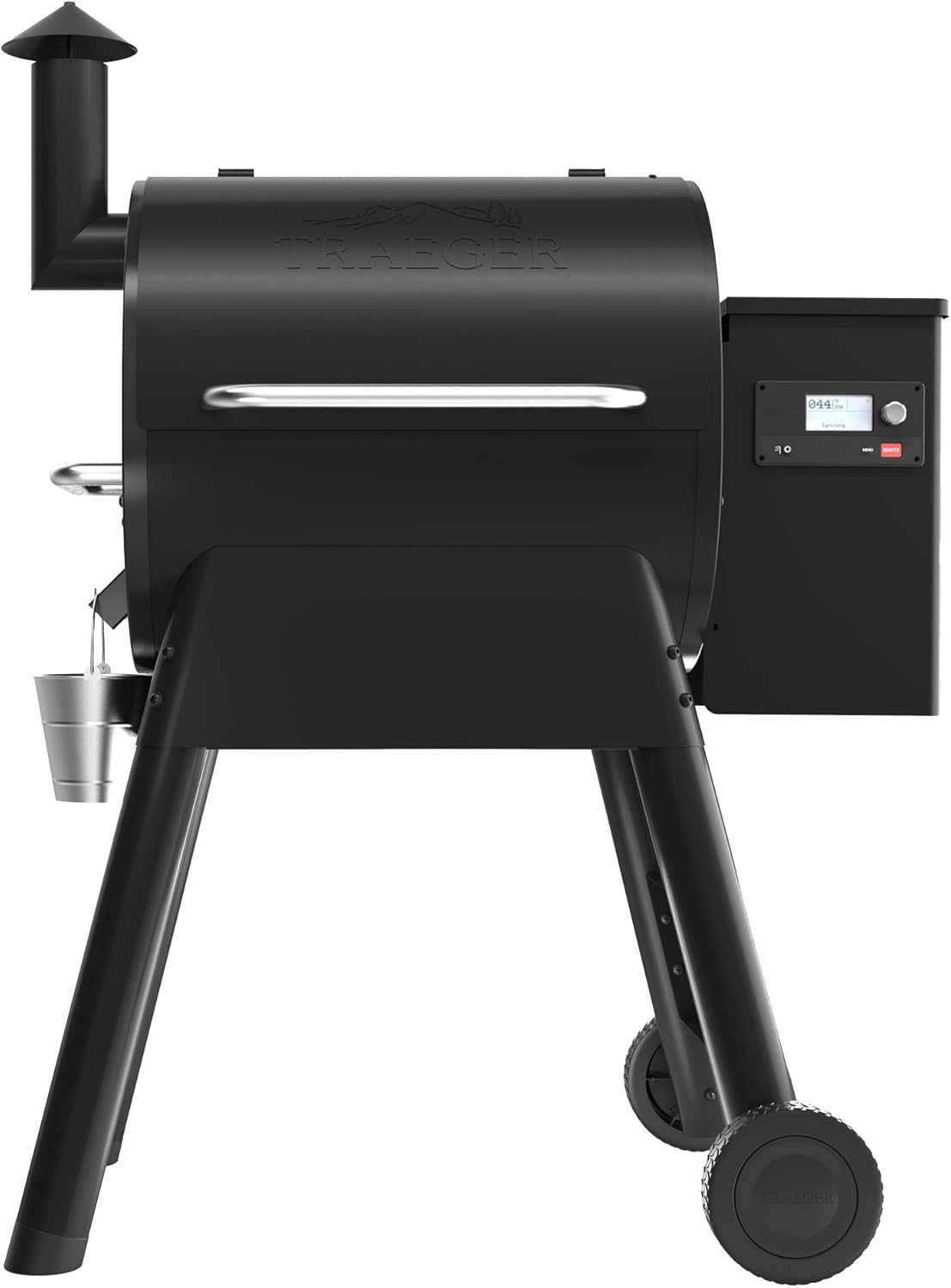
Image 2.1: The Traeger Pro Series 575 Wood Pellet Grill, ready for assembly or initial setup.
2.2 Initial Seasoning (Burn-In)
Before cooking any food, the grill must be seasoned to remove manufacturing oils and prepare the cooking surfaces. This process involves running the grill at a high temperature for a specified period. Refer to your quick start guide for precise seasoning instructions.
2.3 WiFIRE Connectivity
The Traeger Pro Series 575 features WiFIRE technology, allowing you to control your grill remotely via the Traeger App. Download the Traeger App from your device's app store. Follow the in-app instructions to connect your grill to your home Wi-Fi network. Ensure your grill is within range of your Wi-Fi signal for optimal performance.
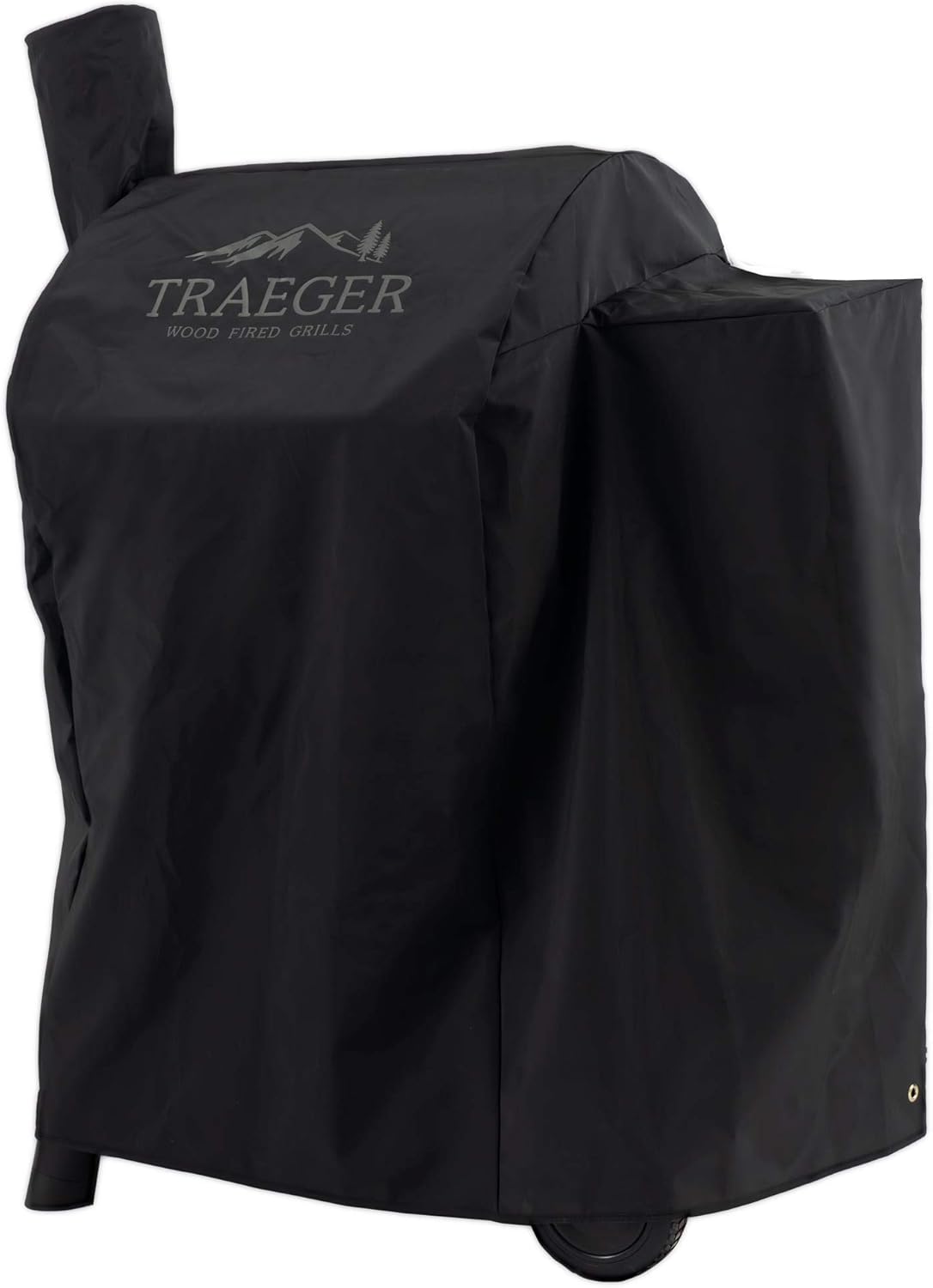
Image 2.2: The WiFIRE Controller panel, featuring the digital display and control knob for temperature and settings.
3. Operating Instructions
3.1 Loading Wood Pellets
Only use food-grade hardwood pellets specifically designed for pellet grills. Open the hopper lid and pour pellets into the hopper, ensuring they are free of debris. Do not overfill. The auger system will feed pellets into the fire pot as needed.
3.2 Temperature Control
The Pro Series 575 allows precise temperature control. Use the control panel or the Traeger App to set your desired cooking temperature. The grill will automatically maintain this temperature by adjusting pellet feed and fan speed. Allow 10-15 minutes for the grill to reach the set temperature.
3.3 Cooking Modes
Your Traeger grill can be used for various cooking methods, including smoking, grilling, baking, roasting, braising, and BBQ. For smoking, set the temperature to a lower range (e.g., 165°F - 225°F). For grilling, set to higher temperatures (e.g., 350°F - 450°F). Always preheat the grill to the desired temperature before placing food inside.

Image 3.1: The Traeger Pro Series 575 in operation, showcasing various foods being cooked simultaneously.
4. Maintenance and Care
4.1 Cleaning the Grill
Regular cleaning is crucial for optimal performance and longevity. After each use, scrape the cooking grates with a grill brush. Periodically, remove the grates, drip tray, and heat baffle to vacuum out ash from the fire pot and grill interior. Clean the grease management system regularly to prevent flare-ups.
4.2 Pellet Storage
Store wood pellets in a dry, airtight container to prevent moisture absorption, which can affect performance and flavor. Do not leave pellets in the hopper for extended periods, especially in humid conditions.
4.3 Using the Grill Cover
The included BAC503 full-length grill cover is designed to protect your Traeger grill from the elements. Ensure the grill is cool before covering it. Regular use of the cover will help preserve the grill's finish and components.

Image 4.1: The BAC503 Full Length Grill Cover, designed to fit the Pro Series 575, providing all-weather protection.
5. Troubleshooting
This section addresses common issues you might encounter with your Traeger Pro Series 575.
- Temperature Fluctuations: Minor fluctuations are normal. Significant deviations may indicate low pellets, a dirty fire pot, or a faulty temperature probe. Ensure the hopper has sufficient pellets and the fire pot is clean. Check the probe for debris.
- WiFIRE Connectivity Issues: Ensure your grill is within Wi-Fi range. Restart your home router and the grill. Verify that the Traeger App is updated to the latest version.
- Grill Not Igniting: Check if the hot rod is heating. Ensure there are pellets in the fire pot and the fan is operating. A dirty fire pot can prevent ignition.
- Excessive Smoke: While wood-fired grills produce smoke, excessive, thick smoke may indicate a problem with pellet quality (e.g., moisture) or a dirty grill.
For more detailed troubleshooting, refer to the comprehensive guide on the Traeger website or contact customer support.
6. Specifications
| Feature | Detail |
|---|---|
| Brand | Traeger |
| Model Name | Pro Series 575 |
| Power Source | Wood Pellet |
| Color | Black |
| Outer Material | Alloy Steel |
| Item Weight | 128 Pounds |
| Fuel Type | Wood |
| Form Factor | Freestanding, Boxy with Lid |
7. Warranty and Support
7.1 Product Warranty
Traeger Grills products are manufactured to high-quality standards and are backed by a limited warranty. Please refer to the warranty card included with your purchase or visit the official Traeger website for detailed warranty terms and conditions, including coverage period and exclusions.
7.2 Customer Support
For technical assistance, troubleshooting, or warranty claims, please contact Traeger Customer Support. Have your model number and purchase date ready when contacting support. You can find contact information on the official Traeger website or in your product packaging.
Note: No relevant official product videos with 'Seller' creator type were found in the provided data to embed in this manual.


