
1. Introduction
Thank you for choosing the KZ SK10Pro True Wireless Earbuds. These earbuds are designed to provide a high-quality audio experience with advanced features and comfortable wear. This manual will guide you through the setup, operation, and maintenance of your new earbuds.
2. Product Overview
Key Features
- Hybrid Driver Technology: Features a 30019 High Frequency Balanced Armature and a 10mm PET molecular diaphragm dynamic unit for detailed sound across all frequencies.
- Qualcomm QCC3040 Bluetooth Chip: Equipped with Bluetooth 5.2 for improved performance, lower power consumption, faster transmission, and stable connection.
- Audio Codec Support: Supports APTX HD Audio, AAC, and SBC protocols for versatile high-quality audio streaming.
- Smart Touch Control: Intuitive touch controls for managing music, calls, and activating voice assistants.
- Quick Gaming Mode: Tap 3 times to enter high-performance gaming mode with a low delay of 40ms.
- Dual Host Earphone Switching: Both left and right earbuds can act as the host, allowing for seamless switching and balanced power consumption.
- Extended Battery Life: Up to 6 hours of continuous playback per charge, extending to 30 hours with the charging case.
- Type-C Charging: Modern and convenient Type-C charging interface for the case.
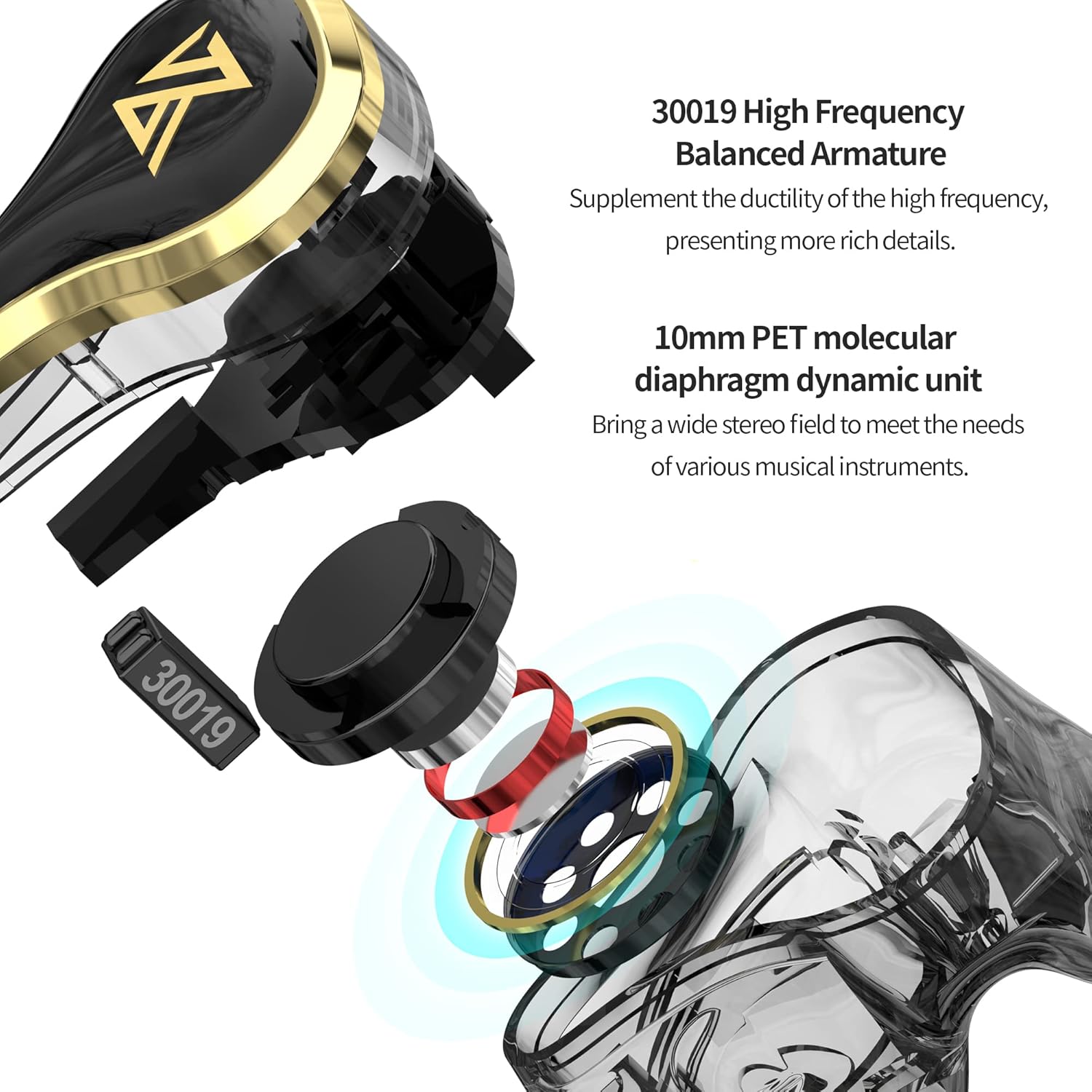
Image: Internal structure of the KZ SK10Pro earbuds, highlighting the 30019 High Frequency Balanced Armature and 10mm PET molecular diaphragm dynamic unit.
What's in the Box
- KZ SK10Pro True Wireless Earbuds (Left and Right)
- Wireless Charging Case
- USB Type-C Charging Cable (not explicitly listed but implied for Type-C port)
- User Manual
- Eartips (various sizes, typically included)
3. Setup
3.1 Charging the Earbuds and Case
Before first use, fully charge the earbuds and the charging case. Place the earbuds into the charging case. Connect the Type-C charging cable to the charging port on the case and plug the other end into a USB power source. The indicator light on the case will show the charging status.
- Earbuds battery capacity: 48mAh (each)
- Charging case battery capacity: 400mAh
- Charging time: Approximately 1 hour for full charge.
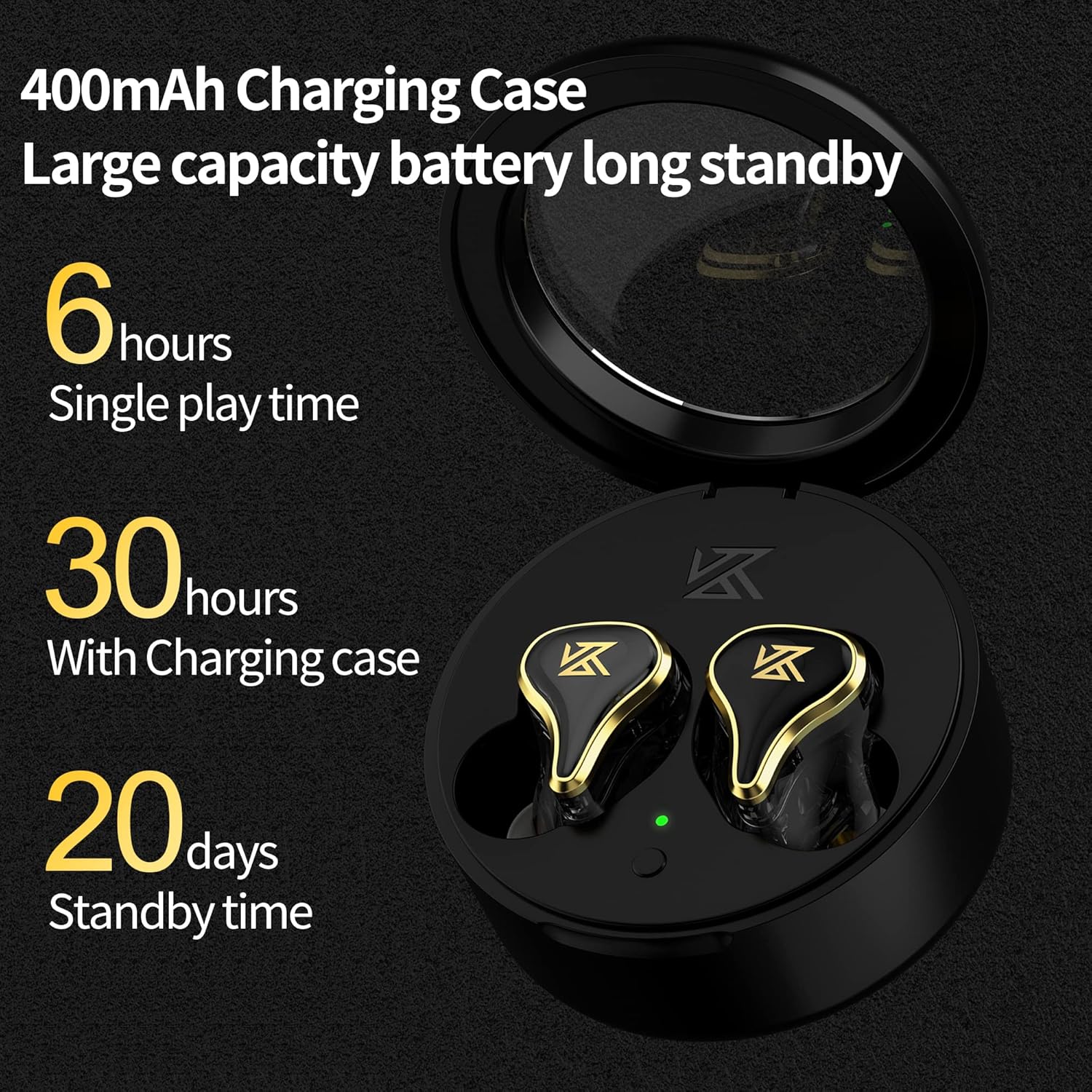
Image: The KZ SK10Pro charging case, illustrating its 400mAh capacity and the earbuds' 6-hour single play time, extending to 30 hours with the case.
3.2 Pairing with Your Device
- Ensure the earbuds are charged and placed in the charging case.
- Open the charging case. The earbuds will automatically enter pairing mode.
- On your device (smartphone, tablet, etc.), enable Bluetooth.
- Search for available Bluetooth devices and select "KZ SK10Pro" from the list.
- Once connected, you will hear an audio prompt, and the indicator lights on the earbuds will change.
The KZ SK10Pro features Bluetooth 5.2 and a Qualcomm QCC3040 chip for stable and efficient wireless connectivity up to 15 meters.
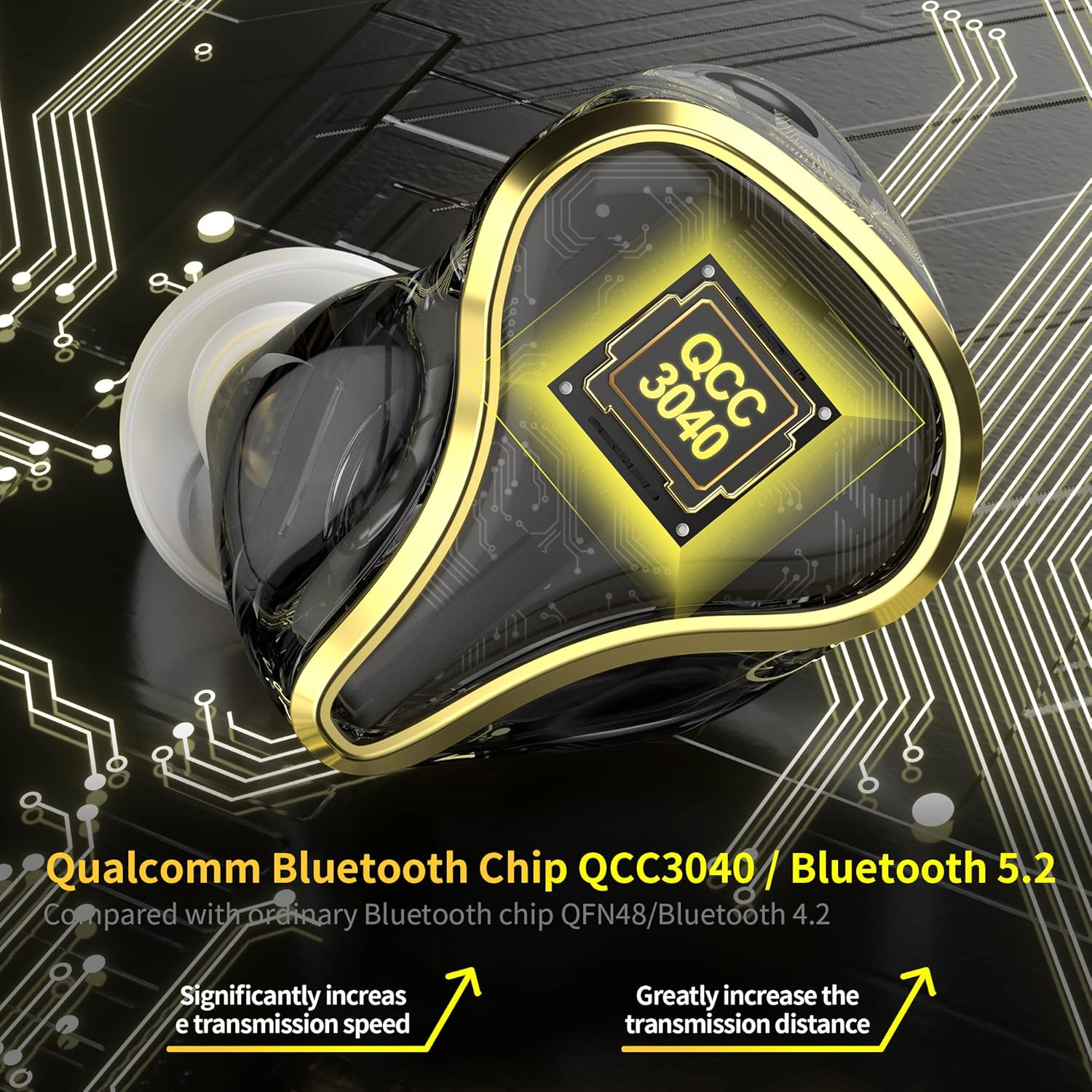
Image: A detailed view of the KZ SK10Pro earbud, emphasizing the Qualcomm QCC3040 Bluetooth 5.2 chip for enhanced connectivity.
4. Operating Instructions
4.1 Smart Touch Controls
The KZ SK10Pro earbuds feature smart touch controls on each earbud for easy management of various functions:
- Play/Pause: Single tap on either earbud.
- Next Track: Double tap on the right earbud.
- Previous Track: Double tap on the left earbud.
- Answer/End Call: Single tap on either earbud.
- Reject Call: Long press on either earbud.
- Activate Voice Assistant (Siri, Google Assistant): Triple tap on either earbud.
4.2 Gaming Mode
To enhance your gaming experience, the KZ SK10Pro earbuds offer a dedicated gaming mode:
- Activate Gaming Mode: Triple tap on either earbud (if not already assigned to voice assistant, or refer to specific product documentation for exact gesture). This mode reduces audio latency to as low as 40ms.
- Deactivate Gaming Mode: Triple tap again to return to normal mode.
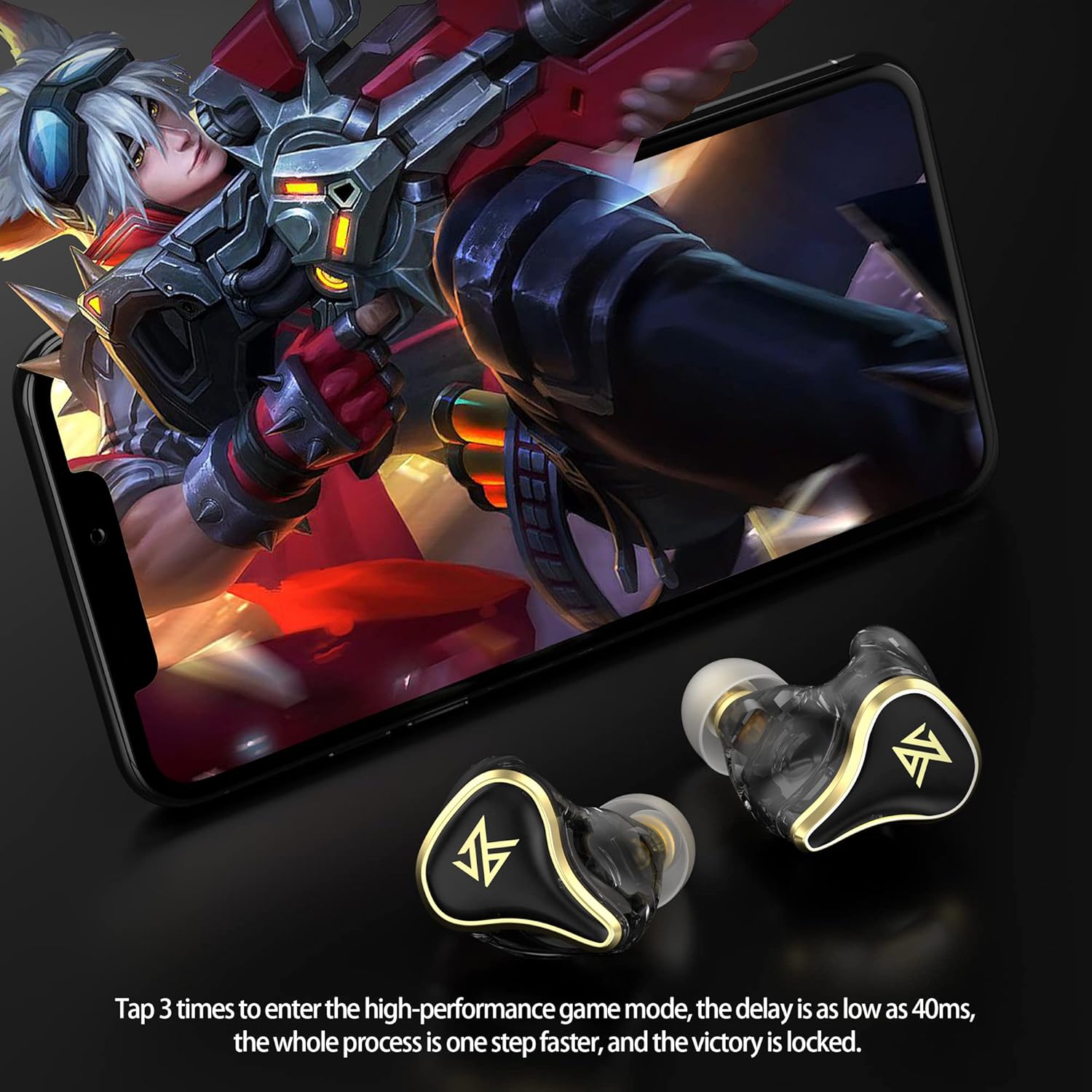
Image: A user engaged in mobile gaming while wearing the KZ SK10Pro earbuds, demonstrating the quick activation of high-performance gaming mode.
5. Specifications
| Feature | Specification |
|---|---|
| Brand | KZ |
| Model Name | SK10Pro |
| Ear Placement | In Ear |
| Form Factor | In Ear |
| Noise Control | None |
| Bluetooth Version | 5.2 |
| Bluetooth Chip | Qualcomm QCC3040 |
| Transmission Distance | 15 Meters |
| Supported Protocols | APTX HD Audio, AAC, SBC |
| Earphone Battery Capacity | 48mAh (each) |
| Charging Case Battery Capacity | 400mAh |
| Earphone Battery Life (Single Play) | 6 Hours |
| Total Battery Life (with Charging Case) | 30 Hours |
| Charging Port | TYPE-C |
| Control Type | Touch Control |
| Audio Driver Type | Hybrid Driver (30019 BA + 10mm PET Dynamic) |
| Frequency Range | 20Hz - 40,000Hz |
| Water Resistance Level | Not Water Resistant |
Note: The above data are KZ acoustical laboratory measurements, and actual use may vary slightly depending on the circumstances.
6. Troubleshooting
If you encounter issues with your KZ SK10Pro earbuds, please refer to the following common solutions:
- No Sound/Poor Sound Quality:
- Ensure earbuds are properly paired and connected to your device.
- Check the volume level on both your device and the earbuds.
- Make sure the earbuds are clean and free from debris.
- Try resetting the earbuds (refer to manufacturer's specific reset procedure if available, otherwise, unpair and re-pair).
- Earbuds Not Pairing:
- Ensure both earbuds are charged.
- Turn off and on your device's Bluetooth.
- Delete "KZ SK10Pro" from your device's Bluetooth list and attempt to pair again.
- Ensure no other devices are actively connected to the earbuds.
- Charging Issues:
- Verify the charging cable and power adapter are working correctly.
- Ensure the charging contacts on the earbuds and inside the case are clean.
- Make sure the earbuds are seated correctly in the charging case.
- Touch Controls Not Responding:
- Ensure your fingers are clean and dry when using touch controls.
- Try restarting the earbuds by placing them in the case and closing it, then reopening.
7. Maintenance
Proper maintenance will extend the lifespan of your earbuds:
- Cleaning: Regularly clean the earbuds, eartips, and charging contacts with a soft, dry, lint-free cloth. Do not use harsh chemicals or abrasive materials.
- Storage: When not in use, store the earbuds in their charging case to protect them from dust and damage.
- Avoid Water: The earbuds are not water-resistant. Avoid exposure to water, moisture, or excessive humidity.
- Temperature: Do not expose the earbuds to extreme temperatures (hot or cold).
8. Warranty and Support
For warranty information and customer support, please refer to the documentation provided with your purchase or visit the official KZ website. Keep your proof of purchase for warranty claims.
9. Product Video
Video: Official product video demonstrating the features and design of the KZ SK10Pro True Wireless Earbuds.


