
JSAUX WP1501
JSAUX Magnetic Wireless Charger User Manual
Model: WP1501 | Brand: JSAUX
Introduction
This manual provides comprehensive instructions for the safe and efficient use of your JSAUX Magnetic Wireless Charger. Please read this manual thoroughly before using the product and retain it for future reference.
The JSAUX Magnetic Wireless Charger is designed for convenient and efficient wireless charging of compatible devices, including iPhone 16/15/14/13/12 Series and AirPods with wireless charging cases. Its magnetic alignment ensures optimal charging performance.

Image: The JSAUX Magnetic Wireless Charger, showcasing its compact disc design and integrated cable.

Image: Illustrates the high-quality metal design of the JSAUX charger, emphasizing its durability over traditional wired charging.
Safety Information
- Do not expose the charger to water or excessive moisture.
- Avoid extreme temperatures. Store and operate the charger within recommended temperature ranges.
- Do not disassemble, repair, or modify the charger. This may cause damage, electric shock, or fire, and will void the warranty.
- Keep the charger away from strong magnetic fields to prevent interference with other electronic devices.
- Use only compatible power adapters (18W, 20W, or higher USB-C & USB-A power adapter) as recommended.
- If the charger or your device becomes excessively warm during charging, disconnect it immediately. Software might limit charging above 80 percent to extend battery lifespan if the battery gets too warm.
- Ensure proper ventilation around the charger during use.
Package Contents
- 1 x JSAUX Magnetic Wireless Charger (Model: WP1501)
Note: Power adapter is sold separately.

Image: Front view of the JSAUX Magnetic Wireless Charger retail packaging.
Setup
- Connect to Power Adapter:
Connect the integrated multi-port cable of the JSAUX Magnetic Wireless Charger to a compatible power adapter. The charger features a built-in Type-C and USB-A connector for versatile input. It is recommended to use an 18W, 20W, or higher USB-C & USB-A power adapter for optimal performance.

Image: Illustration of connecting the charger to a wall adapter, showing both USB-A and USB-C options.
Video: Demonstrates connecting the charger to a power adapter and the magnetic alignment with a phone.
- Placement: Place the charger on a flat, stable surface, or hold it in your hand.
Operating Instructions
- Initiating Charge:
Align your compatible iPhone (16/15/14/13/12 Series) or AirPods with wireless charging case onto the JSAUX Magnetic Wireless Charger. The strong magnets will automatically snap and align your device securely for optimal charging.

Image: A hand placing an iPhone onto the JSAUX Magnetic Wireless Charger, showing the magnetic alignment.
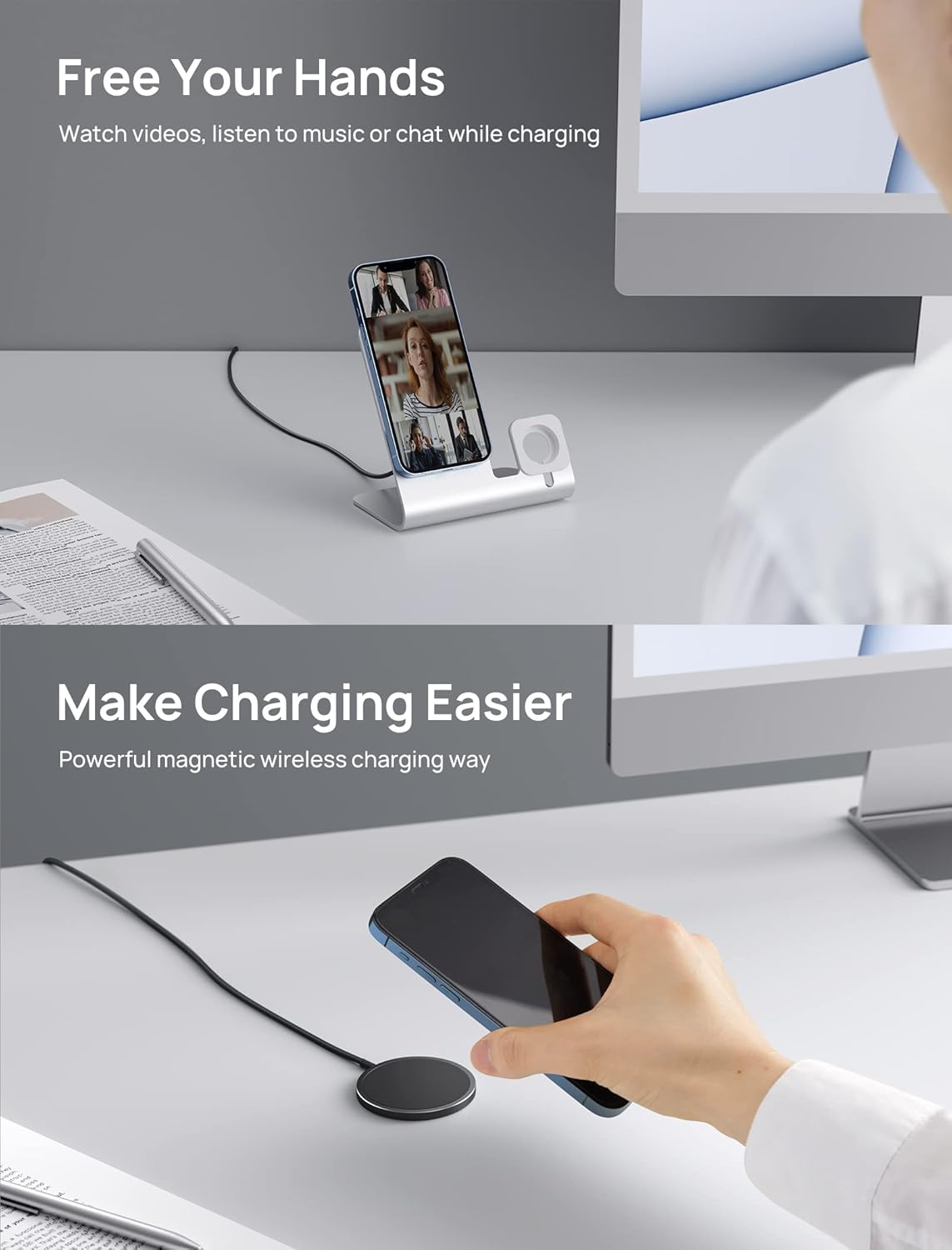
Image: Demonstrates using the charger while watching videos or chatting, highlighting the hands-free convenience.
Video: A brief overview of the JSAUX Magnetic Wireless Charger's features and ease of use.
- Charging Status:
Your device's screen will indicate that charging has begun. The charger is designed for reliable and safe overnight charging.

Image: The JSAUX Magnetic Wireless Charger positioned next to an iPhone 15, indicating compatibility.
- Using with Cases:
For users with phone cases, it is recommended to use a MagSafe-compatible case to ensure optimum charging performance and magnetic attachment.
Maintenance
- Cleaning: Disconnect the charger from the power source before cleaning. Use a soft, dry cloth to wipe the surface. Do not use liquid cleaners or aerosols.
- Storage: When not in use, store the charger in a cool, dry place, away from direct sunlight and extreme temperatures. Its compact and lightweight design makes it easy to store and carry.
- Cable Care: Avoid sharp bends or excessive pulling on the cable to prevent damage. The cable is designed with strong fiber for flexibility and durability.

Image: Close-up of the JSAUX Magnetic Wireless Charger, highlighting its high-quality metal alloy construction and anti-scratch properties.
Troubleshooting
| Problem | Possible Cause | Solution |
|---|---|---|
| Device not charging. |
|
|
| Slow charging. |
|
|
| Charger or device gets warm. |
|
|
Specifications
| Brand | JSAUX |
| Model | WP1501 |
| Part Number | JSDEWP1501BL |
| Compatible Devices | Smartphones (iPhone 16/15/14/13/12 Series), AirPods 3 with MagSafe Charging Case, AirPods 1/2/4 with Wireless Charging Case, AirPods Pro/Pro 2 |
| Wattage | 15 watts (Max) |
| Power Source Type | Corded Electric |
| Connector Type | Wireless (Integrated USB-C & USB-A) |
| Material Type | Metal |
| Form Factor | Disc |
| Product Dimensions | 0.1 x 0.1 x 0.1 cm; 58 g (Charger only) |
| Cable Length | 4.9 ft (approx. 1.5 meters) |
| Special Features | Wireless, Slim fit, Powerful Magnetic Charging, Durable Metal Design |

Image: Back of the JSAUX Magnetic Wireless Charger packaging, displaying product details and certifications.
Warranty and Support
JSAUX products come with a standard warranty. For detailed warranty information, product support, or to contact customer service, please visit the official JSAUX website:
You can also find more information and support on the JSAUX Amazon store page.
Related documentsWP1501

Ask a question about this manual
Ask about setup, troubleshooting, compatibility, parts, safety, or missing instructions. Manuals+ will review the question and use this page’s manual context to help answer it.