
1. Important Safety Instructions
Read all instructions before using this appliance. Failure to follow these instructions may result in property damage, product damage, or serious injury.
- This appliance is intended for household use only.
- Do not operate the air conditioner with a damaged power cord or plug. If the supply cord is damaged, it must be replaced by the manufacturer, its service agent, or similarly qualified persons to avoid a hazard.
- Always turn off the air conditioner and unplug it from the power outlet before cleaning, servicing, or moving the unit.
- Do not use the air conditioner in a wet environment such as a bathroom or laundry room.
- Ensure the air conditioner is installed securely in a window according to the installation instructions.
- Keep children away from the air conditioner.
- Do not block air inlets or outlets.
- Use only the power supply specified on the rating label.
2. Product Overview
The DREO 8000 BTU U-Shaped Inverter Window Air Conditioner is designed to provide efficient and quiet cooling for your living space. This unit features inverter technology for energy savings and consistent comfort.
Key Features:
- Cooling Capacity: 8,000 BTU, suitable for rooms up to 350 sq ft.
- Quiet Operation: Operates at a low noise level of 42dB, ensuring minimal disturbance.
- Energy Efficiency: ENERGY STAR certified with a 15.0 CEER rating, designed for significant energy savings compared to conventional compressors.
- U-Shaped Design: Allows for flexible window opening and easy installation.
- Directional Air Louvers: Adjustable louvers to direct airflow left, right, up, and down for optimal distribution.
3. What's in the Box
Carefully unpack the box and ensure all items are present:
- Window air conditioner unit
- Remote control
- Foam seal
- Security bracket
- Screws
- Plasticene
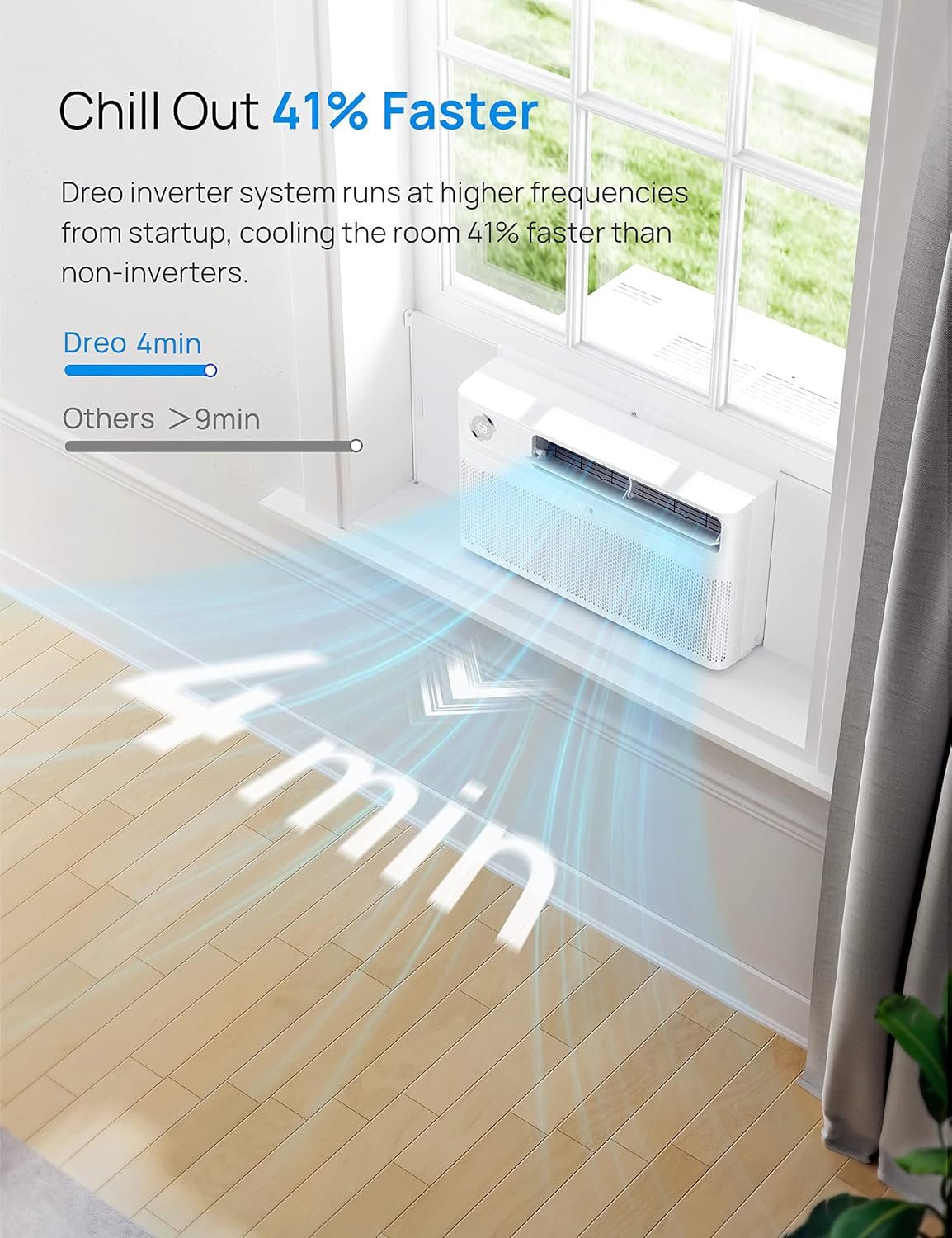
Image: All components included with the DREO 8000 BTU U-Shaped Inverter Window Air Conditioner.
4. Installation
The DREO U-shaped air conditioner is designed for easy installation, often taking less time than traditional window units due to its pre-assembled design.
Window Requirements:
- Weight: 61.7lb (28kg)
- Window Width: Between 25" and 36" (645mm - 915mm)
- Vertical Clearance: The lower sash must allow for 14.5" of vertical clearance when open.
Installation Steps:
- Prepare the Window: Ensure the window is clean and clear of any obstructions. Remove the window screen if present.
- Apply Foam Seal: Apply the provided foam seal to the lower sash of the window to ensure a tight seal and prevent air leakage.
- Position the AC Unit: Carefully lift the air conditioner unit and place it onto the window sill. Ensure it is centered and stable.
- Extend Side Brackets: Extend the side brackets of the unit to fill the window opening.
- Secure with Screws: Use the included screws to secure the unit to the window frame and the side brackets, ensuring a firm and burglar-proof installation.
- Seal Gaps: Use the plasticene to fill any remaining small gaps around the unit for optimal insulation.

Image: Visual guide for the three main installation steps of the DREO U-shaped air conditioner.

Image: Detailed dimensions of the air conditioner unit and specific window requirements for proper installation.
5. Operating Instructions
Your DREO air conditioner offers various modes and settings for personalized comfort.
Control Panel and Remote Control:
The unit can be operated using the intuitive control panel on the front of the unit or via the included remote control. The remote control allows for convenient adjustments from a distance.
Operating Modes:
- Cool Mode: Provides powerful cooling to lower room temperature.
- Circulate Mode: Circulates air without cooling, ideal for maintaining airflow.
- Dehumidify Mode: Reduces humidity levels in the room.
- Auto Mode: Automatically adjusts cooling and fan speed based on the ambient temperature to maintain a comfortable environment.
- Sleep Mode: Optimizes settings for quiet operation and energy efficiency during sleep.
Temperature and Fan Speed:
- Temperature Range: Set your desired temperature between 61°F and 88°F.
- Fan Speed: Adjust fan speed to Low, Medium, or High for customized airflow.
Additional Features:
- 24-Hour Timer: Program the unit to turn on or off automatically.
- Directional Air Louvers: Manually adjust the louvers to direct cool air precisely where needed.

Image: The DREO air conditioner displaying its energy guide label and illustrating efficient cooling distribution.

Image: Diagram showing how the DREO inverter technology maintains precise and constant room temperature, avoiding fluctuations.
6. Maintenance
Regular maintenance ensures optimal performance and longevity of your air conditioner.
Filter Cleaning:
The DREO air conditioner is equipped with a washable filter for fresh air delivery. It is recommended to clean the filter regularly, especially if the 'Filter Reset' indicator lights up.
- Turn Off and Unplug: Always turn off the unit and unplug it from the power outlet before cleaning.
- Remove Filter: Open the front panel and carefully slide out the air filter.
- Wash Filter: Wash the filter with lukewarm water and mild detergent. Rinse thoroughly.
- Dry Filter: Allow the filter to air dry completely before reinserting it into the unit. Do not expose to direct sunlight.
- Reinstall Filter: Slide the dry filter back into its position and close the front panel.
- Reset Filter Indicator: If applicable, press the 'Filter Reset' button on the control panel to clear the indicator.
7. Troubleshooting
If you encounter issues with your air conditioner, refer to the following common troubleshooting steps:
| Problem | Possible Cause | Solution |
|---|---|---|
| Unit does not turn on | No power supply; Power cord or plug damaged; Fuse blown | Check power connection; Inspect power cord/plug for damage; Reset fuse on plug or circuit breaker. |
| Insufficient cooling | Dirty air filter; Room size too large; Doors/windows open; Air inlet/outlet blocked | Clean air filter; Ensure unit matches room size; Close doors/windows; Clear obstructions. |
| Unit is noisy | Loose installation; Unit not level; Obstruction in fan | Check installation for tightness; Ensure unit is level; Inspect fan for foreign objects. |
| Water leakage | Drainage hose blocked; Unit not level | Check and clear drainage hose; Ensure unit is level. |
8. Specifications
| Specification | Value |
|---|---|
| Brand | DREO |
| Model Number | DR-HAC002 |
| Cooling Power | 8000 British Thermal Units |
| Coverage Area | Up to 350 Square Feet |
| Noise Level | 42 Decibels |
| Energy Efficiency (CEER) | 15.0 |
| Voltage | 115 Volts |
| Wattage | 760 watts |
| Refrigerant | R 410A |
| Item Weight | 62.7 pounds |
| Product Dimensions | 18.81 x 22.99 x 13.97 inches |
| Installation Method | Window |
| Special Features | Dehumidifier, Fast Cooling, Inverter Compressor |
9. Warranty and Support
Warranty Information:
The DREO 8000 BTU U-Shaped Inverter Window Air Conditioner comes with a 12-month default warranty. This warranty can be extended up to 30 months by registering your product on the official DREO website.
Customer Support:
For any questions, technical assistance, or warranty claims, please contact DREO Customer Support. Refer to the contact information provided in your product registration or on the official DREO website.


