
1. Introduction
The BLACK DIAMOND Cosmo 350 Headlamp is a versatile and durable lighting solution designed for outdoor activities such as camping, hiking, and trail running. It provides up to 350 lumens of bright, reliable illumination and features dual fuel compatibility, allowing it to run on either standard AAA batteries or an optional rechargeable BD 1500 Li-ion battery. Its waterproof design ensures performance in various weather conditions.
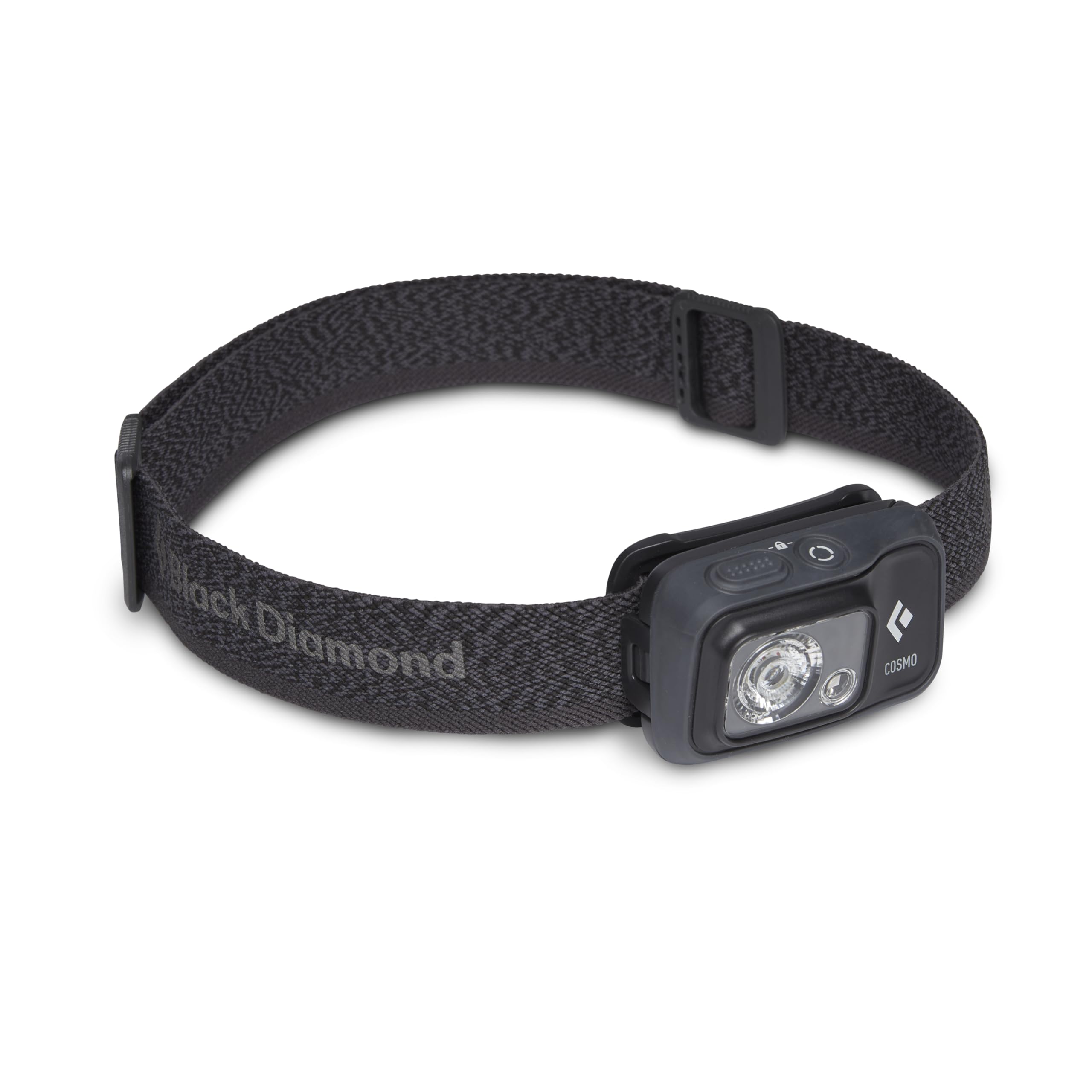
Figure 1: Front view of the BLACK DIAMOND Cosmo 350 Headlamp, showing the main LED and smaller auxiliary light.
Key Features:
- Bright & Reliable Illumination: Produces up to 350 lumens of powerful, even light.
- Dual Fuel Compatibility: Operates with 3x AAA batteries (included) or the rechargeable BD 1500 Li-ion battery (sold separately).
- Multiple Lighting Modes: Includes dimming, strobe, and red night-vision settings.
- Waterproof (IPX8): Tested to operate at least 1.1 meters underwater for 30 minutes. Ensure to dry completely after use in wet conditions.
- Durable & Weatherproof: Built for reliability in various outdoor conditions.
2. Setup
2.1. Battery Installation
The Cosmo 350 Headlamp is designed for dual fuel use. It comes with 3x AAA batteries. You can also use a rechargeable BD 1500 Li-ion battery (sold separately).
- Locate the battery compartment on the back of the headlamp unit.
- Gently pull the clip to open the battery compartment cover.
- Insert three AAA batteries, ensuring correct polarity (+/-) as indicated inside the compartment. If using the BD 1500 Li-ion battery, insert it according to its specific instructions.
- Close the battery compartment cover securely until it clicks into place.
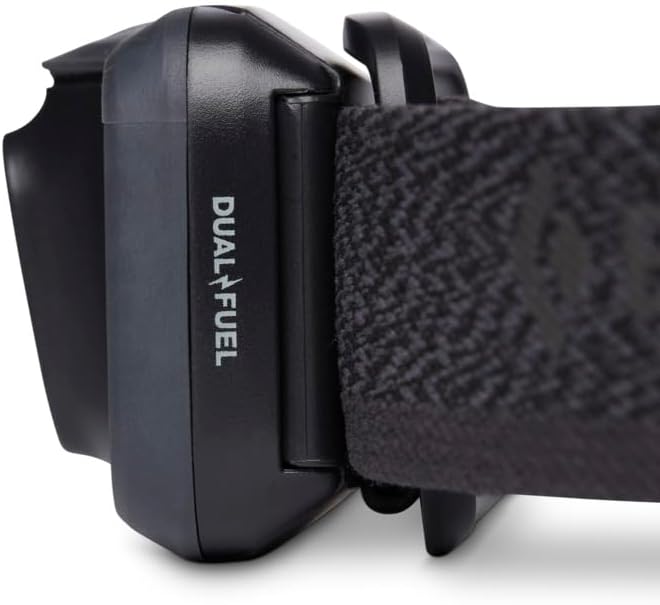
Figure 2: The battery compartment of the Cosmo 350 Headlamp, showing the placement of three AAA batteries.
2.2. Adjusting the Headband
The elastic headband is adjustable to fit various head sizes or to wear over a helmet. Use the buckles on either side of the strap to tighten or loosen for a comfortable and secure fit.
3. Operating Instructions
3.1. Basic Controls
The Cosmo 350 features two buttons on the top of the unit for easy control.

Figure 3: Top view of the headlamp, highlighting the two control buttons for power and mode selection.
- Power Button (Larger, textured button):
- Press once to turn the headlamp ON/OFF.
- Hold to cycle through brightness levels (dimming).
- Double-press for strobe mode.
- Mode Button (Smaller, circular button):
- Press to switch between white light and red night-vision mode.
3.2. Light Modes and Brightness
The headlamp offers various light settings to suit different needs:
- White Light: Provides general illumination. Adjustable brightness from low to 350 lumens.
- Red Night-Vision: Preserves night vision and is ideal for close-up tasks without disturbing others.
- Strobe Mode: For signaling or emergency situations.
- Lock Mode: Prevents accidental activation and battery drain during transport. To activate/deactivate, hold both buttons simultaneously for 3 seconds until the light blinks.
3.3. Adjusting Beam Angle
The headlamp unit can be tilted up or down to direct the light beam precisely where needed. This allows for optimal visibility whether you are looking straight ahead or at your feet.
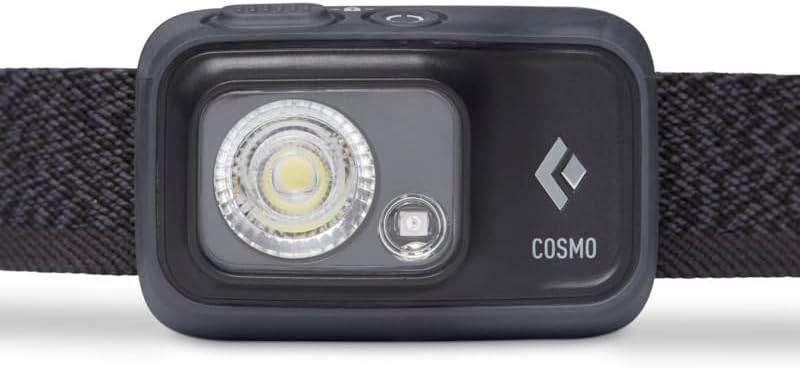
Figure 4: Side view of the headlamp, demonstrating the adjustable tilt feature for directing the light.
3.4. Official Product Video: Overview of Black Diamond Head Lamp
Video 1: A detailed overview of the Black Diamond Head Lamp, demonstrating its features and functionality. This video is provided by the seller.
4. Maintenance
4.1. Cleaning
To clean your headlamp, wipe it with a damp cloth. Do not use harsh chemicals or abrasive cleaners, as these can damage the unit. Ensure the battery compartment is sealed before cleaning.
4.2. Water Exposure
The Cosmo 350 is IPX8 waterproof. If submerged, water may enter the battery compartment, but the unit will still operate. It is crucial to completely dry out the headlamp, especially the battery compartment, after use in wet conditions to prevent corrosion and ensure longevity.
4.3. Battery Care
Remove batteries if the headlamp will not be used for an extended period to prevent leakage. Store the headlamp in a cool, dry place.
5. Troubleshooting
- Headlamp not turning on:
- Check if batteries are inserted correctly with the right polarity.
- Replace old batteries with new ones.
- Ensure the headlamp is not in Lock Mode (hold both buttons for 3 seconds to toggle).
- Light is dim or flickering:
- Batteries may be low; replace them.
- Ensure battery contacts are clean and free of corrosion.
- Difficulty changing modes:
- Familiarize yourself with the button functions (single press, double press, hold) as described in the Operating Instructions.
6. Specifications
| Feature | Detail |
|---|---|
| Brand | BLACK DIAMOND |
| Model Number | BD620673 |
| Special Feature | Dimmable, Lightweight, Waterproof |
| Color | Graphite |
| Power Source | Battery Powered (3x AAA or BD 1500 Li-ion) |
| Light Source Type | LED |
| Material | Polycarbonate |
| White Brightness | 350 Lumens |
| Voltage | 4.5 Volts |
| Light Path Distance | 64 Meters |
| Battery Type | Alkaline (for included batteries) |
| Number of Batteries | 3 AAA batteries required (included) |
| Water Resistance Level | Waterproof (IPX8) |
| Light Source Special Features | Dimming, Strobe, Red Night-Vision, Lock Mode |
| Battery Description | Lithium-Ion (for optional rechargeable battery) |
| Runtime | 4 hours (at max brightness) |
| Number of Light Sources | 2 |
| Item Dimensions D x W x H | 1.88"D x 4"W x 3"H |
| Item Weight | 83 Grams |
| Recommended Uses For Product | Outdoor |
7. Warranty & Support
The BLACK DIAMOND Cosmo 350 Headlamp comes with a Manufacturer Warranty. For specific details regarding the warranty coverage and duration, please refer to the documentation included with your product or visit the official Black Diamond Equipment website.
For technical support, troubleshooting assistance, or warranty claims, please contact Black Diamond Equipment directly through their official customer service channels.
Manufacturer: Black Diamond Equipment


