
Introduction
Thank you for choosing the UNIWEIGH Digital Pocket Scale P-200. This precision instrument is designed to provide accurate weight readings for a variety of small items, from food ingredients to jewelry and coins. Please read this manual thoroughly to ensure proper operation and care of your scale.
What's Included
- 1 x UNIWEIGH Digital Pocket Scale
- 1 x 50g Calibration Weight
- 2 x AAA Batteries
- 1 x User Manual
Setup
1. Battery Installation
- Open the battery compartment cover located on the back of the scale.
- Insert the two AAA batteries, ensuring correct polarity (+/-).
- Close the battery compartment cover.
2. Initial Use
- Place the scale on a flat, stable surface.
- Open the protective flip case.
- Remove any protective card or film from the weighing platform before use.
Operating Instructions
1. Power On/Off
- Press the ON/OFF button to turn the scale on.
- Press and hold the ON/OFF button to turn the scale off.
- The scale features a smart auto-off function after 180 seconds of inactivity to conserve battery life.
2. Unit Conversion
- Press the MODE button to cycle through the available weighing units: grams (g), ounces (oz), troy ounces (ozt), pennyweight (dwt), carats (ct), and grains (gn).

Image: The scale's display cycles through different measurement units including grams, ounces, and carats.
3. Tare Function
The Tare function allows you to subtract the weight of a container, so you only measure the contents.
- Place an empty container on the weighing platform.
- Press the TARE button. The display will reset to zero.
- Add the items you wish to weigh into the container. The display will show the net weight of the items.

Image: Step-by-step guide demonstrating the tare function for measuring items in a container.
4. Calibration
To ensure accuracy, calibrate your scale regularly using the included 50g calibration weight.
- Turn the scale on and wait for the display to show "0.00g".
- Press and hold the MODE button until "CAL" appears, then release.
- Press MODE again. The display will flash "50.00g".
- Place the 50g calibration weight onto the center of the weighing platform.
- The display will show "PASS" and then return to normal weighing mode. Calibration is complete.
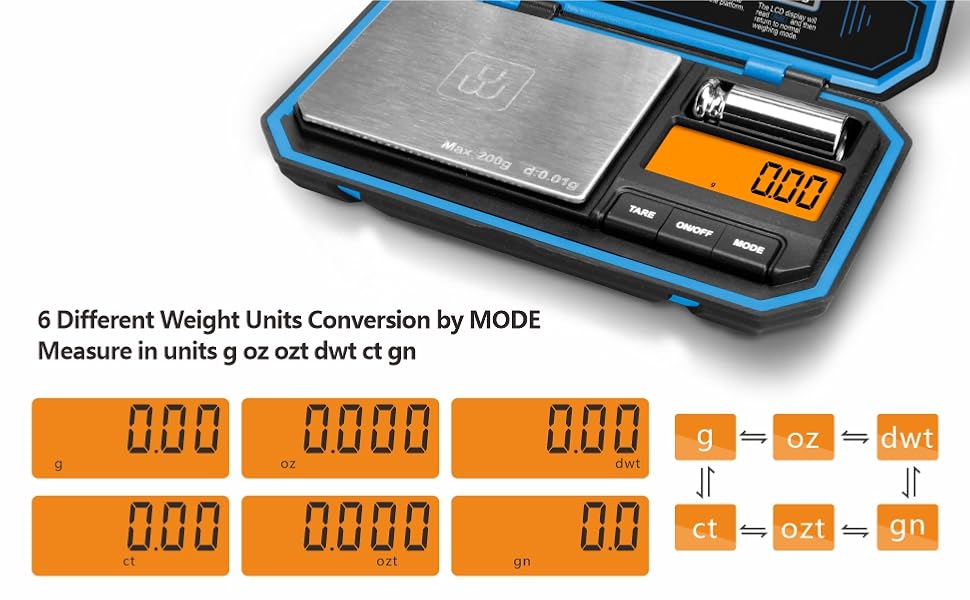
Image: The scale display showing "50.00g" during the calibration process with the 50g weight.
5. Usage Examples
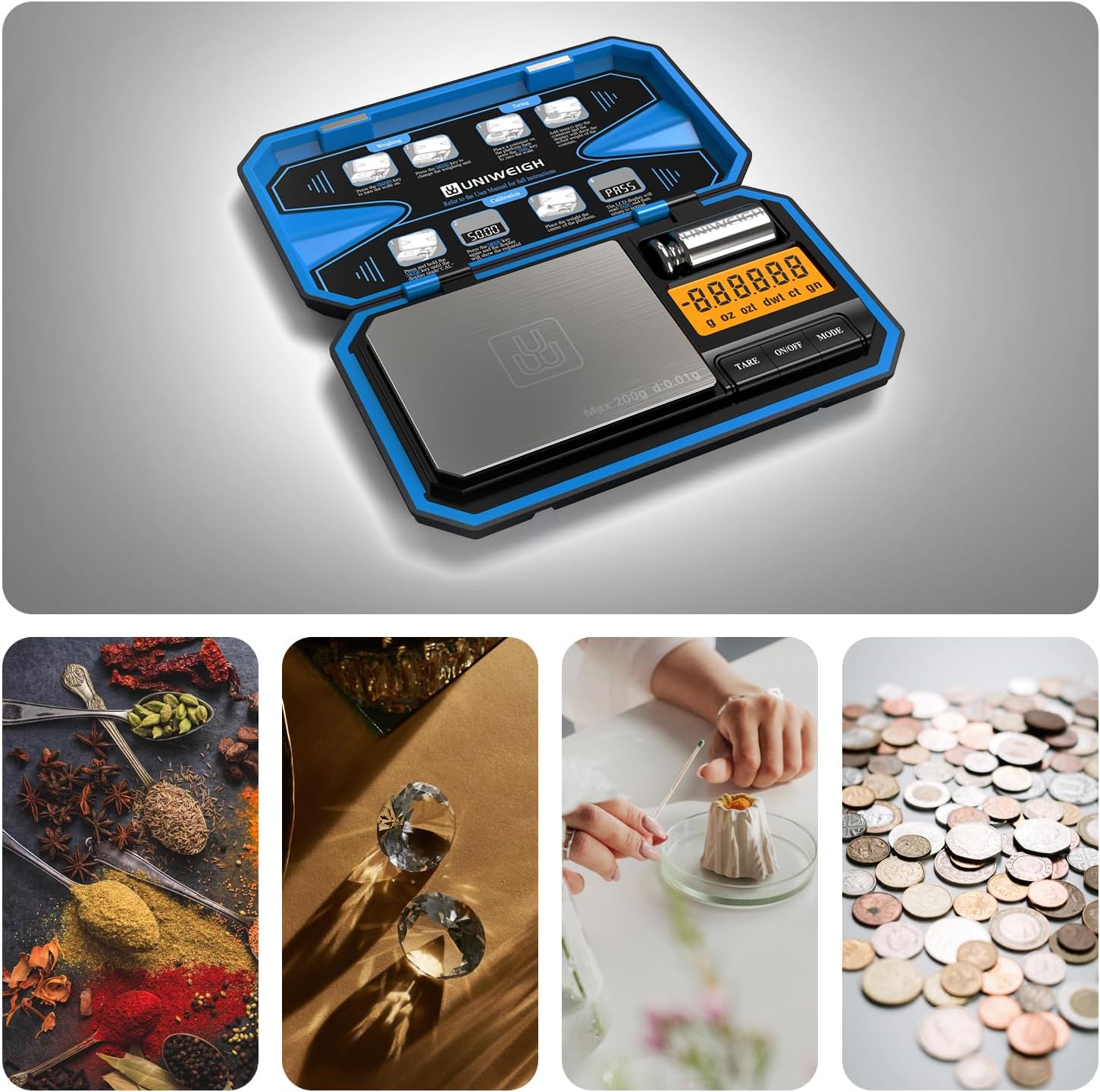
Image: The scale is suitable for weighing diverse small items such as spices, diamonds, coffee, and coins.
Video: A demonstration of the UNIWEIGH Digital Pocket Scale, showcasing its use for weighing various small items like coffee beans, jewelry, and coins, along with unit conversion and tare functions.
Maintenance
- Keep the scale clean by wiping it with a soft, damp cloth. Avoid abrasive cleaners.
- Store the scale in its protective flip case when not in use to prevent damage to the weighing platform and display.
- Remove batteries if the scale will not be used for an extended period to prevent leakage.

Image: Features of the scale including its protective flip case and easy-to-clean surface, important for maintenance.
Troubleshooting
- "Lo" or "Low Battery": Replace the AAA batteries.
- "O-Ld" or "Overload": The item on the platform exceeds the maximum capacity (200g). Remove the item immediately to prevent damage.
- Inaccurate Readings: Ensure the scale is on a flat, stable surface. Recalibrate the scale using the 50g calibration weight.
- Display Not Turning On: Check battery installation and ensure batteries are not depleted.
Specifications
| Model Number | P-200 |
| Weight Limit | 200 Grams |
| Readout Accuracy | 0.01g Grams |
| Measurement Units | g, oz, ozt, dwt, ct, gn |
| Display Type | LCD with Backlit Display |
| Power Source | 2 x AAA Batteries |
| Product Dimensions | 5.71 x 3.43 x 0.94 inches |
| Material | Acrylonitrile Butadiene Styrene, Rubber, Stainless Steel |
| Special Features | Auto Shut Off, Tare Function, Precision Balanced, Portable, Easy Calibration |
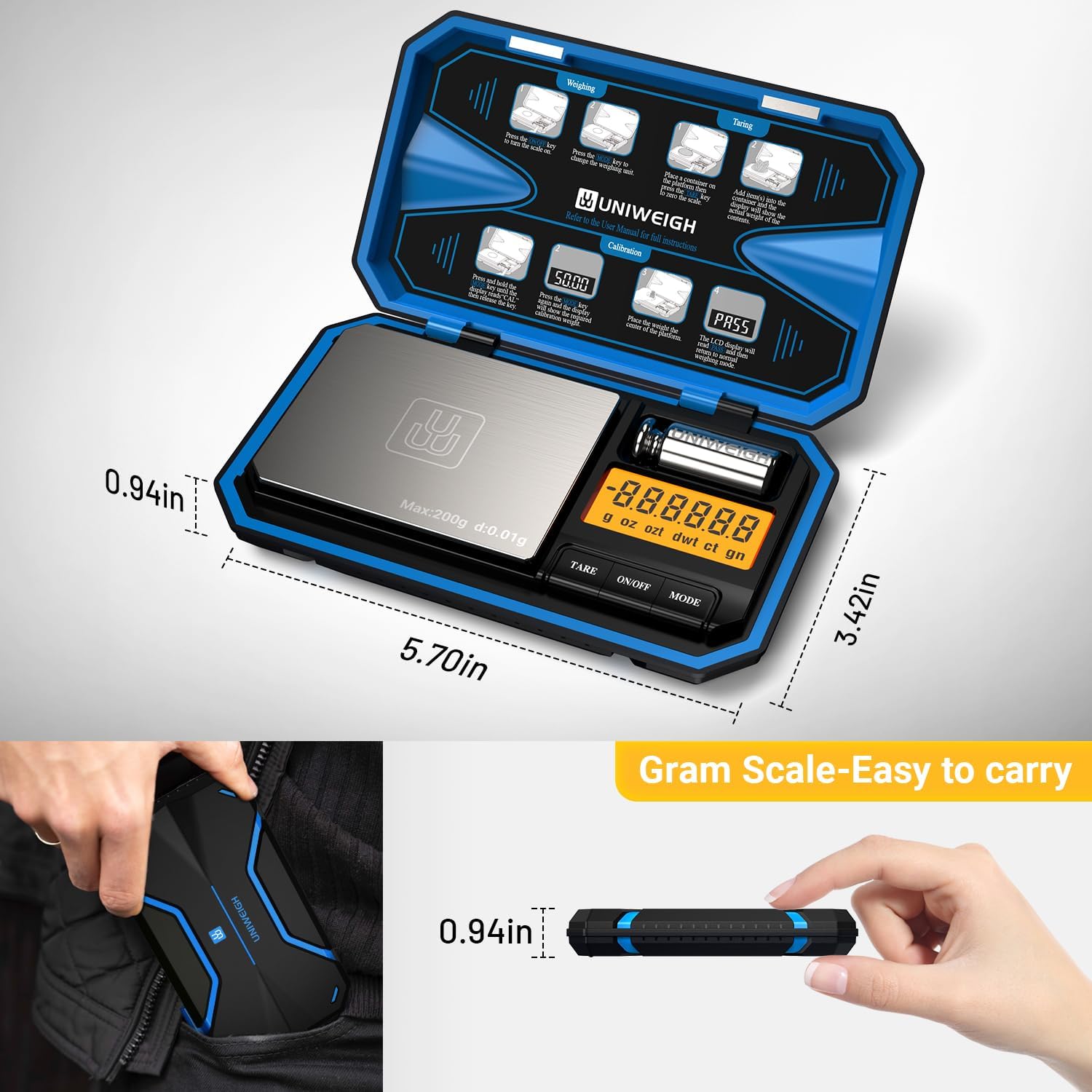
Image: The compact dimensions of the scale, highlighting its portability.
Warranty & Support
The UNIWEIGH Digital Pocket Scale P-200 comes with a 2-year warranty. If you encounter any problems with your scale, please contact UNIWEIGH customer support for assistance. Refer to the contact information provided with your purchase or on the official UNIWEIGH website.


