1. Introduction
The InnoGIO GIOsleepy Bunny Night Light is designed to provide a comforting presence for children, assisting with sleep through gentle illumination and soothing sounds. This device features a soft silicone construction, 8 selectable light colors, and integrated melodies and white noise. It is rechargeable via a Micro USB cable for convenience and portability.
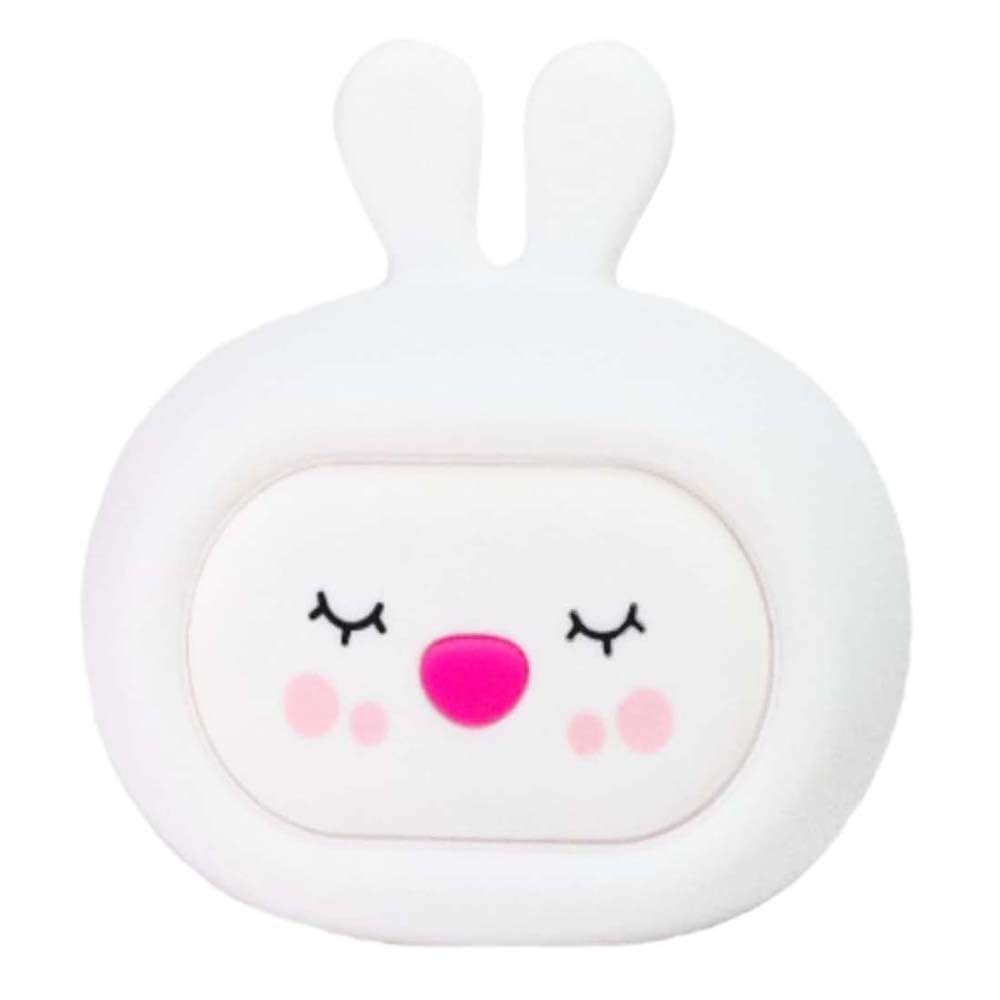
Image: The GIOsleepy Bunny Night Light illuminated, providing a soft glow.

Image: The GIOsleepy Bunny Night Light positioned near a child, demonstrating its intended use.
2. Safety Information
- This product is not a toy. Adult supervision is recommended when used by children.
- Keep the device away from water and moisture to prevent electrical hazards.
- Use only the provided Micro USB cable for charging. Do not use damaged cables or chargers.
- Do not attempt to disassemble, repair, or modify the device. Contact support for assistance.
- Avoid extreme temperatures. Do not expose to direct sunlight or heat sources.
- Ensure the device is placed on a stable surface to prevent falling.
3. Package Contents
Please check the package for the following items:
- InnoGIO GIOsleepy Bunny Night Light
- Micro USB Charging Cable
- User Manual (this document)

Image: The GIOsleepy Bunny Night Light shown with its packaging box.
4. Setup
- Initial Charge: Before first use, fully charge the night light using the provided Micro USB cable. Connect the cable to the charging port on the device and to a standard USB power adapter (not included). The charging indicator (if present) will show charging status. A full charge allows for up to 8 hours of operation.
- Placement: Place the GIOsleepy Bunny Night Light on a stable, flat surface in the child's room, away from direct heat sources or water.
5. Operating Instructions
5.1 Power On/Off
The device is typically activated by a touch or pat. Gently pat the silicone surface of the night light to turn it on or off.
5.2 Light Modes
The GIOsleepy Bunny Night Light features 8 different light colors. Upon activation, the light may cycle through colors automatically or display a default color.
- Changing Colors: Gently pat the silicone surface of the lamp to cycle through the available colors. Each pat will typically switch to the next color in sequence.
- Automatic Color Change: In some modes, the colors will gradually change every 3 seconds. Patting the lamp can pause this automatic cycle on a specific color or switch to a different mode.

Image: The GIOsleepy Bunny Night Light emitting a soft white light.
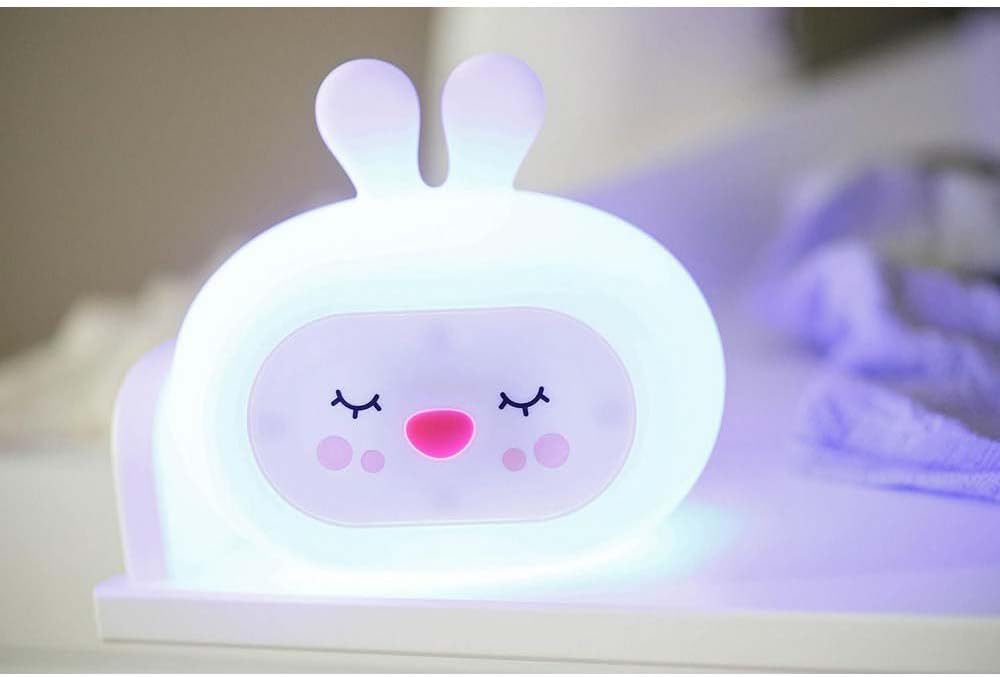
Image: The GIOsleepy Bunny Night Light illuminated with a blue hue.
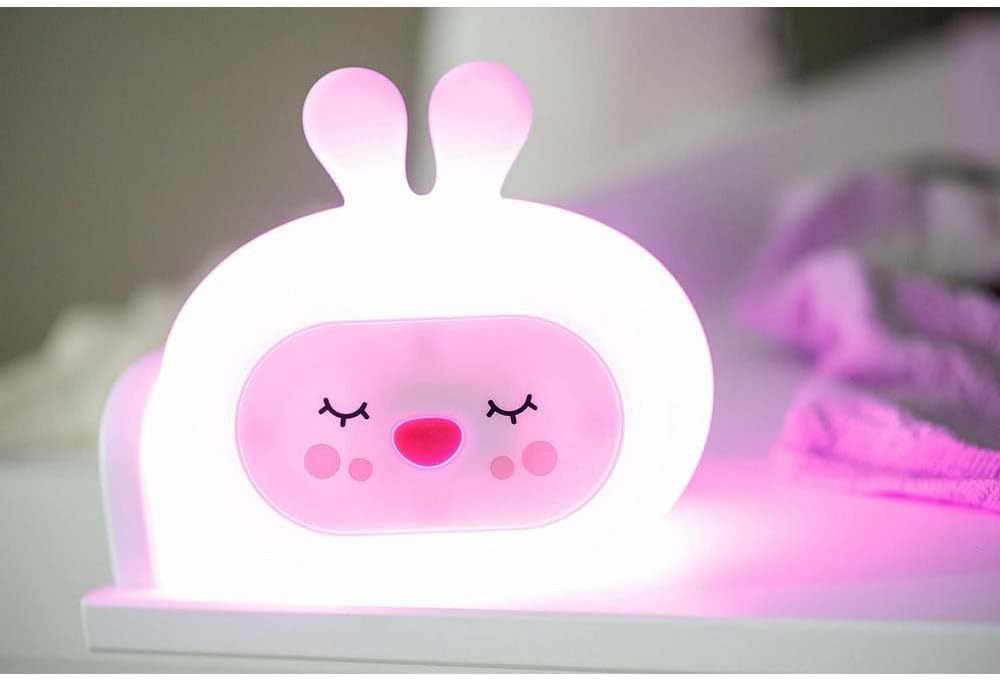
Image: The GIOsleepy Bunny Night Light illuminated with a pink hue.
5.3 Music and Sound Modes
The night light includes a music mode with pre-installed melodies, nature sounds, and white noise to aid in relaxation and sleep.
- Activating Sounds: Refer to the specific controls on your device for sound activation. This may involve a dedicated button or a specific sequence of pats.
- Changing Sounds: Cycle through available melodies, nature sounds, or white noise options using the designated control.
6. Charging
When the battery is low, the light may dim or stop functioning. Recharge the device using the Micro USB cable provided.
- Connect the Micro USB cable to the charging port on the night light.
- Plug the other end of the USB cable into a compatible USB power source (e.g., computer USB port, wall adapter).
- Charging time may vary. A full charge provides up to 8 hours of continuous use.
7. Maintenance
- Cleaning: To clean the silicone surface, gently wipe with a soft, damp cloth. Do not use abrasive cleaners or immerse the device in water.
- Storage: When not in use for extended periods, store the night light in a cool, dry place, away from direct sunlight.
8. Troubleshooting
- Device does not turn on: Ensure the device is fully charged. Connect it to the charger and wait for a few minutes before attempting to turn it on again.
- Light colors are not changing: Try patting the device more firmly or in a different spot. If the issue persists, recharge the device.
- No sound or music: Check if the sound function is activated. Ensure the device is charged.
- Device unresponsive: Allow the battery to fully discharge, then recharge it completely. This may reset the internal electronics.
9. Specifications
| Feature | Detail |
|---|---|
| Brand | InnoGIO |
| Model | GIOsleepy Bunny |
| Material | Silicone |
| Color | White |
| Light Type | LED (Light Emitting Diode) |
| Number of Colors | 8 |
| Switch Type | Touch |
| Power Source | Rechargeable via Micro USB |
| Operating Time (Full Charge) | Up to 8 hours |
| Product Dimensions | 9D x 15.5W x 13.5H centimetres |
| Item Weight | 100 Grams |
10. Warranty
The InnoGIO GIOsleepy Bunny Night Light is covered by the manufacturer's standard warranty. Please refer to your purchase documentation or the InnoGIO official website for detailed warranty terms and conditions.
11. Support
If you have any questions, require assistance, or need further explanation regarding your InnoGIO GIOsleepy Bunny Night Light, please do not hesitate to contact our customer service. Our experienced consultants are available to help you.
For support, please visit the official InnoGIO website or refer to the contact information provided with your product packaging.


