
Introduction
This manual provides essential instructions for the setup, operation, maintenance, and troubleshooting of your WATCHMARK WF800 Smartwatch. Please read this manual thoroughly before using the device to ensure proper function and longevity.
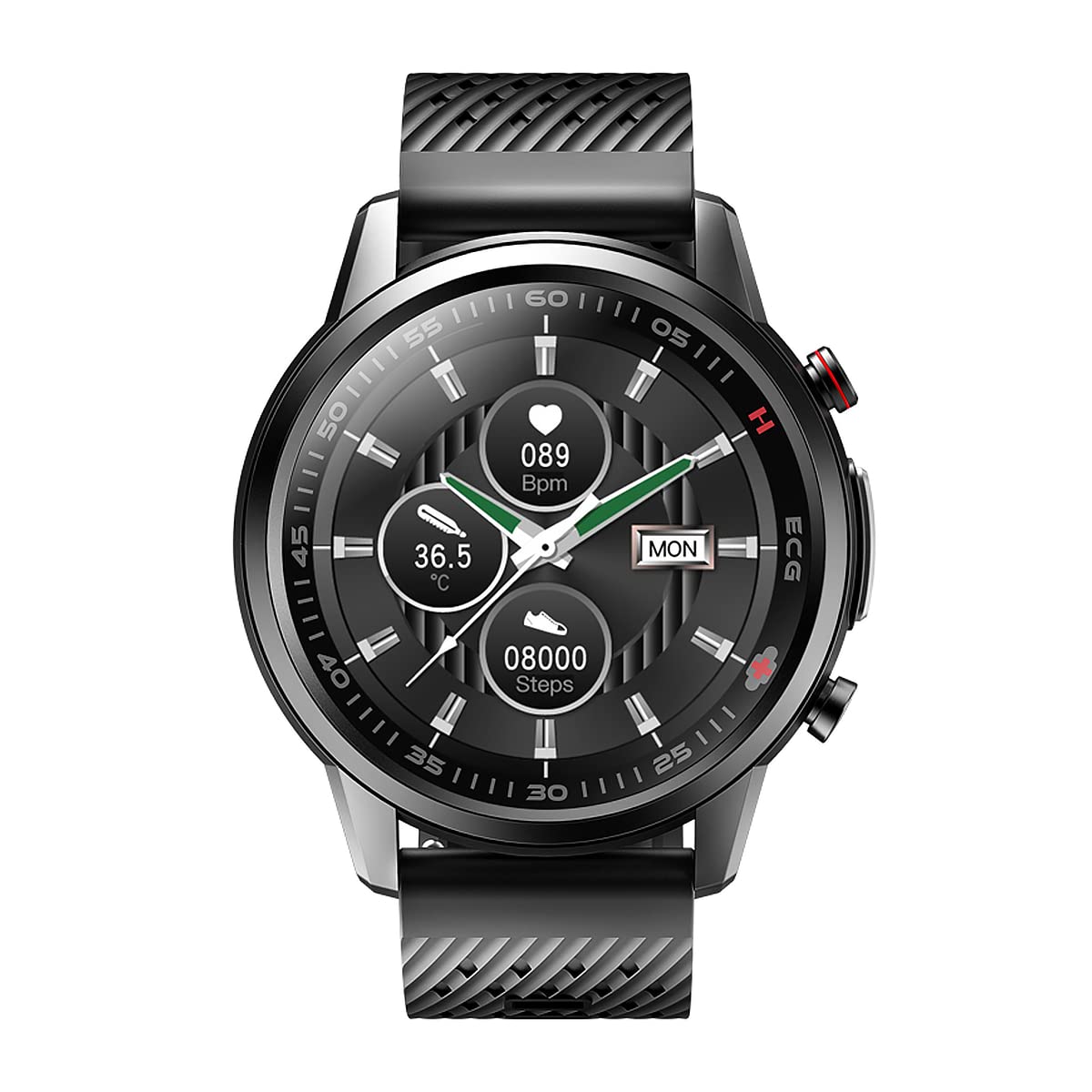
Image: Front view of the WATCHMARK WF800 Smartwatch, displaying a digital watch face.
Product Overview
Key Features
- Comfortable silicone strap for extended wear.
- Laser therapy function for specific health applications.
- Body temperature measurement.
- Blood pressure measurement.
- Heart rate monitoring.
- ECG (Electrocardiogram) function.
- Pulse Oximeter (SpO2) for blood oxygen levels.
- Integrated GPS for activity tracking.
Components
The WATCHMARK WF800 Smartwatch includes the main watch unit with a round display, a comfortable silicone strap, and a USB charging cable.
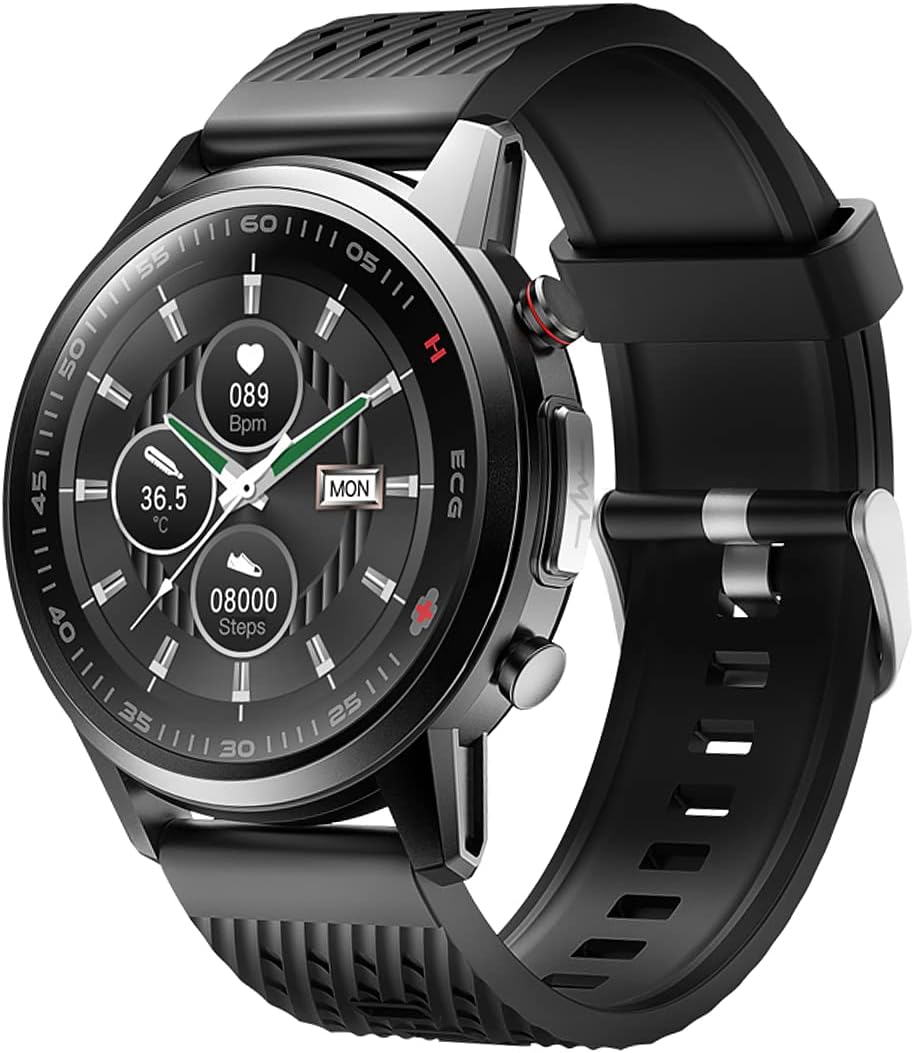
Image: Side view of the WATCHMARK WF800 Smartwatch, showing the watch face and strap.
Setup
1. Charging the Device
Before initial use, fully charge your smartwatch. Connect the provided USB charging cable to the charging port on the back of the watch and to a standard USB power adapter (not included). The watch display will indicate charging status.
2. Powering On/Off
- Power On: Press and hold the side button until the WATCHMARK logo appears.
- Power Off: Press and hold the side button, then select "Power Off" from the options on the screen.
3. Pairing with a Smartphone
To unlock full functionality, pair your smartwatch with a compatible smartphone.
- Download the official WATCHMARK companion application from your smartphone's app store.
- Ensure Bluetooth is enabled on your smartphone.
- Open the WATCHMARK app and follow the on-screen instructions to search for and connect to your WF800 smartwatch.
- Confirm the pairing request on both your smartphone and the smartwatch.
Operating Instructions
Navigation
- Touch Screen: Swipe left, right, up, or down to navigate through menus and screens. Tap to select an option.
- Side Button: Press to return to the home screen or wake the device. Hold to access power options.

Image: The smartwatch display showing current time, body temperature, heart rate, step count, and calorie burn.
Health Monitoring Functions
- Heart Rate: Navigate to the heart rate screen. The watch will automatically begin measurement. Ensure the watch is snug on your wrist.
- Blood Pressure: Access the blood pressure function. Remain still during measurement. For best results, calibrate with a medical device via the app.
- Body Temperature: Select the temperature icon. The watch will display your current body temperature.
- ECG: Open the ECG application on the watch. Follow on-screen prompts for proper finger placement on the electrodes.

Image: The smartwatch display showing an electrocardiogram (ECG) waveform during measurement.
- SpO2 (Pulse Oximeter): Locate the SpO2 function. Keep your arm still and the watch firmly on your wrist for accurate readings.
Laser Therapy
The smartwatch features a laser therapy function. To activate, navigate to the "Treatment" menu. Select the desired therapy mode and duration. Follow any specific instructions provided within the app for optimal use.

Image: The smartwatch display showing the 'Treatment' screen with a shield icon, indicating the laser therapy function.
Other Functions
- Stopwatch: Access the stopwatch function from the main menu to time activities.
- Activity Tracking: The watch automatically tracks steps, distance, and calories burned. View daily summaries on the watch or in the companion app.
- GPS: The integrated GPS tracks your outdoor activities. Ensure GPS is enabled in settings for accurate route mapping.

Image: The smartwatch menu displaying options for Stopwatch, Treatment (Laser Therapy), and Temperature.
Maintenance
Cleaning
Wipe the watch screen and strap with a soft, damp cloth. Avoid using harsh chemicals or abrasive materials, which can damage the device. Ensure the charging contacts are clean and dry before charging.
Storage
Store the smartwatch in a cool, dry place away from direct sunlight and extreme temperatures. If storing for an extended period, ensure the battery is partially charged to prevent deep discharge.
Troubleshooting
| Problem | Possible Cause | Solution |
|---|---|---|
| Watch does not power on. | Low battery. | Charge the watch for at least 30 minutes. |
| Cannot pair with smartphone. | Bluetooth off; app not open; watch too far. | Ensure Bluetooth is on, open the app, and keep watch close to phone. Restart both devices if necessary. |
| Inaccurate health readings. | Loose fit; movement during measurement; sensor obstruction. | Ensure watch is snug on wrist. Remain still. Clean the sensor on the back of the watch. |
| Screen unresponsive. | Software glitch. | Perform a soft reset by holding the side button until the watch restarts. |
Specifications
| Brand | WATCHMARK |
| Model Name | WF800 |
| Model Number | Cardio One Pro |
| Color | Black |
| Operating System | Wear OS |
| Screen Size | 4.2 Centimeters |
| Connectivity Technology | USB, Bluetooth |
| Special Features | Laser therapy, Body temperature measurement, Heart rate monitor, Blood pressure measurement, ECG, SpO2, Integrated GPS |
| Compatible Devices | Smartphone |
| Battery Capacity | 280 mAh |
| Shape | Round |
| Spare Parts Availability | 2 Years |
Warranty and Support
Information regarding specific warranty terms is typically provided with your purchase documentation or can be found on the official WATCHMARK website. For technical support, product inquiries, or warranty claims, please refer to the contact information provided by your retailer or on the WATCHMARK official support channels.
Spare parts are available for a period of 2 years from the date of purchase.


