
1. Introduction
This manual provides instructions for the proper setup, operation, and maintenance of your Havit H2002P Gaming Headset. The Havit H2002P is designed for an immersive audio experience, featuring 7.1 virtual surround sound, 53mm high-magnetic drivers, and comfortable over-ear design with RGB lighting.
Please read this manual thoroughly before using the product to ensure optimal performance and longevity.
2. Package Contents
Verify that all items are present in the package:
- Havit H2002P Gaming Headset
- Detachable Microphone
- User Manual (this document)
3. Product Overview
Familiarize yourself with the components of your Havit H2002P Gaming Headset.

Figure 3.1: Front view of the Havit H2002P Gaming Headset with microphone attached.
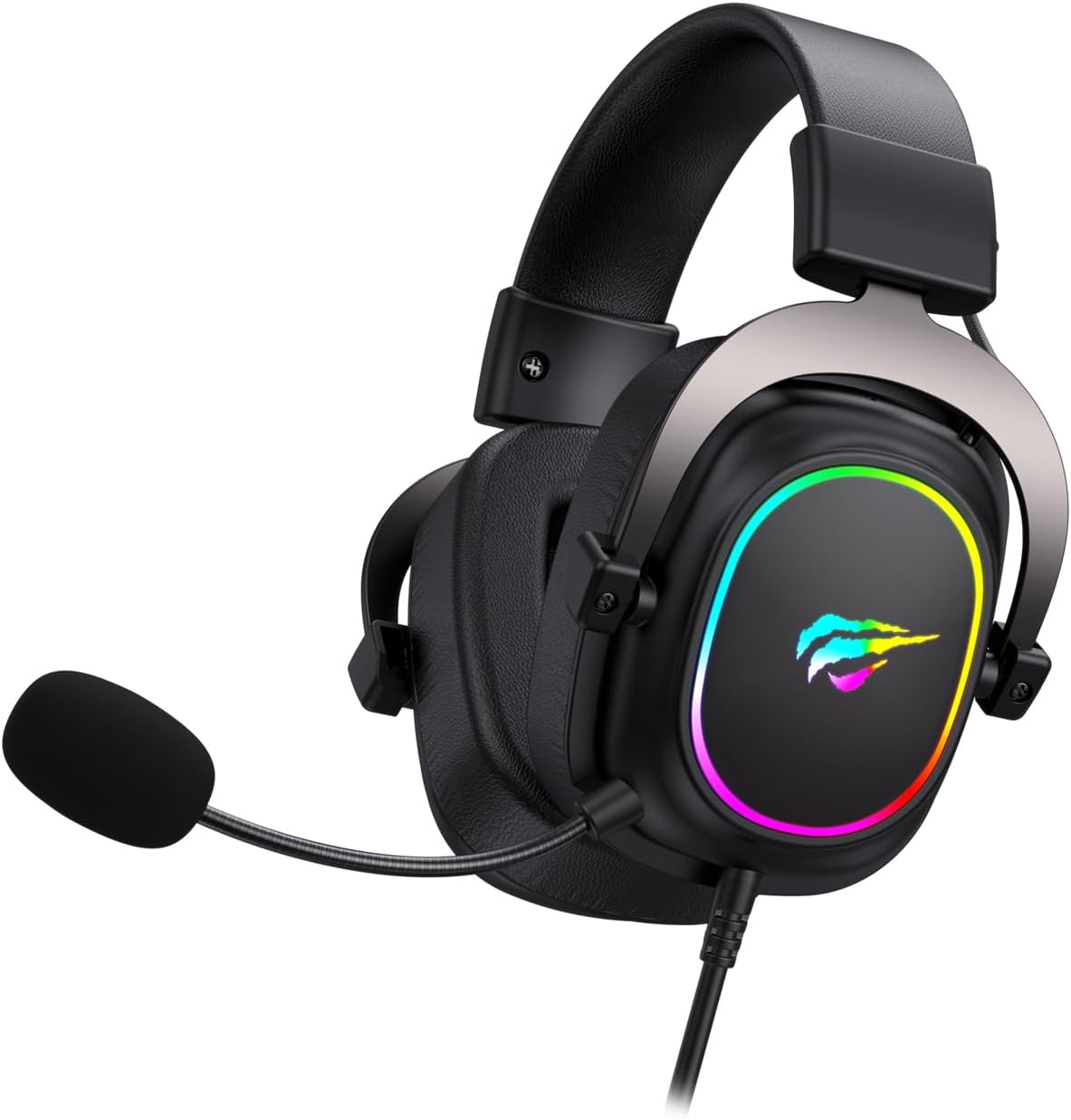
Figure 3.2: Side view illustrating the headset's USB cable connection and microphone attachment point.
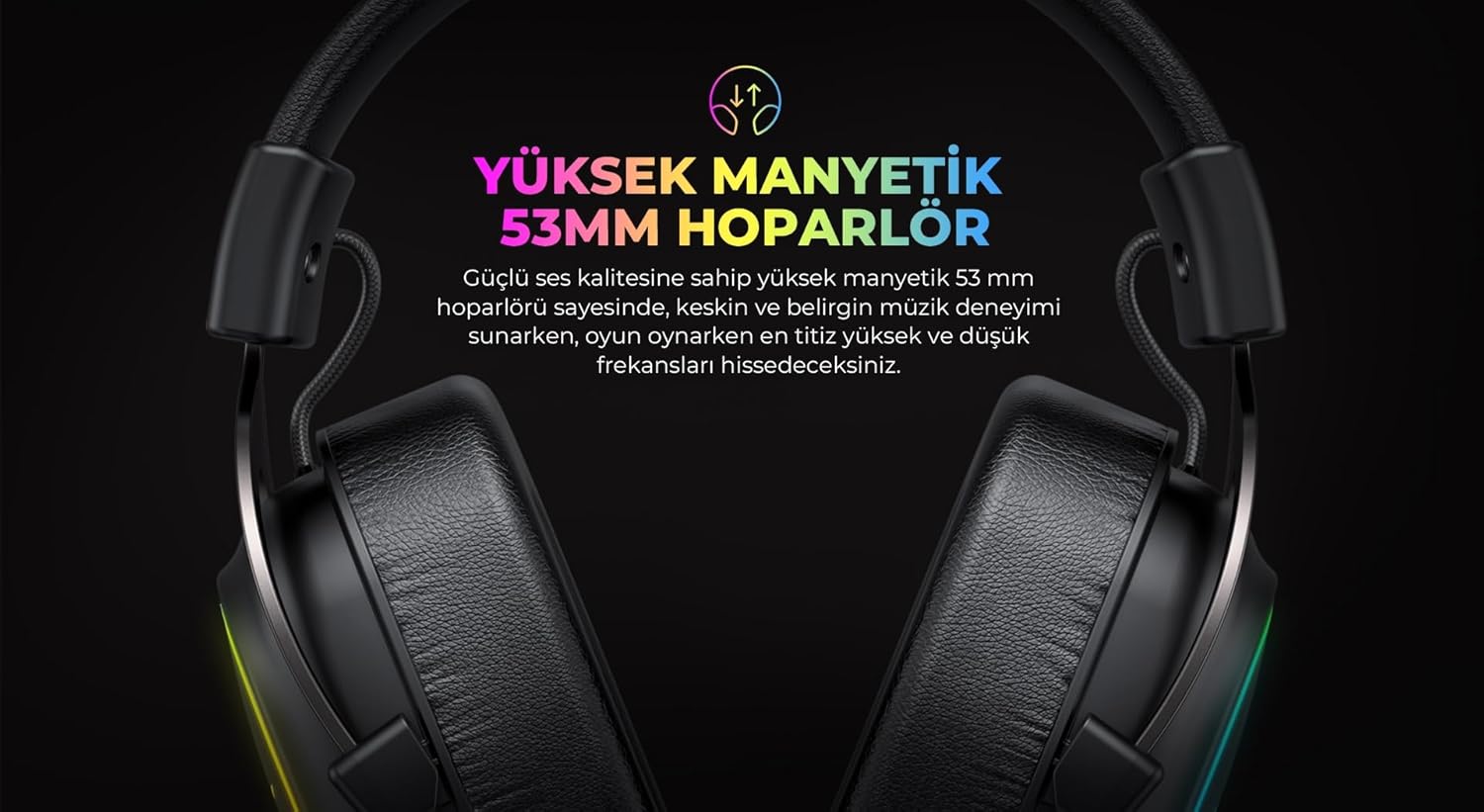
Figure 3.3: Detail of the ear cup featuring integrated RGB lighting.

Figure 3.4: The adjustable headband mechanism for a comfortable fit.
4. Setup Instructions
4.1 Connecting the Headset
- Locate an available USB port on your computer.
- Plug the USB connector of the Havit H2002P headset into the USB port.
- Your operating system should automatically detect the new hardware.
4.2 Attaching the Microphone
- Identify the microphone port on the left earcup of the headset.
- Align the detachable microphone with the port and gently insert it until it clicks into place.
- Adjust the flexible microphone arm to position the microphone optimally near your mouth.
4.3 Driver Installation (for 7.1 Virtual Surround Sound)
To enable 7.1 virtual surround sound and customize audio settings, driver installation is recommended.
- Visit the official Havit website (refer to the product packaging or Havit's main website for the exact URL).
- Navigate to the support or downloads section and locate the driver for the Havit H2002P model.
- Download and run the installer. Follow the on-screen prompts to complete the installation.
- Restart your computer if prompted.
- After installation, open the Havit audio software to configure 7.1 virtual surround sound and other audio preferences.
5. Operating Instructions
5.1 Volume Control
The headset features an in-line control unit on the cable for convenient volume adjustment. Rotate the volume wheel up or down to increase or decrease the audio output.
5.2 Microphone Mute Function
On the in-line control unit, locate the microphone mute switch. Toggle the switch to mute or unmute the microphone. A visual indicator (if present on the control unit) may show the microphone status.
5.3 RGB Lighting
The Havit H2002P features integrated RGB lighting on the earcups. The lighting typically activates automatically when the headset is connected via USB. Specific controls for RGB patterns or colors may be available through the Havit audio software after driver installation.
5.4 7.1 Virtual Surround Sound
Once the Havit audio driver is installed, open the associated software application. Within this software, you can enable, disable, and customize the 7.1 virtual surround sound experience to suit your preferences for gaming or media consumption.
6. Maintenance
6.1 Cleaning
- Use a soft, dry cloth to wipe the headset's surfaces.
- For earcups, a slightly damp cloth with mild soap can be used, but ensure no liquid enters the speaker grilles.
- Do not use harsh chemicals, solvents, or abrasive cleaners.
6.2 Storage
When not in use, store the headset in a clean, dry place away from extreme temperatures and direct sunlight. Avoid placing heavy objects on the headset to prevent damage to the headband or earcups.
7. Troubleshooting
| Problem | Possible Cause | Solution |
|---|---|---|
| No sound from headset |
|
|
| Microphone not working |
|
|
| RGB lighting not working |
|
|
8. Specifications
| Feature | Detail |
|---|---|
| Model Name | H2002P |
| Brand | Havit |
| Headphones Form Factor | Over Ear |
| Ear Placement | Over Ear |
| Speaker Diameter | 53mm (High Magnetic) |
| Sound Effect | 7.1 Virtual Surround Sound (via USB and driver) |
| Impedance | 53 Ohm |
| Sensitivity | 96 dB |
| Frequency Response | 135 Hz (Note: This value seems unusually low for a full frequency response range, typically it's a range like 20Hz-20kHz. This might be a partial spec or an error in the source data. Assuming it's a single data point provided.) |
| Connectivity | USB (for 7.1 audio and RGB) |
| Microphone | Pluggable/Detachable |
| Lighting | RGB |
| Color | Black (with RGB elements) |
| Product Dimensions | 11.2 x 20.8 x 22.8 cm |
| Item Weight | 740 g |
9. Warranty and Support
For warranty information, technical support, or service inquiries, please refer to the warranty card included with your product or visit the official Havit website. Contact details for customer support are typically available on the manufacturer's website.


