
Introduction
This manual provides detailed instructions for the safe and effective use of your QWORK Precision Hanging Scale, Model WD7064. Designed for accuracy and durability, this mechanical scale offers a maximum capacity of 110 lbs (50 kg) and features dual unit measurements. Please read this manual thoroughly before operation and retain it for future reference.
Product Features
- Product Type: Precision mechanical balance.
- Capacity: Measures weight up to 110 lbs / 50 kg.
- Scale: Clear and detailed analog display, easy to read.
- Durability: Robust metal construction for long-term service.
- Versatility: Suitable for a variety of personal or commercial applications, including luggage, fishing, and produce weighing.
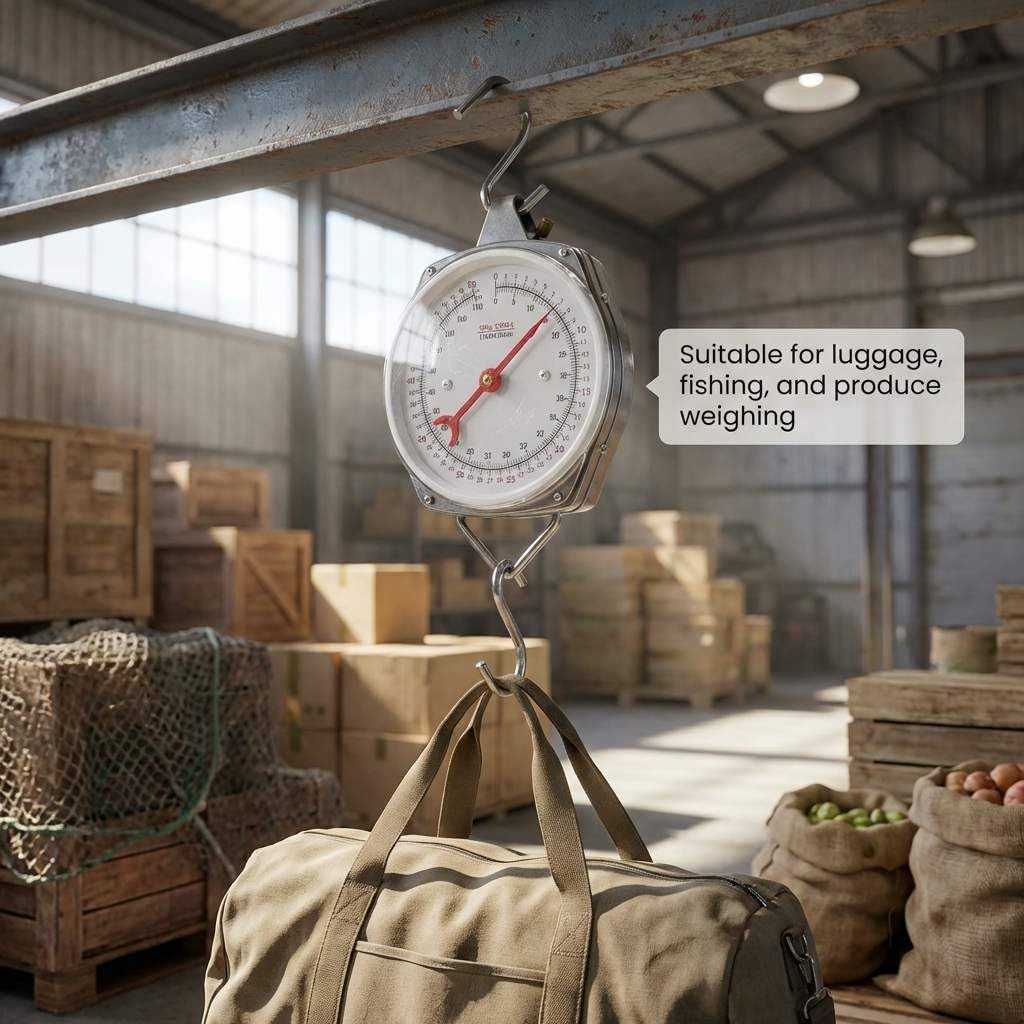
Figure 1: The QWORK Precision Hanging Scale is suitable for various applications, such as weighing luggage, fishing catches, or produce.
Setup
- Unpacking: Carefully remove the scale from its packaging. Inspect for any signs of damage.
- Attachment: Use the integrated top hook to securely hang the scale from a stable support structure. Ensure the support can safely bear the weight of the scale plus the maximum intended load.
- Zero Adjustment: Before each use, ensure the scale reads zero when nothing is attached to the bottom hook. If the needle is not at zero, gently turn the brass zero adjust knob located at the top of the scale until the needle aligns with the '0' mark.

Figure 2: Locate the brass zero adjust knob at the top of the scale. Rotate it to set the scale to zero before weighing.

Figure 3: The scale comes with S-hooks for attaching items to be weighed.
Operating Instructions
- Hang the Scale: Securely hang the scale from a sturdy support using the top hook.
- Zero the Scale: As described in the Setup section, adjust the zero knob if necessary to ensure the needle points to '0'.
- Attach Item: Carefully attach the item to be weighed to the bottom hook of the scale. Ensure the item is securely fastened and balanced to prevent it from falling or causing inaccurate readings.
- Read the Weight: Once the item is stable and the needle has settled, read the weight indicated by the red needle. The scale displays measurements in both pounds (lbs) and kilograms (kg).
- Correct Viewing Angle: For accurate readings, always view the scale face directly at eye level when the scale is vertical. Reading from an angle can lead to parallax error and incorrect measurements.

Figure 4: Always read the scale at eye level when it is vertical to ensure accuracy and avoid parallax errors.
Maintenance
- Cleaning: Wipe the scale with a soft, damp cloth. Do not use abrasive cleaners or immerse the scale in water.
- Storage: Store the scale in a dry place, away from extreme temperatures and direct sunlight.
- Inspection: Periodically check the hooks and body for any signs of wear or damage. Discontinue use if any damage is found.
- Lubrication: This mechanical scale generally does not require lubrication. If the mechanism feels stiff, consult a professional or contact customer support.
Troubleshooting
| Problem | Possible Cause | Solution |
|---|---|---|
| Inaccurate readings |
|
|
| Needle stuck or not moving smoothly |
|
|
Specifications
| Brand | QWORK |
| Model Number | WD7064 |
| Capacity | 110 lbs / 50 kg |
| Measurement Type | Mechanical |
| Display Type | Analog |
| Material | Metal |
| Color | Silver |
| Item Weight | 971 Grams |
| GTIN (UPC) | 734900646340 |

Figure 5: The scale dimensions are approximately 21 x 14 x 4 cm, as shown with a common object for scale.

Figure 6: Side profile of the QWORK Hanging Scale, highlighting its robust construction.

Figure 7: Rear view of the QWORK Hanging Scale.
Warranty and Support
QWORK products are manufactured to high-quality standards. For warranty information, technical support, or service inquiries, please contact QWORK customer support directly through their official website or the retailer from whom you purchased the product. Please have your model number (WD7064) and purchase details ready when contacting support.
Do not attempt to repair the scale yourself, as this may void the warranty and could lead to further damage or injury.