1. Introduction and Overview
The Siglent SDS1204X-E is a high-performance 200MHz Super Phosphor Digital Oscilloscope, part of the SDS1000X-E Series. It features 4 analog channels, a maximum sample rate of 1 GSa/s, and a standard record length of 14 Mpts. This instrument is designed for accurate and reliable signal analysis in various applications.
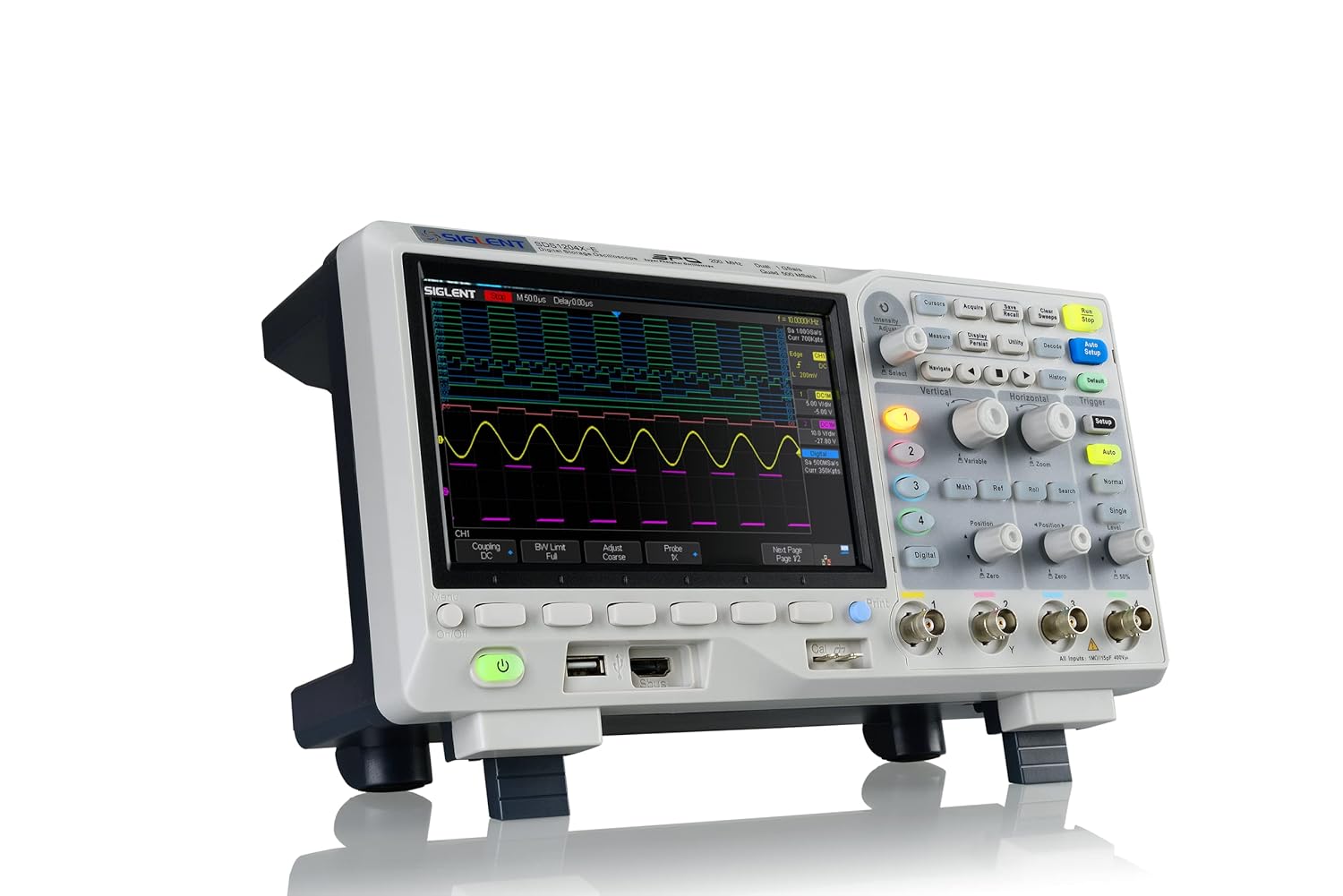
Figure 1.1: Front view of the Siglent SDS1204X-E Digital Oscilloscope, showcasing its large display and control panel.
2. What's in the Box
Upon opening the package, please verify that all the following items are included:
- Siglent SDS1204X-E Digital Oscilloscope Unit
- USB Cable (x1)
- Quick Start Guide (x1)
- Passive Probes (x4)
- Calibration Certification (x1)
- Power Cord (x1)
3. Key Features
The SDS1204X-E oscilloscope offers a range of powerful features for comprehensive signal analysis:
- Large 7-inch TFT-LCD display with 800 x 480 resolution for clear waveform visualization.
- 200 MHz bandwidth across 4 channels, with a 1 GSa/s sample rate and 1 Mpts FFT.
- True measurement and math functions utilizing the full 14 Mpts of memory.
- Intelligent trigger capabilities including Edge, Slope, Pulse Width, Window, Runt, Interval, Timeout (Dropout), and Pattern.
- Low background noise and a wide voltage scale range from 500 µV/div to 10 V/div.
4. Setup
4.1 Unpacking and Placement
Carefully remove the oscilloscope from its packaging. Place the unit on a stable, flat surface with adequate ventilation. Ensure there is enough space around the device for proper airflow and access to connections.
4.2 Power Connection
- Connect the provided power cord to the AC input on the rear panel of the oscilloscope.
- Plug the other end of the power cord into a grounded AC power outlet.
- Press the power button on the front panel to turn on the oscilloscope.

Figure 4.1: Rear panel of the Siglent SDS1204X-E, showing the power input, LAN port, and USB ports.
4.3 Probe Connection
- Connect the BNC connector of the passive probe to one of the input channels (CH1-CH4) on the front panel.
- Attach the probe's ground clip to the circuit's ground reference.
- Connect the probe tip to the test point on your circuit.
- Perform probe compensation as described in the Quick Start Guide for accurate measurements.
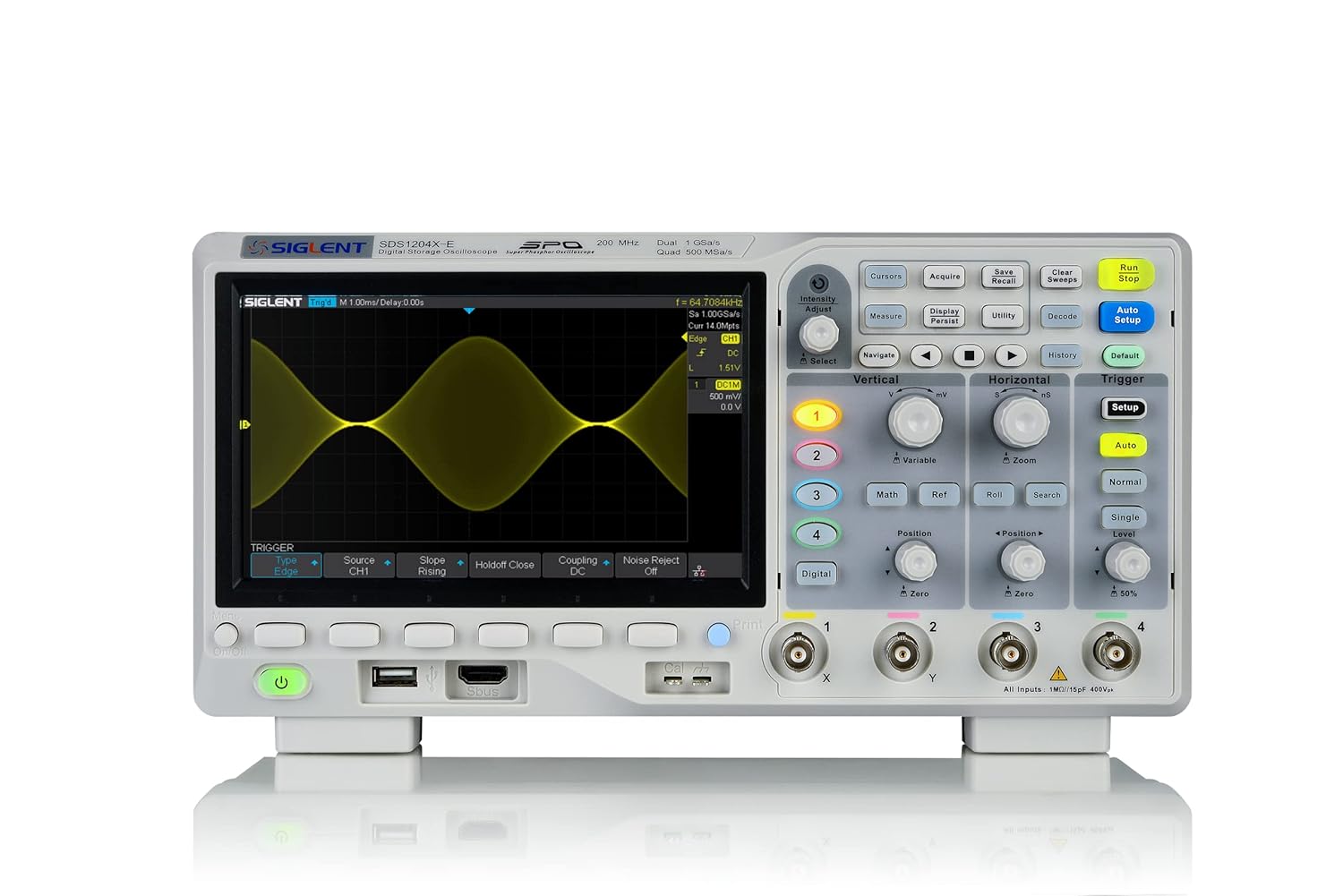
Figure 4.2: Front panel of the Siglent SDS1204X-E, highlighting the input channels and control knobs.
5. Operating Instructions
5.1 Basic Operation
The SDS1204X-E features a user-friendly interface with dedicated control knobs and function buttons. The main display shows waveforms, measurement results, and status information.
- Vertical Controls: Use the vertical position and scale knobs for each channel to adjust the vertical position and amplitude of the waveform.
- Horizontal Controls: The horizontal position and scale knobs control the time base and horizontal position of the waveform.
- Trigger Controls: The trigger section allows you to stabilize repetitive waveforms. Adjust the trigger level, mode, and source to capture specific events.
- Auto Setup: Press the 'Auto Setup' button for automatic adjustment of vertical, horizontal, and trigger settings to display a stable waveform.

Figure 5.1: Side view of the Siglent SDS1204X-E, illustrating the accessible control layout.
5.2 Advanced Functions
- Measurements: Access automatic measurements (e.g., Vpp, Freq, Rise Time) via the 'Measure' button.
- Math Functions: Perform waveform math operations (e.g., Add, Subtract, Multiply, Divide, FFT) using the 'Math' button.
- Storage: Save waveforms, setups, and screenshots to internal memory or a USB flash drive via the front panel USB port.
- Connectivity: The oscilloscope supports LAN connectivity for remote control and data transfer. While a Wi-Fi dongle and license are available for wireless operation, the wired LAN connection provides robust remote access.
6. Maintenance
To ensure the longevity and optimal performance of your Siglent SDS1204X-E oscilloscope, follow these maintenance guidelines:
- Cleaning: Use a soft, dry cloth to clean the exterior of the instrument. For stubborn dirt, dampen the cloth with a mild detergent solution. Do not use abrasive cleaners or solvents.
- Ventilation: Ensure that the ventilation openings on the instrument are not blocked. Proper airflow prevents overheating.
- Storage: When not in use, store the oscilloscope in a clean, dry environment, away from direct sunlight and extreme temperatures.
- Probe Care: Handle probes carefully. Avoid bending or stressing the cables. Clean probe tips regularly.
7. Troubleshooting
This section provides solutions to common issues you might encounter with your oscilloscope.
| Problem | Possible Cause | Solution |
|---|---|---|
| No display after power on | Power cord not connected; Power switch off; Internal fault | Check power cord connection; Ensure power switch is on; Contact support if issue persists. |
| Unstable waveform | Incorrect trigger settings; Signal too noisy; Probe not properly connected | Adjust trigger level/mode; Use 'Auto Setup'; Check probe connection and compensation; Enable HF Reject Coupling if applicable. |
| No signal detected | Probe not connected; Channel turned off; Vertical scale too high/low | Verify probe connection; Ensure channel is enabled; Adjust vertical scale. |
| Time/Date resets on power cycle | No internal coin cell battery; No NTP server configured | Connect to a network with NTP server (requires LAN/optional Wi-Fi dongle) to automatically set time. Otherwise, set manually after each power cycle. |
8. Specifications
| Specification | Value |
|---|---|
| Model Number | SDS1204X-E |
| Bandwidth | 200 MHz |
| Channels | 4 Analog Channels |
| Max Sample Rate | 1 GSa/s |
| Record Length | 14 Mpts |
| Display | 7-inch TFT-LCD (800 x 480 resolution) |
| Product Dimensions | 17 x 10 x 15 inches |
| Weight | 8.2 Pounds |
| Manufacturer | Siglent Technologies |
| Country of Origin | China |
9. Warranty and Support
Siglent Technologies provides a warranty for this product against defects in materials and workmanship. For specific warranty terms, duration, and conditions, please refer to the warranty card included with your product or visit the official Siglent Technologies website. For technical support, service, or any inquiries, please contact Siglent customer service through their official channels.
You can find more information and support resources on the Siglent Store on Amazon.


