
STANBOW ST-2131
STANBOW Motion Sensor Under Cabinet Lights ST-2131 User Manual
Model: ST-2131 | Brand: STANBOW
Introduction
The STANBOW Motion Sensor Under Cabinet Light provides an efficient and convenient lighting solution for various indoor spaces. This USB rechargeable LED light features automatic motion detection and easy installation, designed to enhance visibility and safety in areas lacking primary power outlets.

Image: Overview of the STANBOW Motion Sensor Under Cabinet Light, highlighting its features and typical use in a wardrobe.
Key Features
- Automatic Illumination: Integrated Passive Infrared (PIR) motion sensor and photocell sensor. Lights activate automatically in dark conditions when motion is detected within a 10ft/3m range and turn off after 30 seconds of no activity.
- Convenient USB Charging: Features an 800mAh built-in rechargeable battery, allowing for over 500 charge cycles via the included USB cable. This eliminates the need for frequent battery replacement.
- Easy Installation: The light has a magnetic back for direct attachment to iron surfaces. For non-magnetic surfaces, use the included double-sided adhesive tape and iron strip for secure mounting. No wiring or screws are required, preventing damage to surfaces.
- Optimal Illumination: Equipped with 30 bright LEDs, providing 80 lumens of warm white light (3000K color temperature). Delivers sufficient light for visibility in dark areas without being overly harsh on the eyes.
- Versatile Application: Compact design (approximately 19cm length x 2.95cm width x 2cm height) suitable for various indoor locations without main power outlets, including cabinets, stairs, hallways, pantries, wardrobes, shelves, and as a night light.
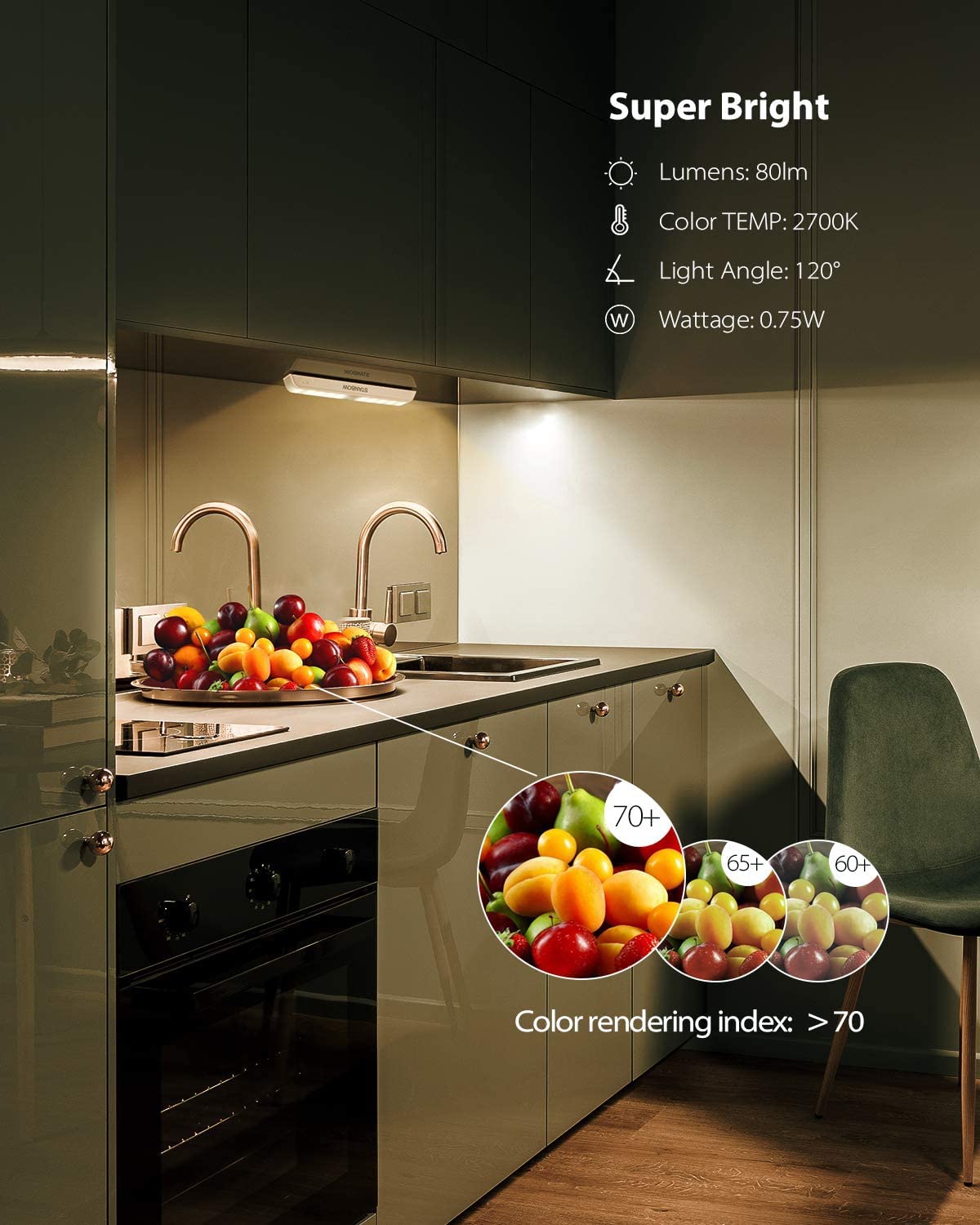
Image: The light providing bright illumination in a kitchen setting, detailing its brightness and color temperature.
Package Contents
The package typically includes:
- STANBOW Motion Sensor Under Cabinet Light(s) (Quantity: 2 as per specifications)
- USB Charging Cable
- Iron Strip(s) with Double-Sided Adhesive Tape
- User Manual (this document)
Setup and Installation
- Charge the Light: Before first use, fully charge the light using the provided USB cable. A green light indicates a full charge.
- Select Mounting Location: Choose a clean, dry, and flat surface where you intend to install the light. Ensure the area is free from dust and moisture.
- Magnetic Attachment (for iron surfaces): If the surface is iron, simply place the magnetic back of the light directly onto the surface.
- Adhesive Attachment (for non-magnetic surfaces):
- Peel off the protective film from one side of the double-sided adhesive tape.
- Attach the adhesive tape to the iron strip.
- Peel off the protective film from the other side of the adhesive tape.
- Firmly press the iron strip onto your desired non-magnetic surface.
- Attach the light magnetically to the installed iron strip.
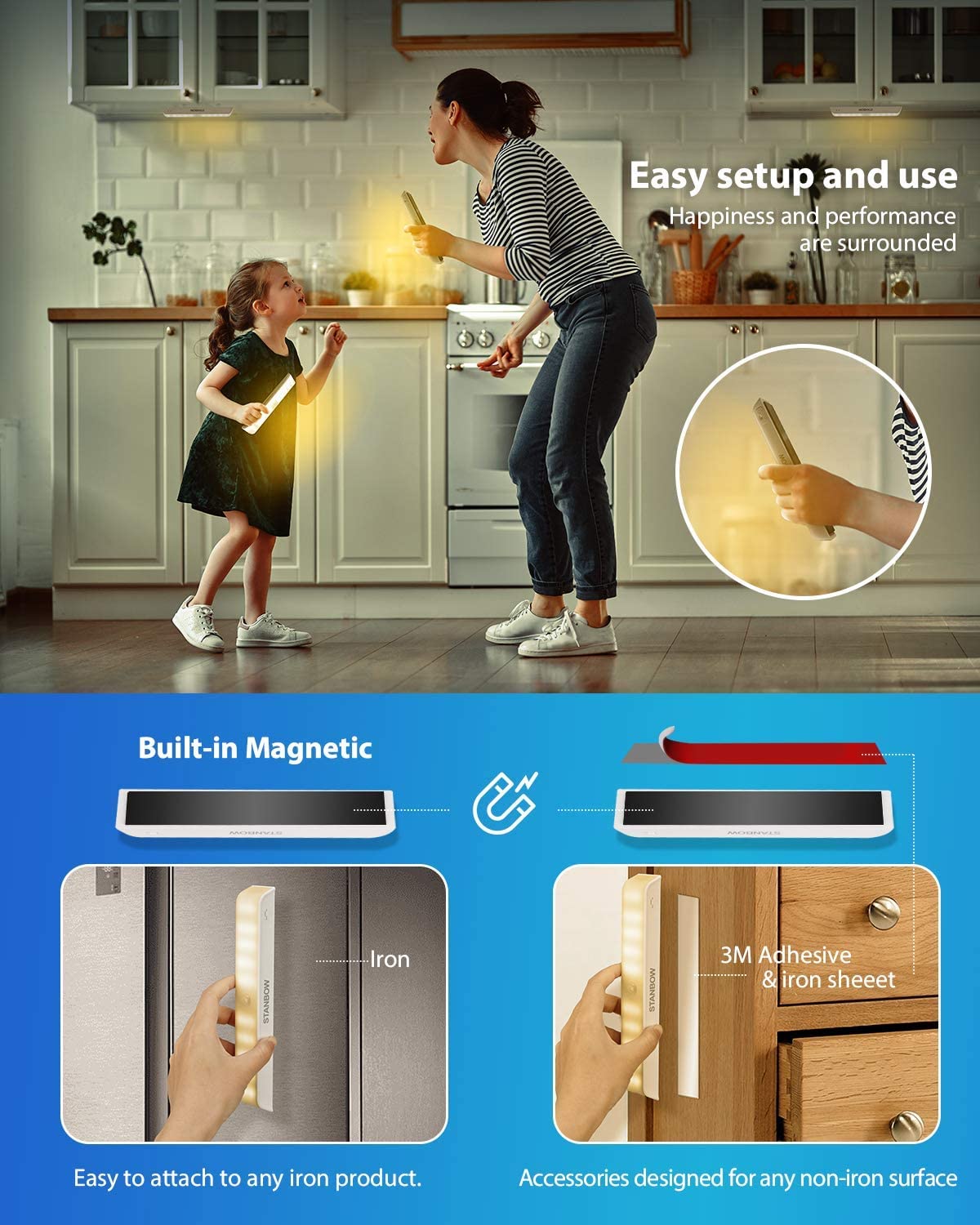
Image: Illustration of the magnetic and adhesive installation methods for the light.
Operating Instructions
The STANBOW Motion Sensor Under Cabinet Light features three adjustable modes for operation:
- "Auto" Mode: In this mode, the light will automatically turn on when motion is detected within 10 feet (3 meters) in dark conditions. It will automatically turn off after approximately 30 seconds if no further motion is detected. This mode is ideal for areas requiring temporary illumination, such as cabinets, hallways, or stairs.
- "ON" Mode: In this mode, the light remains continuously on, functioning as a normal night light. This is suitable for situations where constant illumination is desired.
- "OFF" Mode: This mode turns the light off completely. It offers a standby time of up to 5 months, conserving battery life when not in use.
To switch between modes, locate the small switch on the light unit and slide it to your desired setting.
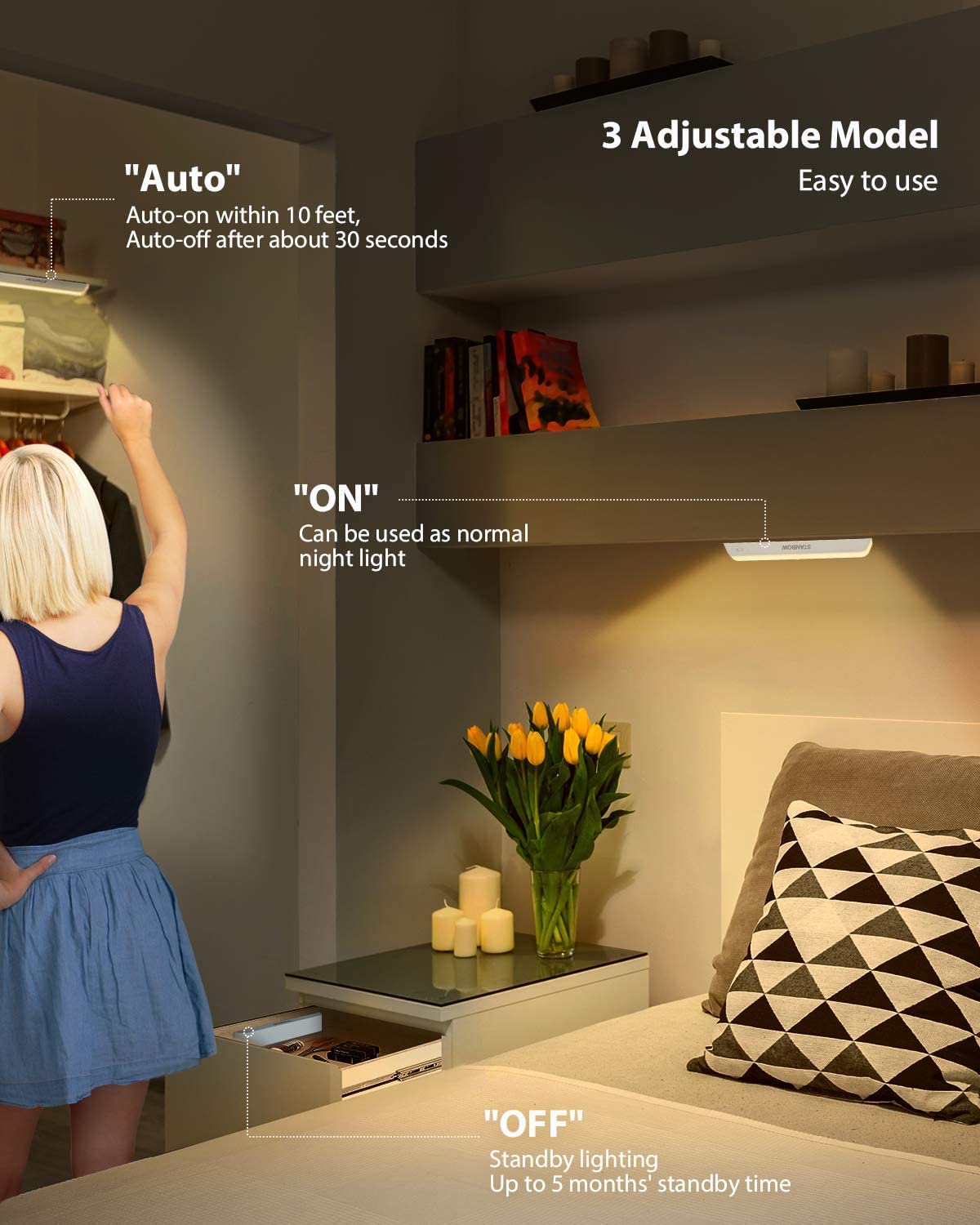
Image: Demonstrating the three adjustable operating modes: Auto, ON, and OFF.
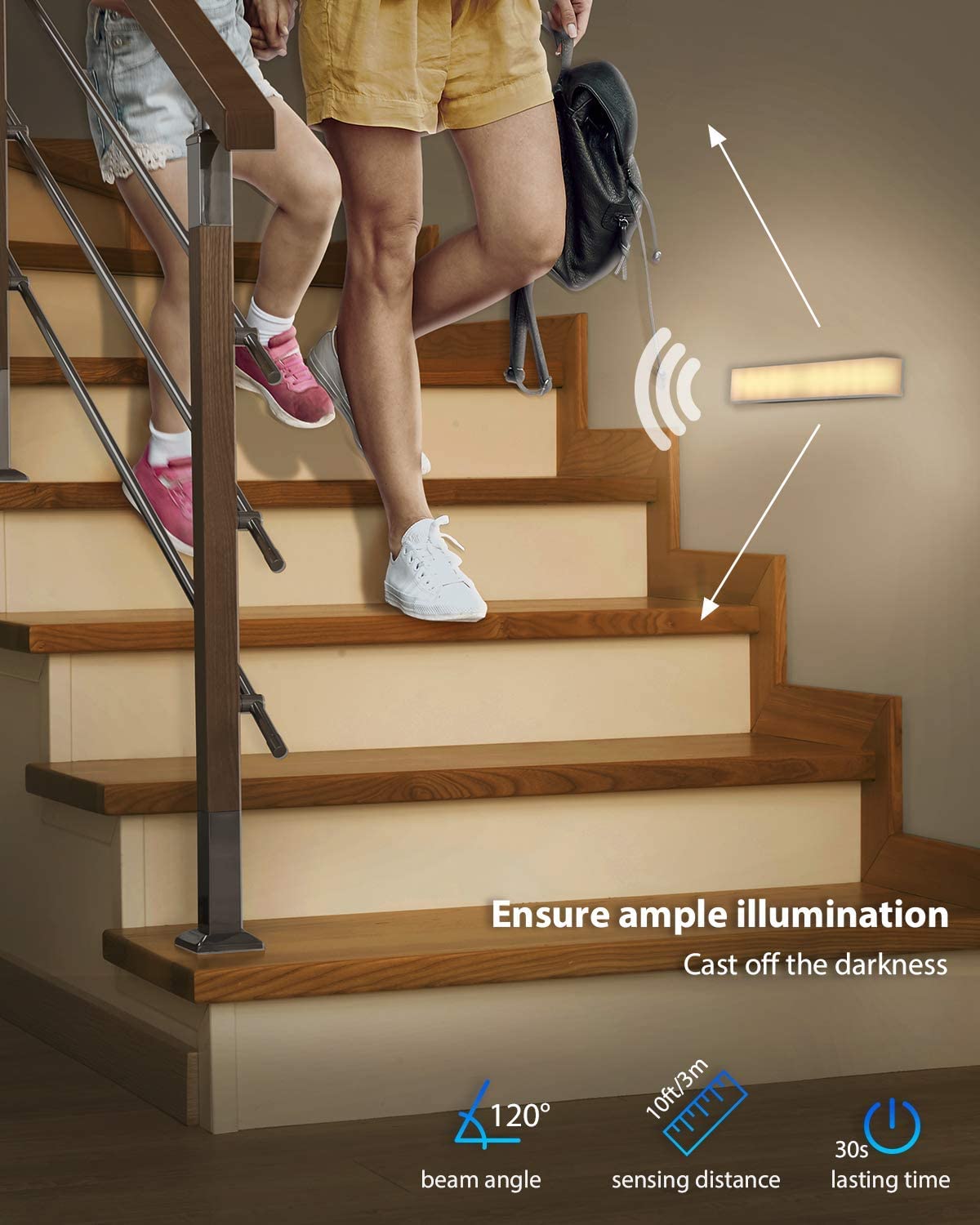
Image: The light providing illumination on a staircase, highlighting its motion sensing capabilities.
Maintenance
- Cleaning: Wipe the light surface with a soft, dry cloth. Avoid using abrasive cleaners or solvents that may damage the finish or electronic components.
- Charging: Recharge the battery when the light output diminishes or when it stops responding to motion. Use only the provided USB cable or a compatible 5V USB charger.
- Battery Care: To prolong battery life, avoid fully discharging the battery frequently. If storing the light for an extended period, charge it periodically (e.g., every 3-6 months) to maintain battery health.
- Placement: Ensure the motion sensor is not obstructed by objects, which could affect its detection capabilities.
Troubleshooting
| Problem | Possible Cause | Solution |
|---|---|---|
| Light does not turn on in "Auto" mode. |
|
|
| Light turns off too quickly or stays on too long. |
|
|
| Light does not charge. |
|
|
Specifications
| Feature | Detail |
|---|---|
| Model Number | ST-2131 |
| Brand | STANBOW |
| Light Source | LED |
| Number of LEDs | 30 |
| Brightness | 80 Lumens |
| Color Temperature | 3000K (Warm White) |
| Power Source | Battery Powered (800mAh rechargeable) |
| Voltage | 5 Volts |
| Special Features | Rechargeable, Wireless, Indoor Use, Portable, Motion Sensor |
| Switch Type | Magnetic (Mode Switch) |
| Material | Iron |
| Finish Type | Brushed |
| Item Weight | 270 Grams |
| Mounting Type | Stick-on / Split Installation |
| Product Dimensions (approx.) | 19cm (Length) x 2.95cm (Width) x 2cm (Height) |
| UPC | 796817326272 |
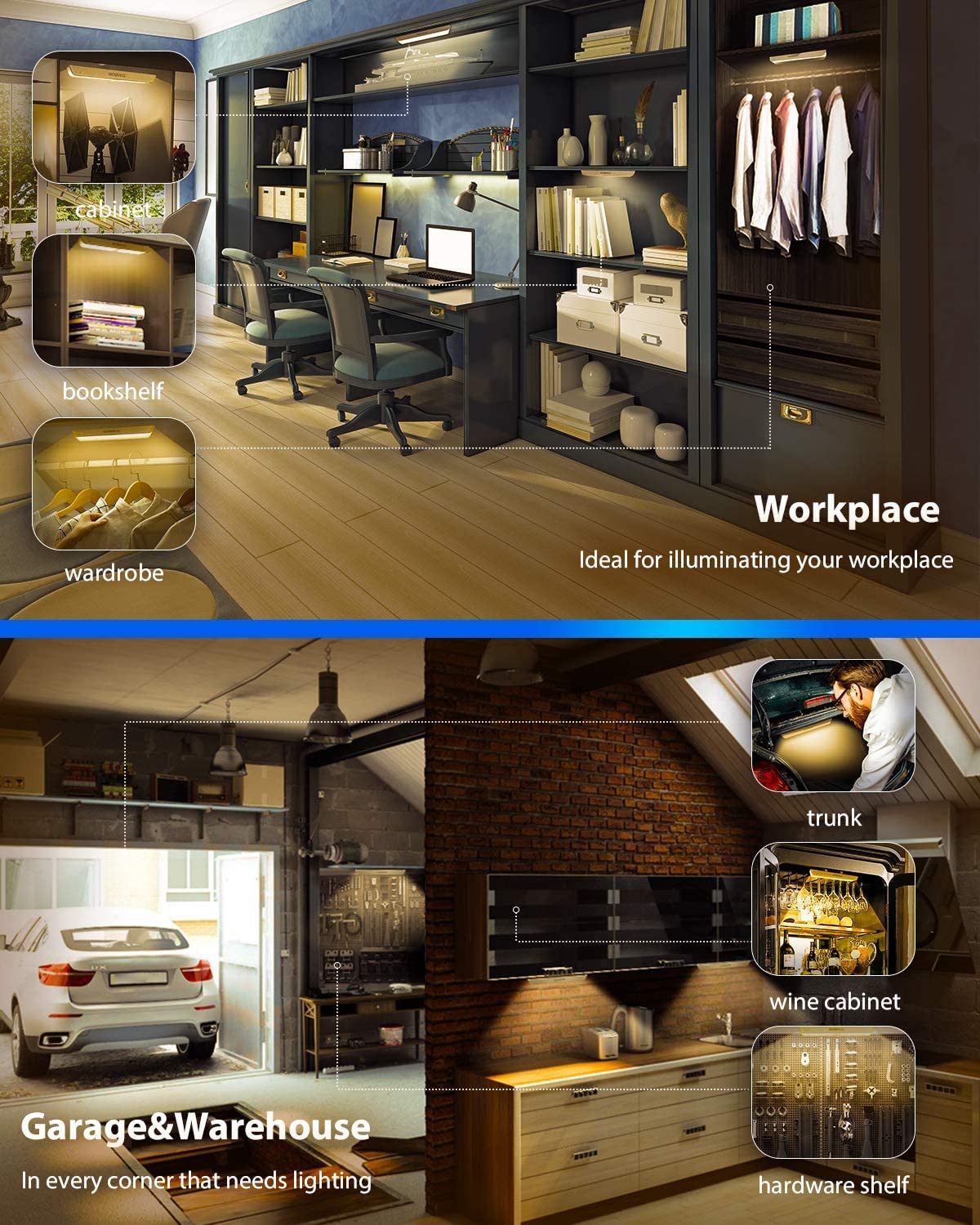
Image: Examples of universal applications for the light in different environments.
Warranty and Support
For warranty information or technical support, please refer to the product packaging or contact STANBOW customer service directly. Keep your purchase receipt for warranty claims.
Ask a question about this manual
Ask about setup, troubleshooting, compatibility, parts, safety, or missing instructions. Manuals+ will review the question and use this page’s manual context to help answer it.