
Introduction
The Easyfone A6 is a 4G unlocked feature phone designed for straightforward communication. It prioritizes ease of use with large buttons, clear sound, and essential functions for calling and texting. This manual provides comprehensive instructions for setting up, operating, and maintaining your device.

Image: The Easyfone A6 held in a hand, showcasing its compact and user-friendly design.
Package Contents
Please verify that all items listed below are included in your Easyfone A6 package:
- 1x Easyfone A6 4G Feature Cell Phone
- 1x 1050 mAh Battery
- 1x Charger (Power Adapter)
- 1x USB Cable (Type-C)
- 1x User Manual
- 1x SpeedTalk SIM Card (Included for convenience, runs on T-Mobile network)
- 1x Charging Dock
- 1x Lanyard
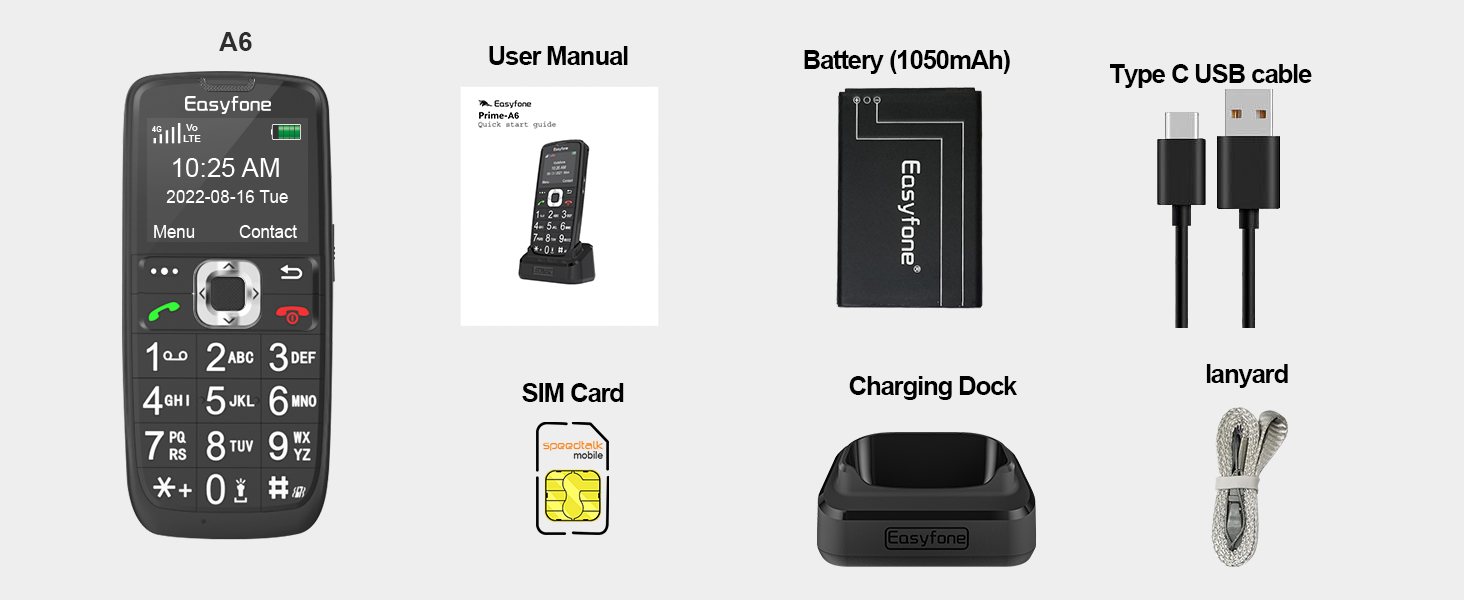
Image: A visual representation of all items included in the Easyfone A6 package.
Setup
1. SIM Card and Battery Installation
- Carefully remove the back cover of the phone.
- Insert the Nano SIM card into the designated SIM slot. Ensure correct orientation.
- Insert the 1050 mAh battery into its compartment, aligning the gold contacts.
- Replace the back cover, ensuring it clicks securely into place.
2. Charging the Phone
The Easyfone A6 can be charged using the included charging dock or directly via the USB-C cable.
- Using the Charging Dock: Connect the USB-C cable to the charging dock and then to the power adapter. Place the phone into the dock, ensuring the charging contacts align. The phone will indicate charging.
- Direct USB-C Charging: Connect the USB-C cable directly to the phone's charging port and then to the power adapter.
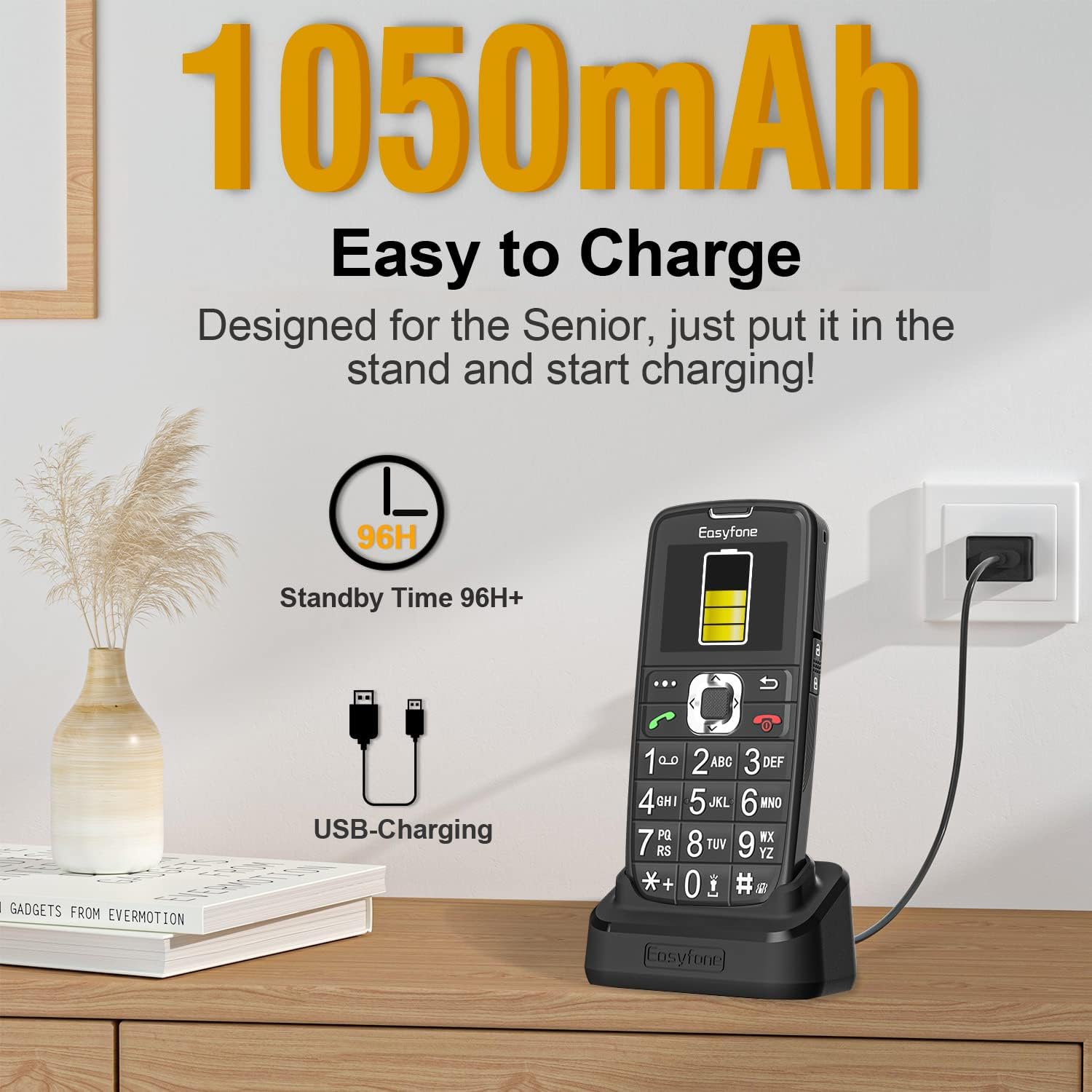
Image: The Easyfone A6 placed in its charging dock, illustrating the ease of charging.

Image: Different charging methods for the Easyfone A6, including direct USB-C and the charging dock.
Basic Operation
1. Power On/Off
- To Power On: Press and hold the red 'End Call' button until the screen lights up.
- To Power Off: Press and hold the red 'End Call' button until the power off options appear, then confirm.
2. Making a Call
- Enter the desired phone number using the large keypad buttons.
- Press the green 'Call' button to initiate the call.
3. Receiving a Call
When the phone rings, press the green 'Call' button to answer. To end a call, press the red 'End Call' button.

Image: A user making a call with the Easyfone A6, highlighting its comfortable design for conversations.
4. Sending and Receiving Text Messages
The Easyfone A6 supports basic SMS text messaging. Navigate to the 'Message' menu to compose new messages or view received ones.
5. Keyboard Lock/Unlock
The phone features a practical unlock switch on the side for easy keyboard management.

Image: The practical unlock switch on the side of the Easyfone A6 for convenient keyboard control.
Special Features
1. SOS Emergency Button
The SOS button is located on the back of the phone. In an emergency, press and hold this button for 3 seconds. The phone will:
- Sound an alarm.
- Send an emergency SMS to up to 5 pre-set emergency contacts.
- Automatically call the saved emergency contacts in a loop until a call is answered.
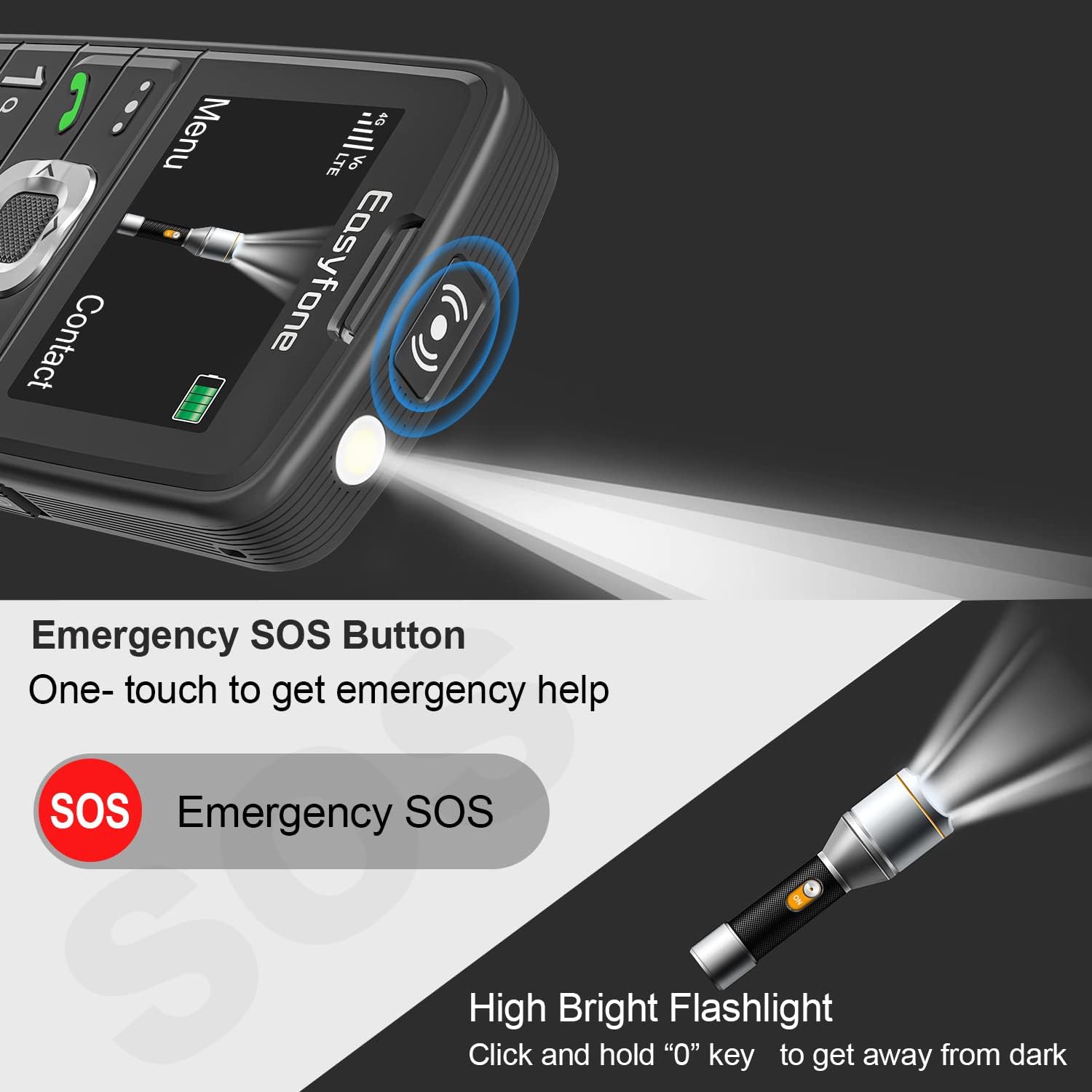
Image: The dedicated SOS emergency button and flashlight feature on the Easyfone A6.

Image: Visual explanation of the SOS function, demonstrating how it alerts multiple emergency contacts.
2. Speed Dial
The Easyfone A6 allows you to set up to eight speed dial contacts (keys 2-9). Once configured, you can quickly dial these contacts by pressing and holding the assigned number key.

Image: The photo speed dial feature on the Easyfone A6, allowing users to call contacts with a single button press.
3. Other Useful Functions
The Easyfone A6 includes several other practical features:
- FM Radio: Listen to your favorite radio stations.
- Alarm Clock: Set alarms for important reminders.
- MP3 Player: Enjoy music files.
- Tasks Reminder: Keep track of your daily tasks.
- Calculator: Perform basic calculations.
- Calendar: View dates and manage events.
- Bluetooth: Connect to compatible wireless accessories.
- Flashlight: A bright LED flashlight for convenience.

Image: A display of the various utility functions available on the Easyfone A6.
Maintenance
- Keep the phone dry. Moisture can damage electronic circuits.
- Avoid extreme temperatures. High temperatures can shorten the life of electronic devices and warp or melt certain plastics.
- Do not use harsh chemicals, cleaning solvents, or strong detergents to clean the phone.
- Use only the specified battery and charger. Unapproved batteries and chargers may cause damage to the phone and void the warranty.
Troubleshooting
- Phone not turning on: Ensure the battery is correctly installed and charged.
- No network signal: Check if the SIM card is properly inserted. Verify your carrier's network coverage in your area. This phone is compatible with T-Mobile, SpeedTalk, and Tello Mobile.
- Poor call quality: Ensure you are in an area with good network reception.
- Battery not charging: Check the charger and USB cable for damage. Ensure the phone is correctly placed in the charging dock or the cable is securely connected.
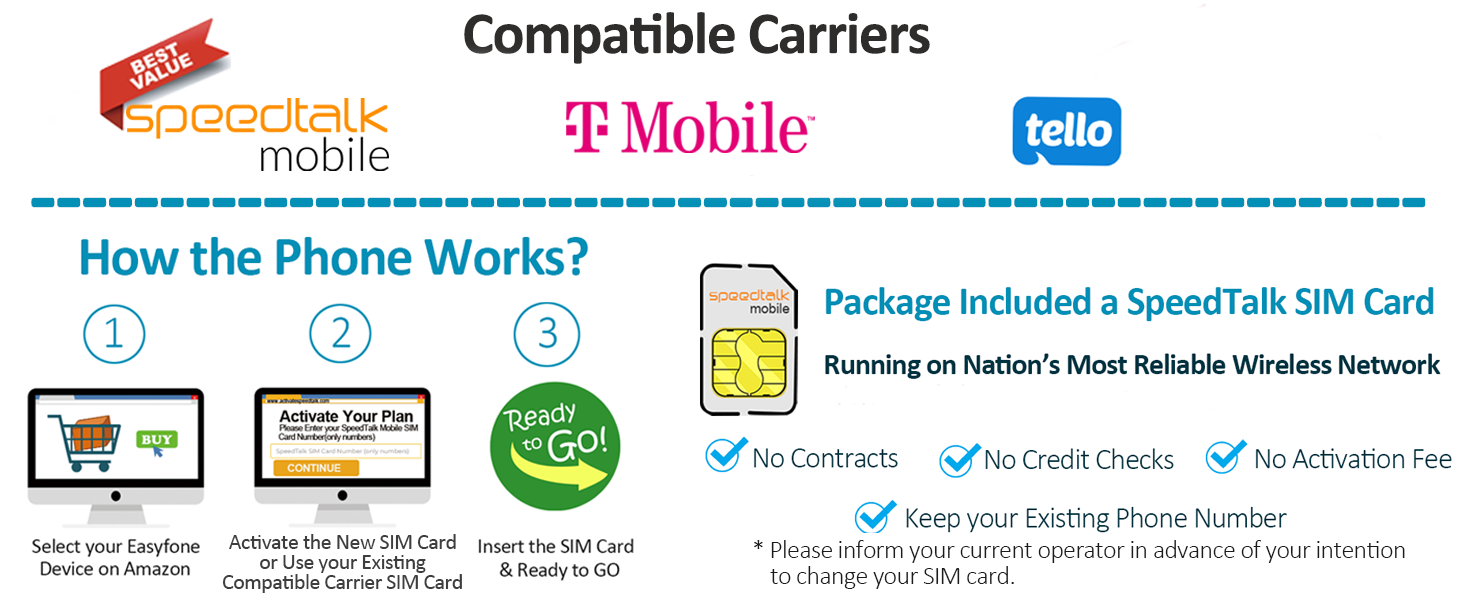
Image: Information on compatible carriers and SIM card activation for the Easyfone A6.
Specifications
| Model Number | Prime-A6 |
| Product Dimensions | 4.53 x 2.05 x 0.57 inches |
| Item Weight | 2.89 ounces |
| Battery Capacity | 1050 Milliamp Hours (mAh) |
| Phone Talk Time | 6 Hours |
| Phone Standby Time | 190 hours |
| Operating System | Easyfone OS |
| Screen Size | 1.8 Inches |
| Resolution | 320 x 240 |
| Cellular Technology | 4G |
| Connectivity Technologies | Bluetooth, USB |
| Special Features | Basic Phone, Charging Station, Long time standby, SOS button, Speed Dial |
Official Product Video
Video: An overview of the Easyfone Prime-A6 4G Basic Senior Cell Phone, showcasing its features and design.
Warranty and Support
The Easyfone A6 comes with a 1-year manufacturer warranty. For support or inquiries, please refer to the contact information provided in your package or visit the official Easyfone website.
Manufacturer Contact:
- Email: support@easyfone.com.cn
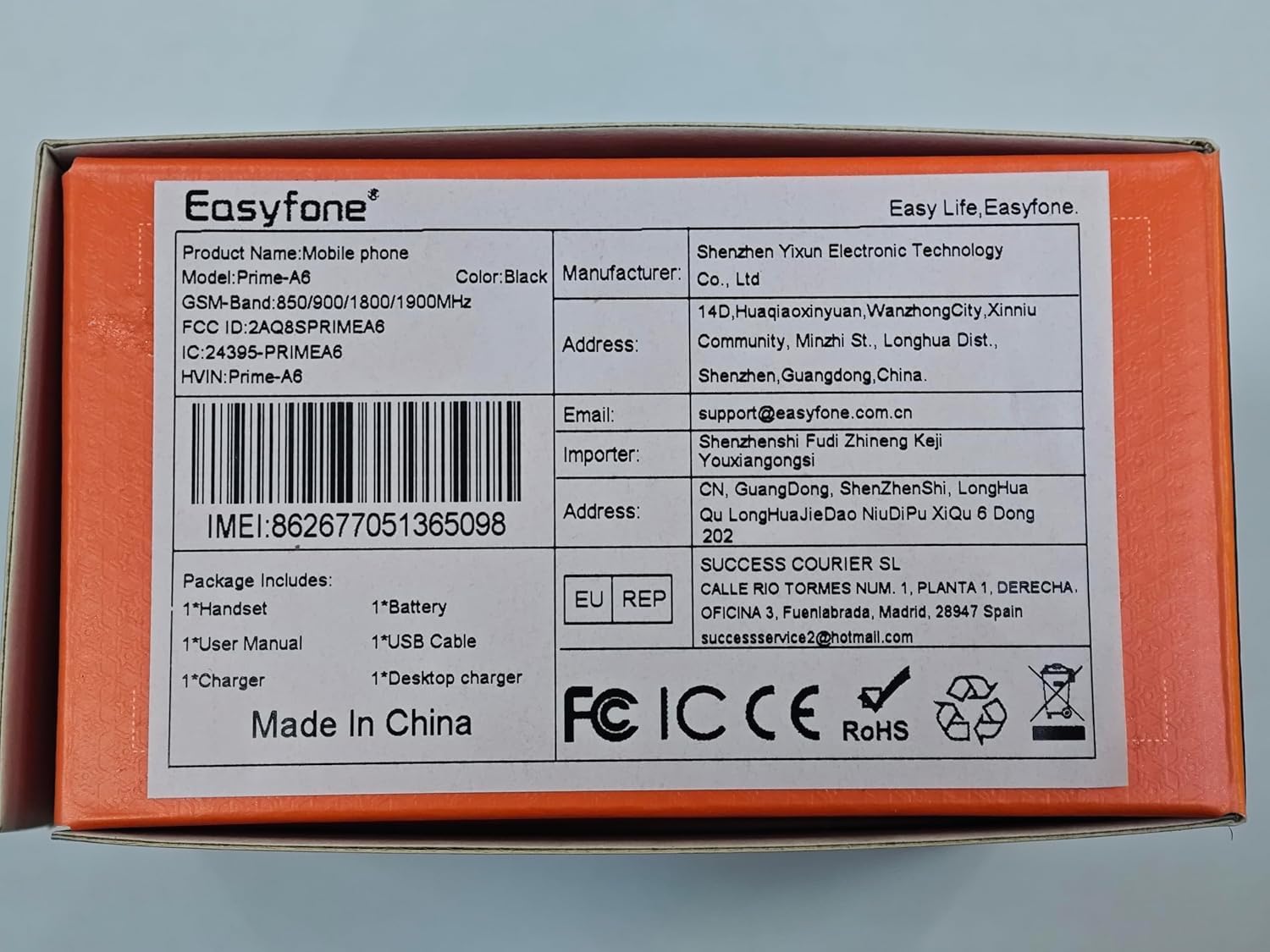
Image: Product box details including manufacturer contact information.


