
1. Introduction
Thank you for choosing the HOTO 12V Cordless Brushless Drill. This manual provides essential information for the safe and efficient operation, maintenance, and troubleshooting of your new tool. Please read it thoroughly before first use and keep it for future reference.
The HOTO 12V Cordless Brushless Drill features an intuitive LED display, 30 adjustable torque gears, and dual working modes (self-select and pulse). Its compact and lightweight design, coupled with USB-C charging, makes it suitable for a variety of household and DIY tasks. The brushless motor ensures stable operation and extended tool life.

Image: The HOTO Brushless Drill in action, demonstrating its versatility across different applications such as furniture assembly, wall drilling, and general screwing tasks.
2. Safety Instructions
Always follow basic safety precautions to reduce the risk of fire, electric shock, and personal injury.
- Read all instructions carefully before operating the tool.
- Wear appropriate personal protective equipment, including eye protection, gloves, and hearing protection.
- Keep your work area clean and well-lit. Cluttered or dark areas invite accidents.
- Do not operate power tools in explosive atmospheres, such as in the presence of flammable liquids, gases, or dust.
- Keep children and bystanders away while operating a power tool. Distractions can cause you to lose control.
- Avoid unintentional starting. Ensure the switch is in the off-position before connecting to battery pack, picking up or carrying the tool.
- Secure the workpiece firmly before drilling or driving.
- Do not force the power tool. Use the correct power tool for your application.
- Disconnect the battery pack from the power tool before making any adjustments, changing accessories, or storing power tools.
- Store idle power tools out of the reach of children and do not allow persons unfamiliar with the power tool or these instructions to operate the power tool.
3. Package Contents
Your HOTO 12V Cordless Brushless Drill package includes the following items:
- HOTO 266 in-lbs (30N·m) Brushless Drill Driver
- 8 x Drill Bits (4 x Metal Drill: 3/4/5/6mm; 4 x Woodworking Drill: 4/5/6/7mm)
- 10 x Driver Bits (C6.3x50mm: 1 x Slotted Bit SL5, 2 x Phillips Bit PH1/PH2, 3 x Hex Head Bit H3/H4/H5, 1 x Torx Bit T25, 1 x Pozidriv Bit PZ2, 1 x Tri-Wing TW1, 1 x Triangular △2.3)
- 1 x USB-C Cable

Image: A detailed view of the HOTO Brushless Drill's accessory set, including different sizes of metal and woodworking drill bits, alongside a selection of S2 long driver bits.
4. Setup
4.1. Charging the Battery
The HOTO Brushless Drill features a built-in 2000 mAh rechargeable Lithium-Ion battery. Before first use, fully charge the drill. Use the provided USB-C cable to connect the drill to a compatible USB power source (e.g., wall adapter, power bank).
- Locate the USB-C charging port on the drill.
- Insert the USB-C cable into the drill's port.
- Connect the other end of the cable to a power source.
- The LED display will indicate charging status and battery level.

Image: A close-up shot of the HOTO Brushless Drill, highlighting its USB Type-C charging port with a charging cable securely connected.
4.2. Installing/Changing Drill Bits
The drill is equipped with a 3/8 inch keyless chuck for quick and easy bit changes.
- Ensure the drill is powered off and the forward/reverse switch is in the neutral (locked) position.
- Grip the rear half of the chuck and rotate the front half counter-clockwise to open the chuck jaws.
- Insert the desired drill bit or driver bit into the chuck, ensuring it is centered.
- Rotate the front half of the chuck clockwise to tighten the jaws securely around the bit. Do not overtighten.
- To remove a bit, reverse the process.
Video: An official HOTO TOOLS US video titled "Everything You Want in HOTO Brushless Drill Tool Box" demonstrating the contents of the tool box and how bits are stored and potentially inserted into the drill.
5. Operating Instructions
5.1. Power On/Off
To power on the drill, press and hold the main trigger. Release the trigger to power off.
5.2. Understanding the LED Display
The intelligent LED display provides real-time information about the drill's status.
- Gear Indicator: Displays the current torque setting (1-30).
- Battery Power: Shows the remaining battery charge.
- Dual Modes: Indicates whether the drill is in Self-Select or Pulse mode.
- Forward/Reverse: Displays the current rotation direction.

Image: A close-up of the HOTO Brushless Drill's smart HD display, illustrating the digital torque adjustment interface.
5.3. Adjusting Torque
In Self-Select mode, the torque can be precisely adjusted from 1 to 30 gears using the controls near the LED display. This allows for optimal power delivery based on the material and task.
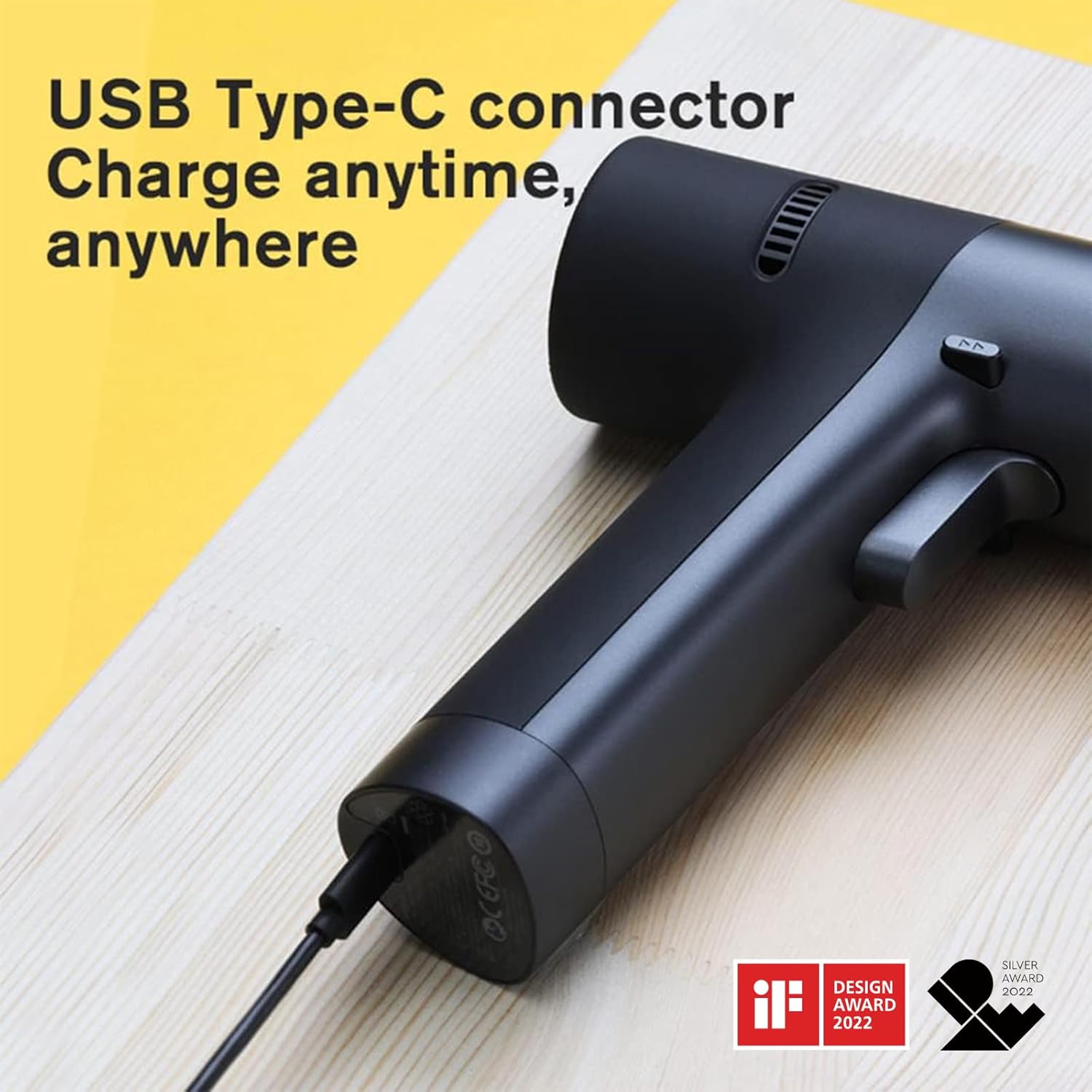
Image: The HOTO Brushless Drill's Smart HD Display, detailing the dual mode selection (Pulse or Self-selecting) and the forward/backward indicators.
5.4. Selecting Working Modes (Self-Select/Pulse)
The drill offers two distinct working modes:
- Self-Select Mode: Provides precise torque adjustment from 1-30 gears. Ideal for tasks requiring specific power levels.
- Pulse Mode: Utilizes an intelligent chip for intermittent start and stop, enhancing user safety and control, especially for beginners or delicate tasks.
5.5. Forward/Reverse Switch
A dedicated switch allows you to easily change the rotation direction for driving or removing screws. Position the switch in the middle to lock the trigger and prevent accidental operation.
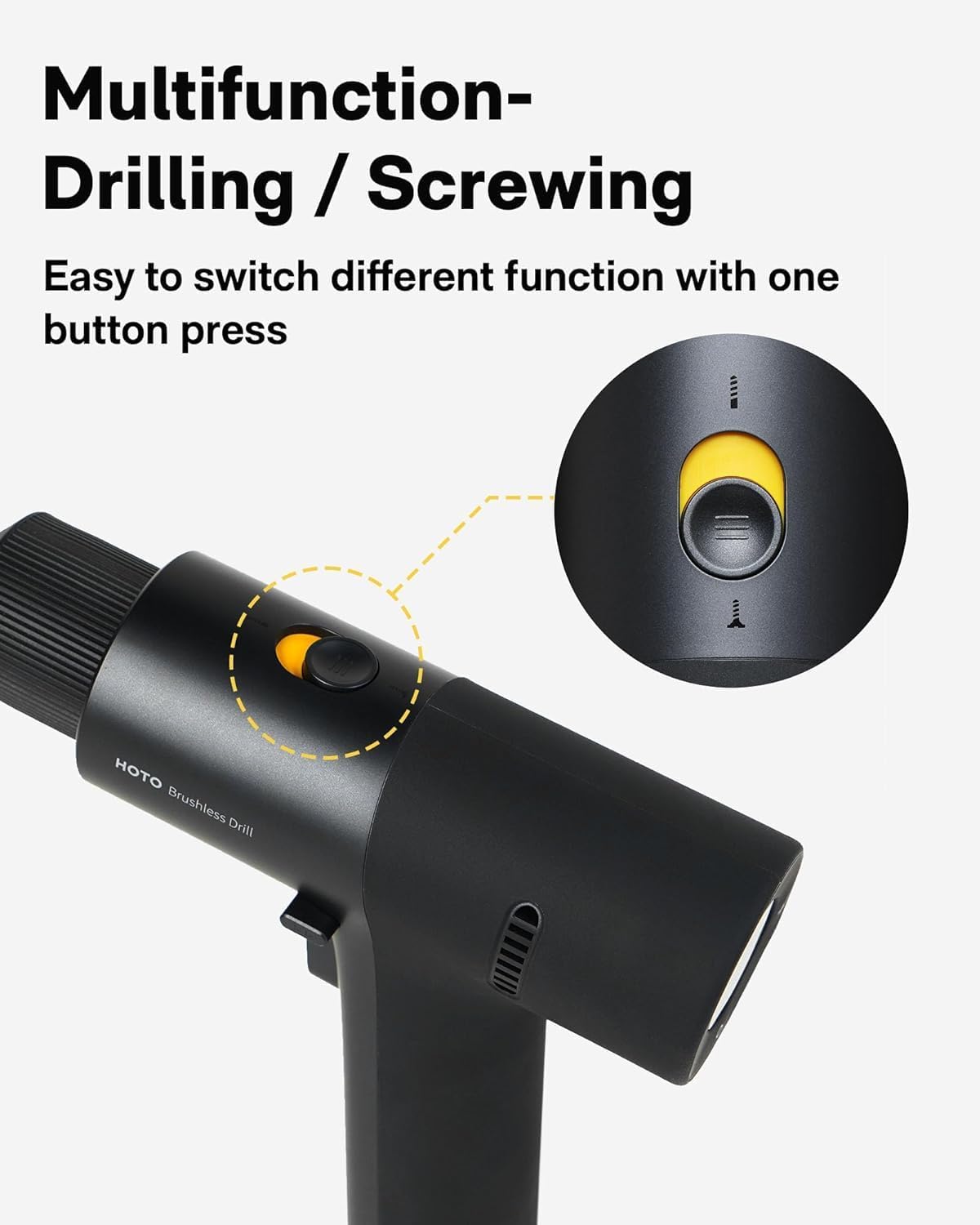
Image: A close-up of the HOTO Brushless Drill, highlighting the multifunction button used for switching between drilling and screwing operations.
5.6. Variable Speed Control
The drill's speed is controlled by the pressure applied to the trigger. A lighter press results in lower speed, while a firmer press increases the RPM up to 1400 RPM.
Video: An official HOTO TOOLS US video titled "First Look at the [PixelDrive] | Smart Electric Screwdriver" demonstrating the smart display, speed control, and bit connection features of a HOTO screwdriver, which shares similar operational principles with the drill.
6. Maintenance
- Cleaning: Regularly clean the drill's exterior with a soft, damp cloth. Do not use harsh chemicals or abrasive cleaners. Keep ventilation openings free of dust and debris.
- Storage: Store the drill and accessories in a dry, secure place away from direct sunlight and extreme temperatures. Ensure the battery is partially charged before long-term storage.
- Battery Care: Avoid fully discharging the battery. Recharge the battery before it is completely depleted to prolong its lifespan. Do not expose the battery to water or fire.
- Bit Maintenance: Keep drill bits and driver bits clean and sharp. Replace worn or damaged bits to ensure optimal performance and safety.
7. Troubleshooting
If you encounter issues with your HOTO Brushless Drill, refer to the following common problems and solutions:
- Drill does not turn on:
- Check if the battery is charged. Recharge if necessary.
- Ensure the forward/reverse switch is not in the neutral (locked) position.
- Loss of power/Reduced performance:
- Battery may be low. Recharge the battery.
- Ensure the correct torque setting is selected for the task.
- Check if the drill bit or driver bit is dull or damaged. Replace if needed.
- Bit slipping in chuck:
- Ensure the chuck is tightened securely around the bit.
- Check if the bit shank is clean and free of oil or debris.
- Overheating:
- Allow the drill to cool down. Avoid continuous heavy-duty use.
- Ensure ventilation openings are not blocked.
8. Technical Specifications
| Feature | Specification |
|---|---|
| Brand | HOTO |
| Model Number | 53187 |
| Voltage | 12 Volts |
| Maximum Torque | 266 in-lbs (30N·m) |
| Speed | Up to 1400 RPM |
| Battery Capacity | 2000 mAh Lithium Ion |
| Chuck Size | 3/8 Inch Keyless |
| Charging Type | USB-C |
| Item Weight | 880 g |
| Dimensions | 18.49 x 17.98 x 5.38 cm |
| Material | PC+ABS |
9. Warranty and Support
HOTO products are manufactured to high-quality standards. For warranty information, product support, or to inquire about replacement parts, please refer to the official HOTO website or contact your retailer. Keep your purchase receipt as proof of purchase.
For further assistance, please visit the HOTO Store on Amazon.


