Introduction
This user manual provides comprehensive instructions for the LWZCAM Wired Earbuds (Model EJ-A4). These in-ear headphones are designed to deliver high-quality stereo sound with heavy bass, featuring an integrated microphone for clear communication. They are compatible with a wide range of 3.5mm jack devices, including smartphones, laptops, and MP3 players. Please read this manual thoroughly to ensure proper use and maintenance of your earbuds.
What's Included
The LWZCAM Wired Earbuds package includes the following components:
- 5 x Wired Earbuds (White, Pink, Black, Green, Black)
- 1 x User Manual (this document)

Figure 1: Included LWZCAM Wired Earbuds in various colors.
Key Features
- Stereo Sound Quality: Equipped with a metal composite diaphragm, these earbuds deliver natural acoustic sound with heavy bass and stereo effects for a high-quality music experience.
- HD Call & Gaming Microphone: Features a noise-canceling microphone for clear high-definition calls and gaming.
- Ergonomic Design: In-ear silicone tips provide a soft texture for comfortable long-term wear, fitting well for various activities like gaming, sports, and travel.
- Tangle-Free Cable: The lightweight cable is designed to be tangle-free, making it easy to store and carry in pockets or backpacks.
- Wide Compatibility: Compatible with all 3.5mm connector devices, including Android smartphones, MP3 players, laptops, and other audio devices.

Figure 2: Internal structure illustrating premium sound components.
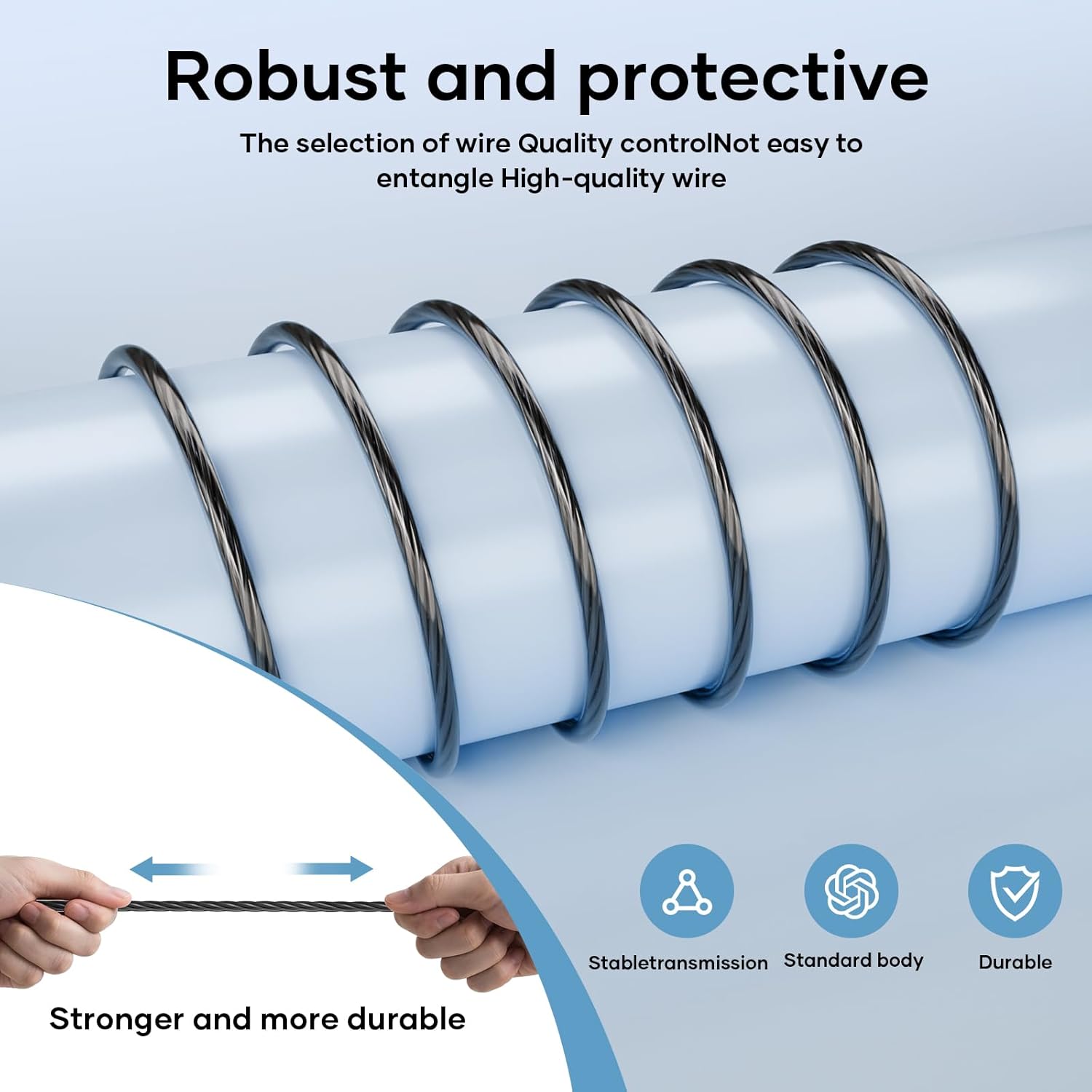
Figure 3: Durable and tangle-free cable design.

Figure 4: Inline remote control for music and calls.
Setup Guide
- Identify the Audio Jack: Locate the 3.5mm audio jack on your device (smartphone, tablet, laptop, MP3 player, etc.).
- Insert Earbuds: Gently insert the 3.5mm plug of the LWZCAM earbuds into your device's audio jack until it clicks into place.
- Adjust Volume: Adjust the volume on your device to a comfortable listening level.
- Test Functionality: Play some audio or make a test call to ensure both sound and microphone functions are working correctly.

Figure 5: Compatibility with 3.5mm electronic devices.
Operating Instructions
The LWZCAM Wired Earbuds feature a multi-function inline control button for easy management of music and calls:
| Action | Function |
|---|---|
| Press Once | Play/Pause Music, Answer Call, End Call |
| Press Twice | Next Track |
| Press Three Times | Previous Track |
| Long Press | Reject Call |

Figure 6: One-button control for music and calls.
Care and Maintenance
- Cleaning: Regularly clean the ear tips with a soft, dry cloth to remove earwax and debris. For deeper cleaning, remove the silicone tips and wash them with mild soap and water, ensuring they are completely dry before reattaching.
- Storage: Store your earbuds in a clean, dry place when not in use. The tangle-free cable design helps prevent knots and damage.
- Water Resistance: These earbuds are rated as waterproof. However, prolonged submersion or exposure to high-pressure water jets is not recommended. Dry thoroughly if exposed to moisture.
- Avoid Extreme Temperatures: Do not expose the earbuds to extreme hot or cold temperatures, as this can affect their performance and lifespan.
Troubleshooting
| Problem | Possible Solution |
|---|---|
| No sound from earbuds. |
|
| Microphone not working. |
|
| Earbuds feel uncomfortable or fall out. |
|
Product Specifications
| Specification | Detail |
|---|---|
| Model Name | EJ-A4 |
| Connectivity Technology | Wired |
| Headphones Jack | 3.5 mm Jack |
| Control Type | Button Control |
| Cable Feature | Tangle Free |
| Water Resistance Level | Waterproof |
| Frequency Range | 20~20000Hz |
| Material | Metal, Plastic, Silicone |
| Item Weight | 0.07 Kilograms (2.39 ounces) |
| Manufacturer | LWZCAM |
| UPC | 789844895781 |
Warranty and Support
For detailed warranty information and customer support, please refer to the official LWZCAM website or contact their customer service directly. A digital version of this user guide is also available for download at https://manuals.plus/m/ccea305337ab2e1129a6794a82ef0f562f36e5b511f240789b9241b0ff4cc327.


