
1. Introduction
Thank you for choosing the Barebones Railroad Lantern. This vintage-inspired LED lantern combines classic design with modern functionality, offering reliable and adjustable illumination for various settings. Designed for durability and ease of use, this manual provides essential information to ensure optimal performance and longevity of your lantern.

Image 1: The Barebones Railroad Lantern in Vintage White, showcasing its classic design and LED bulb.
2. Safety Information
- Do not immerse the lantern in water. This product is not water-resistant.
- Keep out of reach of children.
- Do not attempt to disassemble or modify the lantern. This may void the warranty and pose a safety risk.
- Use only the provided or recommended charging cable.
- Avoid direct eye exposure to the LED light, especially at high brightness settings.
- Store the lantern in a cool, dry place when not in use.
3. Package Contents
Please ensure all items are present:
- Barebones Railroad Lantern (Model LIV-180)
- USB-C Charging Cable
- Instruction Manual (this document)
4. Setup and Initial Charge
Before first use, fully charge your Barebones Railroad Lantern.
- Locate the USB-C charging port on the base of the lantern. It is typically covered by a rubber plug for protection.
- Connect the provided USB-C cable to the lantern's charging port.
- Connect the other end of the USB-C cable to a compatible USB power source (e.g., wall adapter, power bank, computer USB port).
- The battery indicator lights (small green LEDs) near the charging port will illuminate to show the charging status. All lights will be solid green when fully charged.

Image 2: Detail of the USB-C charging port and green LED battery indicator lights on the lantern's base.
For a visual guide on the lantern's features and charging, please refer to the official product video below:
Video 1: Official product video demonstrating the Barebones Railroad Lantern's design, adjustable brightness, and USB charging capabilities.
5. Operating Instructions
The Barebones Railroad Lantern features a simple and intuitive operation.
- Power On/Off: Locate the twist knob on the side of the lantern's base. Turn the knob clockwise to power on the lantern. Continue turning clockwise to increase brightness. Turn counter-clockwise to decrease brightness and eventually power off.
- Adjusting Brightness: The lantern offers adjustable brightness from approximately 35 lumens (low setting) to 200 lumens (high setting). Rotate the twist knob to achieve your desired light output.
- Battery Life: Enjoy over 100 hours of runtime on the lowest setting or approximately 3.5 hours on the highest setting with a full charge.

Image 3: The Barebones Railroad Lantern illuminated, demonstrating its warm LED glow.
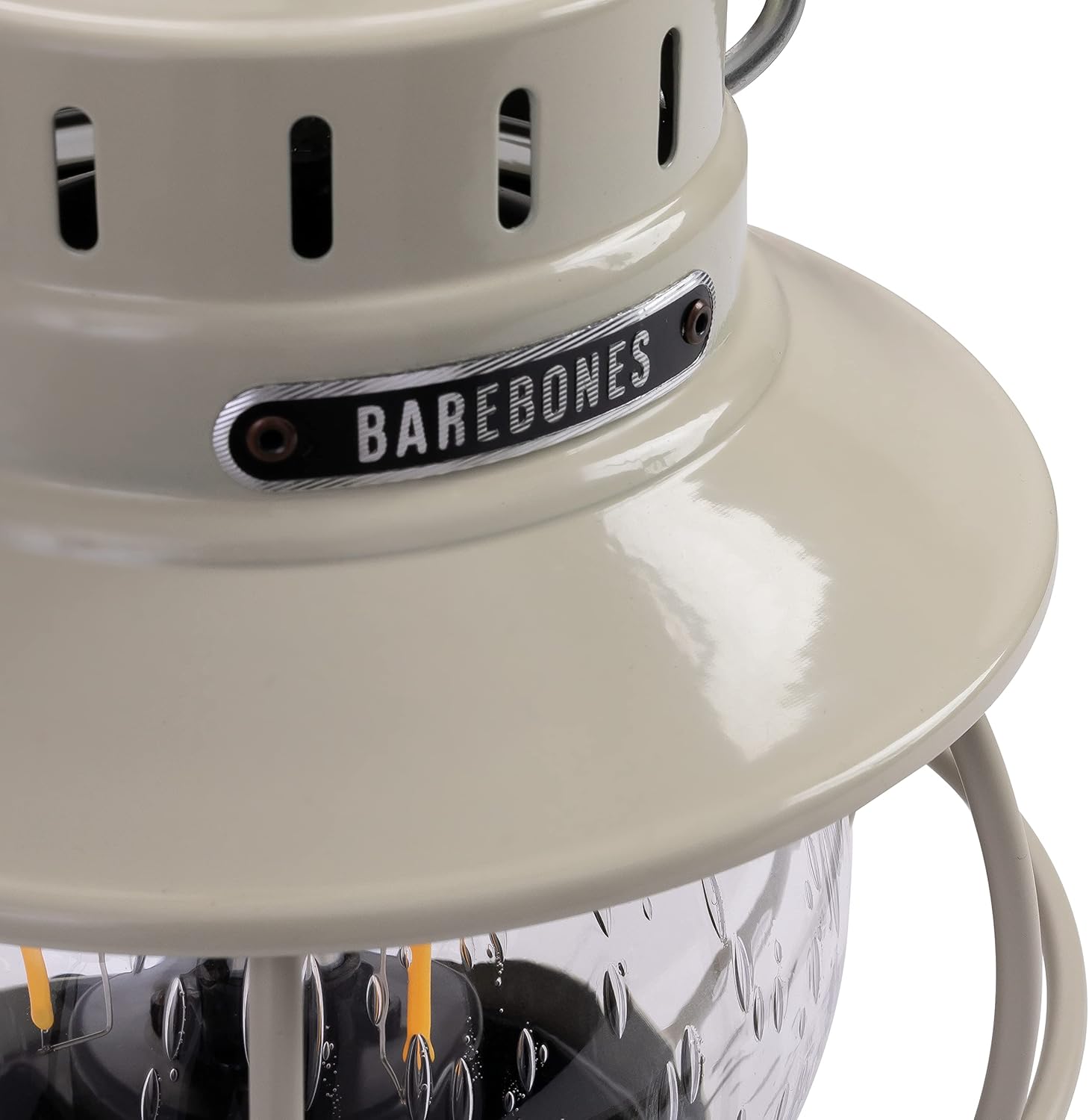
Image 4: The lantern providing ambient lighting on an outdoor table, highlighting its versatile use.
6. Maintenance
- Cleaning: Wipe the exterior of the lantern with a soft, damp cloth. Do not use abrasive cleaners or solvents.
- Storage: When not in use for extended periods, store the lantern in a dry, protected environment. It is recommended to charge the battery every 3-6 months to maintain its health.
- Battery Care: The lantern features a replaceable Lithium-Ion battery. If battery performance significantly degrades over time, contact Barebones support for replacement options.
7. Troubleshooting
| Problem | Possible Cause | Solution |
|---|---|---|
| Lantern does not turn on. | Battery is depleted. Twist knob is not fully turned on. | Charge the lantern fully. Ensure the twist knob is turned clockwise past the 'off' position. |
| Light is dim or flickers. | Low battery charge. | Recharge the lantern. |
| Charging indicator lights not working. | Charging cable not properly connected. Power source issue. | Ensure cable is securely connected to both lantern and power source. Try a different USB power source. |
8. Specifications
| Feature | Detail |
|---|---|
| Model Number | LIV-180 |
| Product Dimensions | 6.5"L x 6.5"W x 9.5"H |
| Item Weight | 1.98 Pounds (900 Grams) |
| Material | Copper, Glass, Metal |
| Power Source | Battery Powered |
| Battery Type | Lithium-Ion (1 12V battery required, internal rechargeable) |
| Charging Port | USB-C |
| Brightness | 200 Lumens (Max) |
| Battery Life | 100+ Hours (Low Setting) / 3.5 Hours (High Setting) |
| Water Resistance Level | Not Water Resistant |
| Mounting Type | Tabletop Mount |
| UPC | 819665011807 |
9. Warranty and Support
For warranty information, product support, or to purchase replacement parts, please visit the official Barebones Living website or contact their customer service directly. Keep your proof of purchase for any warranty claims.

