
FMART T8pro
FMART T8pro Smart Window Cleaner Robot Instruction Manual
Model: T8pro
Introduction
The FMART T8pro Smart Window Cleaner Robot is designed to automate the cleaning of various glass surfaces, including high-rise windows, ceilings, and tiles. It features a double-disc twisting motion for efficient cleaning, powerful suction, and intelligent navigation. This manual provides essential information for the safe and effective use of your new window cleaning robot.

The FMART T8pro Smart Window Cleaner Robot, its remote control, and included cleaning pads.
What's Included
Your FMART T8pro package includes the following components:
- FMART T8pro Window Cleaner Robot (Main Unit)
- Remote Control
- Power Adapter
- Power Cord
- Safety Rope (16.5 feet in length)
- Spray Bottle
- Microfiber Cleaning Cloths (12 pieces)
- User Manual
Official product packaging video demonstrating the contents included with the FMART T8pro Window Cleaner Robot.
Setup
- Charge the Robot: For first use, charge the window cleaner robot for 3 hours.
- Prepare Cleaning Cloths: Wet and wring out the microfiber cloths until they are damp but not dripping. Attach them securely to the robot's cleaning pads.
- Connect Power: Ensure the power cord is securely plugged into the power adapter, and the adapter is connected to a power source. The robot requires continuous power during operation.
- Attach Safety Rope: For safety, especially when cleaning outdoor or high-rise windows, attach the professional climbing safety rope to the designated point on the robot and secure the other end to a sturdy anchor point capable of holding 150 kg.
- Power On: Turn on the robot. The blue light will illuminate when it's ready.
- Place on Surface: Carefully place the robot onto the glass surface. Only release the machine after it has firmly adhered to the glass.
Official user guide video demonstrating the setup and initial operation of the FMART T8pro Window Cleaner Robot.
Operating Instructions
The FMART T8pro utilizes advanced technology for efficient window cleaning:
- Double-Disc Twisting: The robot employs a human-hand imitation twisting motion with double discs, providing double-cleaning efficiency for deep and effective cleaning.
- Powerful Suction: Equipped with 3800PA innovative frequency conversion suction power, the robot intelligently adjusts suction based on the dirt level on the glass.
- Smart Dynamic Navigation 2.0: The robot uses gyroscopes and an edge detection system to plan its cleaning route, ensuring comprehensive coverage.
- Remote Control: Use the included 2.4G remote control to manage the robot's movements, start/pause cleaning, and direct it to specific areas. The signal can be received through walls.
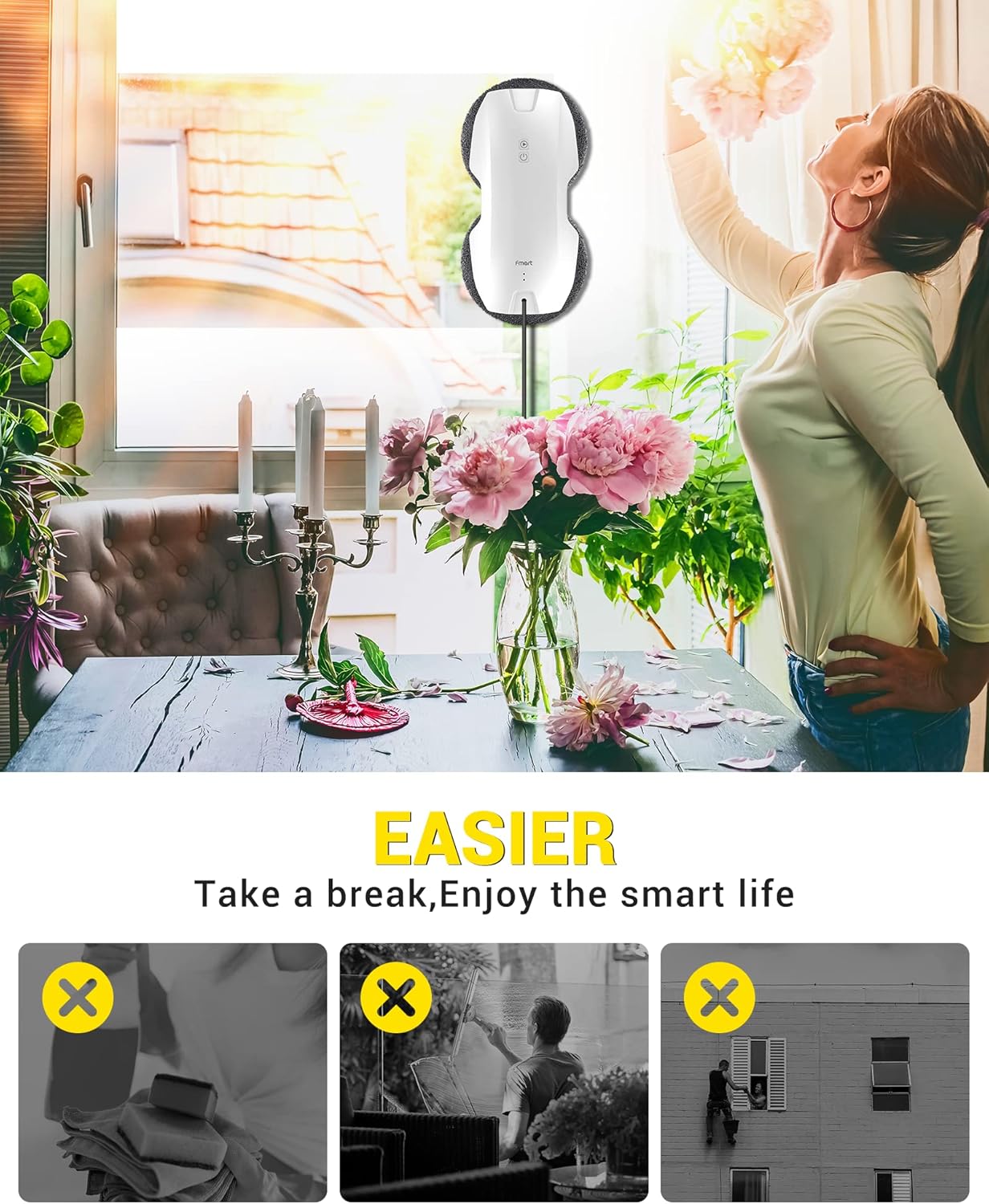
The robot's remote control, edge detection, and intelligent route planning capabilities.

Visual representation of the robot's smart dynamic navigation system.
Maintenance
Regular maintenance ensures optimal performance and longevity of your FMART T8pro:
- Clean Microfiber Cloths: After each use, remove the microfiber cloths from the robot. They can be hand-washed or machine-washed. Ensure they are clean and damp (not dripping wet) before the next use.
- Clean Robot Surface: Wipe down the robot's exterior with a soft, dry cloth to remove any dust or residue.
- Store Properly: When not in use, store the robot and its accessories in a cool, dry place away from direct sunlight.
This troubleshooting video also demonstrates how to clean and replace the microfiber pads, which is essential for maintenance.
Troubleshooting
| Trouble | Solution |
|---|---|
| Robot leaves tracks on the window. | Wet and wring the new microfiber cloths thoroughly before use. |
| Stubborn stains on windows. | Use detergent to clean the window for several times. |
| Robot slips on the window and cannot move upwards. | Spray water on the glass surface. Re-wet and wring out the cleaning cloth and re-install it. |
| Robot stops before cleaning task is over and the light flashes. | Check if the power supply of the robot is loose. If not, change a new cleaning cloth. |
| Red light is on. | Charge the robot until the blue light comes on. |
| Robot stops out of reach due to power failure. | In the event of a power failure, the built-in battery allows the robot to remain attached to the glass for 20 minutes. Remove the robot ASAP and check the power. |
| Robot finally stops out of reach. | Use the remote control to make the robot move to a place where you can reach. |
Official troubleshooting guide video for common issues with the FMART T8pro Window Cleaner Robot.
Specifications
| Feature | Detail |
|---|---|
| Brand | FMART |
| Model Name | T8pro |
| Special Feature | Smart Window Cleaning Robot |
| Color | T8 |
| Included Components | Battery |
| Filter Type | Cloth |
| Battery Life (UPS) | 30 minutes (for power outage) |
| Capacity | 1100 Grams |
| Power Source | Corded Electric, Battery Powered |
| Control Method | Remote |
| Form Factor | Robotic |
| Product Dimensions | 11.5 x 5.6 x 3.2 inches |
| Item Weight | 2.2 pounds |
Warranty and Support
FMART is committed to providing high-quality products and excellent customer service. For any inquiries or support needs regarding your T8pro Smart Window Cleaner Robot, please refer to the following:
- Customer Service: 24/7 email support with quick responses.
- Money-Back Guarantee: Enjoy a 30-day money-back guarantee.
- Product Warranty: The product comes with up to a 365-day warranty.
- Shipping: Fast shipping in 1-3 days.
For detailed support, please visit the official FMART store or contact their customer service directly.
Related documentsT8pro

Ask a question about this manual
Ask about setup, troubleshooting, compatibility, parts, safety, or missing instructions. Manuals+ will review the question and use this page’s manual context to help answer it.