Introduction
The STRONG Leap-S1 Smart Box is an advanced Android TV 10.0 streaming media player designed to transform any television into a smart TV with 4K Ultra HD capabilities. It offers access to a vast array of streaming services, Google Assistant voice control, and seamless connectivity options. This manual provides essential information for setting up, operating, maintaining, and troubleshooting your Leap-S1 device.

Image: The STRONG Leap-S1 Smart Box and its remote control, presented in its retail packaging.
What's in the Box
Please verify that all items are present in the package before proceeding with the setup.
- 1x Android TV Box
- 1x Voice Enabled Remote Control
- 1x Power Adapter (12 V / 1 A)
- 1x HDMI Cable
- 2x AAA Batteries (for remote control)

Image: A visual representation of the items included in the STRONG Leap-S1 package: the main Android TV box, the voice-enabled remote control, the power adapter, and an HDMI cable.
Setup
- Connect the Leap-S1 to your TV: Use the provided HDMI cable to connect the HDMI port on the Leap-S1 box to an available HDMI input on your television.
- Connect Power: Plug the power adapter into the DC 12V/1A port on the Leap-S1 box, then plug the adapter into a wall outlet.
- Insert Batteries into Remote: Open the battery compartment on the back of the remote control and insert the two supplied AAA batteries, ensuring correct polarity.
- Power On: Turn on your television and select the correct HDMI input source. The Leap-S1 should power on automatically. If not, press the power button on the device or remote.
- Initial Setup Wizard: Follow the on-screen instructions to complete the initial setup, which includes language selection, Wi-Fi network connection, and Google account sign-in.

Image: A visual guide demonstrating the three main setup steps: plugging the Leap-S1 into the TV, connecting to the internet via Wi-Fi, and beginning to stream content.
Operating the Device
Remote Control Functions
The included Bluetooth remote control provides intuitive navigation and features Google Assistant for voice commands.
- Power Button: Turns the device on or off.
- Navigation Pad: Used to move through menus and select items.
- Google Assistant Button: Activates voice control for searching content, asking questions, and controlling smart home devices.
- Volume Buttons: Adjusts the audio output volume of the device.
- Netflix & Prime Video Shortcuts: Direct access buttons for popular streaming applications.
- Back Button: Returns to the previous screen.
- Home Button: Returns to the Android TV home screen.

Image: The STRONG Leap-S1 streaming box alongside its remote control, highlighting the integrated app shortcuts for Netflix, YouTube, Prime Video, and Disney+.
Navigating Android TV
The Android TV interface is designed for easy content discovery. The home screen displays recommended content, installed apps, and various categories.
- Apps: Access all your installed applications from the "Apps" row.
- Google Play Store: Download new apps, games, and content.
- Search: Use the search function or Google Assistant to find movies, shows, or information.

Image: A display of the Android TV home screen on a television, featuring various streaming applications, recommended content, and the Google Assistant search bar.
Connectivity
Wireless Connectivity
- Wi-Fi 5 (Dual-Band): Supports 2.4GHz and 5GHz networks for stable and fast internet connection, essential for 4K streaming.
- Bluetooth 4.2: Connect wireless accessories such as headphones, gamepads, or external speakers.

Image: The STRONG Leap-S1 box illustrating its dual-band Wi-Fi capabilities, supporting both 2.4GHz and 5GHz frequencies for optimal wireless performance.
Wired Connectivity (Ports)
- HDMI: For connecting to your television.
- LAN (Ethernet): 10/100 fast Ethernet port for a stable wired internet connection.
- USB 2.0 Port: For connecting external storage devices or peripherals.
- USB 3.0 Port: Offers 10 times faster data transfer rates than USB 2.0, ideal for high-speed data access.
- AV Output: For connecting to older televisions or audio systems.
- IR Expansion Port: For an external IR receiver (if needed).
- Micro SD Card Slot: Expand storage for apps and media.

Image: A detailed view of the various input/output ports on the STRONG Leap-S1, including USB 3.0, USB 2.0, Micro SD card slot, power input, LAN, HDMI, AV, and IR expansion port.
Key Features
- 4K Ultra HD Resolution: Supports resolutions up to 3840 x 2160 pixels for stunning visual clarity.
- HDR Functionality: Enhances contrast and color accuracy for a more vibrant viewing experience.
- Dolby Digital Plus Audio: Provides immersive sound quality.
- Built-in Chromecast: Easily cast content from your smartphone or tablet directly to your TV.
- Google Assistant: Use voice commands for search, smart home control, and more.
- Pre-installed Apps: Comes with popular streaming services like Netflix, Amazon Prime Video, Disney+, and YouTube.
- Google Play Store Access: Download and install over 5000 additional apps and games.
- High Performance Chipset: Equipped with a Quad-Core A53 1.8GHz chipset and DDR4 DRAM for smooth performance and reduced buffering.

Image: A comprehensive display of numerous streaming and entertainment application logos, indicating the wide range of content accessible through the STRONG Leap-S1.
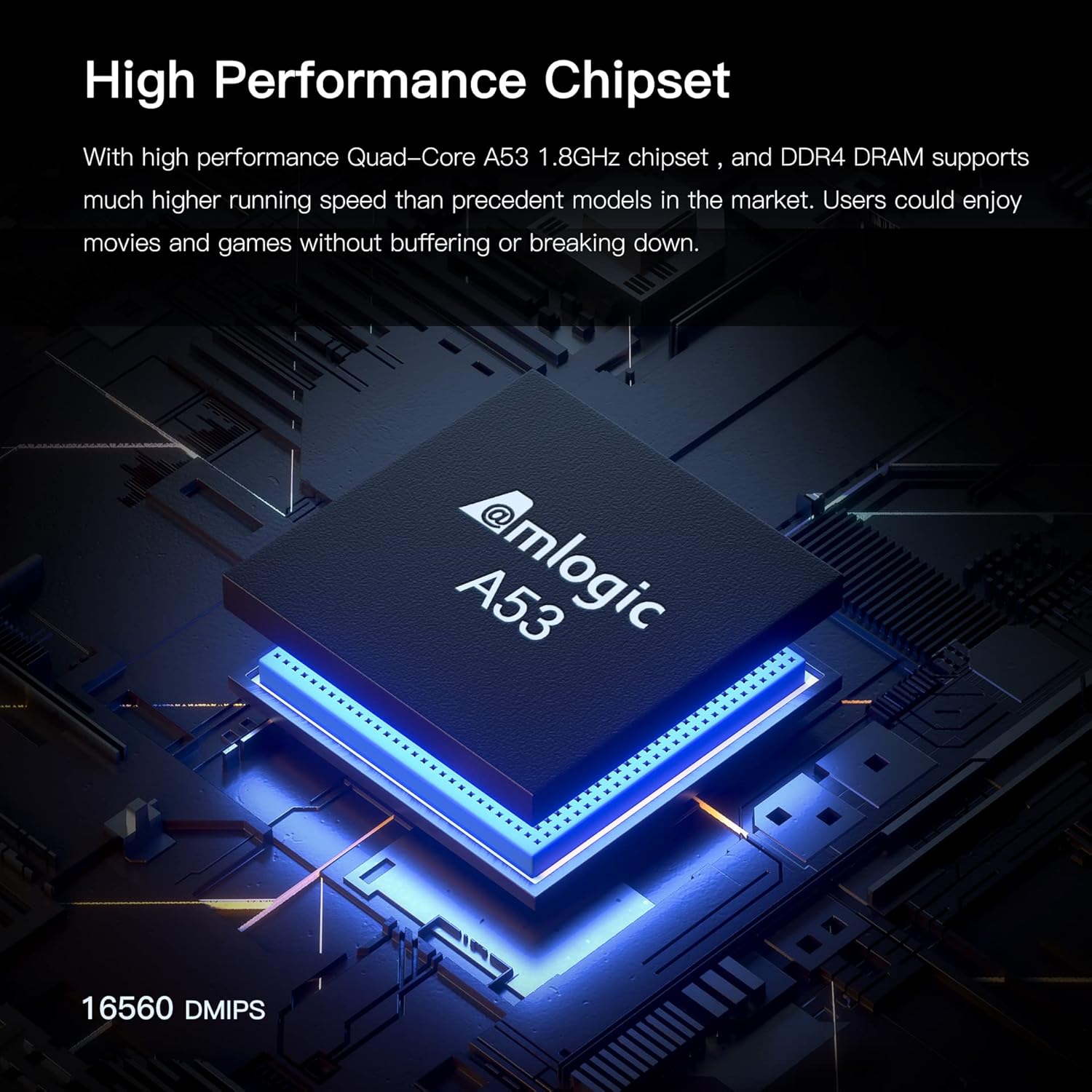
Image: A detailed view of the Amlogic A53 Quad-Core chipset, highlighting the high-performance processing power within the STRONG Leap-S1 device.
Maintenance
- Cleaning: Use a soft, dry cloth to clean the device. Do not use liquid cleaners or aerosols.
- Ventilation: Ensure the device is placed in a well-ventilated area to prevent overheating. Do not block ventilation openings.
- Software Updates: The device may receive automatic software updates. Ensure it is connected to the internet to receive these updates for optimal performance and security.
- Storage: When not in use for extended periods, disconnect the power adapter and store the device in a cool, dry place.
Troubleshooting
| Problem | Possible Cause | Solution |
|---|---|---|
| No power/device not turning on. | Power adapter not connected or faulty. | Check power connections. Ensure the power adapter is securely plugged into the device and a working power outlet. |
| No picture on TV. | Incorrect HDMI input selected on TV or HDMI cable issue. | Verify the TV is set to the correct HDMI input. Check HDMI cable connection or try a different HDMI port/cable. |
| No sound. | TV or device volume too low, or audio settings incorrect. | Increase volume on both the TV and the Leap-S1. Check audio output settings on the device. |
| Remote control not responding. | Batteries are low or incorrectly inserted, or remote is not paired. | Replace batteries. Ensure correct polarity. Re-pair the Bluetooth remote if necessary (refer to device settings). |
| Buffering or slow streaming. | Weak Wi-Fi signal or slow internet connection. | Move the device closer to the Wi-Fi router, or connect via Ethernet cable. Check your internet speed. |
Specifications
| Feature | Detail |
|---|---|
| Model Name | LEAP-S1UK |
| Operating System | Android TV 10.0 |
| Resolution | Up to 4K Ultra HD (3840 x 2160 pixels) |
| HDR Support | Yes |
| Audio | Dolby Digital Plus |
| Processor | Quad-Core A53 1.8GHz |
| RAM | DDR4 DRAM (specific size not provided) |
| Internal Storage | (Specific size not provided, but expandable via Micro SD) |
| Wi-Fi | Wi-Fi 5 (802.11ac) Dual-Band (2.4GHz/5GHz) 2x2 AC |
| Bluetooth | Bluetooth 4.2 |
| Ports | HDMI, 1x USB 2.0, 1x USB 3.0, LAN (10/100), AV, IR Expansion, Micro SD Card Slot, DC 12V/1A Power |
| Dimensions | 11 cm x 11 cm x 2 cm |
| Weight | 550 g |
Warranty and Support
The STRONG Leap-S1 Smart Box comes with a 24-month product guarantee from the date of purchase.
For technical assistance or warranty claims, please contact the dedicated UK support team:
- Email: support_uk@strong.tv
- Availability: Weekdays only.
Please have your model number (LEAP-S1UK) and proof of purchase ready when contacting support.


