
Product Overview
The DROK USB to 12V Adapter is a step-up converter designed to transform a 5V USB input into a 12V DC output. This device allows you to power various 12V electronics, such as routers, small fans, desk lamps, and Bluetooth audio devices, using a standard 5V USB power source like a power bank or computer USB port. It includes both 5.5x2.5mm and 3.5x1.35mm DC connectors for broad compatibility.

Image: The DROK USB to 12V adapter, showcasing its USB-A input and interchangeable DC output connectors (5.5x2.5mm and 3.5x1.35mm).
Key Features
- Input Voltage: DC 5V
- Output Voltage: DC 12V
- Maximum Input Current: 2.4A
- Maximum Output Current: 1A
- Cable Length: 1.1 meters (approximately 3.6 feet)
- Connectors: Includes 5.5x2.5mm and 3.5x1.35mm DC connectors for versatile use.
- Plug and Play: Simple operation for immediate use.
- Compact Design: Easy to carry and store.

Image: A visual representation of the product's key specifications, including input voltage (5V), output voltage (12V), maximum input current (2.4A), and maximum output current (1A).
Setup Instructions
- Identify Power Source: Ensure your USB power source (e.g., power bank, USB wall adapter, computer USB port) provides a stable 5V DC output and can supply at least 2.4A for optimal performance.
- Connect USB Input: Plug the USB-A end of the DROK converter cable into your 5V USB power source.
- Select DC Connector: Choose the appropriate DC connector (either 5.5x2.5mm or 3.5x1.35mm) that matches the power input port of your 12V device. The package includes one 3.5x1.35mm connector.
- Connect to Device: Attach the selected DC connector to the output end of the converter cable, then plug it into your 12V electronic device.
- Verify Operation: Once connected, your 12V device should power on. If not, refer to the Troubleshooting section.

Image: The DROK USB to 12V adapter cable, illustrating its USB input and the DC output connector ready for attachment to a device.

Image: A close-up view highlighting the flexible and bendable nature of the adapter cable, designed for durability and ease of use.
Operating Instructions
The DROK USB to 12V Adapter operates on a simple plug-and-play principle. Once correctly connected to a 5V USB power source and a compatible 12V device, it will automatically convert the voltage and supply power. This allows for continuous operation of devices such as:
- Routers (enabling Wi-Fi during power outages when connected to a power bank)
- Small fans
- Desk lamps
- Solar panels (for charging compatible devices)
- Speakers and Bluetooth audio devices
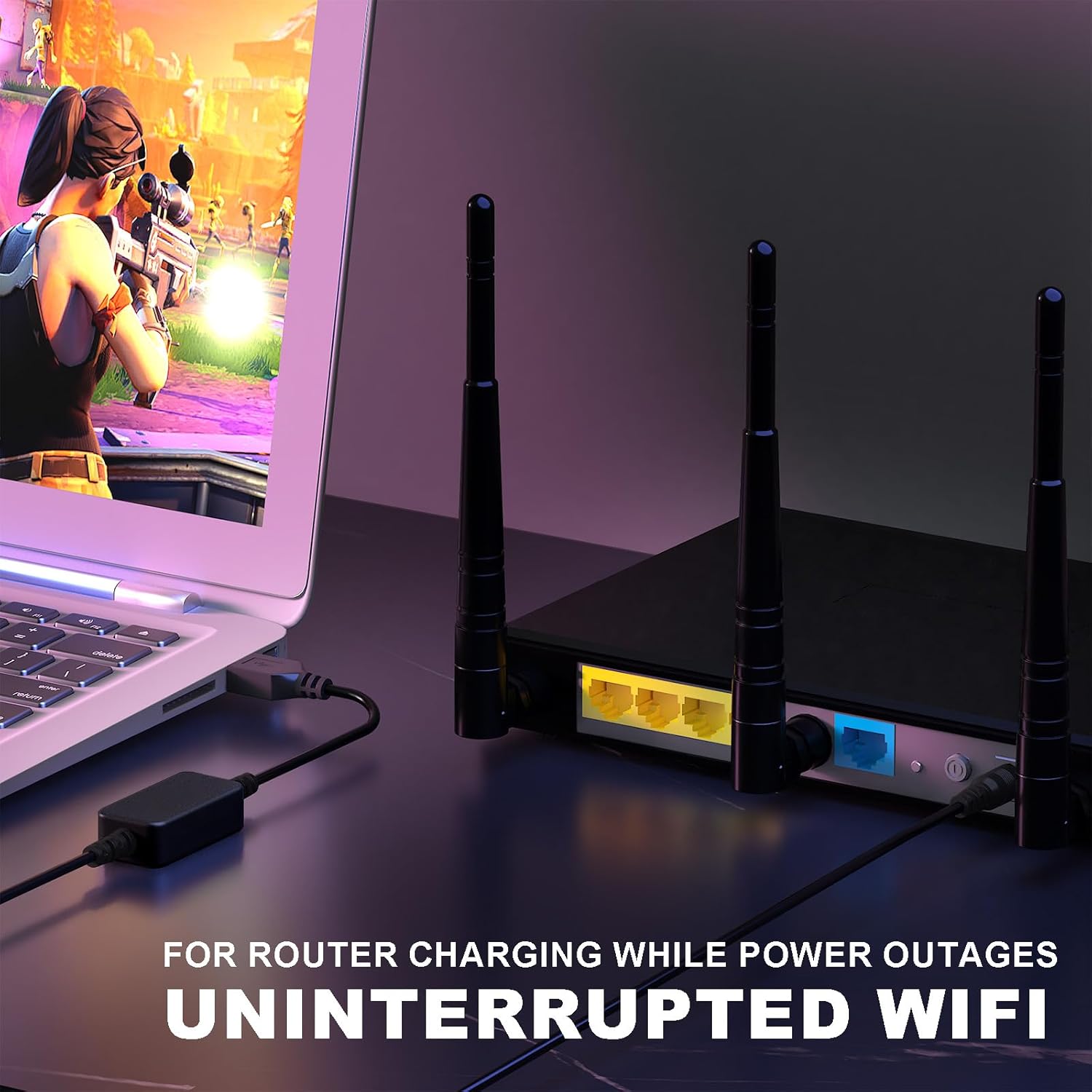
Image: The DROK USB to 12V adapter connected to a router, demonstrating its use for maintaining Wi-Fi connectivity during power interruptions.
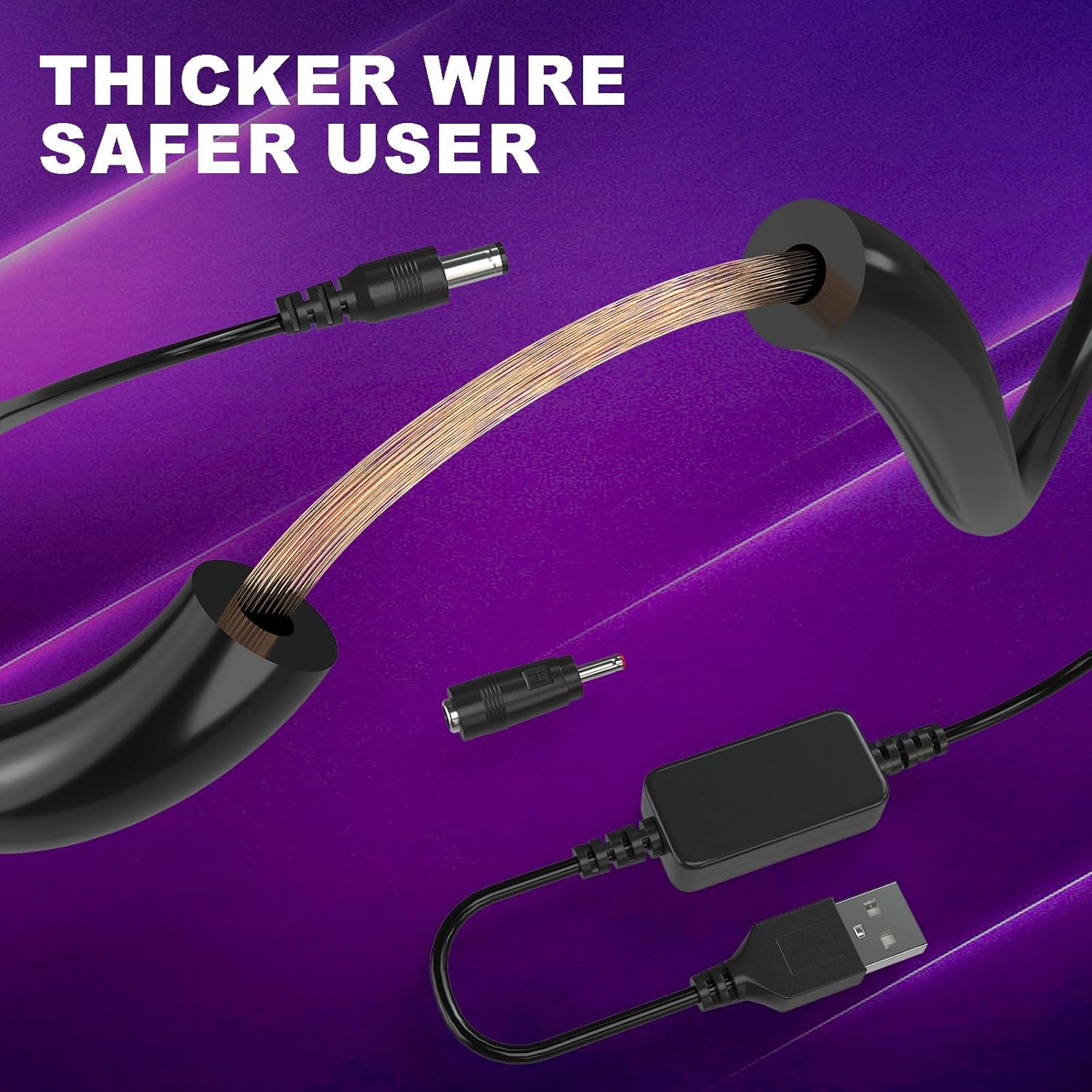
Image: An illustration showcasing the wide range of applications for the adapter, including speakers, LED lights, routers, mini fans, game consoles, and security cameras.
Video: A brief overview demonstrating the functionality and common uses of the DROK USB to 12V adapter.
Maintenance
To ensure the longevity and proper functioning of your DROK USB to 12V Adapter, follow these simple maintenance guidelines:
- Keep Dry: Avoid exposing the adapter to moisture or liquids.
- Avoid Extreme Temperatures: Do not operate or store the adapter in excessively hot or cold environments.
- Handle with Care: Do not bend the cable excessively or apply undue force to the connectors.
- Clean Gently: If necessary, wipe the adapter with a soft, dry cloth. Do not use harsh chemicals or abrasive cleaners.
Troubleshooting
If you encounter issues with your DROK USB to 12V Adapter, consider the following:
- Device Not Powering On:
- Ensure the USB input source provides a stable 5V.
- Verify that your target device requires 12V DC and that its current draw does not exceed the adapter's maximum output of 1A.
- Check all connections to ensure they are secure and the correct DC connector is used.
- Intermittent Power or Device Malfunction:
- The adapter may cease to function if the load operating voltage falls below or exceeds 12V, or if the input voltage falls below or exceeds 5V.
- Ensure the current drawn by your device does not exceed the adapter's 1A output capacity. Overloading can cause the adapter to shut down or perform inconsistently.
- Try a different 5V USB power source to rule out issues with the power supply.
- Adapter Gets Warm: It is normal for the adapter to become slightly warm during operation. However, if it becomes excessively hot, disconnect it immediately and check for overcurrent or short-circuit conditions in your setup.
Specifications
| Input Voltage | 5 Volts DC |
| Output Voltage | 12 Volts DC |
| Max Input Current | 2.4 Amps |
| Max Output Current | 1 Amp |
| Cable Length | 1.1 meters (3.6 feet) |
| Connectors | USB-A Input, 5.5x2.5mm DC Output, 3.5x1.35mm DC Output (adapter included) |
| Item Weight | 1.23 ounces |
| Model Number | 200610 |
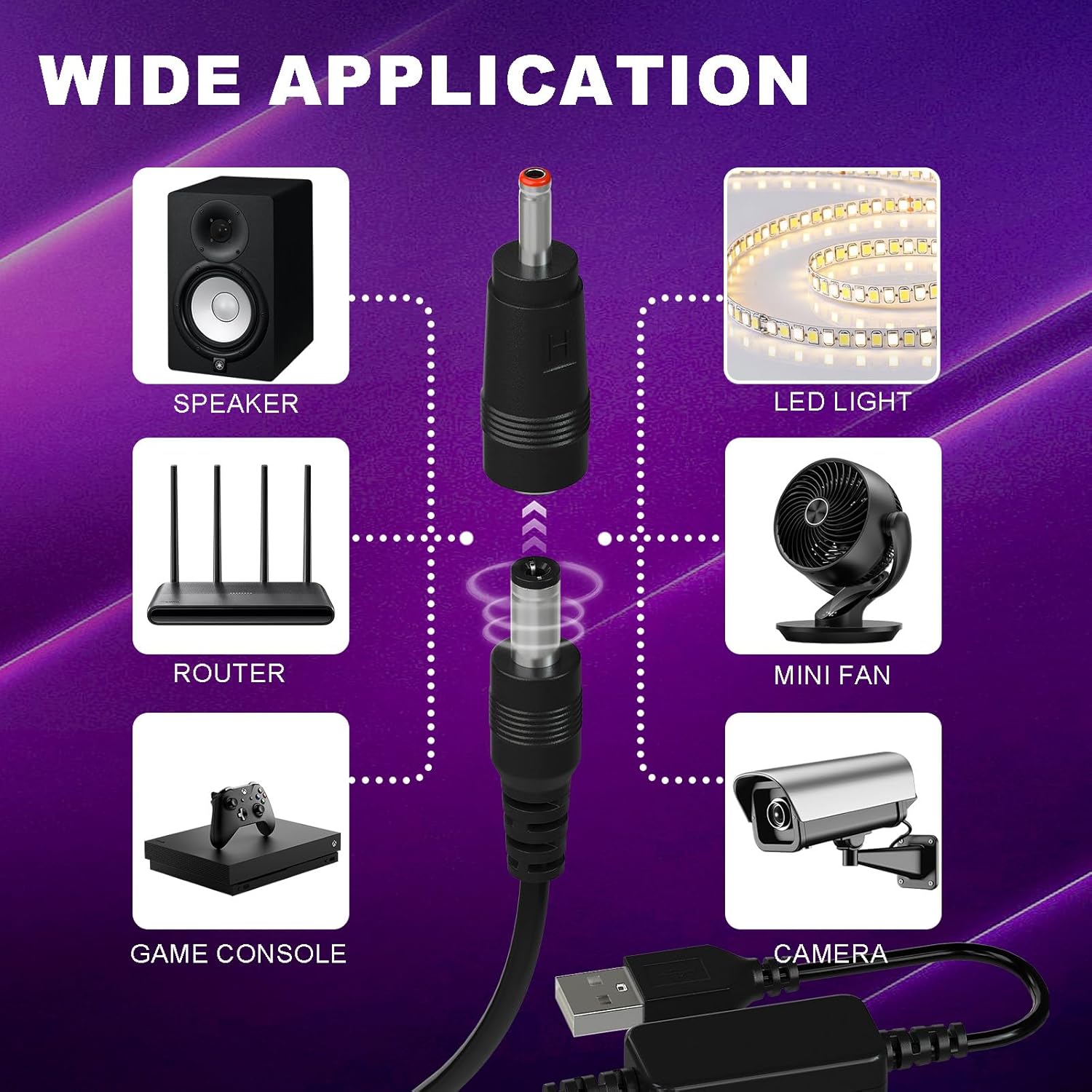
Image: A diagram illustrating the compact size and precise dimensions of the adapter cable and its various connectors.
Warranty and Support
This DROK USB to 12V Adapter comes with a One Year Warranty from the date of purchase, covering manufacturing defects under normal use. Please retain your proof of purchase for warranty claims.
For technical support, troubleshooting assistance, or warranty inquiries, please contact DROK customer service through the retailer's platform or visit the official DROK website for contact information. When contacting support, please provide your product model number (200610) and a detailed description of the issue.


