
Introduction
The Ontel Balloon Zoom is an engaging, balloon-powered toy set designed for racing and flying. This manual provides comprehensive instructions for assembly, operation, maintenance, and troubleshooting to ensure a safe and enjoyable experience. The toy operates without batteries or chargers, utilizing air pressure to propel vehicles and flyers.

Image: The complete Ontel Balloon Zoom set, featuring the yellow pump, a red race car with an inflated green balloon, and a blue handle for pumping.
Safety Information
Small Parts. Not for children under 3 years. Children under 8 years can choke or suffocate on uninflated or broken balloons. Adult supervision required. Keep uninflated balloons from children. Discard broken balloons at once.
What's in the Box
- Air pump
- Launch pad
- Race car
- Rocket ship
- 12 assorted balloons
- Sticker sheet
- Fun guide
Setup
Follow these steps to prepare your Balloon Zoom for play:
- Assemble the Pump: Insert the blue pump handle into the top of the yellow pump base.
- Prepare the Vehicle/Flyer: Choose either a race car, rocket ship, or astronaut flyer.
- Attach a Balloon: Securely attach one of the provided balloons to the designated nozzle on the chosen vehicle or flyer. Ensure a tight seal to prevent air leakage.
- Connect to Launcher: For race cars, align the back of the car with the opening on the pump base and slide it in until it clicks. For the rocket ship or astronaut flyer, attach it to the separate launch pad accessory, then connect the launch pad to the pump base.

Image: A detailed graphic illustrating the 12 steps for assembling and operating the Balloon Zoom toy, showing how to attach balloons to cars and flyers, pump them, and launch.
Operating Instructions
Once assembled, the Balloon Zoom is ready for action:
- Pump the Balloon: Vigorously pump the handle up and down to inflate the balloon. The Easy Connect System ensures an airtight seal for maximum air pressure.
- Observe Inflation: Continue pumping until the balloon reaches the desired size. The larger the balloon, the further the vehicle or flyer will travel.
- Launch: Press the release button on the pump base (for cars) or the launch pad (for flyers) to release the air from the balloon, propelling the toy forward or upward.

Image: A child actively pumping the yellow Balloon Zoom launcher, inflating a pink balloon attached to a red race car, demonstrating the pumping action.

Image: A child with an expression of excitement, launching an astronaut flyer with an inflated green balloon from the yellow Balloon Zoom pump, illustrating the launch action.
Glow-in-the-Dark Feature: Some components of the Balloon Zoom feature neon colors that glow in the dark, adding an extra element of fun to playtime in low-light conditions.
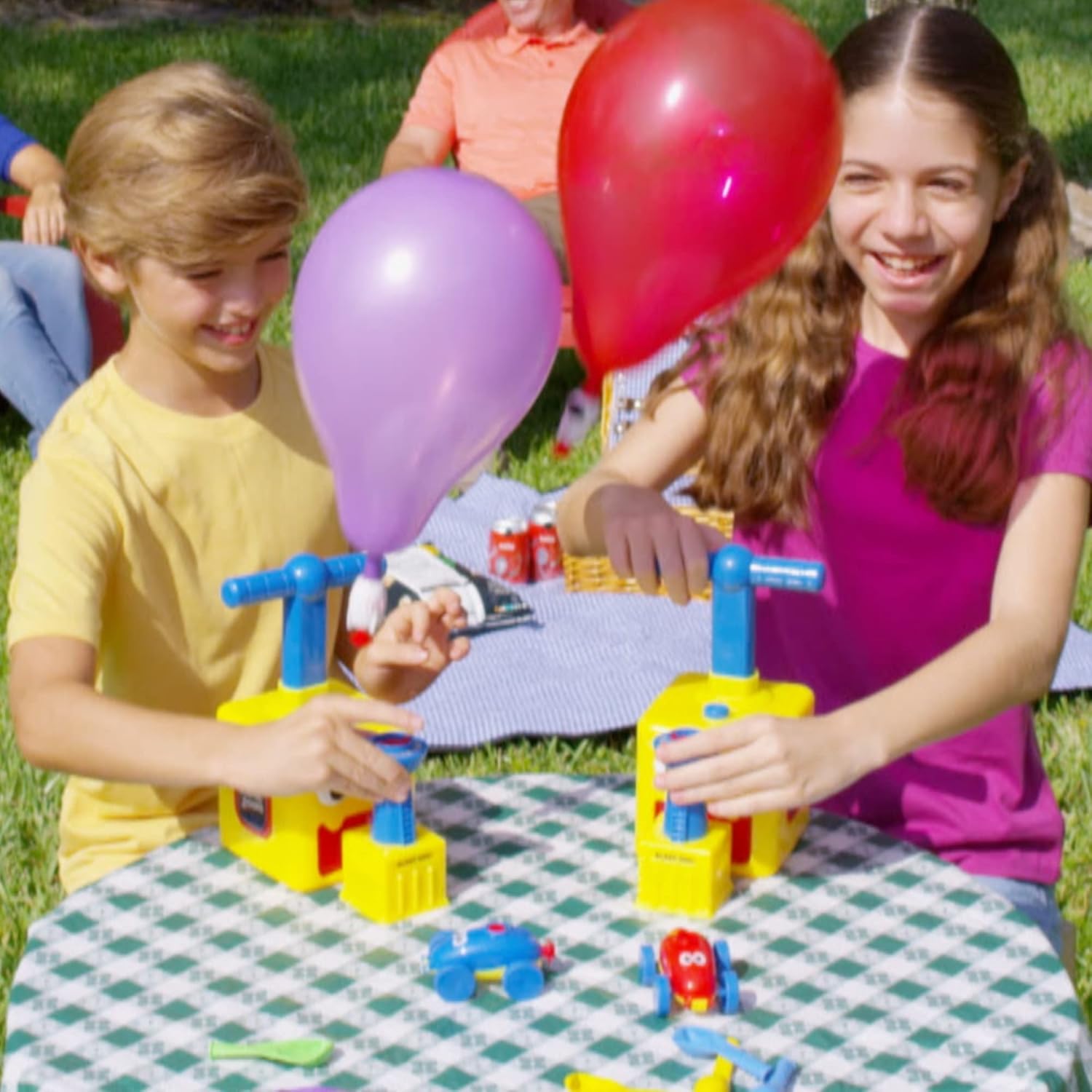
Image: A child smiling in a dimly lit room, holding the green Balloon Zoom pump with a blue balloon and a glowing astronaut flyer, highlighting the glow-in-the-dark feature.
Maintenance
To ensure the longevity of your Balloon Zoom toy set:
- Cleaning: Wipe all plastic components with a damp cloth and mild soap. Do not immerse the pump in water.
- Storage: Store the toy set in a cool, dry place away from direct sunlight when not in use.
- Balloons: Replace balloons as needed. Standard balloons can be used, but ensure they fit securely to maintain air pressure.
Troubleshooting
- Balloon not inflating: Check that the balloon is securely attached to the nozzle of the vehicle/flyer and that there are no holes or tears in the balloon. Ensure the pump handle is fully extended before pushing down.
- Vehicle/Flyer not launching: Verify that the balloon is sufficiently inflated. Ensure the vehicle or launch pad is correctly connected to the pump base and the release button is fully pressed.
- Air leakage: Inspect all connections for a tight fit. If a balloon is old or damaged, replace it with a new one.
Specifications
| Feature | Detail |
|---|---|
| Product Dimensions | 4.7 x 5.3 x 8.8 inches |
| Item Weight | 1.28 pounds |
| Item Model Number | BZOOMA-MO8 |
| Manufacturer Recommended Age | 36 months - 8 years |
| Material | Rubber |
| Manufacturer | Ontel Products Corp |
Warranty and Support
For warranty information or product support, please contact Ontel Products Corp directly through their official website or customer service channels. Keep your purchase receipt for any warranty claims.