Introduction
Thank you for choosing UrbanX Street Buds Plus True Wireless Earbuds. This manual provides essential information for setting up, operating, maintaining, and troubleshooting your new earbuds. Please read it carefully to ensure optimal performance and longevity of your device.
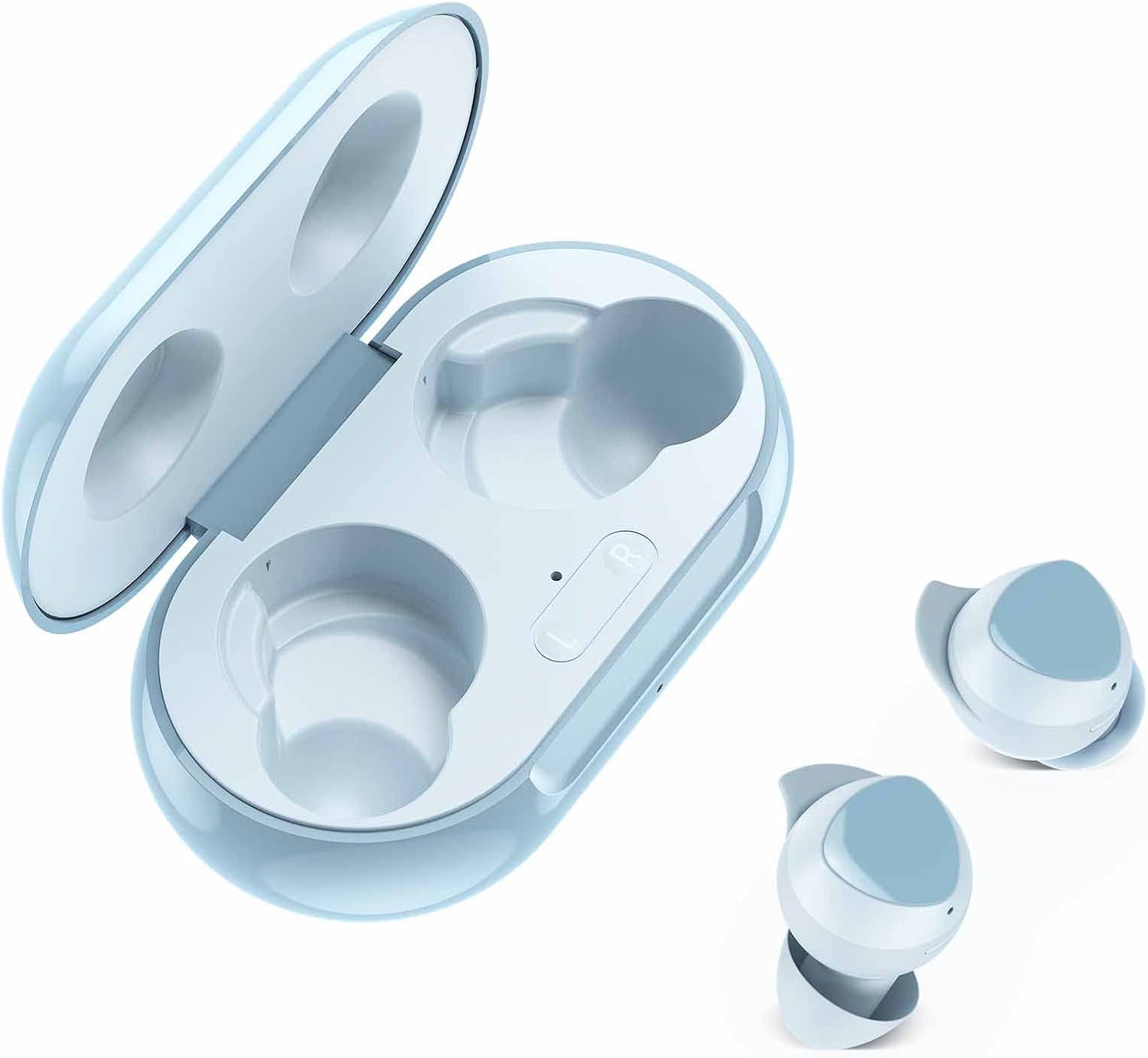
The UrbanX Street Buds Plus feature fine-tuned 12mm speakers for enhanced bass, hands-free controls, and a wireless charging case. They are designed for comfort and durability, including IP7 water and sweat resistance, making them suitable for various activities.
Package Contents
- UrbanX Street Buds Plus Earbuds (Left and Right)
- Wireless Charging Case
- USB Charging Cable (not explicitly listed but standard)
- User Manual (this document)
Safety Information
- Do not expose the earbuds or charging case to extreme temperatures or direct sunlight for extended periods.
- Avoid dropping or applying excessive force to the device.
- Keep out of reach of children and pets.
- Do not attempt to disassemble or modify the earbuds or charging case. This will void the warranty.
- Use only approved charging cables and adapters.
- Prolonged listening at high volumes may cause hearing damage. Adjust volume to a safe level.
Setup
1. Charging the Earbuds and Case
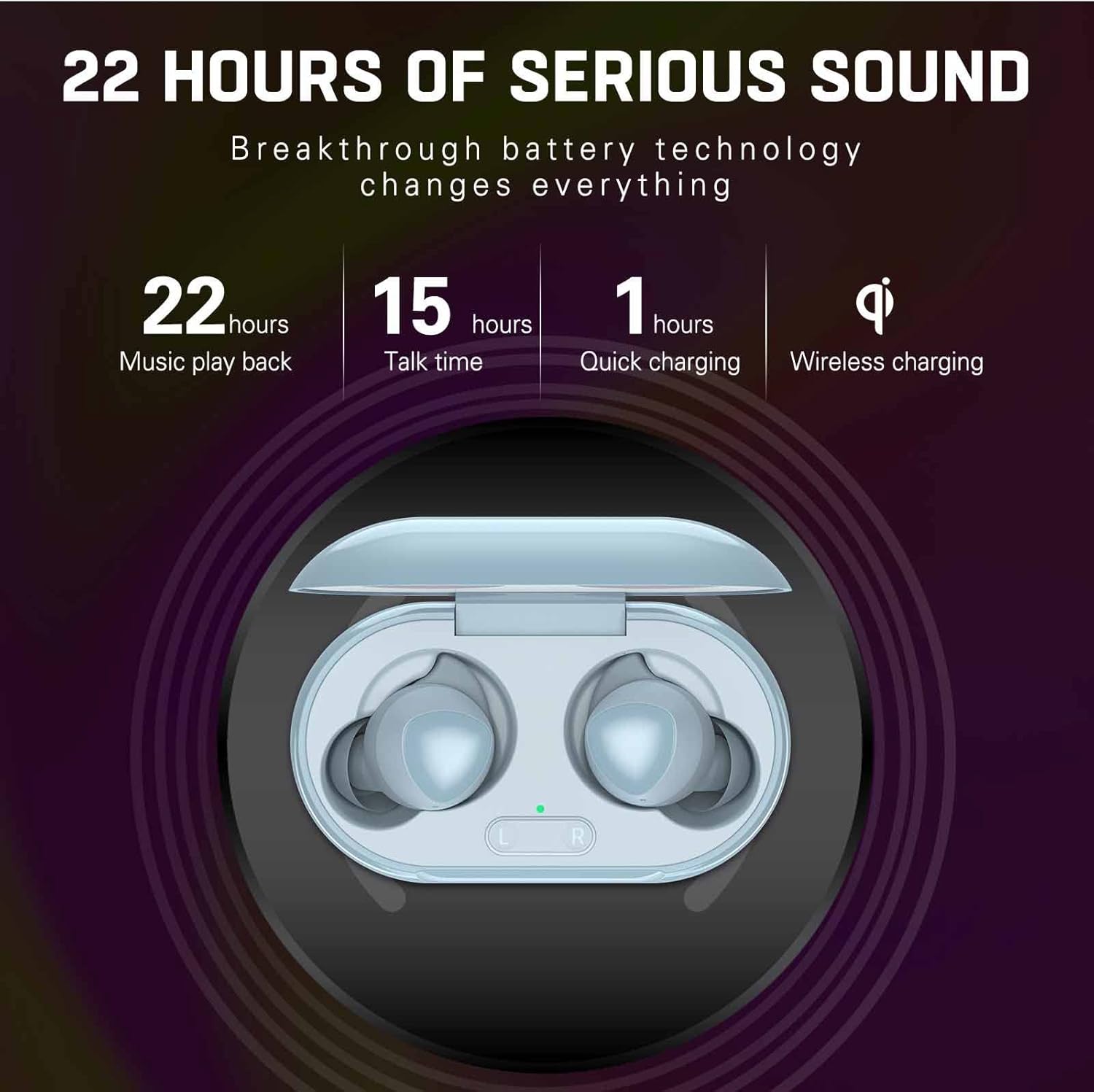
Before first use, fully charge the earbuds and the charging case. The charging case supports both wired (USB-C) and wireless charging.
- Wired Charging: Connect the USB charging cable to the charging port on the case and to a power source. The indicator light on the case will show charging status.
- Wireless Charging: Place the charging case on a compatible wireless charging pad. The indicator light will confirm charging.
- Earbud Charging: Place the earbuds into the charging case. They will automatically begin charging.
A full charge provides approximately 22 hours of music playback and 15 hours of talk time. Quick charging can provide significant power in about 1 hour.
2. Pairing with a Device
The UrbanX Street Buds Plus feature one-step auto-pairing for easy connection.
- Ensure the earbuds are charged.
- Open the charging case. The earbuds will automatically enter pairing mode.
- On your device (smartphone, tablet, laptop), go to the Bluetooth settings.
- Search for available devices and select "Buds Plus" from the list.
- Once connected, you will hear an audible confirmation, and the earbuds will be ready for use.
The earbuds are compatible with iOS, Android, and Windows devices.

Operating
Wearing the Earbuds
For optimal sound quality and comfort, ensure the earbuds are properly seated in your ears. Gently insert each earbud and twist slightly until it feels secure and comfortable.
Touch Controls
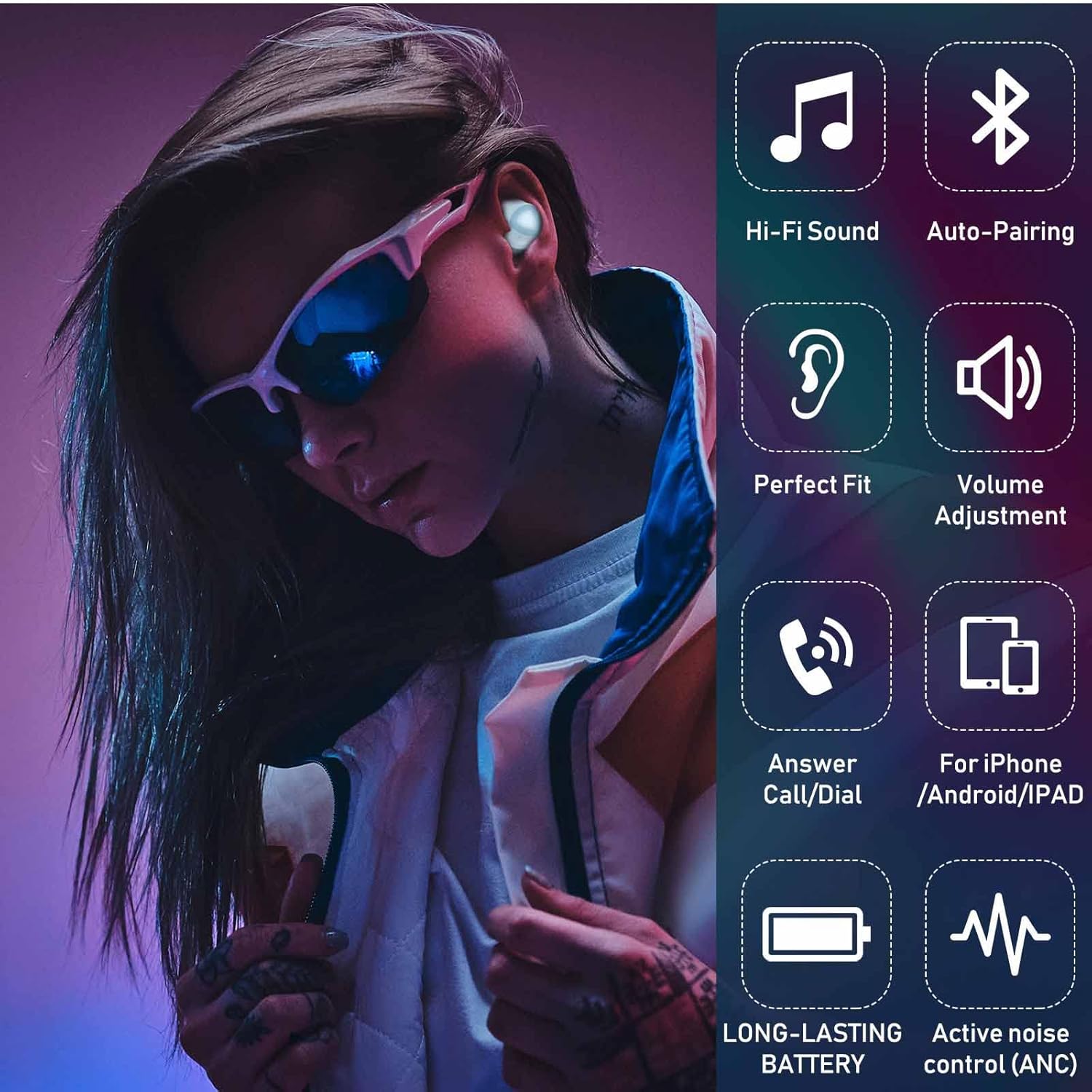
The UrbanX Street Buds Plus feature hands-free controls for managing audio playback and phone calls. Specific touch gestures may vary slightly, but common functions include:
- Play/Pause: Single tap on either earbud.
- Next Track: Double tap on the right earbud.
- Previous Track: Double tap on the left earbud.
- Answer/End Call: Single tap on either earbud during an incoming call.
- Reject Call: Press and hold either earbud during an incoming call.
- Volume Adjustment: (If supported by specific model) Swipe up/down on the earbud surface or use your connected device.
- Voice Assistant: Triple tap on either earbud (e.g., Siri, Google Assistant).
Maintenance
Cleaning
Regular cleaning helps maintain sound quality and hygiene.
- Gently wipe the earbuds and charging case with a soft, dry, lint-free cloth.
- Do not use abrasive cleaners, alcohol, or chemical solvents.
- Remove any earwax or debris from the earbud tips and speaker mesh using a small, clean brush or cotton swab.
Water Resistance
The UrbanX Street Buds Plus are IP7 water and sweat resistant, making them suitable for workouts and light rain. However, they are not designed for swimming or submersion in water. Ensure the earbuds are dry before placing them back into the charging case to prevent damage.

Storage
When not in use, store the earbuds in their charging case to protect them and keep them charged.
Troubleshooting
| Problem | Possible Cause | Solution |
|---|---|---|
| Earbuds not pairing | Low battery, out of range, pairing mode not active, previous connection issue. | Charge earbuds and case. Ensure Bluetooth is on and within range. Place earbuds in case, close, then open to re-enter pairing mode. Forget "Buds Plus" from device's Bluetooth list and re-pair. |
| No sound or low volume | Volume too low, earbud placement, debris in speaker, connection issue. | Increase volume on device and earbuds. Adjust earbud fit. Clean speaker mesh. Reconnect earbuds to device. |
| Charging issues | Dirty charging contacts, faulty cable/charger, improper placement on wireless pad. | Clean charging contacts on earbuds and case. Try a different USB cable or power adapter. Ensure case is centered on wireless charging pad. |
| One earbud not working | Individual earbud connection issue, low battery. | Place both earbuds in the case, close, then open. Ensure both earbuds are charged. Try re-pairing. |
Specifications
- Model Name: R175
- Connectivity Technology: Wireless (Bluetooth)
- Wireless Communication Technology: Bluetooth
- Compatible Devices: Fairphone 4, Samsung, Mobile Phone, Tablet, Laptop, Smartphone
- Control Type: Call Control, Playback Control
- Cable Feature: Without Cable
- Water Resistance Level: IP7 Water Resistant
- Item Weight: Approximately 2 ounces
- Product Dimensions: Approximately 2.75 x 1.04 x 1.52 inches
- Special Features: Carrying case included, Enhanced bass, Microphone Included, Sports-and-exercise ready, Wireless charging
- Music Playback Time: Up to 22 hours (with charging case)
- Talk Time: Up to 15 hours (with charging case)
- Quick Charge: 1 hour
- Ear Placement: In Ear
- Form Factor: In Ear
- Noise Control: Sound Isolation

Warranty
UrbanX Street Buds Plus come with a 90-day money-back guarantee. Additionally, a 12-month replacement warranty is provided for defective earbuds. Please retain your proof of purchase for warranty claims.
Support
If you encounter any issues or have questions not covered in this manual, please refer to the UrbanX official website or contact customer support for assistance. For warranty claims, please provide your purchase details.


