1. Introduction
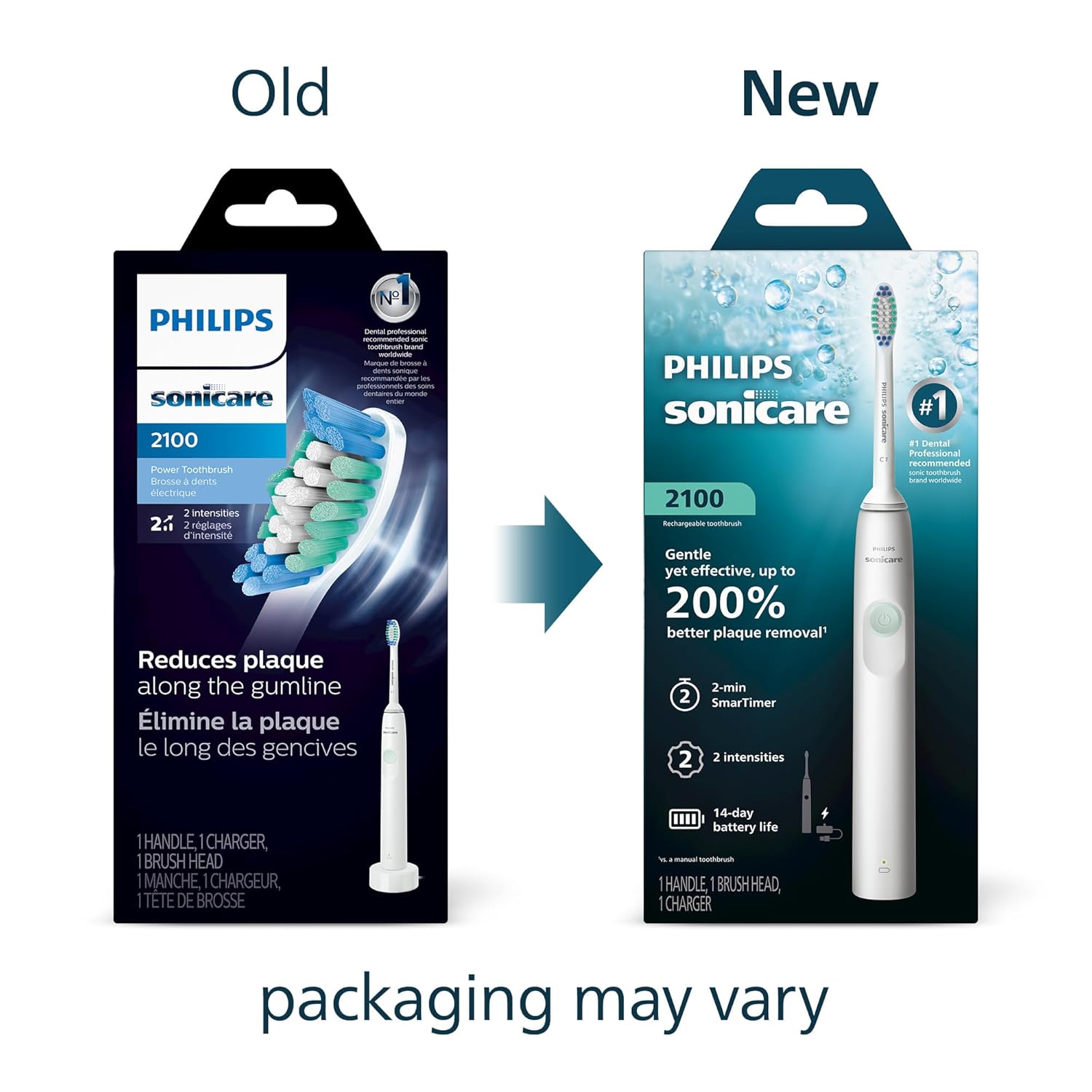
The Philips Sonicare 2100 Series Electric Toothbrush is designed to provide a powerful yet gentle cleaning experience. Utilizing advanced sonic technology, this toothbrush helps remove plaque more effectively than a manual toothbrush. It features two intensity settings, a Smartimer, and a QuadPacer to guide you through your brushing routine, ensuring comprehensive oral care.
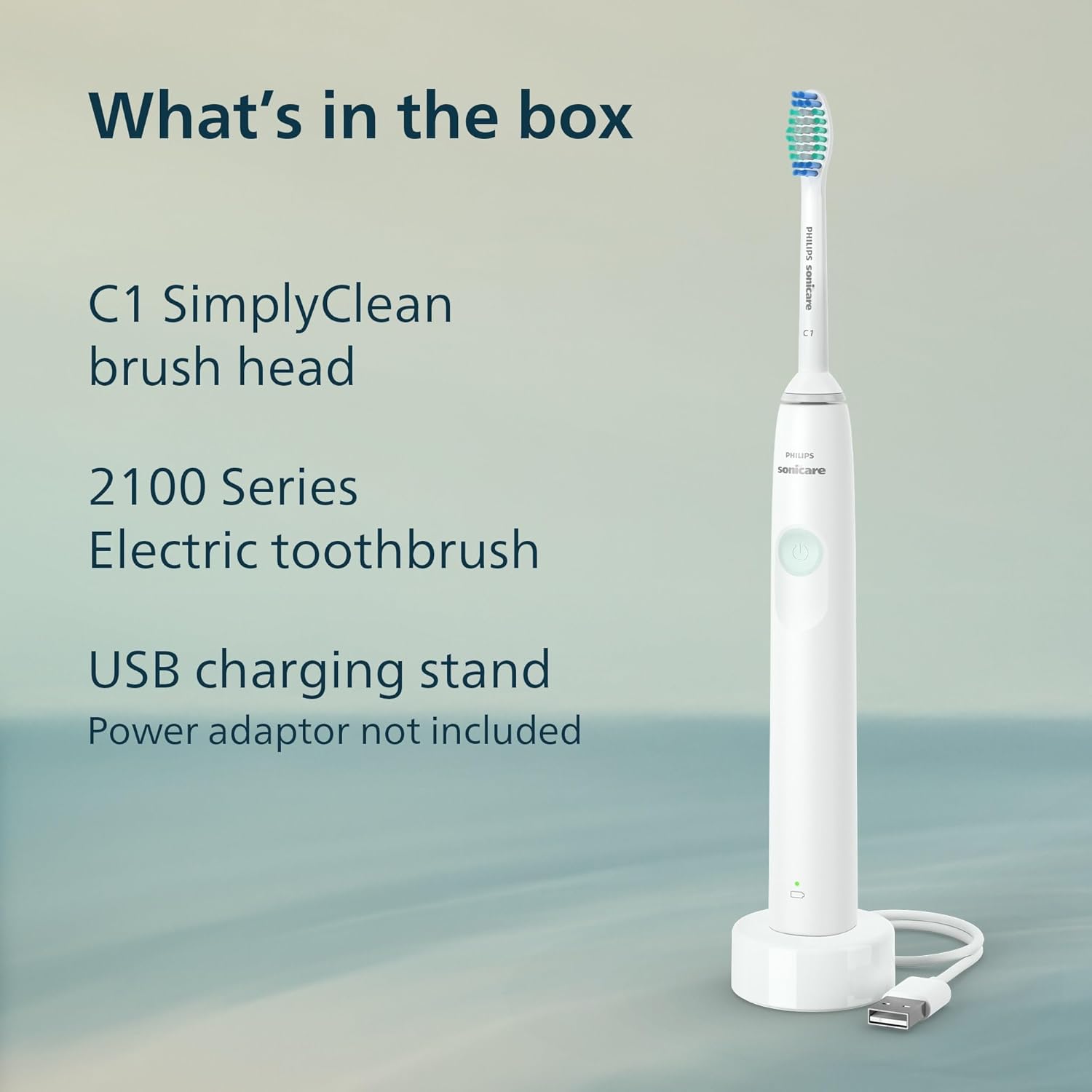
2. What's in the Box
Your Philips Sonicare 2100 Series package includes the following components:
- 1x Philips Sonicare 2100 Series electric toothbrush handle
- 1x C1 Simply Clean brush head
- 1x USB charging stand (power adapter not included)
3. Setup
3.1 Charging the Toothbrush
Before first use, fully charge your Philips Sonicare toothbrush. The toothbrush provides up to 14 days of regular brushing on a single full charge (based on two two-minute brushings per day on standard mode).
- Connect the USB charging stand to a compatible USB power adapter (not included) and plug it into a wall outlet.
- Place the toothbrush handle onto the charging stand. The battery indicator light on the handle will illuminate to show charging status.
- Allow the toothbrush to charge for at least 24 hours for a full charge.

3.2 Attaching the Brush Head
Align the brush head with the metal shaft on the toothbrush handle and push it down firmly until it clicks into place. Ensure the brush head is securely attached before use.

4. Operating Instructions
4.1 Powering On and Off
Press the power button once to turn the toothbrush on. Press it again to turn it off.
4.2 Advanced Sonic Technology
The Philips Sonicare 2100 Series utilizes advanced sonic technology that pulses fluid between teeth and along the gumline, providing a thorough and effective clean.

4.3 Intensity Settings
The toothbrush offers two intensity settings: low and high. You can select your preferred intensity by pressing the mode button (if available, or by cycling through power button presses depending on the model variation). The EasyStart feature gradually increases the brushing power over the first 14 uses to help you adapt to the Sonicare experience.

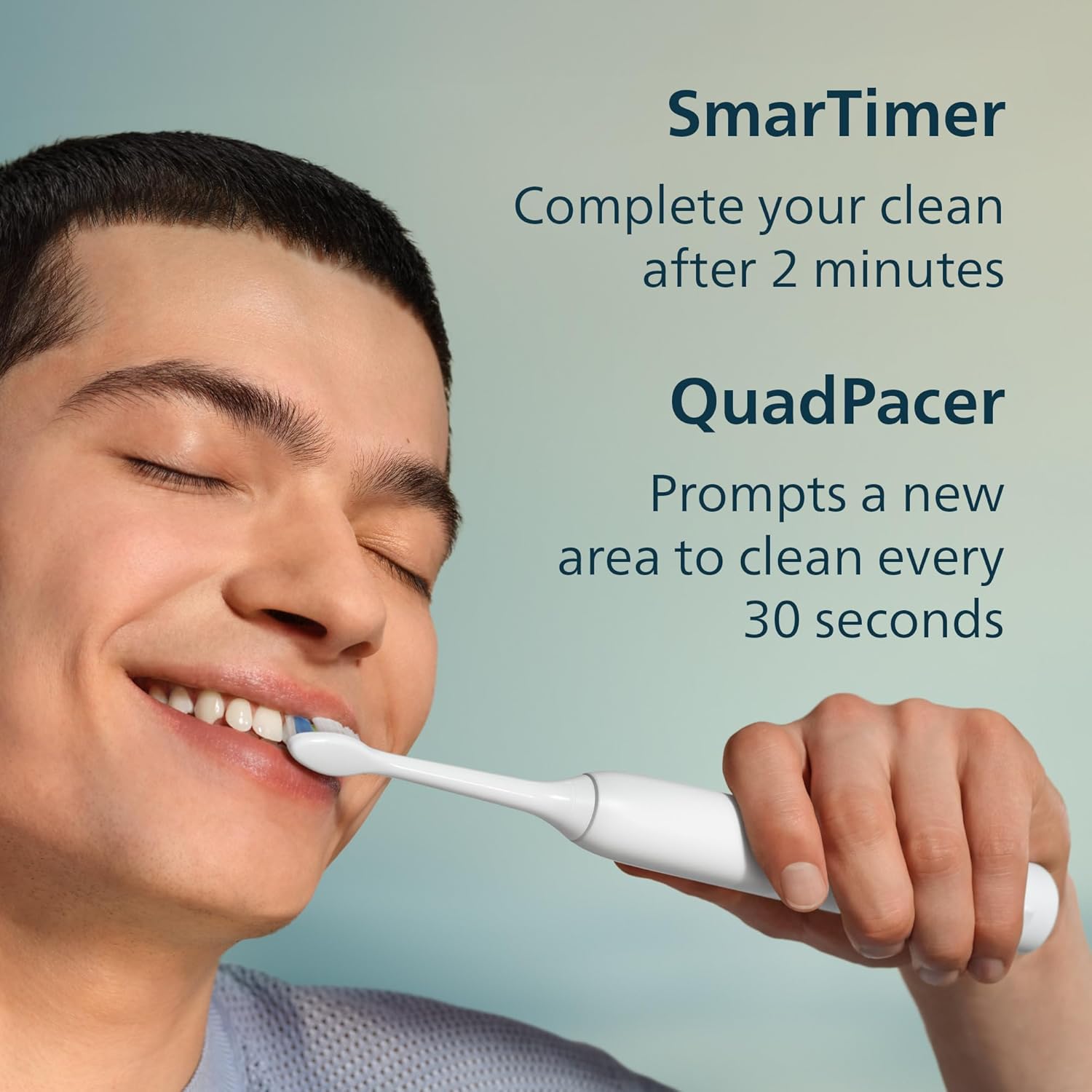
4.4 Smartimer and QuadPacer
The built-in Smartimer ensures you brush for the dentist-recommended 2 minutes. The QuadPacer feature prompts you to move to a new section of your mouth every 30 seconds, ensuring even and thorough cleaning across all four quadrants of your mouth.
4.5 Official Product Video: Philips Sonicare 2000 Series Overview
Video 1: This video provides an overview of the Philips Sonicare 2000 Series, demonstrating features such as sonic technology, intensity settings, QuadPacer, Easy-Start, and USB charging, which are also applicable to the 2100 Series.
5. Maintenance
5.1 Replacing Brush Heads
For optimal performance and hygiene, dental professionals recommend replacing your brush head every 3 months. To replace, simply pull the old brush head off the handle and snap a new one into place.
5.2 Cleaning the Toothbrush
After each use, rinse the brush head and bristles thoroughly under running water. Wipe the handle with a damp cloth. Do not submerge the handle in water for extended periods.
6. Troubleshooting
- Toothbrush not turning on: Ensure the toothbrush is fully charged. If the issue persists, try cleaning the charging contacts.
- Reduced brushing power: This may indicate a low battery. Place the toothbrush on the charger. If the battery is fully charged and power is still low, the brush head might be worn out and needs replacement.
- Brush head not staying on: Ensure the brush head is correctly aligned and pushed down firmly onto the metal shaft. If the brush head is old, it might be worn and require replacement.
7. Specifications
| Feature | Detail |
|---|---|
| Model Number | HX3661/04 |
| Dimensions | 2.48 x 4.29 x 8.66 inches |
| Weight | 9.07 ounces |
| Power Source | Battery Powered (1 Lithium Ion battery included) |
| Special Features | Brushing Timer, Ergonomic Design, Rechargeable |
| Item Firmness Description | Extra Soft |
8. Safety Information
Please refer to the safety information provided in the packaging for detailed warnings and precautions regarding the use and maintenance of your Philips Sonicare 2100 Series Electric Toothbrush.
9. Warranty and Support
For warranty information, product registration, or technical support, please visit the official Philips Sonicare website or contact their customer service. Details can typically be found in the product packaging or on the manufacturer's website.


