1. Introduction
Thank you for purchasing the EMOOR Height Adjustable TV Stand. This manual provides essential information for the safe and correct assembly, operation, and maintenance of your product. Please read this manual thoroughly before use and retain it for future reference.
This TV stand features a minimalist design with a blend of steel and natural wood, offering a stylish and space-saving solution for displaying your television. It includes height adjustment, cable management, and safety features for stability.
2. Safety Information
- Weight Limit: Do not exceed the maximum load capacity of 20kg (44 lbs). Overloading can cause instability and damage.
- TV Compatibility: Ensure your television meets all compatibility conditions listed in the 'Specifications' section, especially regarding weight, VESA mounting patterns, and screw hole configuration.
- Stable Surface: Always place the TV stand on a flat, stable, and level surface to prevent tipping.
- Anti-Tip Mechanism: Utilize the included anti-tip wire to secure the stand to a wall, especially in areas prone to earthquakes or if children and pets are present.
- Assembly: Follow all assembly instructions carefully. Incorrect assembly can lead to product failure and injury. It is recommended to assemble with two people.
- Children and Pets: Keep children and pets away from the stand during assembly. Do not allow them to climb on or play with the stand or mounted television.
- Cable Management: Secure all cables using the provided cable hooks to prevent tripping hazards and maintain stability.
- Moving the Stand: Always remove the television before moving the stand. Move the stand slowly and carefully to avoid damage or injury.
3. Package Contents
Please verify that all components are present before beginning assembly. If any parts are missing or damaged, contact customer support.
- Main Frame (Steel)
- Legs (Natural Wood - Beech)
- Mounting Hardware (Screws, Washers, etc.)
- Cable Management Hooks
- Non-slip Rubber Pads
- Anti-tip Wire
- Assembly Tools (e.g., Hex Wrench)
- Included TV Mounting Bolts: M5x14, M6x14, M6x30, M8x30, M8x50
Note: If the included TV mounting bolts do not fit your television, please consult your TV manufacturer's specifications and purchase appropriate bolts separately from a hardware store.

Figure 3.1: Included TV Mounting Bolt Sizes. Please ensure compatibility with your TV.
4. Setup and Assembly
Estimated assembly time: Approximately 15 minutes.
- Unpack Components: Carefully remove all parts from the packaging and lay them out on a soft, clean surface to prevent scratches. Verify all parts against the 'Package Contents' list.
- Attach Legs to Frame: Securely attach the natural wood legs to the steel main frame using the provided screws and tools. Ensure all connections are tight.
- Install Non-slip Pads: Apply the non-slip rubber pads to the bottom of each leg.
- Prepare Television:
- Ensure your TV meets the compatibility criteria (weight under 20kg, 4 VESA screw holes on the back, all screw holes equidistant from the display surface, and the original TV stand is removable).
- Select the appropriate VESA mounting bolts from the included set (M5x14, M6x14, M6x30, M8x30, M8x50) that fit your TV's screw holes.

Figure 4.1: VESA Mounting Patterns. Ensure your TV's screw hole spacing matches one of the supported patterns.
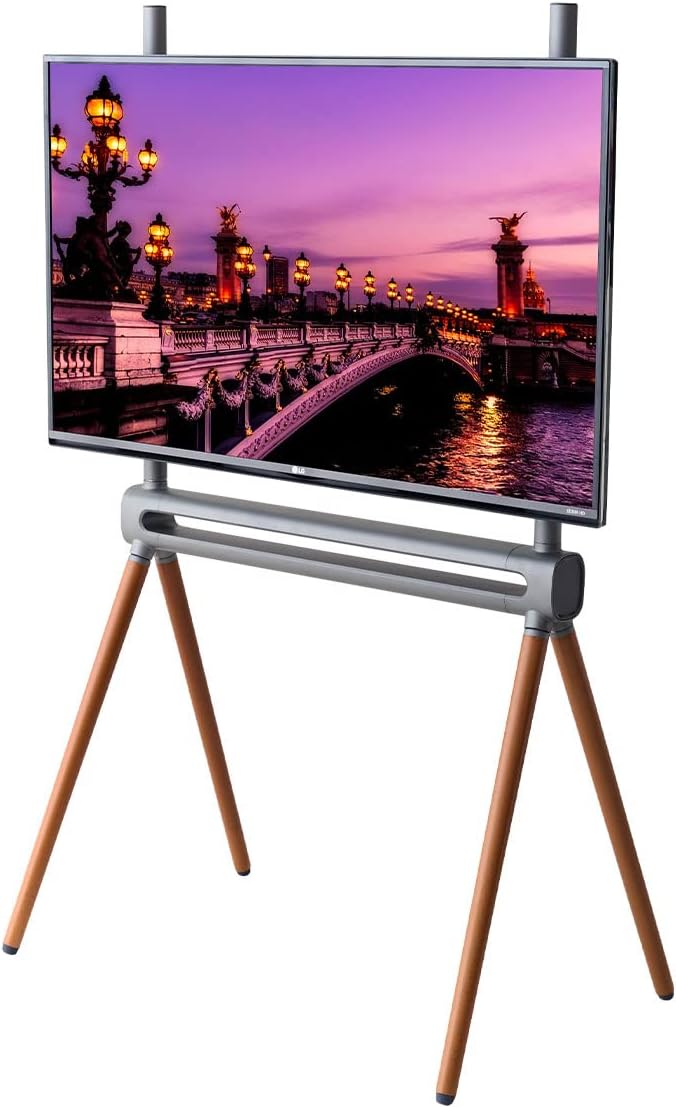
Figure 4.2: Correct TV Mounting Conditions. Screw holes must be equidistant from the display surface.
- Mount Television: Carefully attach the television to the stand's mounting bracket using the selected bolts. Ensure the TV is centered and securely fastened. It is highly recommended to have two people for this step.
- Cable Management: Use the provided cable management hooks to neatly route and secure all TV and power cables along the stand's legs. This prevents clutter and reduces tripping hazards.
- Install Anti-Tip Wire: Attach one end of the anti-tip wire to the designated point on the TV stand and the other end to a secure wall stud or anchor. This provides additional stability and prevents accidental tipping.
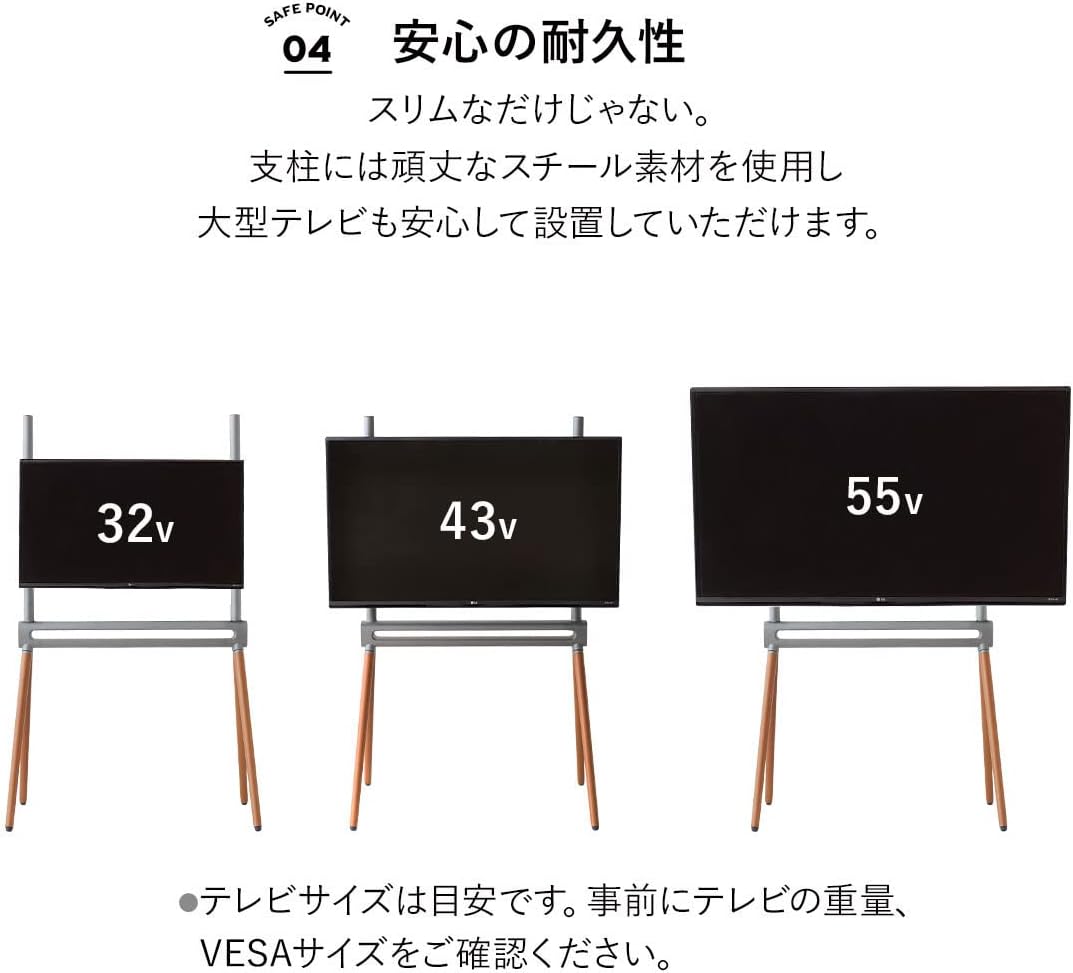
Figure 4.3: Cable Management Hooks for a tidy setup.

Figure 4.4: Non-slip feet and anti-tip wire for safety and stability.
5. Operating Instructions
Height Adjustment
The EMOOR TV Stand allows for flexible height adjustment to suit your viewing preferences. To adjust the height:
- Loosen Securing Screws: Locate the height adjustment screws on the back of the TV mounting bracket. Loosen these screws sufficiently to allow movement.
- Adjust Height: With assistance, carefully slide the television up or down to your desired viewing height. The stand offers an adjustable range of approximately 60 cm.
- Tighten Securing Screws: Once the desired height is achieved, firmly tighten all securing screws to lock the television in place. Ensure the TV is stable before releasing it.

Figure 5.1: Height Adjustment Range (approx. 60 cm).
6. Maintenance
- Cleaning: Wipe the steel frame and natural wood legs with a soft, dry cloth. For stubborn marks, a slightly damp cloth can be used, followed by immediate drying. Avoid abrasive cleaners or harsh chemicals.
- Inspection: Periodically check all screws and connections to ensure they remain tight. Retighten if necessary.
- Wood Care: Natural wood may change color or texture over time. Avoid prolonged exposure to direct sunlight or extreme humidity.
- Rubber Pads: Ensure the non-slip rubber pads are clean and intact to maintain floor protection and stability.
7. Troubleshooting
- Stand is Wobbly:
- Ensure all assembly screws are fully tightened.
- Verify the stand is placed on a flat, level surface.
- Check if the TV's weight exceeds the 20kg limit.
- TV Cannot Be Mounted:
- Confirm your TV's weight is under 20kg.
- Check that your TV has 4 screw holes on the back and that they are equidistant from the display surface.
- Verify your TV's VESA pattern matches one of the supported sizes (200x200, 300x200, 300x300, 400x200, 400x300, 400x400, 600x400 mm).
- Ensure the original TV stand is removable.
- Confirm you are using the correct bolt size for your TV. If not, acquire suitable bolts separately.
- Cables Are Untidy:
- Utilize the provided cable management hooks to secure cables along the stand's legs.
8. Specifications
| Model Number | bh-llc-tv601--wh |
| Dimensions (Approx.) | Width 82.5 cm x Depth 52 cm x Height 136 cm |
| Compatible TV Sizes | 32V - 55V (inches) |
| Color | White |
| Materials | Frame: Steel (powder coating), Legs: Natural Wood (Beech) |
| Load Capacity | Approx. 20 kg (44 lbs) |
| Features | Height adjustment, Cable management hooks, Non-slip rubber pads |
| VESA Compatibility (W x H) | 200x200, 300x200, 300x300, 400x200, 400x300, 400x400, 600x400 mm |
| Assembly Time (Approx.) | 15 minutes |

Figure 8.1: EMOOR Height Adjustable TV Stand (White).

Figure 8.2: Available Colors: White and Black.
9. Warranty and Support
For warranty information or customer support, please refer to the purchase documentation or contact your retailer. Keep your proof of purchase for any warranty claims.
For further assistance, you may visit the EMOOR brand store on Amazon: EMOOR Brand Store


