
1. Introduction
Thank you for purchasing the Aigostar Benson Tower Fan. This manual provides essential information for the safe and efficient operation of your new fan. Please read it thoroughly before use and retain it for future reference.
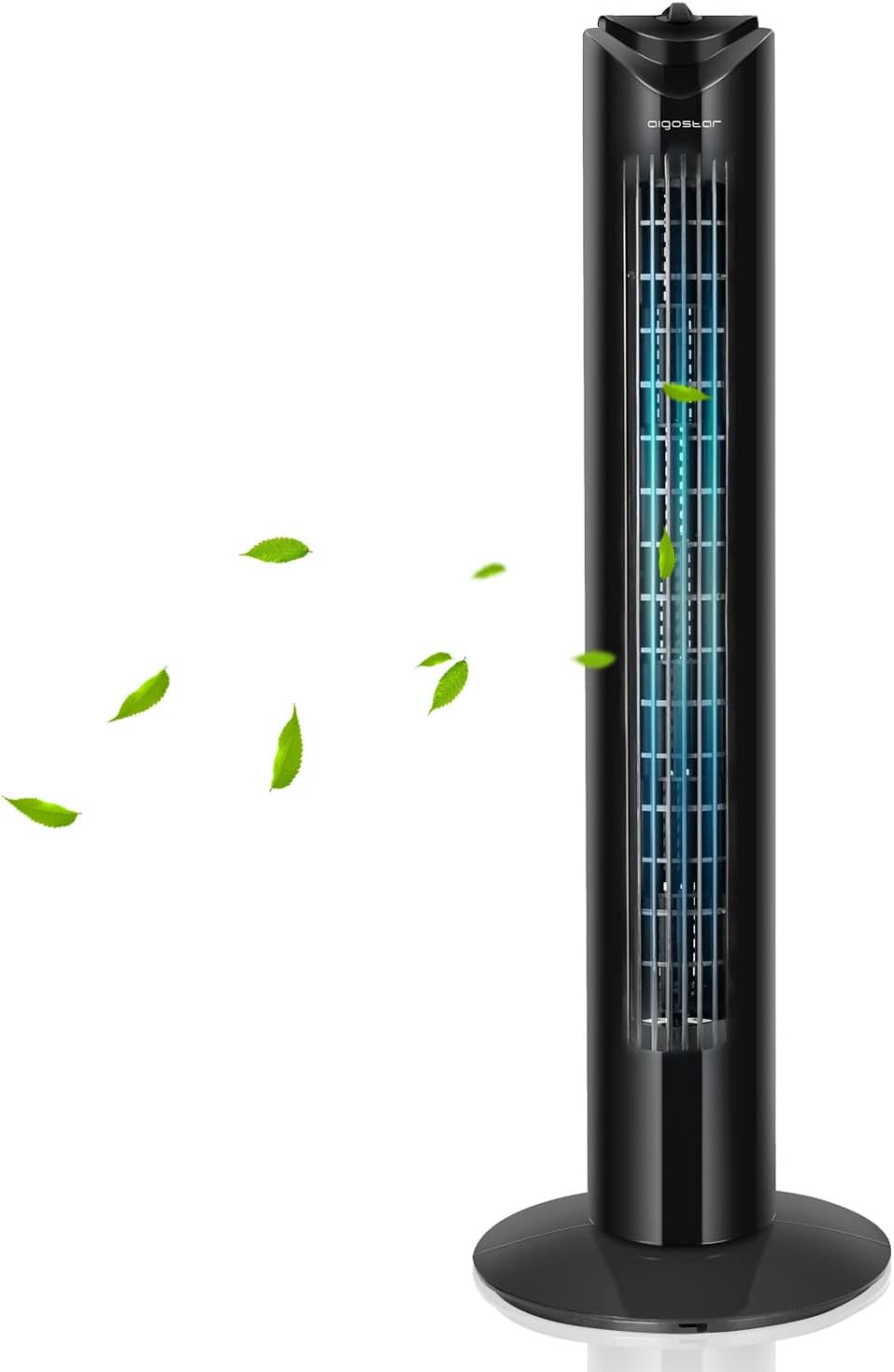
Image: The Aigostar Benson Tower Fan, showcasing its sleek black design and effective airflow.
2. Safety Instructions
To reduce the risk of fire, electric shock, or injury, always follow these basic safety precautions:
- Read all instructions before using this fan.
- Ensure the power supply matches the voltage specified on the fan's rating label.
- Do not operate any fan with a damaged cord or plug. Discard fan or return to an authorized service facility for examination and/or repair.
- Do not run cord under carpeting. Do not cover cord with throw rugs, runners, or similar coverings. Arrange cord away from traffic area and where it will not be tripped over.
- Do not insert or allow fingers or foreign objects to enter any ventilation or exhaust opening as this may cause an electric shock or fire, or damage the fan.
- Do not block air intakes or exhaust in any manner. Do not use on any soft surface, like a bed, where openings may become blocked.
- Always place the fan on a stable, flat surface to prevent it from tipping over.
- Unplug the fan from the outlet when not in use, when moving it from one location to another, and before cleaning.
- This fan is not intended for use in wet or damp locations.
- Keep the fan out of reach of children and pets. The bladeless design enhances safety, but supervision is always recommended.

Image: The fan's safe design, preventing accidental injury from moving parts.
3. Product Overview
The Aigostar Benson Tower Fan features a compact design with intuitive controls for optimal cooling. Familiarize yourself with the main components:
- Control Panel: Located at the top, featuring two rotary knobs for speed, oscillation, and timer settings.
- Air Outlet Grille: Vertical grille for air dispersion.
- Stable Base: Provides stability for the tower fan.
- Power Cord: For connecting to an electrical outlet.
- Integrated Handle: For easy portability.

Image: Detailed view of the fan's control knobs for customizing breeze settings.

Image: The fan features a convenient handle for easy transport between rooms.
4. Setup
Follow these steps to assemble your Aigostar Benson Tower Fan:
- Carefully remove all packaging materials and ensure all parts are present.
- Assemble the two halves of the fan base. Align the grooves and snap them together around the bottom of the fan body.
- Secure the base to the fan body by tightening the large plastic nut from underneath the base. Ensure it is firmly attached.
- Place the assembled fan on a firm, level surface.
- Plug the power cord into a standard electrical outlet.

Image: Step-by-step visual guide for easy fan assembly.
5. Operating Instructions
Your Aigostar Benson Tower Fan is designed for simple operation:
Power On/Off and Speed Settings
- Locate the lower rotary knob on the control panel.
- Turn the knob clockwise from 'OFF' to select your desired fan speed:
- 1: Low speed for a gentle breeze.
- 2: Medium speed for moderate airflow.
- 3: High speed for maximum cooling.
- To turn off the fan, turn the knob counter-clockwise back to 'OFF'.

Image: Visual representation of the three fan speed settings and their typical uses.
Oscillation Function
- The lower rotary knob also controls oscillation. When turned to speed settings 1, 2, or 3, the fan will oscillate if the oscillation function is engaged.
- To activate oscillation, ensure the fan is on a speed setting and then turn the knob to the oscillation symbol (often indicated by arrows or a swing icon).
- The fan will rotate horizontally up to 85 degrees to distribute air across a wider area.
- To stop oscillation, turn the knob back to a non-oscillating speed setting or 'OFF'.

Image: The fan's 85-degree wide oscillation feature, designed to provide comfort to multiple individuals.
Timer Function
- Use the upper rotary knob to set the timer.
- Turn the knob clockwise to set the desired operating time, up to 120 minutes.
- The fan will automatically turn off once the set time has elapsed.
- To override the timer or turn off the fan before the timer expires, turn the lower speed knob to 'OFF'.

Image: The 120-minute auto-off timer allows for comfortable sleep without continuous operation.
6. Maintenance
Regular cleaning and maintenance will ensure the longevity and optimal performance of your fan.
Cleaning
- Always unplug the fan from the power outlet before cleaning.
- Use a soft, damp cloth to wipe the exterior surfaces of the fan. Do not use abrasive cleaners or solvents.
- For dust accumulation on the air intake or outlet grilles, use a vacuum cleaner with a brush attachment to gently remove dust.
- Do not immerse the fan in water or allow water to drip into the motor housing.
- Ensure the fan is completely dry before plugging it back in.
Storage
- If storing the fan for an extended period, clean it thoroughly.
- Store the fan in its original packaging or a suitable box in a cool, dry place.
- Avoid placing heavy objects on top of the fan during storage.
7. Troubleshooting
If you encounter issues with your fan, refer to the following table for common problems and solutions:
| Problem | Possible Cause | Solution |
|---|---|---|
| Fan does not turn on. | No power supply. Fan not plugged in. Speed knob is on 'OFF'. | Check power outlet. Ensure fan is securely plugged in. Turn speed knob to 1, 2, or 3. |
| Weak airflow. | Fan speed set too low. Air inlets/outlets blocked. | Increase fan speed. Clear any obstructions from grilles. |
| Fan is noisy. | Fan not on a level surface. Internal dust accumulation. | Place fan on a flat, stable surface. Clean the fan grilles as per maintenance instructions. |
| Oscillation not working. | Oscillation function not engaged. | Ensure the lower knob is set to an oscillating speed setting. |
8. Specifications
Key technical specifications for the Aigostar Benson Tower Fan:
| Feature | Specification |
|---|---|
| Model Number | FRFBM1_SVID_3174 |
| Brand | Aigostar |
| Dimensions (L x W x H) | 27 x 27 x 82 cm |
| Weight | 2.34 Kilograms |
| Power Source | Corded Electric |
| Voltage | 240 Volt |
| Wattage | 45 Watt |
| Noise Level | 55 dB |
| Special Feature | Oscillating (85°) |
| Timer | Up to 120 minutes |
| Number of Speeds | 3 |

Image: The fan's compact dimensions, suitable for various room types.
9. Warranty and Support
Aigostar is committed to providing high-quality products. For any questions regarding your Aigostar Benson Tower Fan, please contact our customer support. Information on warranty coverage and service procedures can typically be found on the product packaging or the official Aigostar website. Please retain your proof of purchase for warranty claims.