
Adorbee A3-S2
Adorbee Solar Camera Outdoor Security Wireless User Manual
Model: A3-S2
Introduction
The Adorbee Solar Camera Outdoor Security Wireless (Model A3-S2) is a 1080p WiFi camera designed for home outdoor surveillance. It features battery power with solar charging capabilities, night vision, and motion detection, all manageable via the Cloudedge App. This manual provides comprehensive instructions for setup, operation, maintenance, and troubleshooting to ensure optimal performance of your security camera system.
What's in the Box
- Adorbee Solar Security Camera (Model A3-S2)
- Solar Panel
- Magnetic Wall Mount
- Mounting Screws and Anchors
- USB Charging Cable
- User Manual

Image: The Adorbee Solar Security Camera and its accompanying solar panel.
Setup
1. Initial Charging
Before first use, fully charge the camera using the provided USB cable. Connect the micro USB end to the camera's charging port and the other end to a 5V 1A/2A USB power adapter (not included). A full charge ensures optimal performance and battery life, especially before relying solely on solar power.
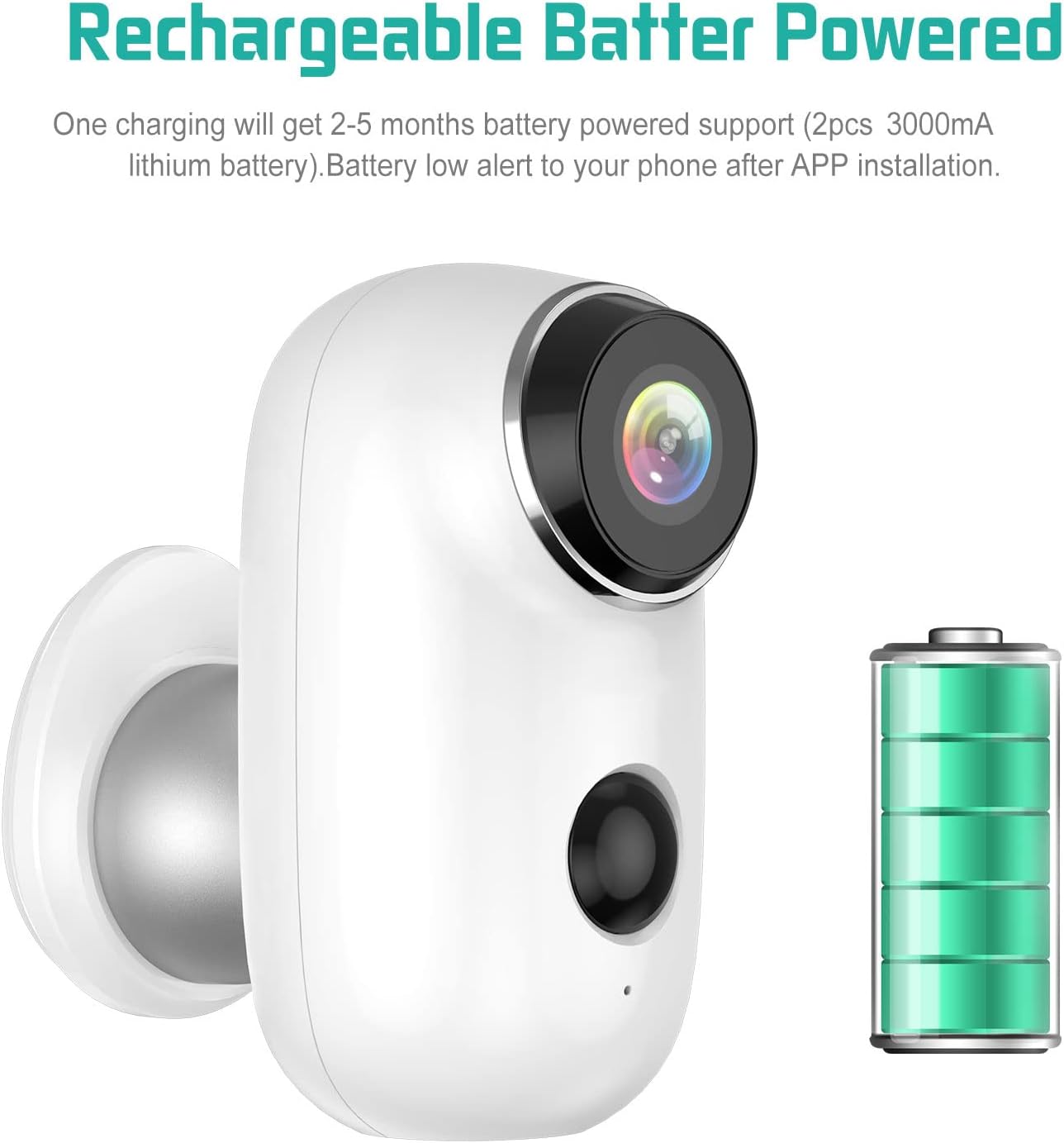
Image: The camera indicating its rechargeable battery status and the USB charging port.
2. App Installation and Account Creation
- Download the "Cloudedge" app from your smartphone's app store (compatible with iPhone or Android).
- Open the app and follow the on-screen instructions to create a new account or log in if you already have one.
3. Camera Pairing
- In the Cloudedge app, tap the "+" icon to add a new device.
- Select your camera model from the list.
- Follow the app's prompts to connect the camera to your 2.4GHz Wi-Fi network. Ensure your Wi-Fi signal is strong at the camera's intended installation location.
- Scan the QR code displayed on your phone with the camera lens. You will hear a confirmation sound when pairing is successful.
4. Micro SD Card Installation (Optional)
The camera supports up to a 128GB Micro SD card (not included) for local storage. Locate the TF Card Slot on the camera, open the protective cover, and insert the Micro SD card with the contacts facing down. Close the cover securely to maintain weatherproofing.

Image: Detailed view of the camera's components, including the TF Card Slot for local storage.
5. Mounting the Camera and Solar Panel
The camera comes with a magnetic wall mount for easy installation. Choose a location that provides a clear view of the area you wish to monitor and receives ample direct sunlight for the solar panel. The solar panel provides 365 days of non-stop power, eliminating the need for frequent battery recharges.
- Secure the magnetic wall mount to a desired surface using the provided screws and anchors.
- Attach the camera to the magnetic mount. Adjust its angle for optimal viewing.
- Mount the solar panel in a location that receives maximum direct sunlight throughout the day. Connect the solar panel cable to the camera's charging port.

Image: An Adorbee solar-powered security camera installed outdoors, demonstrating its continuous power capability.
Operating Instructions
1. Remote Monitoring and Live View
Access live video and audio recordings anytime, anywhere through the Cloudedge app on your smartphone. The 130-degree wide-angle view captures more details of your surveillance area.

Image: A user viewing crystal clear and sharp videos and images on a mobile phone, demonstrating remote access.
2. PIR Motion Detection and Notifications
The camera features a highly sensitive PIR detection sensor. Upon detecting motion, it will instantly push an alarm message to your mobile phone and automatically record alarm video and sound. The motion detection range is up to 33 feet, even in low light conditions.

Image: Illustration of the PIR motion detection area and how it triggers instant notifications on a smartphone.
3. Two-Way Audio
Utilize the built-in microphone and speaker for interactive two-way audio communication. You can listen in on the camera's surroundings and talk back through the app.

Image: Demonstrating the two-way audio feature, allowing communication through the camera.
4. Night Vision
The camera supports infrared night vision, providing clear video in low-light or no-light conditions up to 33 feet.
5. Multi-User Sharing
Share access to your camera's live feed and recordings with family members through the Cloudedge app, allowing multiple users to monitor simultaneously.
Maintenance
1. Weatherproofing
The Adorbee camera is IP65 weatherproof, designed to withstand various outdoor conditions including rain and snow. Ensure all covers, especially for the charging port and SD card slot, are securely closed to maintain its waterproof rating.

Image: Icons illustrating the camera's IP65 waterproof rating, indicating its resilience to sunny days, thunderstorms, low temperatures, and heavy snow.
2. Battery Management
The camera features a built-in rechargeable battery. The solar panel provides continuous charging. If the camera is installed in an area with insufficient sunlight, you may need to periodically charge it via the USB port. The Cloudedge app will provide battery low alerts.
3. Data Storage
For local storage, regularly check the Micro SD card for available space. Old recordings may be overwritten automatically when the card is full. All stored data is protected by military-grade encryption.
Troubleshooting
- Camera Not Charging via Solar Panel: Ensure the solar panel is positioned to receive maximum direct sunlight. Check the connection cable between the solar panel and the camera for any damage or loose connections. If the issue persists, try charging the camera directly via USB to confirm the camera's battery is functional.
- Frequent Disconnections from Wi-Fi: Verify that the camera is within range of your 2.4GHz Wi-Fi router. Obstacles like thick walls or other electronic devices can interfere with the signal. Try relocating the camera or installing a Wi-Fi extender. Ensure your router's firmware is up to date.
- Motion Detection Not Working: Check the sensitivity settings in the Cloudedge app. Ensure the PIR sensor is not obstructed. Large temperature fluctuations or strong light sources can sometimes affect PIR performance.
- No Video/Audio: Confirm the camera is powered on and connected to Wi-Fi. Check the app's settings for any disabled video or audio streams. Ensure your internet connection is stable.
- Camera Not Turning On: Ensure the battery is charged. If using the solar panel, try charging directly via USB. If the issue persists, perform a factory reset by pressing and holding the reset button (refer to the "Innovative Installation Design" image for location) for several seconds until the camera restarts.
Specifications
| Feature | Detail |
|---|---|
| Model Name | A3-S2 |
| Indoor/Outdoor Usage | Outdoor |
| Connectivity Technology | Wireless (Wi-Fi) |
| Power Source | Battery powered, Solar powered, DC5V 1A/2A outlet powered with micro USB cord |
| Video Capture Resolution | 1080p |
| Viewing Angle | 130 Degrees |
| Night Vision Range | 33 Feet |
| International Protection Rating | IP65 |
| Item Dimensions (L x W x H) | 2.2 x 2.28 x 2.86 inches |
| Item Weight | 1 Pounds |
| Supported SD Card | Up to 128GB Micro SD card (not included) |
| Control Method | App (Cloudedge) |
Warranty and Support
For warranty information and technical support, please refer to the contact details provided with your product packaging or visit the official Adorbee website. Keep your purchase receipt as proof of purchase for any warranty claims.
You can also visit the Adorbee Store on Amazon for additional product information and support resources.
Ask a question about this manual
Ask about setup, troubleshooting, compatibility, parts, safety, or missing instructions. Manuals+ will review the question and use this page’s manual context to help answer it.