
1. Introduction and Overview
Thank you for choosing the Vitafit Smart Bathroom Scale. This high-accuracy digital scale is designed to help you track your body composition with ease. Utilizing advanced BIA technology, it provides 13 essential body composition metrics, including weight, BMI, body fat, muscle mass, and more. Data seamlessly syncs with the Vitafit App, allowing for comprehensive health tracking and integration with popular fitness platforms.
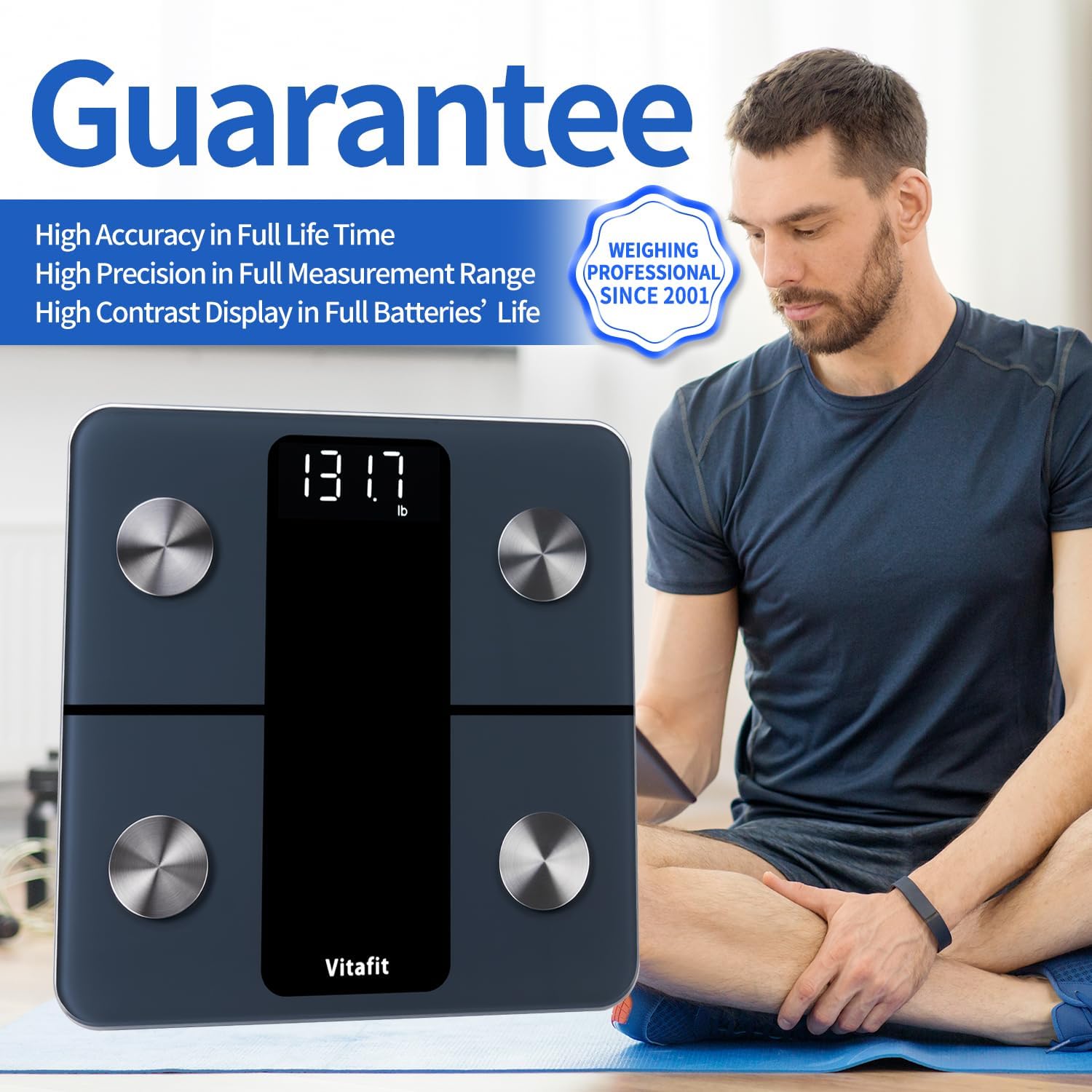
The scale features a durable tempered glass surface, four high-sensitive electrodes, and a clear LED display for easy readability. It supports multiple users and offers specialized modes for pregnant individuals, babies, and children.

2. Setup
2.1 Battery Installation
Your Vitafit Smart Bathroom Scale comes with 3 AAA batteries included. Before first use, ensure the protective tab is removed from the battery compartment. If replacing batteries, open the battery door on the underside of the scale and insert 3 new AAA batteries, ensuring correct polarity (+/-). Close the battery door securely.

2.2 App Installation and Pairing
The Vitafit App is essential for accessing all body composition data. It is compatible with both iOS and Android devices.
- Download the App: Search for "Vitafit" in the Apple App Store (for iOS) or Google Play Store (for Android) and download the official Vitafit App.
- Create/Log In to Account: Open the app and follow the on-screen instructions to create a new user account or log in with an existing one. You can often use Apple or Facebook accounts for convenient login.
- Enable Bluetooth: Ensure Bluetooth is enabled on your smartphone.
- Pairing: Step onto the scale with bare feet. The scale will activate and attempt to pair with the app. In the app, navigate to the pairing section (often indicated by a scale icon or "Pairing Device"). Select "Vitafit Body Fat" to connect.

Note: For body fat and heart rate measurement, ensure your feet are bare and dry when measuring. For excellent experience, it is recommended to reassemble batteries for the first beginning use. UI may differ based on scale type (Smart Weight, Smart Body Fat, or Smart Body Fat & Heart).
2.3 User Profile Setup
After pairing, the app will prompt you to set up your personal profile. This includes entering your age, height, and gender. This information is crucial for the accurate calculation of body composition metrics.

3. Operating Instructions
3.1 Weighing Process
- Place the scale on a hard, flat surface. Avoid carpets or uneven floors for accurate readings.
- Step onto the scale with bare, dry feet, ensuring your feet are positioned on the metal electrodes.
- Stand still until your weight is displayed on the LED screen and the app has synchronized the data.

3.2 Understanding Body Composition Data
The Vitafit App provides 13 key body composition metrics. These include:
- Weight
- BMI (Body Mass Index)
- Body Fat
- Protein
- Muscle Mass
- Fat-Free Body Weight
- Bone Mass
- Body Water
- Visceral Fat
- Subcutaneous Fat
- Skeletal Muscle
- BMR (Basal Metabolic Rate)
- Metabolic Age
These metrics are displayed on an easy-to-read dashboard within the app, allowing you to track your progress daily, weekly, or monthly.

3.3 Special Modes (Pregnant, Baby, Child)
The Vitafit App offers specialized modes for specific user needs:
- Zero-Current Mode (Pregnant): This mode is designed for pregnant individuals or those with pacemakers. It measures only weight and BMI, avoiding bio-electrical impedance analysis (BIA) for safety.
- Baby Mode: For weighing infants, first step on the scale yourself, then step off. On the second step, hold your baby while stepping on the scale. The app will calculate the baby's weight by subtracting your initial weight.
- Child Mode: Similar to Baby Mode, this allows for accurate weight measurement of children.


3.4 Syncing and Sharing Data
The Vitafit App seamlessly syncs data with popular fitness apps such as Apple Health, Google Fit, Samsung Health, and Fitbit. This allows you to consolidate your health data in one place. You can also easily share your progress on major social media platforms directly from the app.



4. Maintenance
4.1 Cleaning
To clean the scale, wipe it with a damp cloth and mild detergent. Do not use abrasive cleaners or immerse the scale in water.
4.2 Battery Replacement
When the display shows "Lo" or becomes dim, it's time to replace the batteries. Open the battery compartment on the underside of the scale and replace the 3 AAA batteries.
4.3 Storage
Store the scale in a cool, dry place. Avoid storing it vertically or in areas with high humidity.
5. Troubleshooting
5.1 Inaccurate Readings
- Ensure the scale is on a hard, flat surface.
- Make sure your feet are bare and dry, and properly positioned on the electrodes.
- Avoid moving during measurement.
- Check battery levels.
5.2 App Connection Issues
- Ensure Bluetooth is enabled on your device.
- Restart the app and try reconnecting.
- Ensure the scale is active (step on it briefly).
- Check if the app has necessary permissions on your phone.
6. Specifications
| Feature | Detail |
|---|---|
| Product Dimensions | 11.02 x 11.02 x 0.98 inches |
| Item Weight | 2.62 Pounds |
| Model Number | VT701 |
| Batteries | 3 AAA batteries (included) |
| Capacity | 400lb / 182kg |
| Accuracy | 0.1lb / 0.05kg |
| Display Type | LED |
| Special Features | Precision Balanced, Backlit Display, Body Fat, Auto Shut Off, Genuine BIA & User Friendly App |

7. Warranty and Support
Vitafit products are developed and produced by our professional factory, certified by ISO and Social Accountability for quality and social responsibility. All Vitafit products are supported by our US customer service center in Missouri.
For any questions, troubleshooting, or warranty claims, please contact Vitafit customer service through the contact information provided in your product packaging or on the official Vitafit website.

8. Official Product Videos
Below are official product videos from the seller, providing additional visual guidance and information.
Video 8.1: Vitafit Digital Bathroom Scale for Body Weight. This video provides an overview of the scale's features and usage.
Video 8.2: Smart Bathroom Scale. Bluetooth, Amazing. A detailed review showcasing the scale's smart features and Bluetooth connectivity.
Video 8.3: Vitafit Smart Bathroom Scale. This video demonstrates the unboxing and initial setup of the scale.
Video 8.4: Vitafit Smart Scales for Body Weight and Fat. An influencer review highlighting the scale's accuracy and app features.
Video 8.5: HONEST REVIEW - Vitafit Digital Bathroom Scale for Body Weight. A comprehensive review of the scale's performance and features.


