
Introduction
The DBPOWER Peak 1600A 18000mAh Portable Car Jump Starter is a versatile and essential tool for any vehicle owner. Designed to jump start vehicles with up to 7.2L gas or 5.5L diesel engines, it also functions as a powerful 18000mAh power bank for charging various electronic devices. Equipped with intelligent protection features, an LCD screen, and a built-in compass, this compact device ensures safety and convenience on the road.

Image: The DBPOWER Peak 1600A 18000mAh Portable Car Jump Starter, showcasing its compact design, intelligent jumper clamps, and included carry case.
What's in the Box
Your DBPOWER Jump Starter package includes the following components:
- DBPOWER Jump Starter Unit
- 12V Intelligent Jumper Clamps
- Type-C USB Charging Cable
- Portable Carry Case
- User Manual
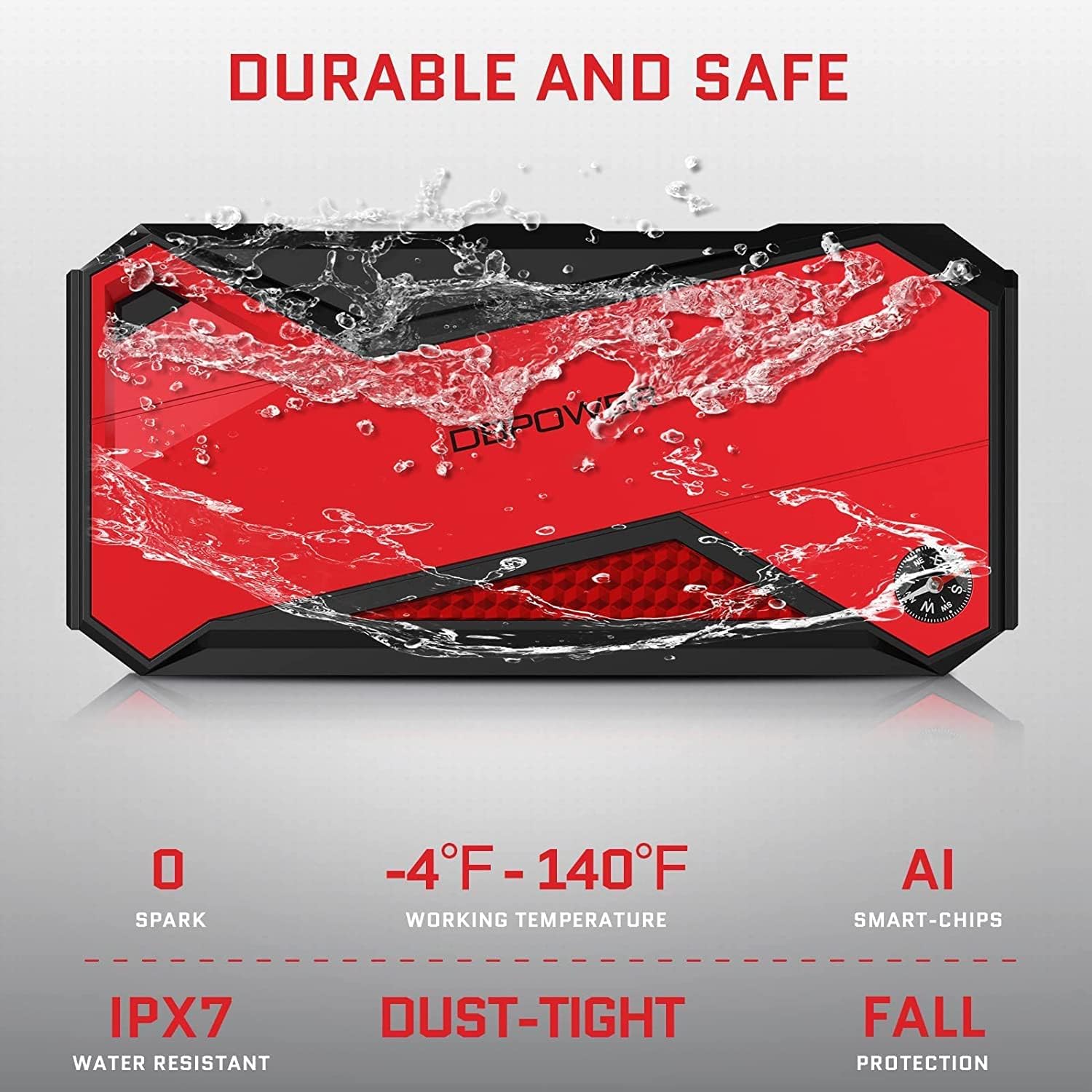
Image: All components included in the DBPOWER Jump Starter package, neatly arranged to show the main unit, clamps, cables, and case.
Product Features
- Powerful & Compact: Capable of jump starting vehicles (up to 7.2L gas or 5.5L diesel engine) up to 20 times on a single charge with 1600 amps of peak current. Its compact size allows for easy storage in your glovebox.
- Smart Charging Port: With an 18000mAh capacity and smart USB port, it can quickly charge laptops, smartphones, tablets, and other devices.
- Intelligent Protection: The high-quality, intelligent jumper clamps provide comprehensive safety features including over-current protection, short-circuit protection, overload protection, over-voltage protection, and over-charge protection.
- LCD Screen & Compass: The integrated LCD screen accurately displays the remaining power, while the built-in compass can assist with navigation in remote areas.
- Multi-functional LED Light: Features multiple lighting modes including stable light, strobe light, SOS signal, and red emergency light for various situations.
- Durable and Safe Design: Built to withstand various conditions, featuring IPX7 water resistance, dust-tight construction, fall protection, and AI smart-chips for reliable performance across a wide working temperature range (-4°F to 140°F).

Image: Visual representation of the jump starter's capacity, indicating 12V, 1600A peak current, 18000mAh battery, and compatibility with various vehicle types including gas and diesel engines.

Image: The jump starter functioning as a power bank, demonstrating its ability to charge multiple devices such as phones, tablets, and smartwatches.

Image: Close-up of the spark-proof, supersafe smart clamps, highlighting various built-in protections like over-charge, short circuit, over-discharge, reverse polarity, over-current, reverse connection, and over-heat.

Image: An illustration of the jump starter's various functions, including jump starting, power bank capabilities, air pump power, and emergency lighting.

Image: The jump starter being splashed with water, illustrating its IPX7 water resistance, alongside icons for working temperature range, AI smart-chips, dust-tight, and fall protection.
Setup
Before first use, fully charge the DBPOWER Jump Starter. It is recommended to charge the unit every 3-6 months to maintain optimal battery health, especially if not in regular use. The LCD screen will indicate the charge level.
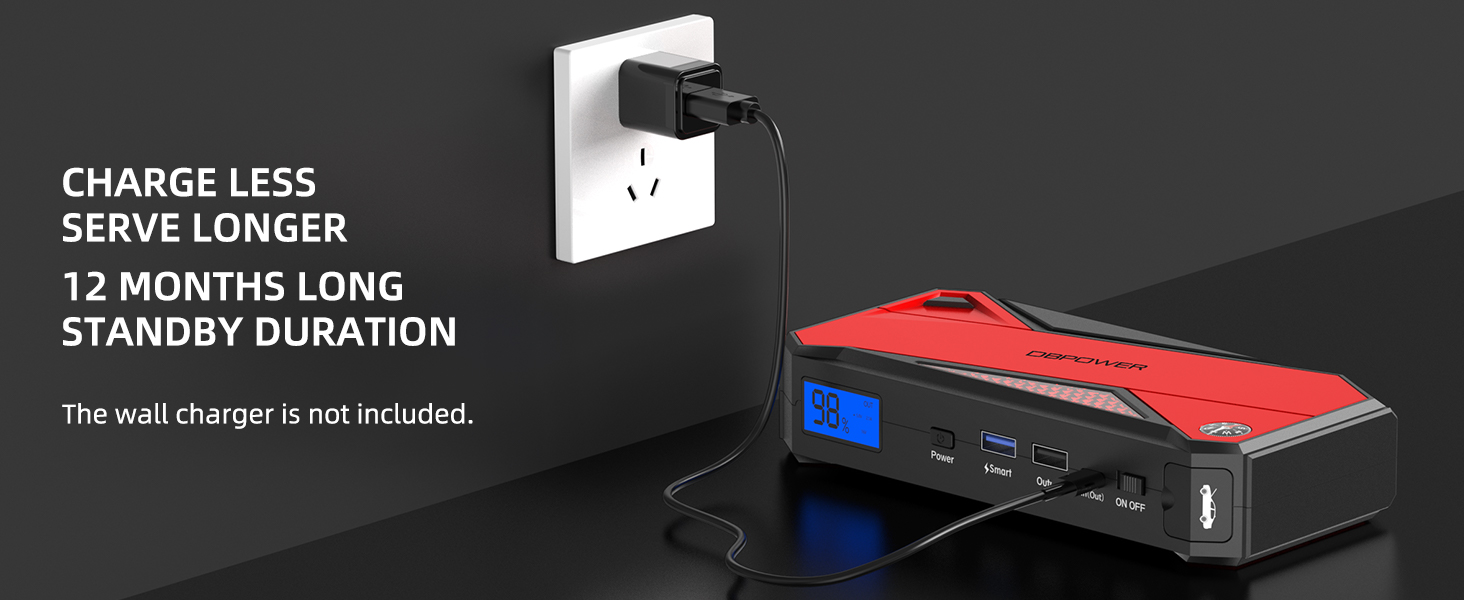
Image: The jump starter connected to a wall charger, illustrating the charging process and highlighting its long standby duration.
Operating Instructions
Jump Starting Your Vehicle:
- Insert: Insert the blue plug of the intelligent jumper clamps into the 12V jump start output port on the jump starter unit. Ensure a secure connection.
- Connect: Connect the red clamp to the positive (+) terminal of your vehicle's battery and the black clamp to the negative (-) terminal. The intelligent clamps will indicate a safe connection.
- Start: Start your car engine immediately.
- Remove: Once the engine starts, remove the intelligent jumper clamps from the vehicle battery first, then disconnect the clamps from the jump starter unit.
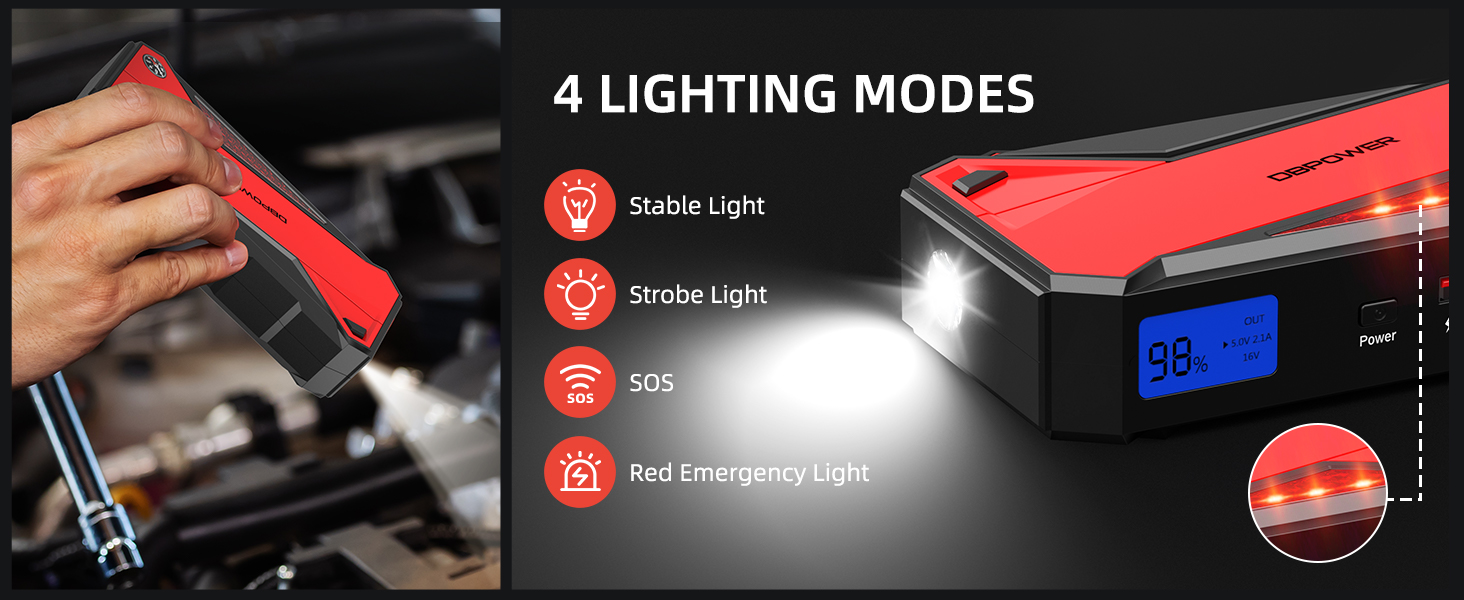
Image: A step-by-step visual guide demonstrating the process of jump starting a car with the DBPOWER unit, from connecting the cables to starting the engine.
Using as a Power Bank:
Connect your electronic devices (smartphones, tablets, etc.) to the USB output ports using their respective charging cables. The smart USB port will deliver the fastest possible charging speed.
Operating the LED Light:
Press the power button to cycle through the different LED light modes: stable light, strobe light, SOS signal, and red emergency light. Hold the button to turn off the light.
Maintenance
- Keep the unit clean and free from dust and debris.
- Store the jump starter in its portable carry case when not in use to protect it from damage.
- Charge the unit fully at least once every 3-6 months to prolong battery life, even if it has not been used.
- Avoid exposing the unit to extreme temperatures or direct sunlight for prolonged periods.
Troubleshooting
- Unit not turning on: Ensure the unit is charged. If the battery is completely depleted, it may take a few minutes of charging before the LCD screen activates.
- Vehicle not starting: Check that the intelligent jumper clamps are securely connected to the correct battery terminals (red to positive, black to negative). Ensure the jump starter has sufficient charge (above 60% is recommended for optimal performance).
- Clamps not indicating safe connection: Verify that the clamps are making good contact with the battery terminals. Clean any corrosion from the battery terminals if necessary.
- Device not charging from USB port: Ensure the jump starter is powered on. Try a different USB cable or port.
Specifications
| Feature | Specification |
|---|---|
| Brand | DBPOWER |
| Model Number | DJS90 |
| Peak Output Current | 1600 Amps |
| Battery Capacity | 18000mAh (66.6Wh) |
| Product Dimensions | 3.54"D x 7.28"W x 1.57"H |
| Item Weight | 1.1 Pounds |
| Engine Compatibility | Up to 7.2L Gas, 5.5L Diesel Engines |
| Battery Type | Lithium Ion (1 required, included) |
| UPC | 840164808209 |
Warranty and Support
DBPOWER provides 18 months of hassle-free service and lifetime technical support for this product. If you have any questions or require assistance, please do not hesitate to contact DBPOWER customer support.


