
1. Overview and Features
The Start-X Remote Starter Kit provides convenient remote start functionality for compatible Ford vehicles. This system allows users to pre-condition their vehicle's interior, ensuring comfort regardless of external weather conditions.
- Enhanced Comfort: Pre-heat or cool your vehicle's interior before entry.
- Vehicle Compatibility: Designed for Ford F-150 (2015-2019), F-250 (2017-2019), and Ranger (2019) models with either push-to-start or key ignition.
- Dashboard Settings Access: This kit enables access to remote start settings within the vehicle's dashboard, allowing configuration of climate control and duration.
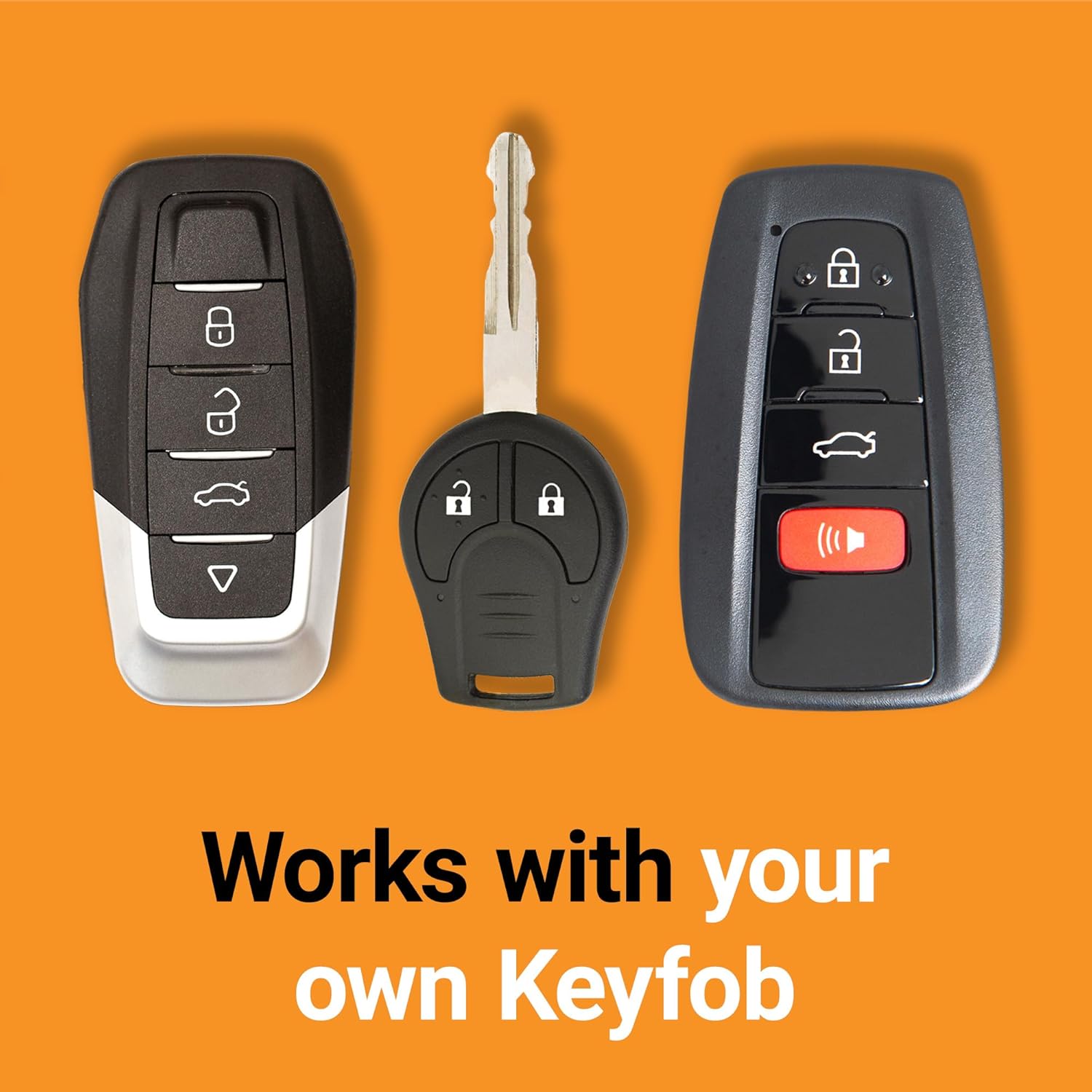
- Seamless Integration: Utilizes your existing factory remote for operation, eliminating the need for additional devices.
- Plug-and-Play Installation: Features a vehicle-specific T-harness for installation without cutting or splicing wires.
2. Vehicle Requirements
- Compatible with both push-to-start and key ignition vehicles.
- For gas and automatic transmission vehicles only.
- Requires the original factory remote. No remote is included in this kit.
- A functional hood pin is required for safe operation.
3. Package Contents
The Start-X Remote Starter Kit includes all necessary components for installation:
- Remote Start Module
- Vehicle Connection T-Harness
- Pry Tool
- Zip Ties
- Install Guide & Welcome Card
- Warning Sticker
4. Setup and Installation
Follow these steps for a successful plug-and-play installation. A detailed video guide is also available.
4.1. Accessing the OBD-II Port
- Locate the OBD-II port, typically found under the dashboard on the driver's side.
- Carefully use the provided pry tool to remove any trim panels necessary to access the wiring behind the OBD-II port.

4.2. Connecting the T-Harness
- Disconnect the vehicle's gateway connector from the back of the OBD-II port.
- Connect the vehicle's gateway connector inline with the provided T-harness. Ensure all connections click securely into place.
- Connect the blue connector from the T-harness to the remote start module.

4.3. Module Programming
The module must be programmed to your vehicle. Follow the specific instructions provided in the installation guide or the video below.
- Insert the vehicle key into the ignition and turn it to the ON position (do not start the engine).
- Observe the module's LED. It should flash green and then turn off.
- Remove the key from the ignition. The module is now programmed.
4.4. Securing the Module
- Use the provided zip ties to secure the remote start module and excess wiring away from moving parts and pedals.
- Reinstall any removed trim panels.
5. Operating Instructions
The Start-X Remote Starter Kit operates using your vehicle's factory remote.
5.1. Remote Starting the Vehicle
- Ensure all vehicle doors, hood, and tailgate are closed.
- Press the 'Lock' button on your factory remote three times consecutively (Lock-Unlock-Lock).
- The vehicle's engine will start after a brief delay.

5.2. Remote Stopping the Vehicle
To turn off the vehicle after remote starting, press the 'Lock' button on your factory remote three times consecutively (Lock-Unlock-Lock) again.
5.3. Dashboard Settings
This kit allows you to access and configure remote start settings directly from your vehicle's dashboard. This includes adjusting the duration of the remote start and climate control settings.
6. Troubleshooting
- Vehicle Shuts Down When Door Opens: As a safety precaution, the vehicle will shut down when a door is opened after remote starting. The vehicle must be restarted manually before driving.
- Remote Start Not Activating: The vehicle will NOT remote start if the check engine light is on or if the fuel level is low. Ensure these conditions are resolved.
- Range Limitation: The distance you can remote start from is the same distance you can lock/unlock your vehicle with the factory remote. Consider a Start-X RF kit (sold separately) for extended range.
- Hood Pin: A functional hood pin is required for the remote start system to operate safely.
7. Specifications
| Attribute | Value |
|---|---|
| Brand | Start-X |
| Model Number | USAU-860-366 |
| Item Weight | 9.9 ounces |
| Package Dimensions | 8.15 x 4.17 x 2.32 inches |
| Voltage | 12 Volts (DC) |
8. Support
For additional assistance with installation, operation, or troubleshooting, the Start-X technical and customer support team is available to help.
Please refer to the contact information provided in your product packaging or visit the official Start-X website for support resources.


