1. Introduction
The TOWNEW T1S Smart Trash Can is designed to simplify waste disposal with its advanced self-sealing and self-changing technology. This manual provides essential information for the safe and efficient operation of your device. Please read it thoroughly before use and retain it for future reference.

Image: The TOWNEW T1S Smart Trash Can positioned in a contemporary bathroom environment.
2. Package Contents
Verify that all items are present in the package:
- TOWNEW T1S Smart Trash Can
- 1 Pre-installed Refill Ring
- 1 Power Adapter
- User Manual (this document)
3. Setup
3.1 Unpacking
Carefully remove all components from the packaging. Ensure no parts are damaged during transit. Place the trash can on a flat, stable surface.
3.2 Initial Charging
Before first use, fully charge the internal battery. Connect the power adapter to the charging port on the device and plug it into a standard electrical outlet. The charging indicator light will provide status. A full charge takes approximately five hours and provides up to 50 days of operation.
3.3 Installing the Refill Ring
The device comes with one refill ring pre-installed. To replace or install a new refill ring:
- Open the lid of the trash can.
- Remove the empty refill ring (if applicable).
- Place the new refill ring into the designated compartment. Ensure it is seated correctly.
- Close the lid. The device is now ready for use.
4. Operating Instructions
4.1 Motion Sensor Operation
The trash can features an infrared motion sensor for hands-free operation. When an object or hand approaches within 14 inches (35 cm) of the sensor, the lid will automatically open. It will close automatically after a few seconds of inactivity.

Image: A hand demonstrating the infrared motion sensor on the lid of the TOWNEW T1S.
4.2 Open Lid Mode
For extended use or when you need the lid to remain open, activate the Open Lid Mode:
- Press and hold the touch button on the front of the lid until you hear a beep sound.
- The lid will open and remain open.
- To close the lid and return to automatic mode, tap the touch button again.

Image: The TOWNEW T1S with its lid open, illustrating the internal mechanism and the 'Open Lid Mode' feature.
4.3 Self-Sealing and Self-Changing Function
When the trash can is full, or you wish to seal the current bag:
- Press and hold the touch button for three seconds.
- The built-in thermoplastic sealing technology will activate, sealing the trash bag.
- Once the sealed bag is removed, a fresh new bag will automatically be dispensed and positioned.
Video: Demonstration of the TOWNEW T1S automatically sealing and replacing a trash bag with a touch of a button.
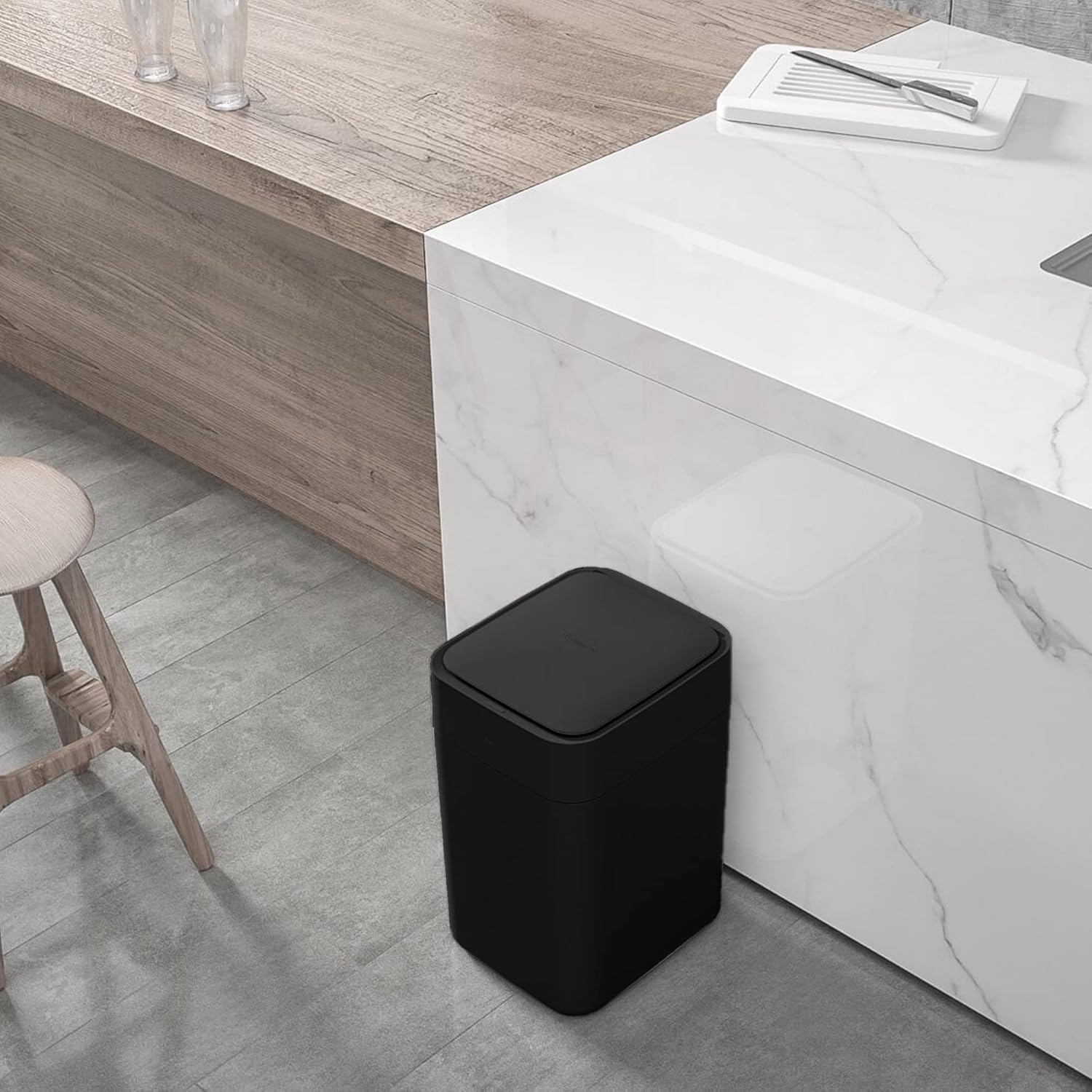
Image: The TOWNEW T1S demonstrating the self-sealing and self-changing function, showing a sealed bag removed and a new one ready.
4.4 Automatic Overload Protection
If the trash can detects that the bag is too full, it will automatically lift its top compartment to facilitate sealing. This prevents spillage and ensures the bag is sealed effectively, even with excess waste.
5. Charging
The TOWNEW T1S is powered by a built-in rechargeable battery. When the battery level is low, the indicator light will signal the need for charging. Connect the provided power adapter to the charging port and a wall outlet. A full charge typically takes five hours.

Image: An internal view highlighting the rechargeable battery component of the TOWNEW T1S.
6. Maintenance
6.1 Cleaning
To clean the exterior of the trash can, wipe it with a soft, damp cloth. Do not use abrasive cleaners or immerse the device in water. Ensure the charging port and sensor area are kept clean and free of debris.
6.2 Refill Ring Replacement
Replace the refill ring when it is empty. Only use official TOWNEW refill rings to ensure proper function and sealing.
7. Troubleshooting
| Problem | Possible Cause | Solution |
|---|---|---|
| Lid does not open automatically. | Motion sensor is obstructed or dirty. Battery is low. | Clean the sensor area. Charge the battery. Ensure no objects are blocking the sensor. |
| Self-sealing function does not activate. | Button not held long enough. Refill ring is empty or improperly installed. | Hold the button for 3 seconds. Check and replace the refill ring. |
| New bag does not dispense. | Refill ring is empty. Obstruction in the bag dispensing area. | Replace the refill ring. Check for and remove any obstructions. |
| Device not charging. | Power adapter not connected properly. Faulty outlet. | Ensure the adapter is securely connected to both the device and the outlet. Try a different outlet. |
8. Specifications
- Brand: TOWNEW
- Model: T1S
- Capacity: 4.1 Gallons (15.5 Liters)
- Color: Black
- Opening Mechanism: Motion-Sensor
- Material: Acrylonitrile Butadiene Styrene (ABS)
- Product Dimensions: 12.2"L x 11"W x 15.5"H (30.7cm L x 28cm W x 40.2cm H)
- Item Weight: 7.36 Pounds (3.34 kg)
- Battery: 1 Lithium Ion battery (included)
- Battery Life: Up to 50 days per charge
- Charging Time: Approximately 5 hours
- Special Features: Motion Sensor Lid, Rechargeable Battery, Self-Changing, Self-Sealing, Automatic Overload Protection

Image: Dimensional diagram of the TOWNEW T1S Smart Trash Can, showing its height, width, and depth.
9. Warranty and Support
The TOWNEW T1S Smart Trash Can comes with a 1-year manufacturer's warranty. For warranty claims, technical support, or to purchase official refill rings and accessories, please visit the official TOWNEW website or contact their customer service.
Official TOWNEW Store: TOWNEW Amazon Store


