
Introduction
The SanDisk Professional G-DRIVE SSD is an ultra-rugged, portable external NVMe solid state drive designed for professionals requiring reliable and high-speed storage in demanding environments. This manual provides essential information for setting up, operating, maintaining, and troubleshooting your device.
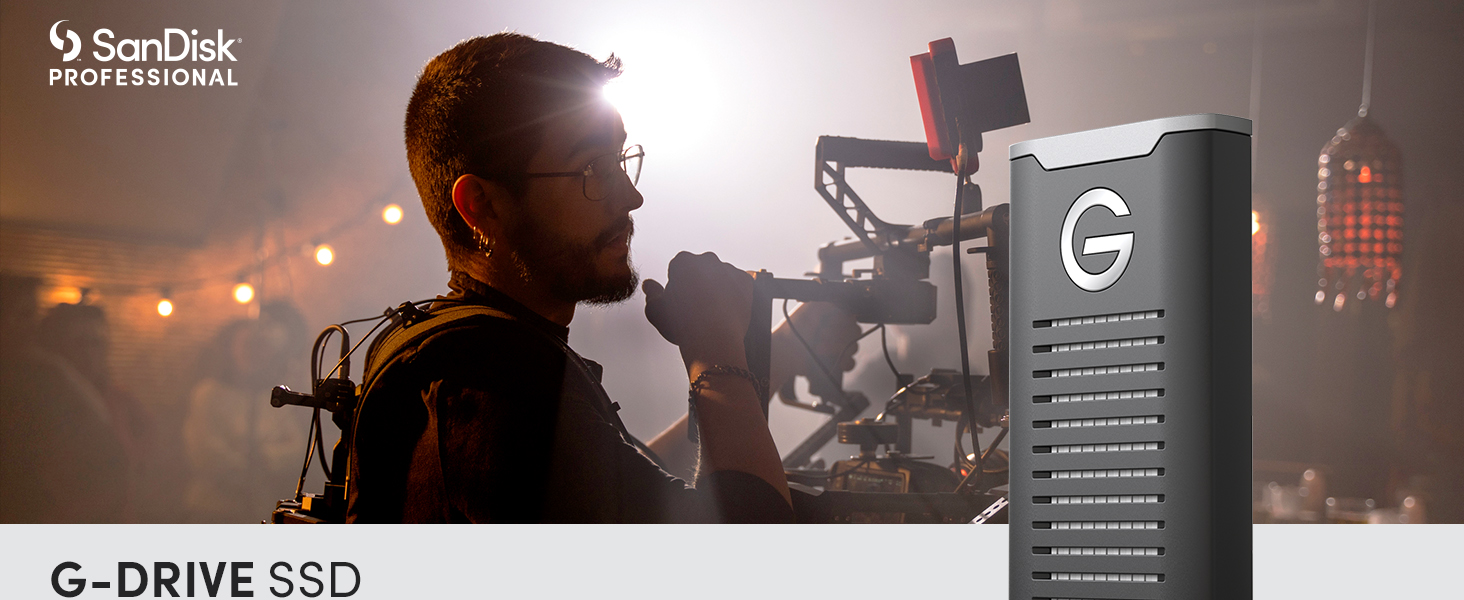
Image: SanDisk Professional G-Drive SSD, showcasing its design.
What's Included
Your SanDisk Professional G-DRIVE SSD package includes:
- G-DRIVE SSD unit
- USB-C Cable
- USB-C to USB-A Cable
- Quick Start Guide
Setup
- Connect the Drive: Use the provided USB-C cable to connect the G-DRIVE SSD to your computer's USB-C port. If your computer only has USB-A ports, use the included USB-C to USB-A cable.
- Initial Formatting: The drive comes pre-formatted for Mac (HFS+). For Windows operating systems, reformatting the drive is required. Refer to your operating system's documentation for instructions on how to format external drives.
- Software Installation (Optional): For password protection features, a software download may be required. Follow the instructions in the Quick Start Guide or visit the SanDisk Professional support website for details.

Image: SanDisk Professional G-Drive SSD connected to a laptop via USB-C, illustrating connectivity.
Operating the G-DRIVE SSD
The G-DRIVE SSD offers pro-grade transfer speeds up to 1050MB/s Read and 1000 MB/s Write. This allows for rapid data transfer and efficient workflow, especially for large files such as 4K video.
- High-Speed Transfers: Utilize the USB 3.2 Gen 2 connectivity for optimal performance. Actual speeds may vary based on your host device, usage conditions, and drive capacity.
- Sustained Performance: The drive features a cooling aluminum core to help maintain performance during extended use.
- Compatibility: The drive is ready for use with Mac (HFS+). For Windows, reformatting is necessary.
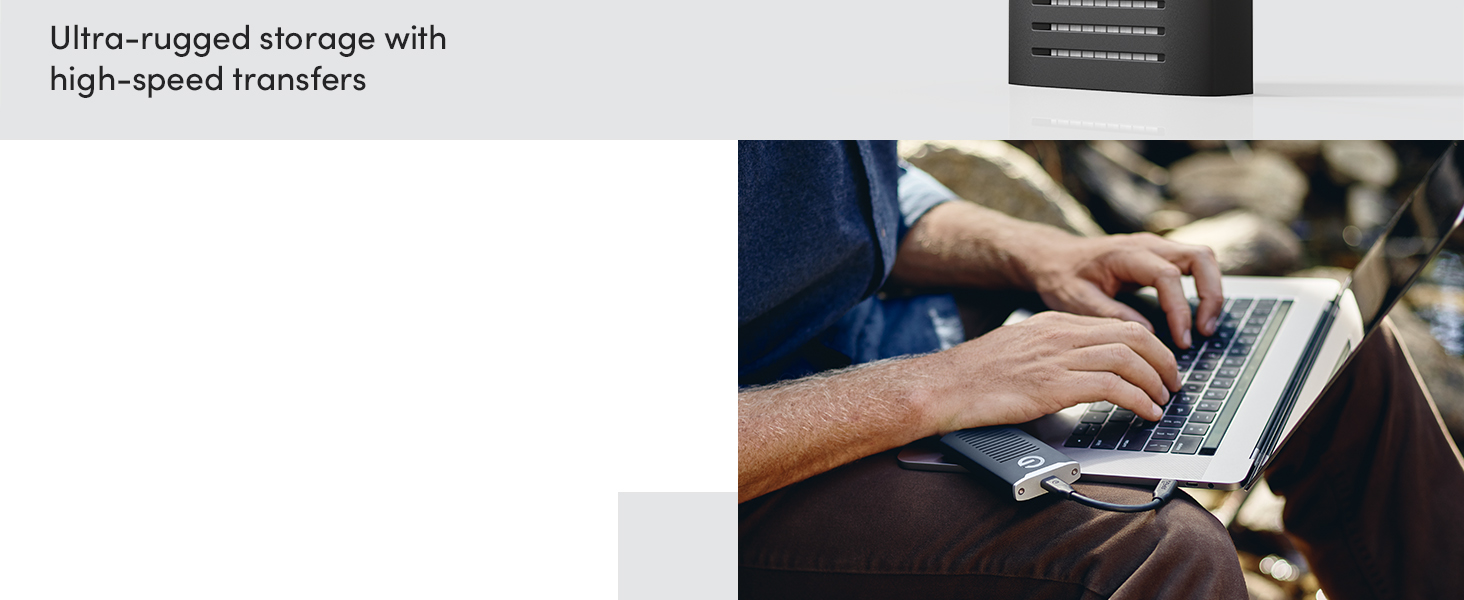
Image: A person using the SanDisk Professional G-Drive SSD with a laptop, demonstrating its use for professional tasks.
Video: Official product video from Western Digital showcasing the SanDisk Professional G-DRIVE SSD's features and performance.
Maintenance
The G-DRIVE SSD is built for durability, featuring IP67 water and dust resistance, up to 3-meter drop protection, and 2000lb crush resistance. Proper care ensures its longevity and performance.
- Cleaning: If the drive gets wet or dusty, ensure it is clean and completely dry before connecting it to any device. Use a soft, dry cloth for general cleaning.
- Storage: Store the drive in a cool, dry place when not in use. Avoid extreme temperatures.
- Heat Management: While designed with a cooling core, prolonged heavy use may cause the drive to become warm. This is normal and generally does not affect performance. Ensure adequate airflow around the drive during operation.

Image: SanDisk Professional G-Drive SSD demonstrating its ultra-rugged durability in an outdoor environment.
Troubleshooting
If you encounter issues with your G-DRIVE SSD, consider the following common solutions:
- Drive Not Mounting: If the drive does not appear on your computer, try unplugging and replugging the USB cable. Ensure the cable is securely connected to both the drive and your computer.
- Performance Issues: Verify that you are using a USB 3.2 Gen 2 compatible port on your computer for optimal speeds. Ensure your operating system is up to date, as older versions may have compatibility issues (e.g., macOS Monterey 12.6.1 or newer for Apple Silicon Macs).
- Overheating: While the drive is designed to manage heat, prolonged high-intensity operations can cause it to warm up. This is typically normal. If performance degrades significantly due to heat, allow the drive to cool down.
- Formatting Issues: If you are unable to format the drive, ensure you have administrative privileges on your computer and consult your operating system's disk utility documentation.
Specifications
| Model Number | SDPS11A-004T-GBANB |
| Digital Storage Capacity | 4 TB |
| Hard Drive Interface | USB 3.2 Gen 2 |
| Connectivity Technology | USB |
| Read Speed | Up to 1050 MB/s |
| Write Speed | Up to 1000 MB/s |
| Durability | IP67 Water/Dust Resistant, 3-meter Drop Protection, 2000lb Crush Resistance |
| Dimensions (LxWxH) | 3.74 x 1.97 x 0.59 inches |
| Item Weight | 0.45 ounces |
| Hardware Platform | Mac (Windows via reformat) |
| Manufacturer | Western Digital Technologies, Inc. |
Warranty and Support
The SanDisk Professional G-DRIVE SSD comes with an industry-leading 5-year limited warranty, providing peace of mind for your professional storage needs.
- Warranty Claims: For warranty service or claims, please refer to the detailed warranty information provided in your Quick Start Guide or visit the official SanDisk Professional website.
- Technical Support: For technical assistance, product registration, or to download software, visit the SanDisk Professional support page.


