
GHome Smart WP3-1
Contents
GHome Smart Mini Smart Plug Instruction Manual
Model: WP3-1
Brand: GHome Smart
1. Introduction
The GHome Smart Mini Smart Plug is designed to transform your traditional home appliances into smart devices, allowing for convenient control via voice commands or a mobile application. This smart plug integrates seamlessly with popular smart home ecosystems like Amazon Alexa and Google Home Assistant, providing hands-free operation.
Its compact design ensures that adjacent outlets remain accessible. This manual provides detailed instructions for setting up, operating, and maintaining your GHome Smart Mini Smart Plug.

Image: Front view of the GHome Smart Mini Smart Plug, highlighting its compact size and standard three-prong outlet.
2. Safety Information
Please read all safety warnings and instructions carefully before using this product to ensure safe operation and prevent damage. Keep this manual for future reference.
- Power Rating: Do not exceed the maximum load of 10A (1200W) for this smart plug. It is not suitable for high-power appliances such as air conditioners, microwave ovens, or induction cookers.
- Voltage: Operates on 120 Volts.
- Material Safety: Constructed with V-0 flame-retardant thermoplastics and pure copper connectors to minimize fire hazards.
- Overload Protection: Features built-in overload protection to safeguard connected devices.
- Surge Protection: Equipped with surge protection. In case of unstable high voltage, the socket will automatically cut off power. If this occurs, confirm power supply stability and manually restart the socket. It will retain previous settings.
- Certifications: ETL and FCC certified, ensuring compliance with safety and quality standards.
- Proposition 65 Warning: This product may contain chemicals known to the State of California to cause cancer and birth defects or other reproductive harm.

Image: Illustration detailing the safety features of the GHome Smart Plug, including internal components and safety certifications.

Image: Visual representation of the smart plug's comprehensive safety protections.
3. Package Contents
Upon opening the package, please verify that all items are present and in good condition:
- 1 x GHome Smart Mini Smart Plug
- 1 x Instruction Manual
4. Specifications
| Feature | Specification |
|---|---|
| Model Number | WP3-1 |
| Dimensions | 2"D x 2"W x 1"H |
| Item Weight | 1.6 ounces |
| Color | White |
| Material | Polycarbonate (PC), V0 grade fireproof material |
| Connector Type | Plug In |
| Plug Format | Type B |
| Voltage | 120 Volts |
| Amperage | 10 Amps (Max) |
| Wattage | 1200 watts (Max) |
| Network Compatibility | 2.4GHz Wi-Fi only |
| Certifications | ETL, FCC |
| Hub Required | No |
5. Setup Guide
Follow these steps to set up your GHome Smart Mini Smart Plug:
5.1 Network Requirements
The GHome Smart Mini Smart Plug requires a stable 2.4GHz Wi-Fi network. It is not compatible with 5GHz or other frequency bands. Ensure your home network is configured to 2.4GHz before proceeding.

Image: Visual reminder that the smart plug operates exclusively on a 2.4GHz Wi-Fi network.
5.2 App Download and Installation
Download the official GHome app from your smartphone's app store (available for iOS and Android). Alternatively, the smart plug is also compatible with the Smart Life App and Tuya App.
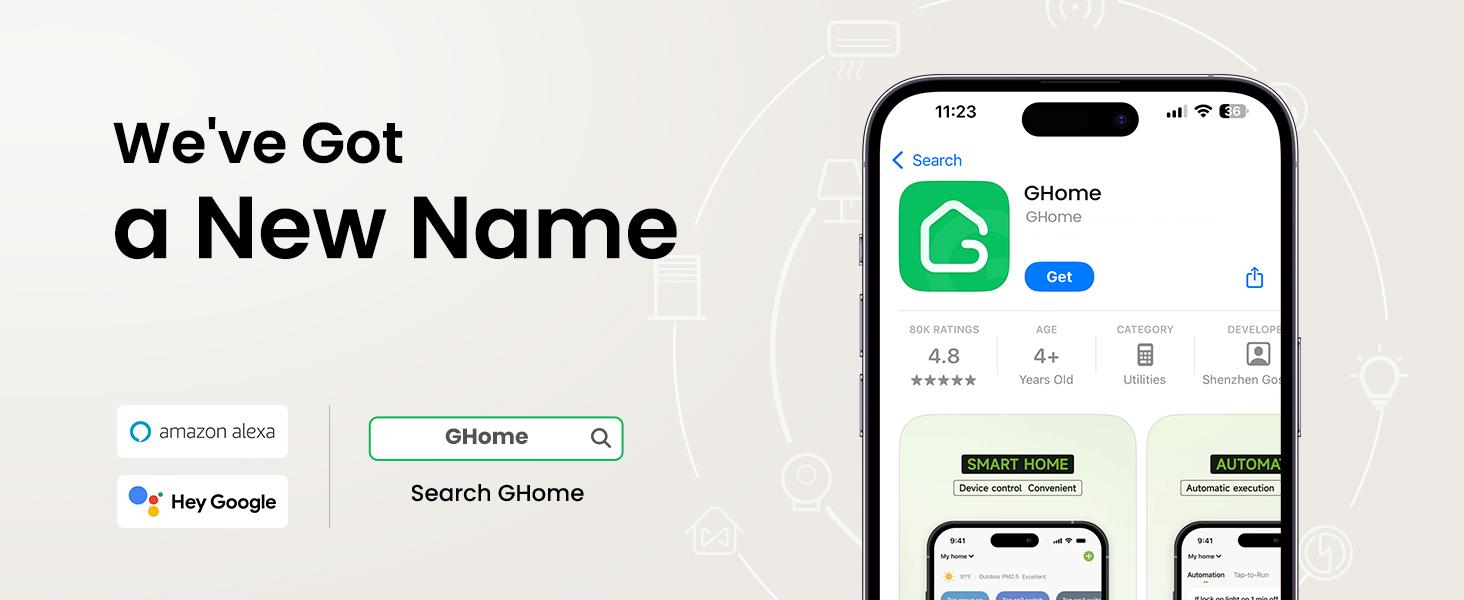
Image: Screenshot illustrating the GHome app download process.
5.3 Pairing the Smart Plug with the App
- Plug In: Insert the GHome Smart Mini Smart Plug into a standard wall outlet.
- Open App & Login: Launch the GHome app and log in to your account. If you don't have an account, register a new one.
- Add Device: In the app, tap 'Add Device' or the '+' icon to begin the pairing process.
- Select Device Type: Choose 'Electrical Outlet' or 'Smart Plug' from the list of device types.
- Confirm Indicator: Ensure the indicator light on the smart plug is blinking rapidly. If not, press and hold the power button on the plug for 5 seconds until it blinks rapidly.
- Enter Wi-Fi Details: Select your 2.4GHz Wi-Fi network and enter the correct password.
- Connect: Follow the on-screen prompts to connect the smart plug. The app will search for and add the device. Once connected, the indicator light will turn solid.

Image: Step-by-step visual guide for connecting the smart plug to the GHome app.
6. Operating Instructions
6.1 Basic On/Off Control
Once connected, you can turn the smart plug on or off directly from the GHome app. Simply tap the power icon next to the device name.
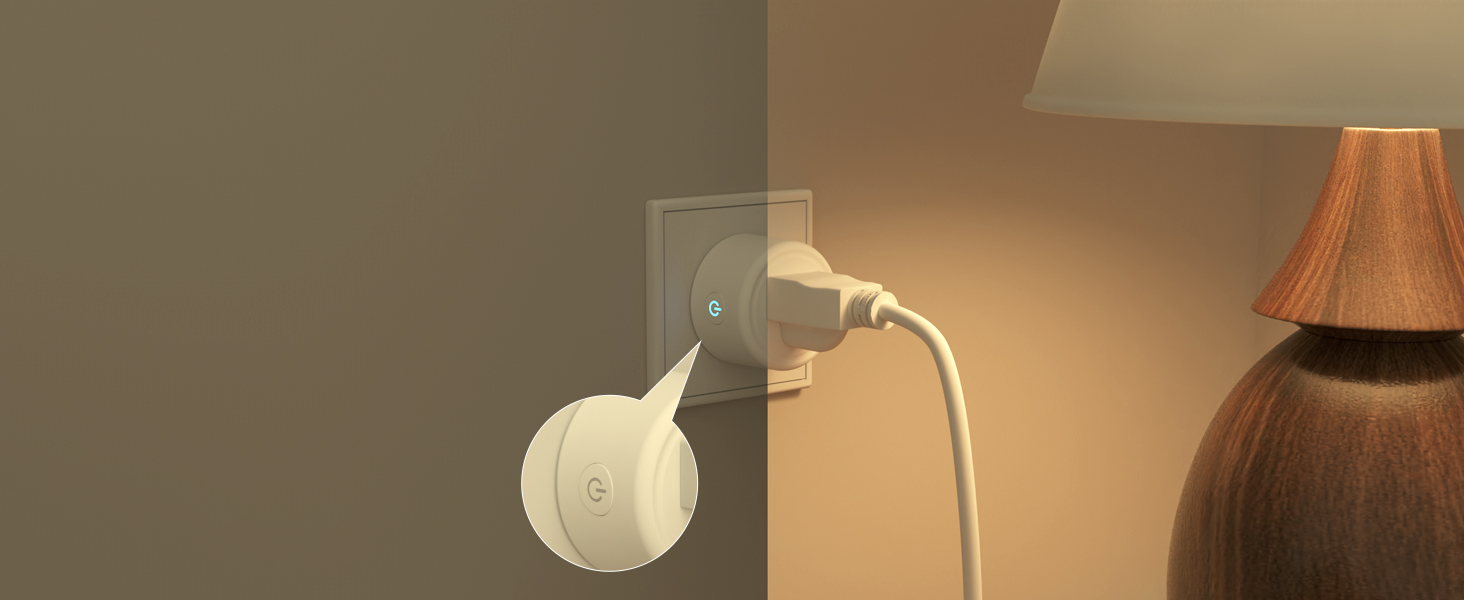
Image: Demonstrates the smart plug's basic on/off function, controlling a lamp.
6.2 Voice Control (Alexa & Google Home)
Integrate your smart plug with Amazon Alexa or Google Home Assistant for hands-free control. Ensure your Alexa or Google Home device is set up and linked to your GHome account.
- Linking Accounts: In the Alexa or Google Home app, search for the 'GHome' skill/service and enable it, then link your GHome account.
- Discover Devices: Ask your voice assistant to
Documents and downloads
Ask a question about this manual
Ask about setup, troubleshooting, compatibility, parts, safety, or missing instructions. Manuals+ will review the question and use this page’s manual context to help answer it.