
Introduction
This manual provides detailed instructions for the safe and efficient use of your Reoshine Motion Sensor LED Puck Lights. Please read this manual thoroughly before installation and operation, and retain it for future reference.
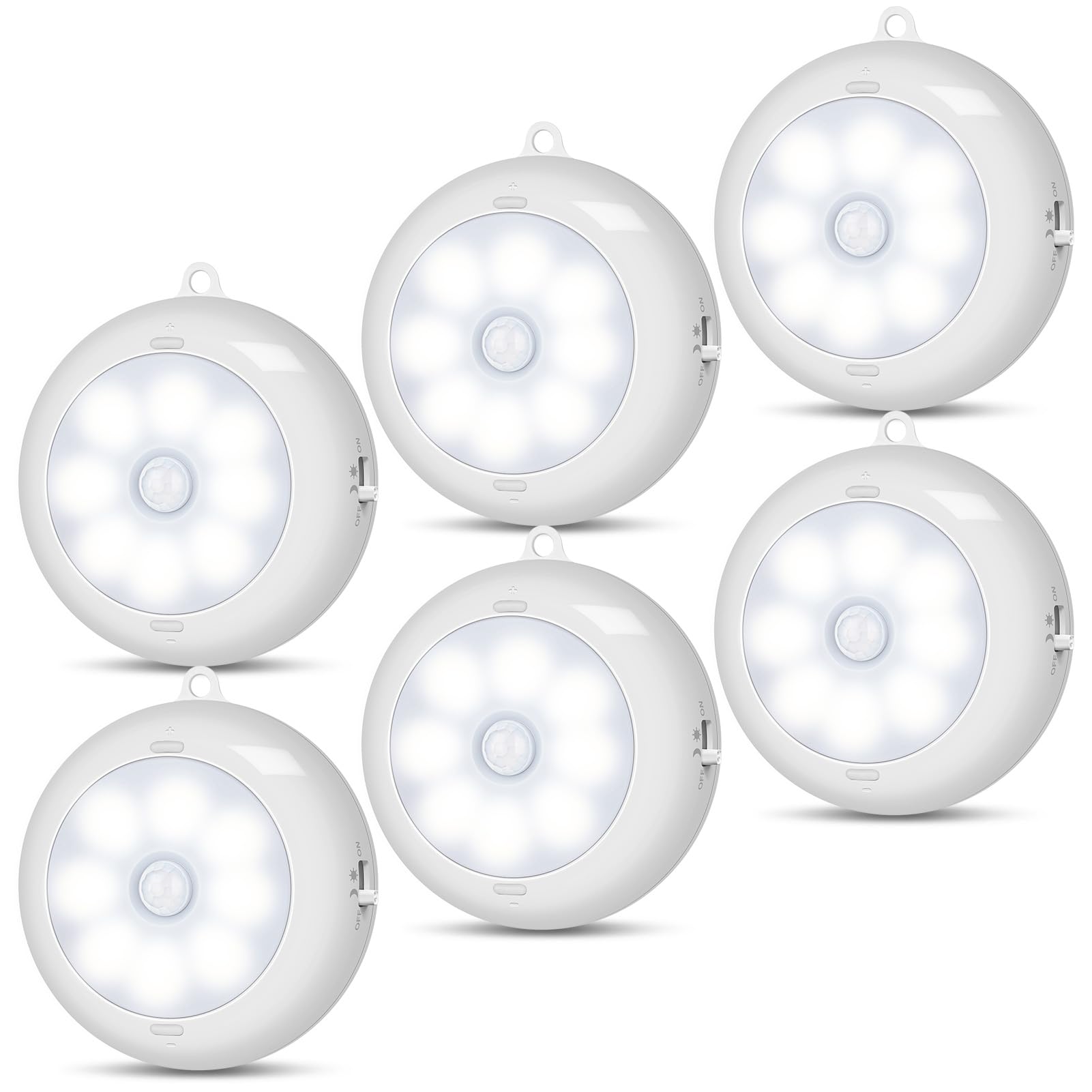
Image: A Reoshine Motion Sensor LED Puck Light installed under a kitchen cabinet, illuminating the countertop. This image illustrates the product in a typical application.
Product Features
- Super Bright & Dimmable: Up to 150 Lumens, 6000K cool white light. Brightness is adjustable from 20 Lumens (minimum) to 150 Lumens (maximum).
- Upgraded Motion Activated Light with 3 Modes: Features Continuous ON, AUTO NIGHT, and AUTO DAY & NIGHT modes. The reliable motion sensor utilizes Reoshine Constant-Sense technology, keeping the light on as long as motion is detected nearby. It automatically turns off approximately 20 seconds after motion ceases.
- Energy Efficient Battery Operated: Powered by three AA batteries (not included) for cordless installation. Batteries can last up to 12 months in motion sensor mode (based on 10 uses per day, 20 seconds per use).
- Installation Options: Includes top-quality adhesives for stick-on mounting, or can be mounted with screws. A unique hanging hole provides an alternative placement method.
- Wide Application: Suitable for various indoor locations such as closets, cabinets, kitchens, stairs, wardrobes, attics, basements, bedrooms, dressing rooms, baby rooms, cupboards, drawers, garages, mailboxes, medicine cabinets, gun safes, shoe storage, vanity mirrors, and laundry rooms.

Image: A graphic highlighting key features of the Reoshine Motion Sensor LED Puck Light, including its brightness (150 Lumens), motion sensor capability, battery power, and extended run time.
Package Contents
The package for the Reoshine Motion Sensor LED Puck Lights (Model AA-86) includes:
- Motion Sensor LED Puck Lights (6 units)
- Adhesive Iron Sheets
- Screws
Setup and Installation
1. Battery Installation
- Twist open the back cover of the light unit.
- Insert three AA batteries (not included), ensuring correct polarity (+/-).
- Close the back cover securely.
2. Mounting Options

Image: A visual guide demonstrating the two primary installation methods: using 3M adhesive pads for magnetic attachment and using screws for a more permanent fixture. Battery insertion is also shown.
- Adhesive Mounting:
- Pull the round magnet off the back of the light unit.
- Peel the protective film from the adhesive on the magnet.
- Firmly press the adhesive side onto the desired clean, dry, and smooth surface.
- Attach the light unit to the mounted magnet.
- Screw Mounting:
- Use the provided screws to secure the mounting plate (the back cover of the light) to the desired surface.
- Attach the light unit to the mounted plate by twisting it into place.
- Hanging: Utilize the unique hanging hole on the light unit to suspend it from a hook or similar fixture.
Operating Instructions
The Reoshine Motion Sensor LED Puck Light features a slide switch for mode selection and buttons for brightness adjustment.

Image: A detailed view of the Reoshine Motion Sensor LED Puck Light, illustrating the location of the mode switch (OFF, AUTO DAY & NIGHT, AUTO NIGHT, ON) and the brightness adjustment buttons (+/-).
Mode Selection
Use the slide switch on the side of the light to select one of the following operating modes:
- ON (Continuous On): The light remains continuously on, regardless of ambient light conditions or motion detection.
- AUTO DAY & NIGHT: In this mode, the light will activate when motion is detected, whether the environment is bright or dark. This is suitable for areas like closets or cabinets where illumination is needed throughout the day.
- AUTO NIGHT (Motion only in dark): The light will activate only when motion is detected in dark or dim environments. This mode is ideal for night lighting in hallways, stairs, or basements.
- OFF: The light is turned off and will not activate under any circumstances.
Brightness Adjustment
- Press the '+' button to increase the brightness level.
- Press the '-' button to decrease the brightness level.
Motion Sensor Functionality
When in an 'AUTO' mode, the Reoshine Constant-Sense technology ensures the light stays illuminated as long as motion is detected within its range. The light will automatically turn off approximately 20 seconds after the last detected motion.

Image: A diagram showing a person walking and the 120-degree detection angle of the motion sensor, indicating a range of approximately 10 feet.
Video: This video demonstrates the Reoshine Motion Sensor Light in various indoor settings, showcasing its activation and illumination. It highlights its use as ceiling lights and puck lights.
Maintenance
- Battery Replacement: Replace all three AA batteries simultaneously when the light dims or stops functioning. Do not mix old and new batteries or different battery types.
- Cleaning: Wipe the light with a soft, dry cloth. Do not use abrasive cleaners or immerse the light in water.
- Placement: Ensure the motion sensor is not obstructed to maintain optimal performance.

Image: A graphic comparing the battery life of Reoshine lights (up to 360 days) with other products, emphasizing the importance of fresh batteries for optimal performance.
Troubleshooting
| Problem | Possible Cause | Solution |
|---|---|---|
| Light does not turn on. | Dead or incorrectly installed batteries. Incorrect mode selection. Insufficient darkness (in AUTO NIGHT mode). Motion outside sensor range. | Check and replace batteries; ensure correct polarity. Verify switch is set to an 'AUTO' mode or 'ON'. Ensure the environment is dark enough for 'AUTO NIGHT' mode. Confirm motion is within the sensor's detection range. |
| Light stays on too long or turns on unnecessarily. | Switch set to 'ON' mode. Constant motion or heat source near sensor. | Ensure the switch is set to an 'AUTO' mode. Relocate the light or remove sources of constant motion/heat. |
| Light is too dim or too bright. | Brightness level needs adjustment. | Adjust brightness using the '+' and '-' buttons. |
| Adhesive not sticking. | Surface is dirty, wet, or uneven. | Ensure the surface is clean, dry, and smooth before applying adhesive. For rough surfaces, consider screw mounting. |
Specifications
- Model Number: AA-86
- Light Source Type: LED
- Color Temperature: 6000K (Cool White)
- Brightness: 20-150 Lumens (Dimmable)
- Power Source: 3 x AA Batteries (not included)
- Product Dimensions: 3.3"D x 3.3"W x 1.2"H
- Material: Acrylonitrile Butadiene Styrene (ABS Plastic)
- Switch Type: Push Button (for mode selection and dimming)
- Motion Sensor Range: Approximately 10 feet, 120° detection angle
- Auto-off Timer: Approximately 20 seconds after last motion detected
- Indoor/Outdoor Usage: Indoor use only
- Water Resistance Level: Not Water Resistant
Warranty and Support
Reoshine provides a 30-month warranty for this product, ensuring coverage against manufacturing defects. Additionally, lifetime technical support is available to assist you with any questions or issues you may encounter.
For warranty claims, technical assistance, or further inquiries, please refer to the contact information provided with your purchase or visit the official Reoshine store at Reoshine Store.