
1. Product Overview
The Autel MaxiSys MS906 PRO is an advanced automotive diagnostic scanner designed for comprehensive vehicle system analysis. It features a robust hardware configuration and extensive software capabilities, including ECU coding, active tests, and wide vehicle coverage.

Image 1: The Autel MaxiSys MS906 PRO diagnostic scanner, showing the main tablet unit, the MaxiVCI V200, and the included carrying case.
2. What's in the Box
Upon unboxing your Autel MaxiSys MS906 PRO, verify that all components are present:
- MS906 Pro Main Unit
- MaxiVCI V200 (Vehicle Communication Interface)
- MV108S Endoscope
- AC/DC Adapter (12V)
- Type C USB Cable
- Cigarette Lighter Adapter
- Spare Fuse 6x30mm (2 PCS)
- USB to Ethernet Adapter
- Quick Guide
- Packing List
- Soft Cloth
- Carrying Case (380x300x120mm)
3. Setup Guide
3.1 Initial Charging and Power On
- Connect the AC/DC adapter to the MS906 PRO main unit and a power outlet. Allow the device to charge fully before first use.
- Press and hold the Power button to turn on the device.
- Follow the on-screen prompts to complete the initial setup, including language selection and Wi-Fi connection.
3.2 Connecting the MaxiVCI V200
- Locate the vehicle's OBDII port, typically under the dashboard.
- Plug the MaxiVCI V200 into the vehicle's OBDII port. The VCI's indicator lights will illuminate.
- On the MS906 PRO tablet, ensure Bluetooth is enabled. The tablet will automatically attempt to pair with the VCI. Confirm the connection when prompted.
4. Operating Instructions
4.1 Basic Diagnostics
The MS906 PRO provides comprehensive OE-level diagnostics for all available vehicle systems.
- Read Codes: Retrieve Diagnostic Trouble Codes (DTCs) from vehicle control modules.
- Erase Codes: Clear DTCs after repairs have been completed.
- Live Data: View real-time data streams from various sensors and components.
- Freeze Frame: Capture a snapshot of vehicle conditions at the moment a DTC was set.
- ECU Information: Access detailed information about the Electronic Control Unit.

Image 2: Screenshot of the Autel MaxiSys MS906 PRO interface showing various OE-level diagnostic functions such as Read Codes, Erase Codes, Live Data, and ECU Information.
4.2 Advanced Functions
The MS906 PRO offers advanced functionalities for in-depth vehicle service and customization.
- ECU Coding: Perform ECU replacement, component matching, activate hidden features, change settings, and improve vehicle performance for various brands including BMW, Porsche, Nissan, VW, Hyundai, and more.
- PMI (Programmable Module Installation): For specific vehicle makes like Ford, this function allows for the installation and configuration of new modules.
- Active Tests (Bidirectional Control): Send commands to vehicle systems or subsystems to test their functionality, such as turning on/off a fuel pump, cycling ABS pump, or testing injectors. Over 3000 active tests are supported.
- 36+ Service Functions: Access a wide range of maintenance and service resets, including Oil Reset, EPB (Electronic Parking Brake), BMS (Battery Management System), Brake Bleed, Injector Coding, SAS (Steering Angle Sensor), Air Suspension, Throttle, CKP variation learn, Fuel trim reset, and Power Balance Test.
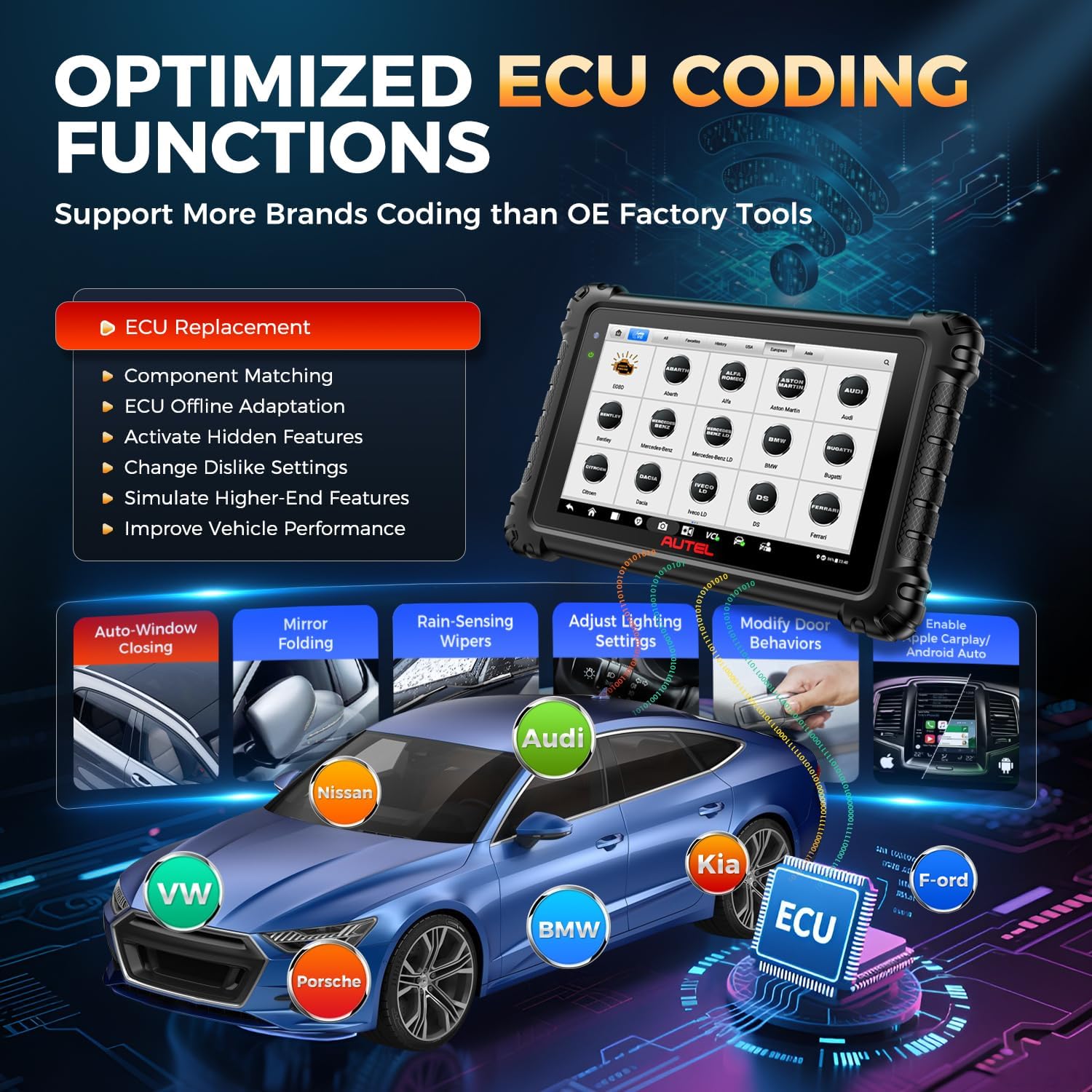
Image 3: An illustration of the ECU Coding functions available on the Autel MaxiSys MS906 PRO, showing its application across different vehicle brands like VW, Audi, BMW, Kia, Ford, and Porsche.

Image 4: The Autel MaxiSys MS906 PRO interface displaying active test options, including Fuel Pump Test, Injector Test, Radiator Fan, and Interior Lights, with a visual representation of commands being sent and received.
4.3 Vehicle Coverage and Protocols
The MS906 PRO supports over 150 vehicle brands from 1996-2025, covering US, Asian, and European markets.
- CAN FD & DoIP: Supports newer communication protocols for MY2020+ GM, MY2017+ Jaguar & Land Rover, MY2018+ Volvo, and BMW F/G chassis vehicles without requiring extra cables.
- FCA AutoAuth: Enables secure gateway access for 2018+ FCA vehicles (Jeep, Fiat, Chrysler, Dodge, Ram) to perform diagnostics and advanced services.
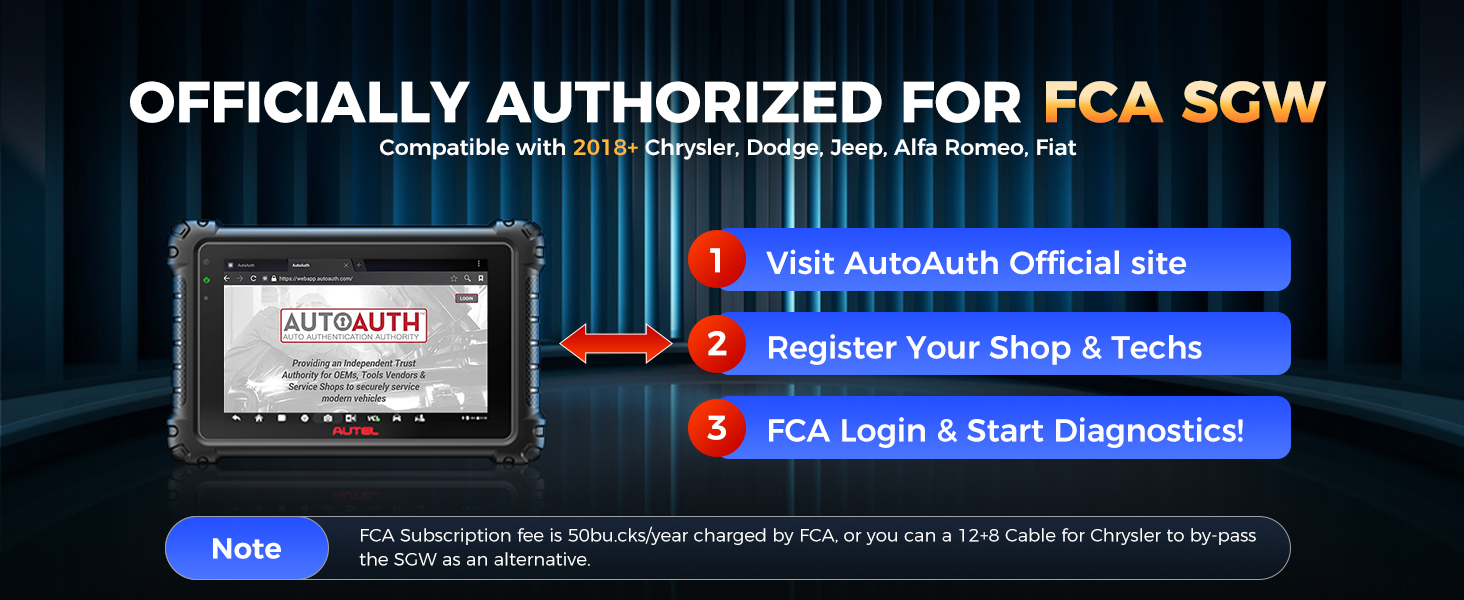
Image 5: An illustration highlighting the Autel MaxiSys MS906 PRO's support for new vehicle protocols, specifically CAN FD for 2020+ GM models and 2021+ Chrysler, and DoIP for 2018 Volvo, 2017+ Land Rover, 2017+ Jaguar, and 2018+ BMW F/G Chassis.
4.4 Additional Features
- Auto Scan 2.0: Provides 8X faster scanning for all vehicle modules, completing diagnostics in seconds.
- VIN/License Scan: Quickly identify vehicle information using VIN or license plate scanning.
- Wi-Fi Print: Print diagnostic reports directly from the device to a Wi-Fi connected printer.
- Pre & Post Scan: Generate reports before and after repairs to document diagnostic and repair processes.
- Remote Expert: Access remote assistance for complex diagnostic scenarios.
- Autel Cloud: Upload and share diagnostic reports easily.
- MV108S Endoscope: Included for visual inspections of hard-to-reach areas.
- Battery Test: Compatible with Autel battery tester BT506 (sold separately) to check vehicle battery load and health.
5. Maintenance
5.1 Software Updates
The MS906 PRO includes 1 year of free software updates. Regularly updating the software ensures access to the latest vehicle models, functions, and bug fixes.
- Connect the device to a stable Wi-Fi network.
- Navigate to the 'Update' icon on the main menu.
- Download and install available updates.
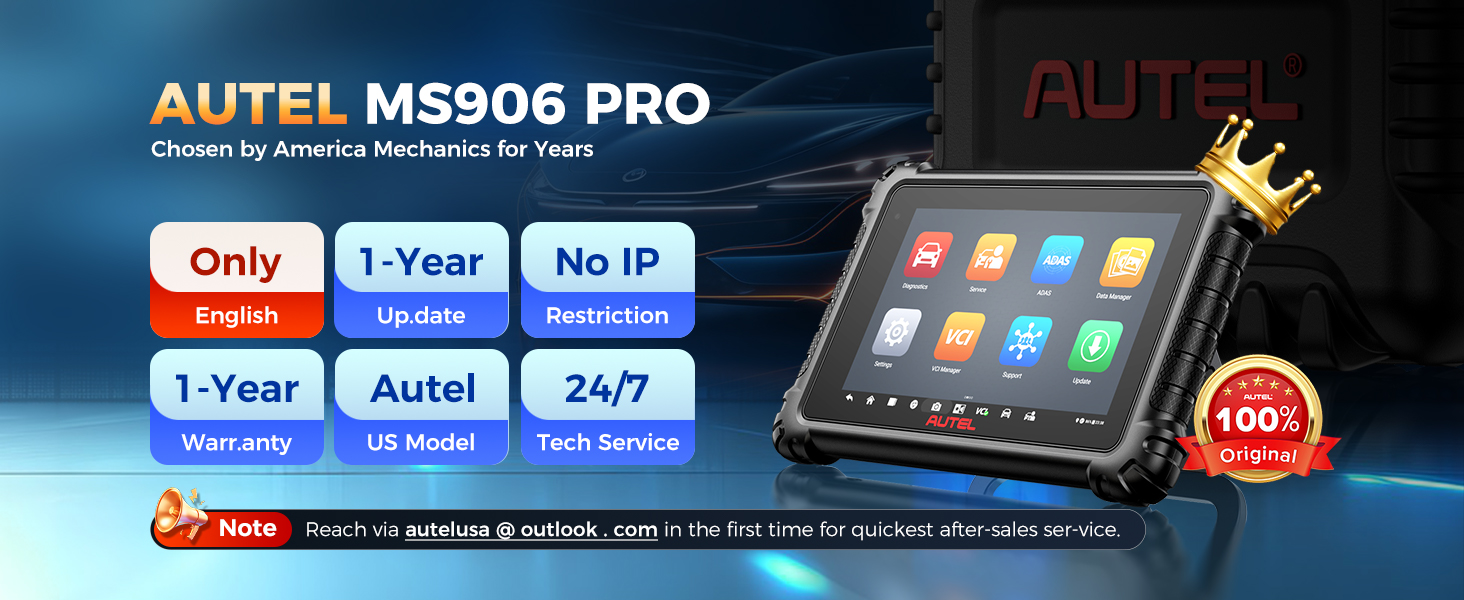
Image 6: A graphic illustrating the benefits of 1 year of free updates for the Autel MaxiSys MS906 PRO, including unlimited downloads, new functions, latest models, and automatic checks.
5.2 Device Care
- Keep the device clean using the provided soft cloth. Avoid abrasive cleaners.
- Store the device in its carrying case when not in use to protect it from dust and damage.
- Avoid exposing the device to extreme temperatures or direct sunlight for prolonged periods.
5.3 Battery Management
The device is equipped with an 11,600mAh Lithium Polymer battery. To prolong battery life:
- Avoid fully discharging the battery frequently.
- Charge the device regularly, especially if it will be stored for an extended period.
6. Troubleshooting
If you encounter issues with your MS906 PRO, consider the following:
- Function Incompatibility: Not all functions are universally compatible with every vehicle. If a specific function does not work, verify vehicle compatibility by contacting Autel support with your VIN.
- Connection Issues: Ensure the MaxiVCI V200 is securely plugged into the OBDII port and that the Bluetooth connection between the VCI and tablet is active. Restarting both the tablet and VCI may resolve temporary connection problems.
- Software Glitches: If the device behaves unexpectedly, try restarting it. Ensure your software is up-to-date.
- Power Issues: If the device does not power on or hold a charge, ensure the AC/DC adapter is functioning correctly and the charging port is clean.
7. Specifications
| Feature | Specification |
|---|---|
| Brand | Autel |
| Model | MaxiSys MS906 PRO |
| Operating System | Android 10.0 |
| Processor | Exynos 8-core Processor (or Qualcomm 660) |
| Memory | 4GB RAM, 128GB ROM |
| Display | 8-inch 1920x1200 LCD Touchscreen |
| Battery | 11,600mAh Lithium Polymer |
| Cameras | 16 MP Rear, 16 MP Front |
| Connectivity | Dual Wi-Fi (2.4 & 5GHz), Bluetooth (V200 Wireless) |
| Dimensions | 6.9 x 1.4 x 10 inches |
| Weight | 7.54 pounds |
| Language | English |
| UPC | 788285834298 |

Image 7: A comparison table highlighting the superior hardware specifications of the Autel MaxiSys MS906 PRO compared to other models like MS906BT, MS906 MAX, and MK908 II.
8. Warranty and Support
8.1 Warranty Information
The Autel MaxiSys MS906 PRO comes with a 1-year quality warranty. Additionally, a 30-day full return or replacement policy is offered for purchases.
8.2 Technical Support
For any questions regarding registration, operation, or technical assistance, please contact Autel support directly:
- Email: autelusa@outlook.com
Access to the Remote Expert feature is also available for advanced support needs.