
1. Introduction and Overview
The Marshall Stanmore III is a powerful Bluetooth home speaker designed to deliver an immersive audio experience. As a central component of your home audio setup, it offers expansive sound with crisp highs and controlled bass. This speaker is engineered for ease of use and is compatible with various audio sources, including Bluetooth, RCA, and 3.5 mm auxiliary inputs.

Figure 1: Marshall Stanmore III Bluetooth Home Speaker (Cream)
Key Features:
- Home-Filling Sound: Delivers expansive Marshall signature sound with a wider soundstage.
- Easy Connectivity: Simple pair-and-play functionality with Bluetooth 5.2, RCA, and 3.5 mm auxiliary inputs.
- Dynamic Loudness: Adjusts tonal balance for optimal sound at any volume.
- Placement Compensation: Corrects sound for nearby reflective surfaces.
- Iconic Design: Classic Marshall rock 'n' roll aesthetic with durable, PVC-free construction using 70% recycled plastic and vegan materials.
2. Package Contents
Ensure all items are present in the package before proceeding with setup.
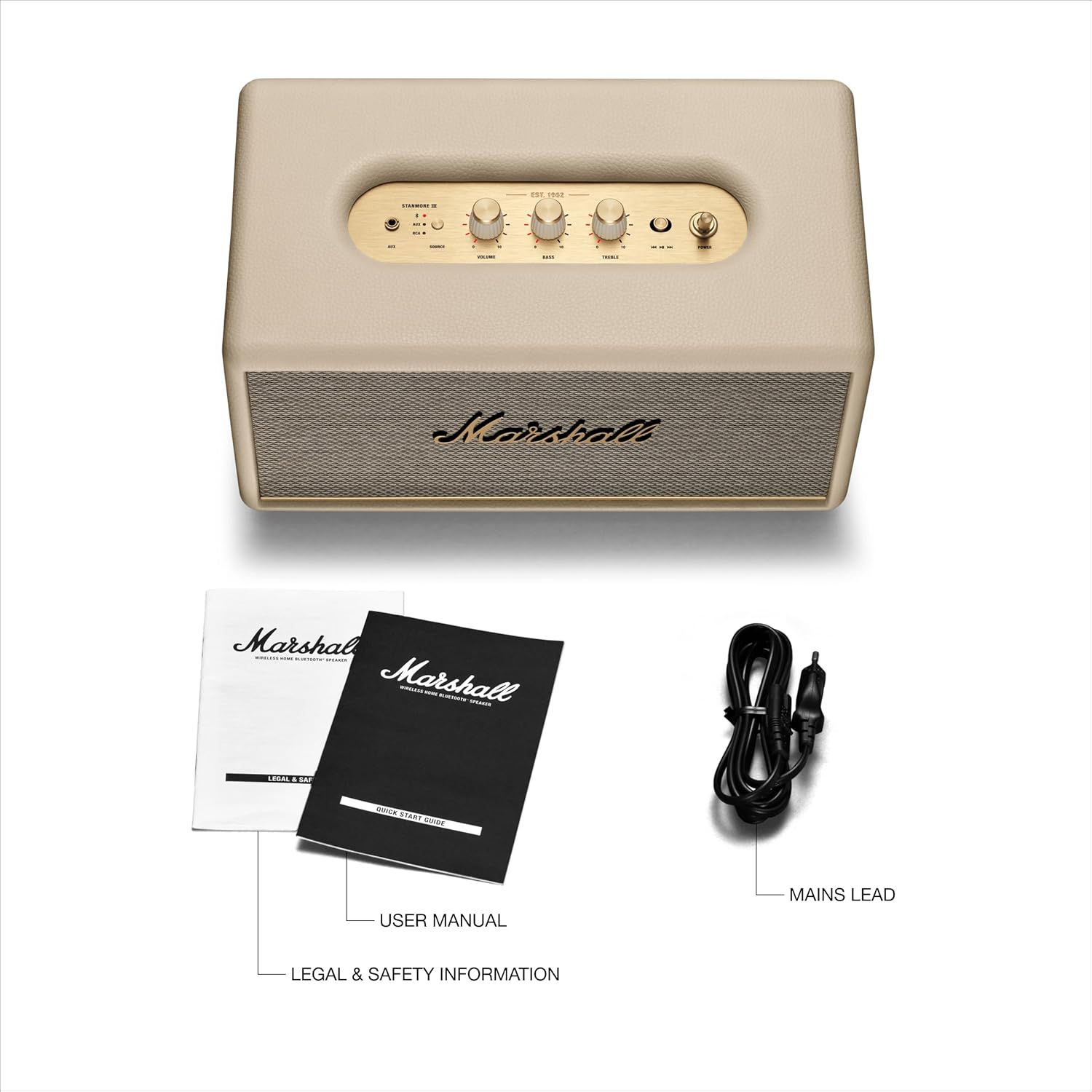
Figure 2: Package Contents
- Marshall Stanmore III Bluetooth Speaker
- Quick Start Guide
- Legal and Safety Information
- Power Cord
3. Product Features and Controls
Top Panel Controls:

Figure 3: Top Panel Controls
- 3.5 mm Input: For connecting devices via auxiliary cable.
- Source Selection: Button to switch between AUX, Bluetooth, and RCA inputs.
- Volume Control: Rotary knob to adjust the overall volume level.
- Bass Control: Rotary knob to adjust the bass intensity.
- Treble Control: Rotary knob to adjust the treble intensity.
- Media Control: Toggle button for play/pause and skipping tracks.
- Power Switch: Toggle switch to turn the speaker on or off.
Rear Panel Connections:
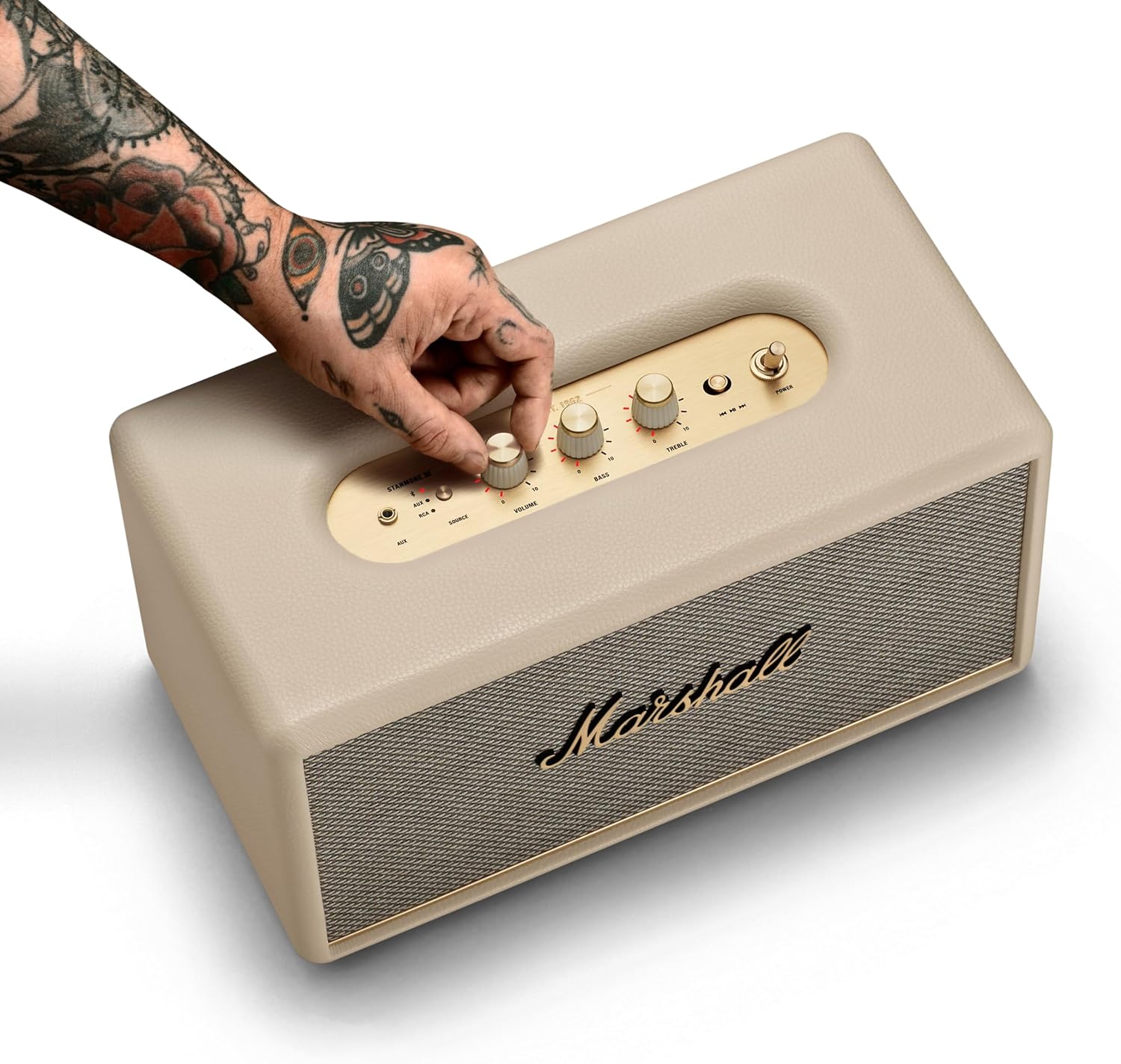
Figure 4: Rear Panel Connections
- RCA Input: For connecting devices like record players or other audio equipment.
- Power Input: For connecting the provided power cord to an electrical outlet.
4. Setup
Follow these steps for initial setup of your Marshall Stanmore III speaker.

Figure 5: Getting Started
- Connect Power: Connect the mains lead to the mains input on your speaker, then connect the mains plug to a wall socket.
- Power On: Use the power switch on the top panel to turn the speaker on.
- Download App (Optional): Download the Marshall Bluetooth app and follow the in-app instructions to set up your speaker and access advanced features like Placement Compensation and EQ adjustments.
5. Operating Instructions
Bluetooth Pairing:

Figure 6: Bluetooth Pairing
- Select Bluetooth Source: Use the Source button on the top panel to select Bluetooth. The Bluetooth LED indicator will begin to pulse red.
- Pair Device: On your audio device (smartphone, tablet, laptop), select "Stanmore III" from the Bluetooth device list. The Bluetooth LED on the speaker will turn solid blue when successfully paired.
Using Auxiliary (AUX) and RCA Inputs:
- Connect Cable: Plug your audio device into the 3.5 mm input on the top panel or the RCA input on the rear panel.
- Select Source: Use the Source button to select the corresponding input (AUX or RCA).
Adjusting Sound:
- Use the Volume, Bass, and Treble rotary knobs on the top panel to fine-tune your audio output.
- For advanced sound customization, use the Marshall Bluetooth app to access EQ presets and Placement Compensation settings.
Media Playback:
- Use the Media Control toggle button to play/pause audio or skip tracks (forward/backward).
6. Maintenance
To ensure the longevity and optimal performance of your Marshall Stanmore III speaker, follow these maintenance guidelines:
- Cleaning: Use a soft, dry cloth to clean the speaker's exterior. Avoid abrasive cleaners or solvents.
- Placement: Place the speaker on a stable, flat surface. Avoid placing it in direct sunlight, near heat sources, or in areas with high humidity.
- Ventilation: Ensure adequate airflow around the speaker to prevent overheating. Do not block ventilation openings.
- Power Cord: Regularly inspect the power cord for any damage. If damaged, discontinue use and contact customer support for a replacement.
7. Troubleshooting
If you encounter any issues with your Marshall Stanmore III, refer to the following common troubleshooting steps:
| Problem | Possible Cause | Solution |
|---|---|---|
| No power | Power cord not connected; Power outlet not active | Ensure power cord is securely connected to speaker and outlet. Test outlet with another device. |
| No sound | Volume too low; Incorrect source selected; Device not connected/paired | Increase volume. Select correct input source. Re-pair Bluetooth device or check cable connections. |
| Bluetooth pairing issues | Speaker not in pairing mode; Device too far; Interference | Press and hold Source button until Bluetooth LED pulses red. Move device closer to speaker. Avoid other wireless devices. |
| Sound distortion | Volume too high; EQ settings incorrect; Poor audio source quality | Lower volume. Adjust Bass/Treble controls or app EQ settings. Use a higher quality audio source. |
8. Specifications
| Feature | Detail |
|---|---|
| Model Name | Stanmore III |
| Model Number | 1006015 |
| Brand | Marshall |
| Connectivity Technology | Auxiliary, Bluetooth 5.2, RCA |
| Audio Output Mode | Stereo |
| Speaker Maximum Output Power | 80 Watts |
| Frequency Response | 45 Hz |
| Wireless Communication Technology | Bluetooth |
| Bluetooth Version | 5.2 |
| Maximum Range | 33 Feet |
| Product Dimensions | 8"D x 13.78"W x 7.4"H |
| Item Weight | 454 Grams (1 pounds) |
| Material | Recycled Plastic |
| Power Source | Corded Electric |
9. Official Product Videos
Watch these official videos for a comprehensive overview and demonstration of the Marshall Stanmore III Bluetooth Home Speaker.
Marshall Stanmore III Bluetooth Speaker - Full Overview
This video provides a detailed full overview of the Marshall Stanmore III Bluetooth Speaker, showcasing its design, features, and functionality.
Marshall Stanmore III Bluetooth Speaker - Overview
A concise overview of the Marshall Stanmore III Bluetooth Speaker, highlighting its key aspects and benefits.
10. Warranty and Support
Warranty Information:
The Marshall Stanmore III Bluetooth Home Speaker comes with a Limited Warranty. Please refer to the included Legal and Safety Information document for full details regarding warranty coverage, terms, and conditions.
Customer Support:
For further assistance, technical support, or warranty claims, please visit the official Marshall website or contact their customer service department. Contact information can typically be found in the Legal and Safety Information booklet or on the product's official support page.


