
eKids B52
eKids Paw Patrol Kids Bluetooth Headphones User Manual
Model: B52
Brand: eKids
Introduction
Thank you for choosing the eKids Paw Patrol Kids Bluetooth Headphones. These headphones are designed to provide a safe and enjoyable audio experience for children, featuring a volume-reduced design to protect young ears. With both wireless Bluetooth and wired connectivity options, a built-in microphone, and a comfortable, foldable design, these headphones are perfect for entertainment, education, and travel. This manual will guide you through the setup, operation, and maintenance of your new headphones.

Image: Front view of the eKids Paw Patrol Kids Bluetooth Headphones, featuring a blue and yellow design with Chase from Paw Patrol on the earcups.
Setup
1. Charging the Headphones
Before first use, fully charge the headphones. A built-in rechargeable battery provides up to 45 hours of continuous Bluetooth playtime.
- Locate the USB-C Charging Port on the headphones.
- Connect the included USB charging cable to the headphones and a compatible USB power source (e.g., computer USB port, USB wall adapter).
- The LED indicator will show charging status. Refer to the detailed diagram below for port location and LED indicators.
2. Bluetooth Pairing
To connect wirelessly to your device:
- Ensure the headphones are charged and powered off.
- Press and hold the Power/Pairing button until the LED indicator flashes, indicating pairing mode.
- On your device (smartphone, tablet, computer), enable Bluetooth and search for available devices.
- Select "eKids Paw Patrol Headphones" (or similar name) from the list.
- Once connected, the LED indicator will show a steady light, and you may hear an audio confirmation.
3. Wired Connection (Optional)
You can use the headphones with the included 3.5mm audio cable when Bluetooth is not available or the battery is low.
- Locate the AUX Jack on the headphones.
- Connect one end of the 3.5mm audio cable to the AUX Jack on the headphones.
- Connect the other end of the cable to the 3.5mm audio output of your device.
- The headphones will automatically switch to wired mode.
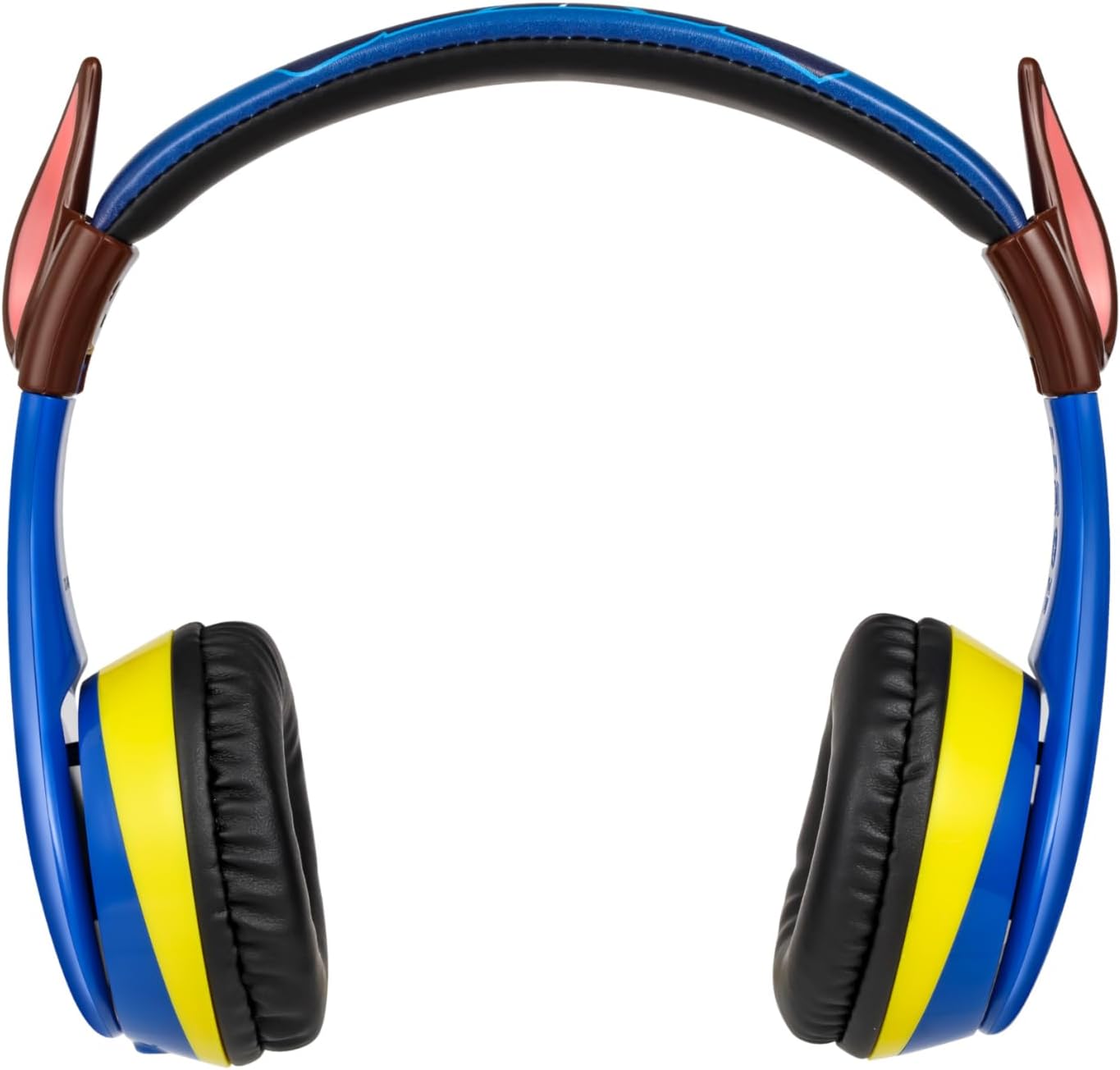
Image: Detailed diagram illustrating the headphone's controls (Play/Pause, Volume Up/Down, Skip Forward/Back), USB-C charging port, AUX jack, microphone, LED indicators, and the included audio and charging cables. Also shows dimensions and battery information.
Operating the Headphones
Controls
The headphones feature intuitive controls located on the earcup:
- Power On/Off: Press and hold the Power button.
- Play/Pause: Press the Play/Pause button once.
- Answer/End Call: Press the Phone On/Off button once during an incoming call.
- Volume Up: Press the Volume Up button.
- Volume Down: Press the Volume Down button.
- Skip Forward: Press and hold the Volume Up button.
- Skip Back: Press and hold the Volume Down button.
Wearing the Headphones
The headphones are designed for comfort and a secure fit for children.
- The headband is adjustable to fit various head sizes. Gently slide the earcups up or down to adjust.
- Soft ear cushions provide comfort during extended use.
- The earcups feature pivoting ear cushions for an optimal fit.
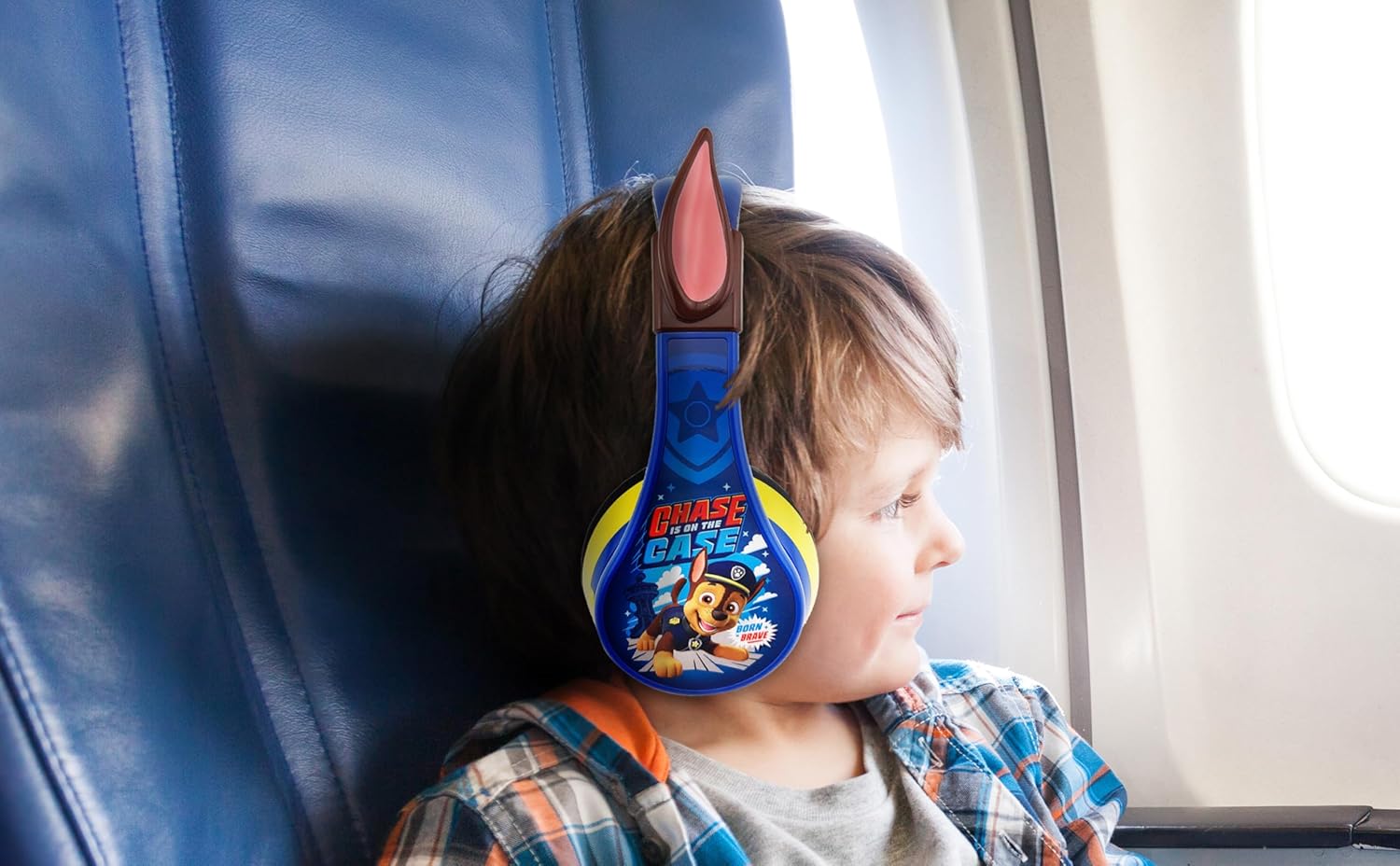
Image: A child wearing the eKids Paw Patrol headphones while sitting on an airplane, demonstrating the comfortable and secure fit for travel.
Microphone Usage
The built-in microphone allows for clear communication during calls or online learning sessions.
- When connected via Bluetooth, the microphone is active for voice input.
- Ensure the microphone is not obstructed for best performance.
Maintenance
Cleaning
- Wipe the headphones with a soft, dry cloth.
- Do not use abrasive cleaners or solvents.
- Avoid getting moisture into any openings.
Storage
The headphones feature a foldable design for easy storage and portability.
- Fold the earcups inward towards the headband to minimize size.
- Store in a cool, dry place away from direct sunlight and extreme temperatures.

Image: Diagram highlighting the adjustable headband, foldable design for portability, and pivoting ear cushions of the eKids Paw Patrol headphones. Also shows attached faux Chase ears and dual connectivity options (Bluetooth or Line-in Cord).
Troubleshooting
| Problem | Possible Cause | Solution |
|---|---|---|
| No Sound | Headphones not powered on, low battery, not paired, volume too low, incorrect input source. | Ensure headphones are on and charged. Re-pair Bluetooth. Increase volume on headphones and device. Check wired connection if applicable. |
| Cannot Pair Bluetooth | Headphones not in pairing mode, device Bluetooth off, too far from device, interference. | Ensure headphones are in pairing mode (flashing LED). Turn device Bluetooth off/on. Move closer to device. Turn off other Bluetooth devices. |
| Short Battery Life | Not fully charged, old battery. | Ensure full charge cycle. If battery life significantly degrades, contact customer support. |
| Microphone Not Working | Not connected via Bluetooth, microphone obstructed, device settings. | Ensure Bluetooth connection. Check for obstructions. Verify microphone input settings on your device. |
Specifications
| Feature | Detail |
|---|---|
| Model Name | B52 |
| Brand | eKids |
| Connectivity Technology | Wireless (Bluetooth), Wired (3.5 mm Aux) |
| Wireless Communication Technology | Bluetooth |
| Headphones Jack | 3.5 mm |
| Included Components | Audio Cable, Charging Cable |
| Age Range (Description) | Kid |
| Material | Plastic |
| Specific Uses For Product | Entertainment, Gaming, Travel |
| Battery Life | Up to 45 hours (Bluetooth playtime) |
| Charging Time | (Not specified in detail, but implies overnight charging is sufficient) |
| Compatible Devices | Bluetooth-enabled devices, Cellphones, Desktops, Laptops, Tablets |
| Theme | Cartoon (Paw Patrol) |
| Cartoon Character | Chase |
| Control Type | Remote, Touch |
| Item Weight | 0.2 Kilograms (7 ounces) |
| Water Resistance Level | Not Water Resistant |
| Frequency Range | 20 Hz - 20,000 Hz |
| UPC | 092298954653 |
| Manufacturer | KIDdesigns |
| Package Dimensions | 9.25 x 8.23 x 3.5 inches |
Warranty and Support
For product support, warranty information, or to view additional eKids products, please visit the official eKids brand store or refer to the provided documentation.
- Official eKids Brand Store: eKids Store
- Certificate of Compliance (PDF): Download
- Safety Information (PDF): Download
Manufacturer: KIDdesigns
Related documentsB52


Ask a question about this manual
Ask about setup, troubleshooting, compatibility, parts, safety, or missing instructions. Manuals+ will review the question and use this page’s manual context to help answer it.