
1. Introduction
The ViewSonic LS921WU is a high-brightness WUXGA short throw laser projector designed for professional installations in various environments, including auditoriums, restaurants, gyms, and educational facilities. This manual provides essential information for the proper setup, operation, and maintenance of your projector.
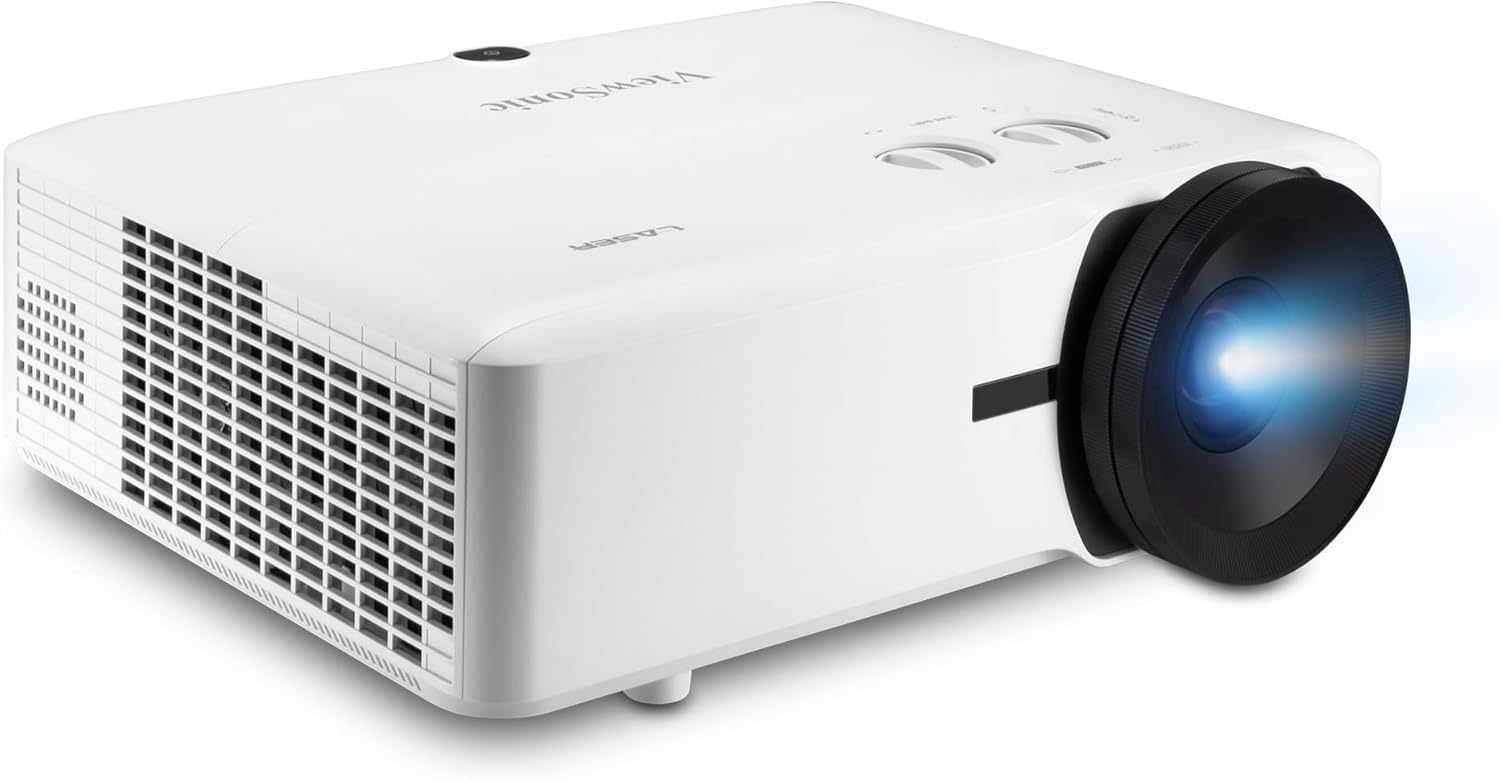
Figure 1: ViewSonic LS921WU Laser Projector
The LS921WU features 6,000 ANSI lumens of brightness, a long-lasting laser light source, and flexible installation options to deliver large, detailed images even in compact spaces.
2. What's in the Box
Verify that all items are present in the package:
- LS921WU Projector
- Power Cable
- Remote Control
- Quick Start Guide
3. Setup
3.1 Placement
The LS921WU is a short-throw projector, allowing for large images from a short distance. It can be placed on a table or ceiling-mounted. For a 100-inch image, the projector should be approximately 5.7 feet from the screen. It supports screen sizes from 30 inches to 200 inches with a throw distance of 3.4 feet to 11.5 feet.
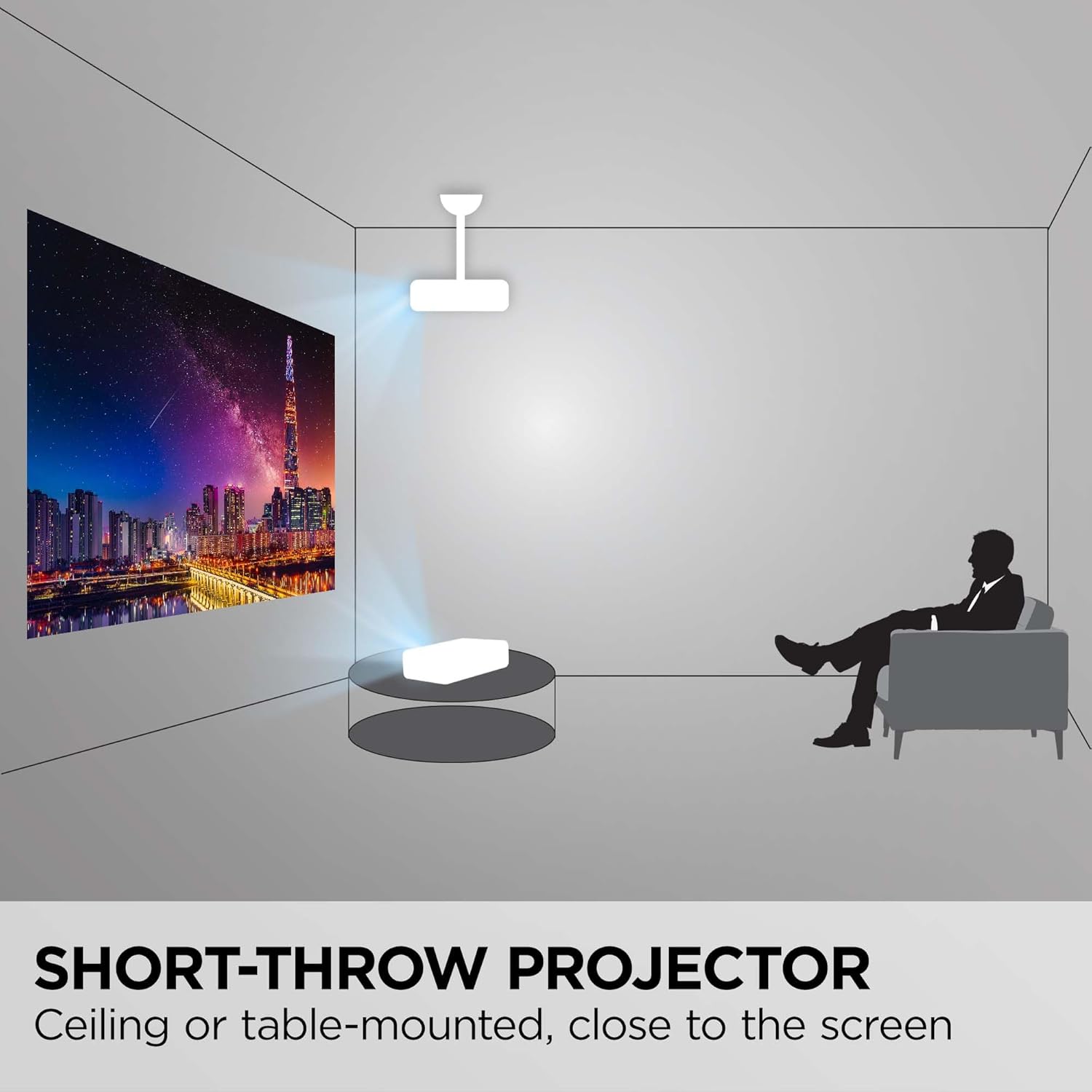
Figure 2: Short-throw projector placement options

Figure 3: Recommended projector distance for various screen sizes
3.2 Power Connection
Connect the provided power cable to the projector's power inlet and then to a suitable electrical outlet.
3.3 Source Connection
The projector offers various connectivity options:
- Dual HDMI 2.0b / HDCP 2.2 Ports: For connecting modern digital devices supporting 4K HDR/HLG content.
- HDBaseT: For long-distance transmission of high-definition video and audio over a single Ethernet cable.
- USB: For media playback or firmware updates.
- Ethernet LAN (RJ45): For network control and management.
- VGA (In/Out): For connecting older computer systems.
- Audio (In/Out): For external audio devices.
- RS232: For serial control.
- Composite RCA Video In: For standard definition video sources.
- 12V Trigger: For synchronized control of external devices like motorized screens.
- 3D VESA (Sync): For 3D synchronization.

Figure 4: Rear panel connectivity ports

Figure 5: Flexible connectivity for various devices
4. Operating Instructions
4.1 Power On/Off
Press the power button on the projector or the remote control to turn the unit on or off. The laser light source allows for instant power on and off.
4.2 Image Adjustment
Adjust the projected image using the following features:
- 1.1x Optical Zoom: Use the zoom ring on the lens to adjust the image size without moving the projector.
- 0.8x-2.0x Digital Zoom: Fine-tune the image size digitally via the menu.
- H/V Keystone Correction: Correct trapezoidal image distortion.
- 4-Corner Adjustment: Individually adjust each corner of the image to achieve a perfectly rectangular shape on uneven surfaces.
- 360-Degree Projection: Allows for flexible installation at any angle.
- Portrait Mode: Enables projection in a vertical orientation.

Figure 6: 1.1x Optical Zoom for flexible installation

Figure 7: Advanced image adjustment features
4.3 Advanced Features
- Vibrant Colors & HDR Support: SuperColor technology and HDR/HLG compatibility ensure a wide color gamut with enhanced contrast and visual depth.
- Golf Mode: Specifically designed for immersive golf simulation, supporting major golf simulators for a lifelike experience.
- Fast Paced Content: A low 16ms input latency and 120Hz refresh rate provide smooth images with minimal delay, ideal for dynamic content.
- Advanced LAN Control: Remotely schedule and manage the projector via Crestron, AMX, Extron, PJ Link, ATEN, and ViewSonic vController.

Figure 8: Enhanced visuals with HDR/HLG support

Figure 9: Golf Mode for immersive simulation

Figure 10: Advanced LAN Control for remote management
5. Maintenance
5.1 Cleaning
Regularly clean the projector lens with a soft, lint-free cloth. Ensure ventilation grilles are free from dust to maintain optimal performance.
5.2 Laser Light Source
The LS921WU utilizes a laser light source with an estimated life of up to 20,000 hours, significantly reducing maintenance requirements compared to traditional lamp-based projectors.

Figure 11: Long-lasting laser light source
6. Troubleshooting
If you encounter issues with your projector, refer to the following general troubleshooting steps:
- No Power: Ensure the power cable is securely connected and the power outlet is functional.
- No Image: Verify that the input source is correctly selected and the source device is powered on and outputting a signal. Check all cable connections.
- Blurred Image: Adjust the focus using the lens ring. Ensure the projection surface is flat and the projector is stable.
- Distorted Image: Use the keystone correction and 4-corner adjustment features to correct any geometric distortions.
- Overheating: Ensure adequate ventilation around the projector. Clear any obstructions from the air vents.
For more detailed troubleshooting or persistent issues, please contact ViewSonic Customer Support.
7. Specifications
| Feature | Specification |
|---|---|
| Model Number | LS921WU |
| Brightness | 6000 ANSI Lumens |
| Display Resolution | WUXGA (1920 x 1200) |
| Light Source | Laser |
| Light Source Life | Up to 20,000 hours |
| Throw Ratio | 0.8 |
| Optical Zoom | 1.1x |
| Digital Zoom | 0.8x-2.0x |
| Screen Size | 30" - 200" |
| Throw Distance (100" image) | 5.7 ft |
| Input Latency | 16ms |
| Refresh Rate | 120Hz |
| Connectivity | Ethernet, HDMI, USB, HDBaseT, VGA, Audio, RS232, Composite RCA, 12V Trigger, 3D VESA |
| Product Dimensions | 15.9 x 12 x 5.7 inches |
| Item Weight | 14.3 pounds |

Figure 12: Projector dimensions
8. Warranty and Support
The ViewSonic LS921WU projector comes with a 3-Year Warranty, ensuring peace of mind for your investment. For any technical assistance or inquiries, please contact our US-based Customer Support team.
For further information, visit the official ViewSonic website or refer to the detailed user manual available online.
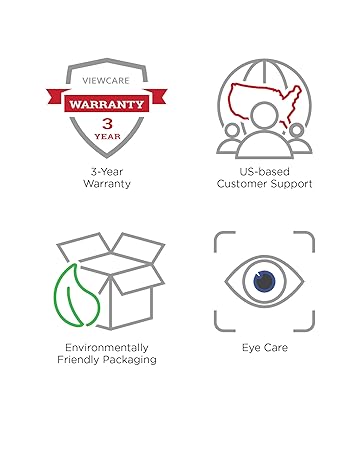
Figure 13: ViewSonic Warranty and Support information


