
1. Introduction
Thank you for choosing the AIRAUX AA-UM11 TWS Bluetooth 5.0 Earbuds. This manual provides essential information for the proper setup, operation, and maintenance of your new earbuds. Please read this manual thoroughly before use to ensure optimal performance and longevity of the product.
2. Product Overview
The AIRAUX AA-UM11 earbuds are designed for a superior audio experience with advanced features.

Image: AIRAUX AA-UM11 TWS Earbuds in use, showcasing their discreet design.
Key Features:
- 10mm Dynamic Driver for powerful bass and clear sound.
- HiFi Sound & Powerful Bass for an immersive audio experience.
- Snug In-ear design for comfort and secure fit.
- HD Calls for clear communication.
- Advanced Bluetooth V5.0 for stable and efficient wireless connection.
- Superior Sound Isolation to minimize external noise.
- Excellent Battery Life for extended listening.
- IPX4 Waterproof rating for resistance against splashes and sweat.
- Highly-sensitive Touch Control for easy operation.
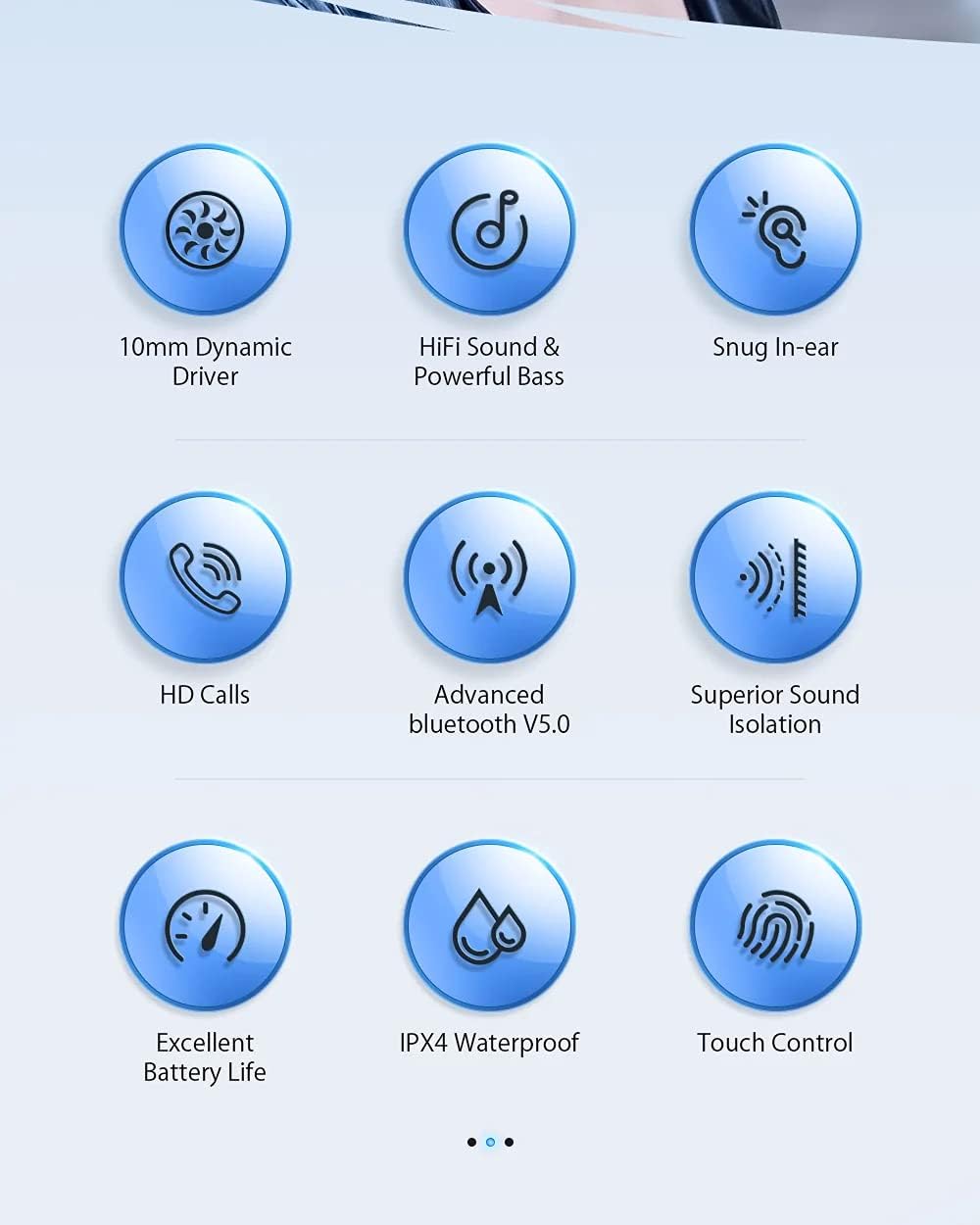
Image: Visual representation of the key features including dynamic driver, HiFi sound, snug fit, HD calls, Bluetooth V5.0, sound isolation, battery life, IPX4, and touch control.
Audio Technology:
The AA-UM11 features a 10mm Dynamic Driver, engineered to deliver stunning bass boost and clear, enhanced HiFi audio quality.
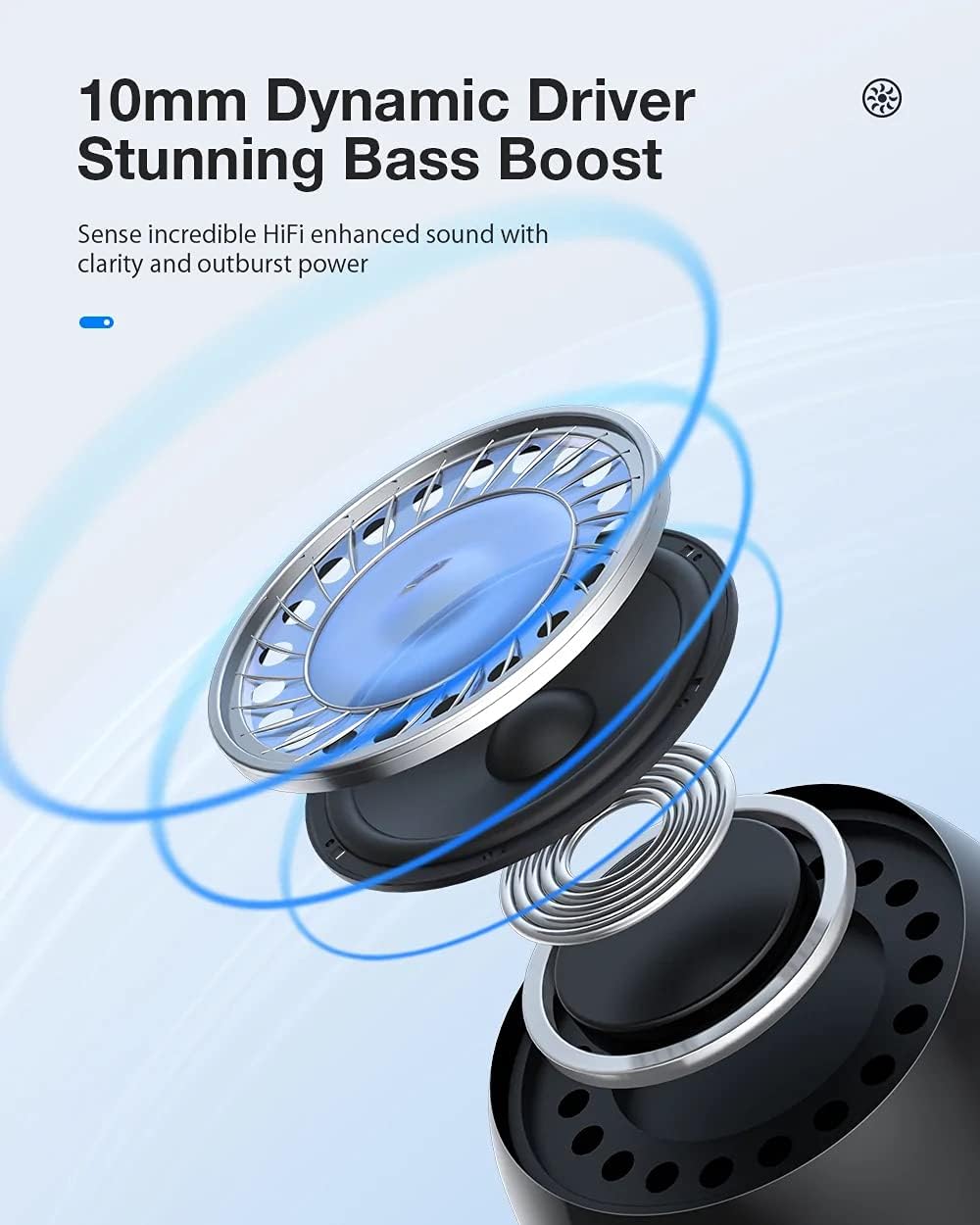
Image: Detailed diagram illustrating the internal structure of the 10mm dynamic driver.
Comfort and Fit:
Designed for a snug experience and perfect fit, the in-ear design ensures comfort and stability, taking care of your ear canal during extended use.

Image: A woman demonstrating the secure and comfortable in-ear fit of the earbuds.
Connectivity:
Equipped with an Upgraded Bluetooth V5.0 Chip, the earbuds offer a further receiving distance, speedy pairing, and stable performance for a reliable wireless connection. It supports ACC code for high-quality audio transmission.
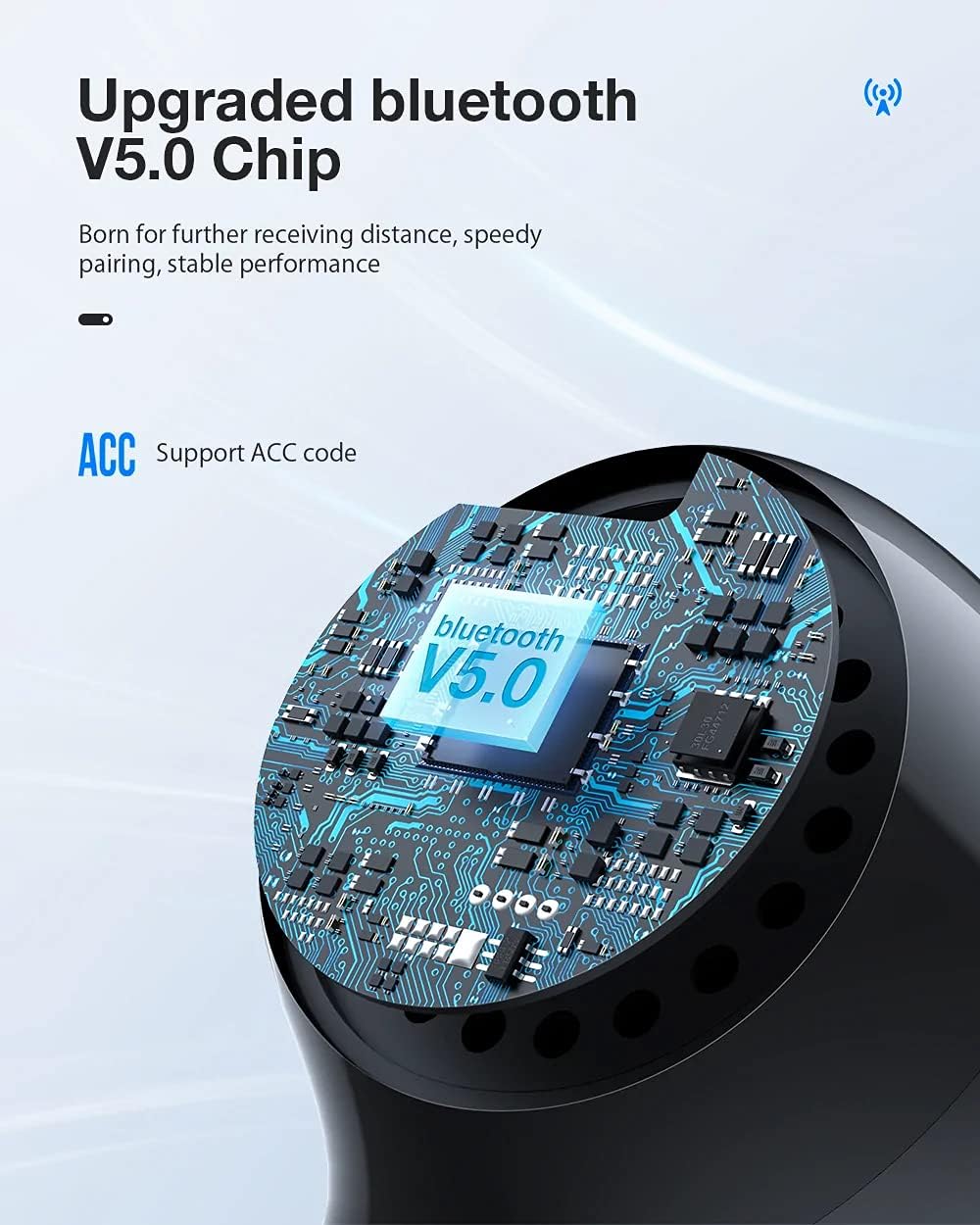
Image: Close-up view of the Bluetooth V5.0 chip, emphasizing its advanced technology.
Durability:
The earbuds are IPX4 Water-resistant, protecting them from corrosion caused by rain, sweat, and water splashes, making them suitable for various activities.
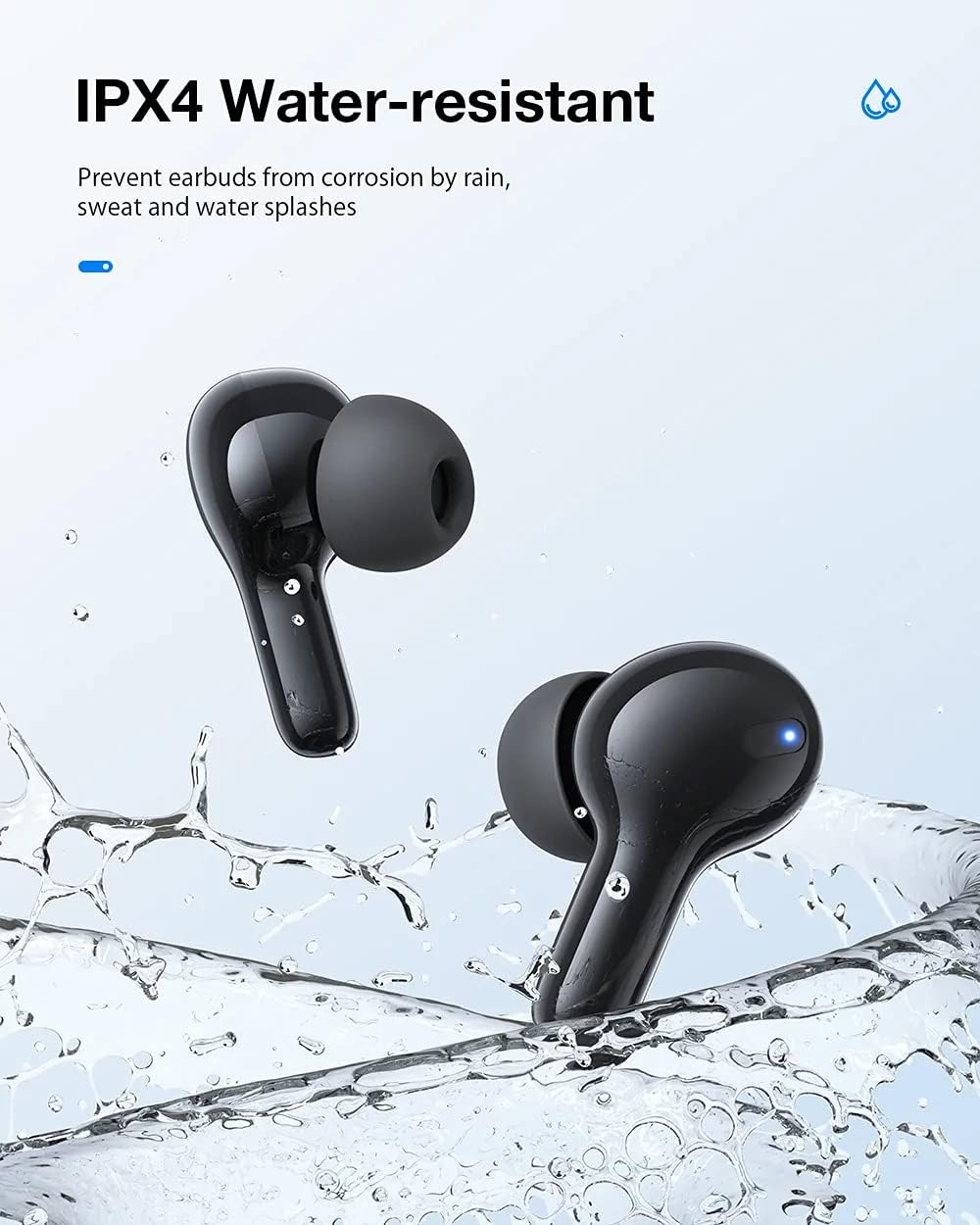
Image: Earbuds shown with water splashes, illustrating their IPX4 water resistance.
Battery and Charging:
The 350mAh charging case provides excellent battery life, allowing you to fully charge the earbuds approximately 4 times. The case features a Type-C Charging Port for convenient and fast charging.
- Service Time: Approximately 4 hours per earbud charge.
- Standby Time: Up to 50 hours.
- Charging Time: Approximately 1 hour for the earbuds.

Image: The earbuds, charging case, and a Type-C charging port, along with battery life indicators.
3. Setup Instructions
3.1 Charging the Earbuds and Charging Case
- Charge the Charging Case: Connect the provided Type-C USB cable to the charging port on the case and to a USB power adapter (not included). The indicator light on the case will show charging status.
- Charge the Earbuds: Place the earbuds into the charging case. Ensure they are correctly seated. The earbuds will automatically begin charging. The indicator lights on the earbuds will show their charging status.
3.2 Pairing with a Bluetooth Device
- Initial Pairing: Open the charging case. The earbuds will automatically enter pairing mode.
- Activate Bluetooth: On your device (smartphone, tablet, etc.), enable Bluetooth.
- Select Device: Search for "AA-UM11" in the list of available Bluetooth devices and select it to connect.
- Confirmation: Once connected, you will hear an audio prompt from the earbuds, and the indicator lights will change.
- Automatic Reconnection: After the initial pairing, the earbuds will automatically connect to the last paired device when taken out of the case, provided Bluetooth is enabled on the device.
4. Operating Instructions
4.1 Touch Controls
The AIRAUX AA-UM11 earbuds feature highly sensitive touch controls on each earbud for easy management of music, calls, and voice assistants.

Image: Visual guide to the touch control functions on the earbud.
| Action | Function |
|---|---|
| Single Tap | Play/Pause music, Answer/Hang up call |
| Double Tap (Left Earbud) | Previous Track |
| Double Tap (Right Earbud) | Next Track |
| Triple Tap | Activate Voice Assistant (Siri, Google Assistant, etc.) |
| Long Press (2 seconds) | Power ON/OFF (when not in case) |
4.2 Power On/Off
- Power On: Open the charging case, or long-press the touch area for 2 seconds if earbuds are out of the case and off.
- Power Off: Place the earbuds back into the charging case and close the lid, or long-press the touch area for 2 seconds if earbuds are out of the case and connected.
5. Maintenance
5.1 Cleaning
- Regularly clean the earbuds and charging case with a soft, dry, lint-free cloth.
- Do not use harsh chemicals, cleaning solvents, or strong detergents.
- Clean the charging contacts on both the earbuds and the case to ensure proper charging.
5.2 Storage
- When not in use, store the earbuds in their charging case to protect them and keep them charged.
- Store in a cool, dry place, away from extreme temperatures and direct sunlight.
6. Troubleshooting
If you encounter issues with your AIRAUX AA-UM11 earbuds, please refer to the following common solutions:
| Problem | Possible Solution |
|---|---|
| Earbuds not pairing | Ensure earbuds are charged. Turn off and on Bluetooth on your device. Forget "AA-UM11" from your device's Bluetooth list and re-pair. |
| Only one earbud working | Place both earbuds back into the charging case, close the lid, then open again. Ensure both earbuds are charged. Re-pair the earbuds with your device. |
| No sound | Check device volume. Ensure earbuds are connected. Try playing different audio. |
| Charging issues | Ensure the charging cable is securely connected. Clean charging contacts on earbuds and case. Try a different charging cable or power adapter. |
| Poor connection/disconnections | Ensure your device is within the Bluetooth range (typically 10 meters/33 feet) and there are no significant obstacles. Avoid strong electromagnetic interference. |
7. Specifications
| Feature | Detail |
|---|---|
| Brand | AIRAUX |
| Model | AA-UM11 |
| Connectivity Technology | Bluetooth |
| Bluetooth Version | 5.0 |
| Earbud Form Factor | In-ear |
| Driver Type | 10mm Dynamic Driver |
| Frequency Range | 20Hz - 20kHz |
| Water Resistance Rating | IPX4 |
| Control Type | Touch Control, Volume Control (via connected device) |
| Charging Port | Type-C |
| Earbud Service Time | Approx. 4 hours |
| Standby Time | Approx. 50 hours |
| Earbud Charging Time | Approx. 1 hour |
| Compatible Devices | Cell phones, Notebooks, Tablets, Televisions |
8. Safety Information
- Do not disassemble or modify the product.
- Keep away from extreme temperatures, direct sunlight, and open flames.
- Avoid prolonged listening at high volumes to prevent hearing damage.
- Keep out of reach of children and pets.
- Do not use the earbuds in situations where inability to hear ambient sounds could be dangerous (e.g., driving, cycling, walking in traffic).
9. Warranty and Support
For warranty information and customer support, please refer to the documentation provided at the time of purchase or visit the official AIRAUX website. Keep your proof of purchase for any warranty claims.
