
1. Introduction
Thank you for choosing the AIRAUX AA-UM8 TWS Bluetooth V5.1 Earbuds. These earbuds are designed to provide a high-quality audio experience with advanced features like Bluetooth V5.1 connectivity, AAC codec support, and ergonomic comfort. This manual will guide you through the setup, operation, and maintenance of your new earbuds.
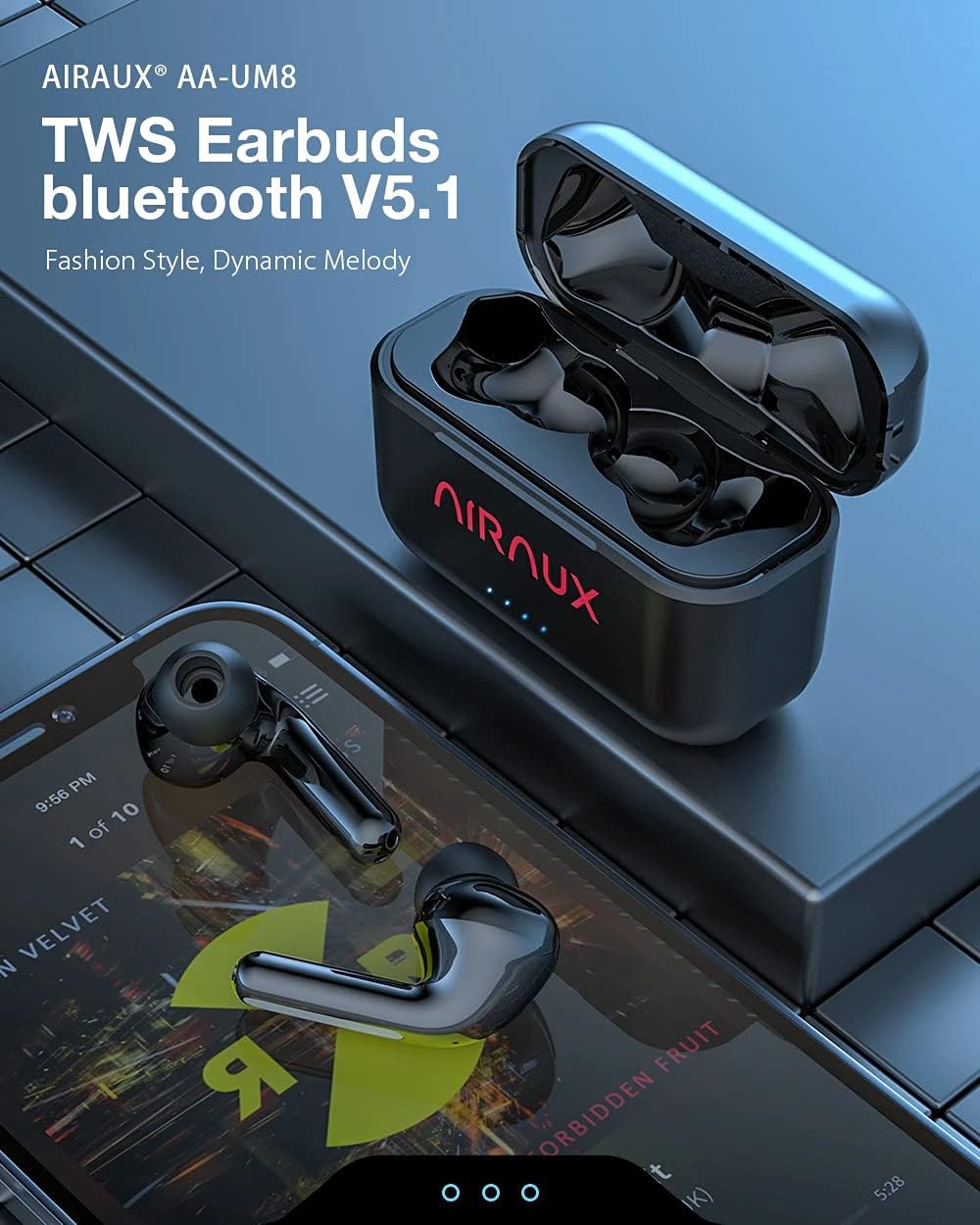
Image: The AIRAUX AA-UM8 TWS Bluetooth V5.1 Earbuds shown with their charging case, illustrating their sleek design.
2. Product Overview
Key Features
- Bluetooth V5.1: For stable and fast wireless connection.
- AAC Codec Supported: Ensures high-quality audio transmission.
- Low Latency: Provides synchronized audio and video, ideal for gaming and media.
- 10mm Dynamic Driver: Delivers powerful bass and clear stereo sound.
- 500mAh High Capacity Charging Case: Extends earbud usage time.
- Ergonomic Comfort: Designed for a secure and comfortable fit.
- Superior Sound Isolation: Passive noise reduction to minimize ambient distractions.
- L/R Earbud Switch Freely: Allows for independent use of either earbud.

Image: A visual representation highlighting the main features of the earbuds, including Bluetooth V5.1, AAC Codec, Low Latency, 10mm Dynamic Driver, 500mAh battery, Ergonomic Comfort, Superior Sound Isolation, and L/R Earbud Switch Freely.
Package Contents
- AIRAUX AA-UM8 TWS Earbuds (Left and Right)
- Charging Case
- USB Charging Cable
- User Manual
- Ear Tips (S/M/L, typically)
3. Setup
3.1 Charging the Earbuds and Case
Before first use, fully charge both the earbuds and the charging case.
- Place the earbuds into the charging case. Ensure they are correctly seated; magnetic contacts will hold them in place.
- Connect the USB charging cable to the charging port on the case and plug the other end into a USB power adapter (not included) or a computer's USB port.
- The indicator lights on the charging case will show the charging status. Once fully charged, the lights will indicate completion or turn off.
- A fully charged case can recharge the earbuds approximately 4-5 times.

Image: The earbuds are shown inside the charging case, with an illustration of the 500mAh battery capacity and estimated usage times: 5 hours play time, 3 hours call time, 50 hours standby time, and 1.5 hours charging time.
3.2 Pairing with Your Device
Follow these steps to pair your earbuds with a Bluetooth-enabled device:
- Initial Pairing:
- Open the charging case, and the earbuds will automatically power on and enter pairing mode.
- On your device (smartphone, tablet, etc.), enable Bluetooth.
- Search for "AA-UM8" in the list of available Bluetooth devices and select it to connect.
- Once connected, you will hear a confirmation tone, and the earbud indicator lights will change.
- Automatic Reconnection: After the initial pairing, the earbuds will automatically connect to the last paired device when taken out of the charging case, provided Bluetooth is enabled on the device.
- Single Earbud Mode: Either earbud can be used independently. Simply take one earbud out of the case, and it will connect.
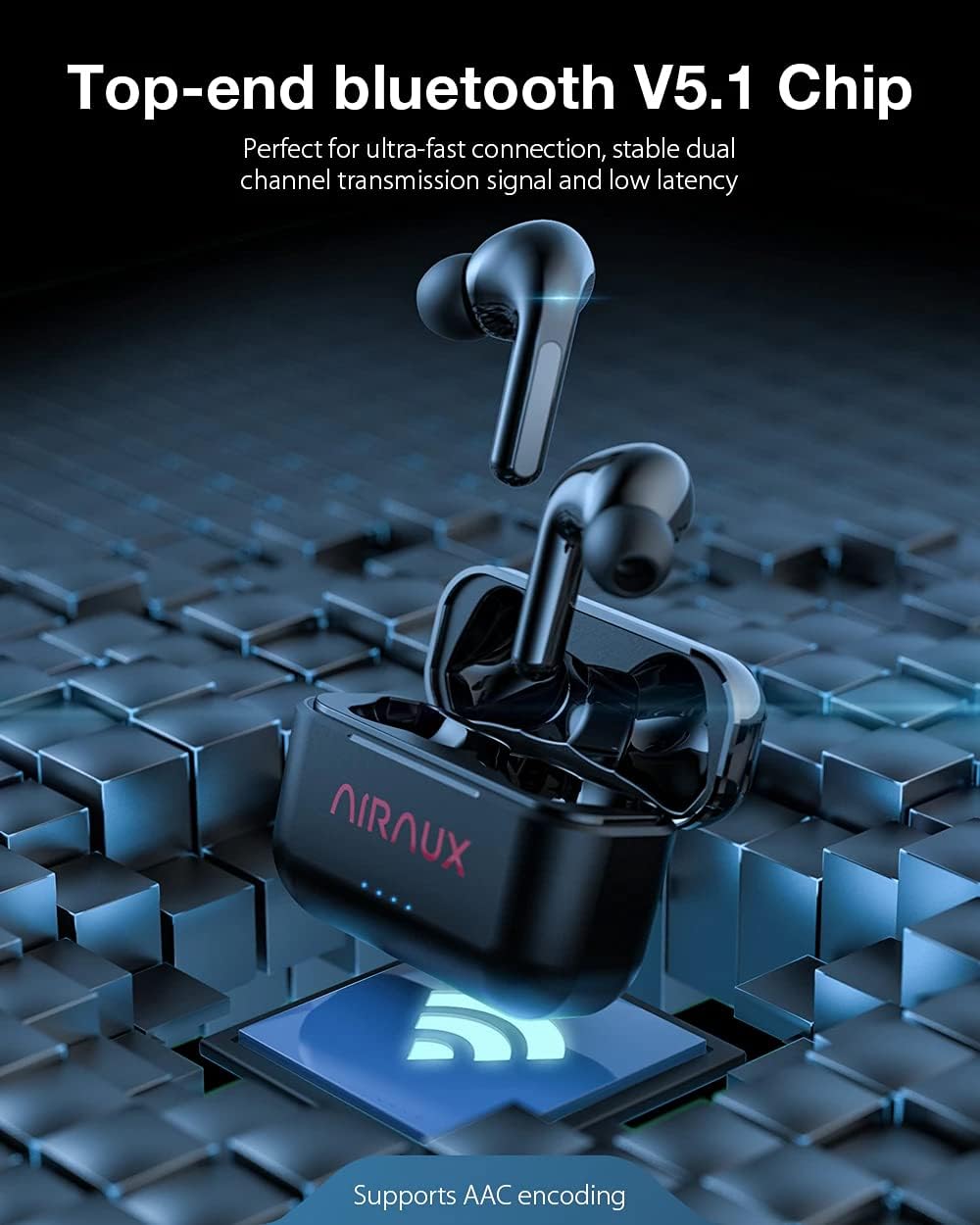
Image: The earbuds and charging case are depicted with an overlay illustrating the "Top-end Bluetooth V5.1 Chip" for ultra-fast connection, stable dual-channel transmission, and low latency, also noting AAC encoding support.
4. Operating Instructions
4.1 Touch Controls
The AIRAUX AA-UM8 earbuds feature highly-sensitive touch controls on each earbud. Refer to the table below for common functions:

Image: An earbud is shown with a fingerprint icon indicating the touch control area, alongside a list of functions: ON/OFF, Play/Pause, Answer/Hang up, Previous Track, and Next Track.
| Action | Function |
|---|---|
| Tap once | Play/Pause music, Answer/Hang up call |
| Long press (approx. 2 seconds) | Power ON/OFF |
| Triple tap Left earbud | Previous Track |
| Triple tap Right earbud | Next Track |
| Double tap | (Function not specified in image, typically voice assistant or volume) |
Note: Specific functions for double tap may vary or be customizable depending on your device.
4.2 Low Latency Mode
The AA-UM8 earbuds feature low latency technology, ensuring that audio and video are synchronized. This is particularly beneficial for gaming and watching videos, providing an immersive experience without noticeable delay.

Image: The earbuds and charging case are shown next to a smartphone displaying a game, emphasizing the "Low Delay" feature where image and sound sync allows users to be ahead in gaming.
5. Maintenance
Proper maintenance ensures the longevity and optimal performance of your earbuds.
- Cleaning: Regularly clean the earbuds and charging case with a soft, dry, lint-free cloth. Do not use harsh chemicals or abrasive materials.
- Ear Tips: Remove ear tips and clean them with water and mild soap if necessary. Ensure they are completely dry before reattaching.
- Charging Contacts: Gently clean the charging contacts on both the earbuds and the case with a dry cotton swab to ensure good connection.
- Storage: When not in use, store the earbuds in their charging case to protect them from dust and damage.
- Avoid Water: The earbuds are not waterproof. Avoid exposure to excessive moisture or submersion in water.
6. Troubleshooting
If you encounter any issues, try the following troubleshooting steps:
- Earbuds not pairing with device:
- Ensure both earbuds are charged.
- Turn off Bluetooth on your device and turn it back on.
- Forget "AA-UM8" from your device's Bluetooth list and try pairing again.
- Place earbuds back in the case, close the lid, wait a few seconds, then open to re-initiate pairing mode.
- Only one earbud working:
- Ensure both earbuds are charged.
- Place both earbuds back into the charging case, close the lid, then open it again.
- Try resetting the earbuds (refer to manufacturer's specific reset instructions if available, otherwise, forgetting and re-pairing is a common reset).
- No sound:
- Check the volume level on both your device and the earbuds.
- Ensure the earbuds are properly connected to your device.
- Try playing audio from a different application or source.
- Charging issues:
- Ensure the charging cable is securely connected to both the case and the power source.
- Clean the charging contacts on the earbuds and inside the case.
- Try a different USB cable or power adapter.
7. Specifications
| Feature | Detail |
|---|---|
| Brand | AIRAUX |
| Model | AA-UM8 |
| Connectivity Technology | Bluetooth V5.1 |
| Audio Codec | AAC Supported |
| Driver Size | 10mm Dynamic Driver |
| Earbud Form Factor | In-Ear |
| Charging Case Battery | 500mAh (Capacity for case, not earbuds) |
| Play Time | Approx. 5 hours (earbuds) |
| Call Time | Approx. 3 hours (earbuds) |
| Standby Time | Approx. 50 hours |
| Charging Time | Approx. 1.5 hours (earbuds in case) |
| Special Features | Low Latency, Superior Sound Isolation, Ergonomic Comfort, L/R Earbud Switch Freely |

Image: An exploded view of an earbud highlighting the internal components, specifically the "φ10mm Dynamic Driver" responsible for HiFi Stereo Sound, professional-level audio, shocking bass, and HD clear voice output.

Image: The earbuds are shown with a graphic illustrating the "Superior Sound Isolation Effect," demonstrating how physical passive noise reduction blocks out ambient noises, with a waveform comparison of sound before and after noise canceling.
8. Warranty and Support
AIRAUX products are designed and manufactured to the highest quality standards. For warranty information, technical support, or customer service inquiries, please refer to the warranty card included in your package or contact your retailer. Keep your proof of purchase for warranty claims.