
Lenovo QT82
Lenovo QT82 TWS Earphones User Manual
Model: QT82
Introduction
This manual provides detailed instructions for the proper use, setup, and maintenance of your Lenovo QT82 True Wireless Stereo (TWS) Earphones. Please read this manual thoroughly before using the product to ensure optimal performance and longevity.
Package Contents
- Lenovo QT82 TWS Earbuds (Left and Right)
- Charging Case
- USB Charging Cable
- User Manual
- Ear Tips (various sizes, typically included)
Product Overview
The Lenovo QT82 TWS Earphones are designed for wireless audio playback and communication. They feature a compact design and come with a portable charging case.

Figure 1: Black Lenovo QT82 TWS Earphones resting in their open charging case. The earbuds are visible, showing their sleek design and the charging contacts within the case.

Figure 2: A side-by-side view of the Lenovo QT82 TWS Earphones in both black and white color options, each placed in their respective open charging cases. This illustrates the available color variants.
Key Features
- Bluetooth 5.0: For stable and efficient wireless connection.
- Touch Control: Intuitive control for music and calls.
- IPX5 Waterproof: Resistant to sweat and light splashes.
- HD Sound: Designed for clear audio quality.
- Portable Design: Lightweight and easy to carry.
- Long Power: Extended battery life for prolonged use.
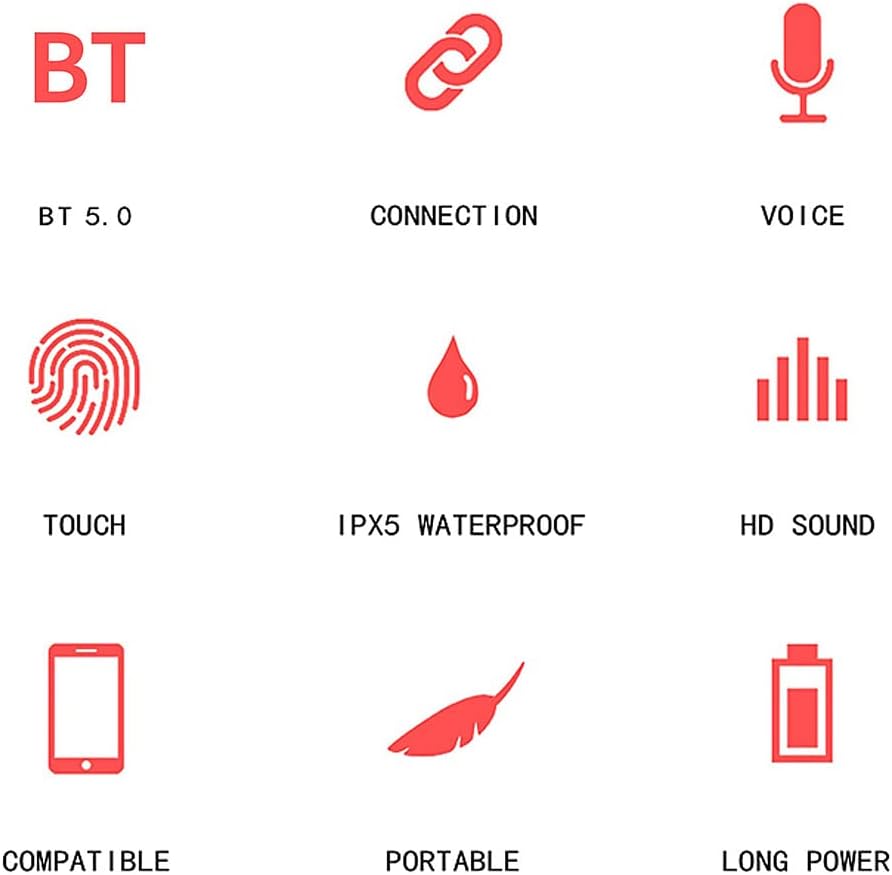
Figure 3: An infographic displaying various features of the earphones, including Bluetooth 5.0, connection capabilities, voice functions, touch control, IPX5 waterproofing, HD sound, compatibility, portability, and long battery life, each represented by a distinct icon.
Setup and Pairing
- Initial Charge: Before first use, place both earbuds into the charging case and connect the case to a power source using the provided USB cable. Ensure the earbuds and case are fully charged.
- Power On: Open the charging case lid. The earbuds will automatically power on and enter pairing mode.
- Bluetooth Connection: On your device (smartphone, tablet, etc.), navigate to the Bluetooth settings.
- Select Device: Look for "Lenovo QT82" in the list of available devices and select it to connect.
- Confirmation: Once connected, you will hear an audio prompt, and the indicator light on the earbuds will change.
The Lenovo QT82 features Bluetooth 5.0 for a faster and more stable connection.

Figure 4: An image illustrating the "Fast & Easy Pairing" process, showing a smartphone's Bluetooth settings screen with "Lenovo QT82" listed as an available device for connection. Two white earbuds are also depicted next to the phone.
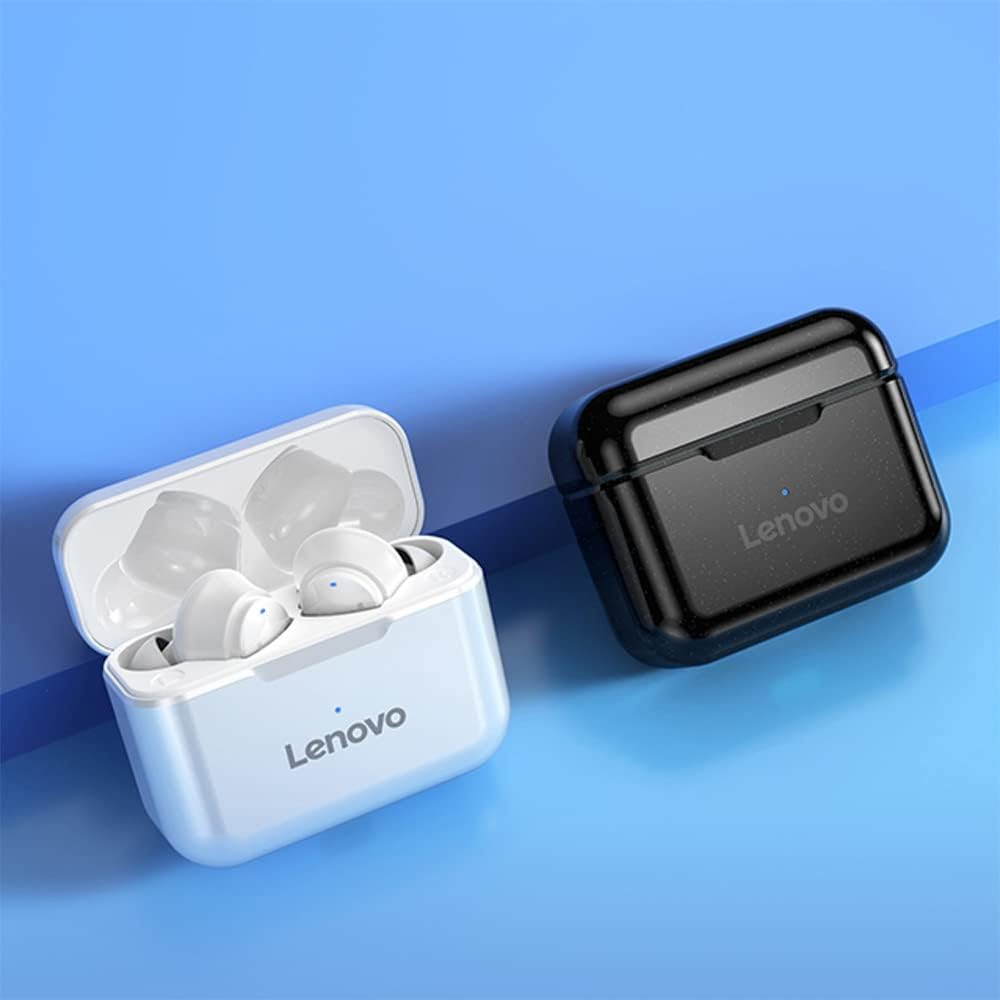
Figure 5: A visual representation highlighting the "Bluetooth 5.0 Chip" and its advantages, such as faster transmission, wider range, and more stable connection, with an internal view of an earbud showing the Bluetooth chip.
Operating Instructions
Touch Controls
The Lenovo QT82 earphones feature intuitive touch controls on the outer surface of each earbud. Specific functions may vary slightly depending on your device and application.

Figure 6: A person wearing a black Lenovo QT82 earbud, with the text "Touch Control" overlaid, indicating the interactive surface of the earbud for various functions.
- Play/Pause: Single tap on either earbud.
- Next Track: Double tap on the right earbud.
- Previous Track: Double tap on the left earbud.
- Answer/End Call: Single tap on either earbud during an incoming call or active call.
- Reject Call: Press and hold either earbud for 2 seconds during an incoming call.
- Activate Voice Assistant: Triple tap on either earbud (functionality depends on your connected device).
Wearing the Earbuds
Gently insert the earbuds into your ear canal and rotate them slightly to find a comfortable and secure fit. Ensure the ear tips create a good seal for optimal sound quality and noise reduction.

Figure 7: A detailed view of a white Lenovo QT82 earbud, accompanied by a frequency response graph and text indicating "Noise Reduction" for clear communication.
Charging and Maintenance
Charging the Earbuds
Place the earbuds into the charging case. They will automatically begin charging. The indicator lights on the earbuds or case will show the charging status.
Charging the Case
Connect the charging case to a USB power adapter (not included) or a computer's USB port using the provided USB cable. The indicator light on the case will show the charging status and turn off when fully charged.
Cleaning
Regularly clean the earbuds and charging case with a soft, dry, lint-free cloth. Do not use harsh chemicals or abrasive materials. Ensure charging contacts are free of dust and debris.
The earbuds are rated IPX5 waterproof, meaning they are resistant to sweat and light splashes. Do not submerge them in water.
Troubleshooting
- Earbuds not pairing:
- Ensure both earbuds are charged.
- Place earbuds back in the case, close the lid, then open it again to re-initiate pairing mode.
- Delete "Lenovo QT82" from your device's Bluetooth list and attempt to pair again.
- No sound from one earbud:
- Ensure both earbuds are charged and properly connected.
- Try resetting the earbuds (refer to specific reset instructions if available, or try placing them in the case and reconnecting).
- Poor sound quality:
- Ensure the earbuds are securely fitted in your ears.
- Clean any debris from the earbud grilles.
- Move closer to your connected device to avoid interference.
- Earbuds not charging:
- Ensure the charging cable is securely connected to both the case and the power source.
- Clean the charging contacts on both the earbuds and inside the case.
Specifications
| Brand | Lenovo |
| Model Number | QT82 |
| Connectivity | Bluetooth 5.0 |
| Waterproof Rating | IPX5 |
| Rechargeable Battery | Yes |
| Manufacturer | Lenovo |
| ASIN | B09HN3VM4D |
Safety Information
- Do not expose the product to extreme temperatures or direct sunlight.
- Avoid dropping or subjecting the earbuds to strong impacts.
- Do not attempt to disassemble or modify the product.
- Keep out of reach of children and pets.
- Dispose of the product responsibly according to local regulations.
- Prolonged listening at high volume levels may cause hearing damage.
Warranty and Support
Information regarding product warranty and customer support is not available in the provided product data. Please refer to the official Lenovo website or your purchase documentation for details on warranty coverage and support options.