1. Introduction
This manual provides essential information for setting up, operating, maintaining, and troubleshooting your ASUS ROG Strix Scar 17 G733QSA-PB96 gaming laptop. Designed for high-performance gaming, this laptop features an AMD Ryzen™ 9 5900HX CPU, NVIDIA GeForce RTX™ 3080 GPU, and a 17.3-inch 360Hz Full HD display.
Key features include:
- NVIDIA GeForce RTX 3080 16GB GDDR6 with ROG Boost.
- 360Hz 3ms 17.3” Full HD (1920x1080) IPS-Type Display.
- 16GB DDR4 3200MHz RAM and 1TB PCIe NVMe M.2 SSD.
- ROG Intelligent Cooling thermal system with Thermal Grizzly Liquid Metal Thermal Compound.
- Opti-Mechanical Per-Key RGB Keyboard.
- Windows 10 Professional operating system.

Image 1.1: The ASUS ROG Strix Scar 17 G733QSA-PB96 gaming laptop, showcasing its design and RGB lighting.

Image 1.2: Overview of the laptop highlighting its AMD Ryzen 9 5900HX CPU, NVIDIA RTX 3080 GPU, and Windows 10 Pro operating system.
2. What's in the Box
Verify that all items are present upon unboxing your new laptop:
- ASUS ROG Strix Scar 17 G733QSA-PB96 Laptop
- Power Adapter & Cord
- Warranty Card
- User Guide (this document)
3. Initial Setup
3.1. Connecting the Power Adapter
- Connect the power cord to the AC adapter.
- Plug the AC adapter into the power input port on the laptop.
- Plug the power cord into a wall outlet.
It is recommended to fully charge the laptop before initial use.
3.2. First Power On
- Open the laptop lid.
- Press the power button, typically located on the top right of the keyboard deck.
- Follow the on-screen instructions to complete the Windows 10 Professional setup. This includes selecting your region, language, creating a user account, and connecting to a Wi-Fi network.
3.3. Connecting Peripherals
Utilize the available ports to connect external devices such as a mouse, keyboard, external monitor, or USB drives.
- USB 3.0 Ports: Four USB 3.0 ports are available for connecting various USB devices.
- HDMI Port: Connect an external display or TV.
- Audio Jack: For headphones or external speakers.
- Ethernet Port: For wired network connection.
4. Operating Your Laptop
4.1. Display Features
The laptop features a 17.3-inch Full HD (1920x1080) IPS-Type display with a 360Hz refresh rate and 3ms response time, supporting Adaptive-Sync technology for smooth visuals.
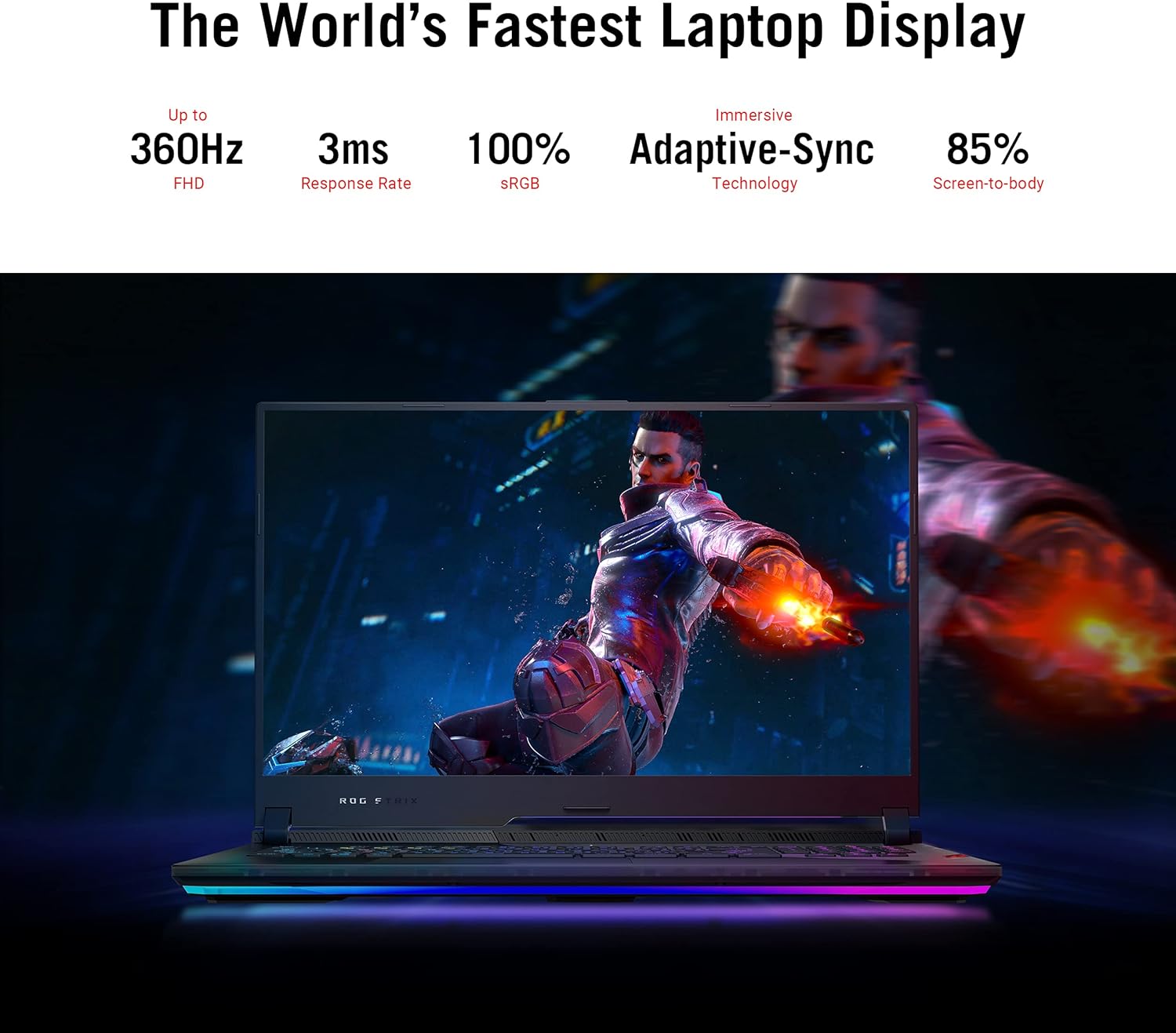
Image 4.1: The laptop display showcasing its 360Hz refresh rate, 3ms response time, 100% sRGB, Adaptive-Sync, and 85% screen-to-body ratio.
4.2. Keyboard and Touchpad
The Opti-Mechanical Per-Key RGB Keyboard offers precise and responsive input with a 1.9mm travel distance and a 0.2ms response time. The RGB lighting is customizable via Aura SYNC technology.

Image 4.2: Exploded view diagram of the optical mechanical keyboard, illustrating its components and features like 1.9mm travel, per-key RGB, 100M key press lifetime, 0.2ms response time, and Aura SYNC.
The touchpad supports multi-touch gestures for navigation. Some models may feature a NumberPad function integrated into the touchpad.
4.3. Audio System
Experience deep audio immersion with 4X Smart Amp Speakers, 5.1.2 Channel Virtual Surround Sound, Two-Way AI Noise Cancellation, and Dolby Atmos support.
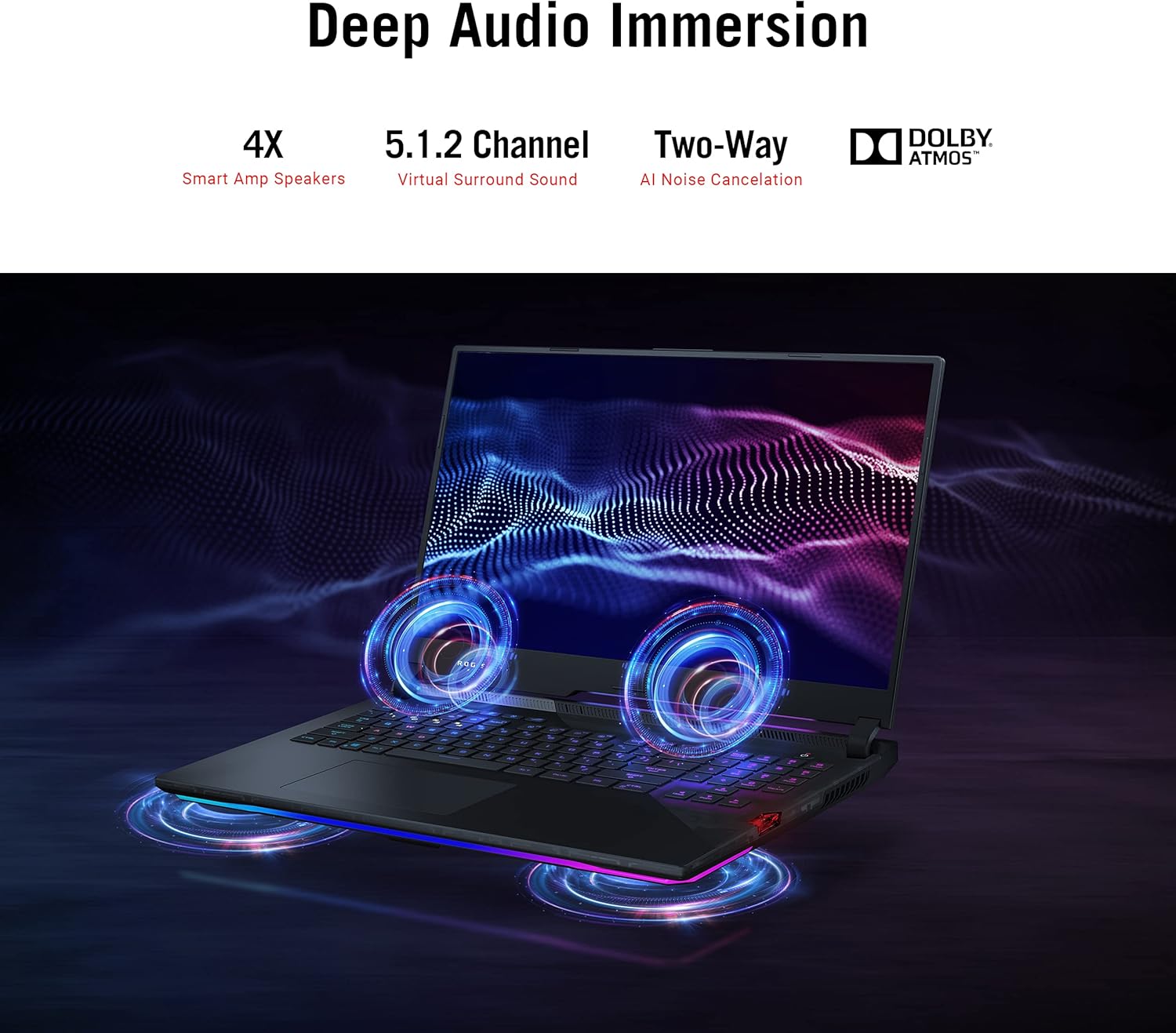
Image 4.3: The laptop illustrating its audio features, including 4X Smart Amp Speakers, 5.1.2 Channel Virtual Surround Sound, Two-Way AI Noise Cancellation, and Dolby Atmos.
4.4. Connectivity
The laptop supports Wi-Fi 6 (802.11ax) for high-speed wireless internet and Bluetooth for connecting wireless peripherals.

Image 4.4: The laptop highlighting its Wi-Fi 6 certification and long-lasting 90 Wh battery with Type-C charging support.
4.5. ROG Armoury Crate
Utilize the ROG Armoury Crate software for system monitoring, performance tuning, RGB lighting customization, and game profile management. This software allows for quick command customization and managing an encrypted Shadow Drive for security.
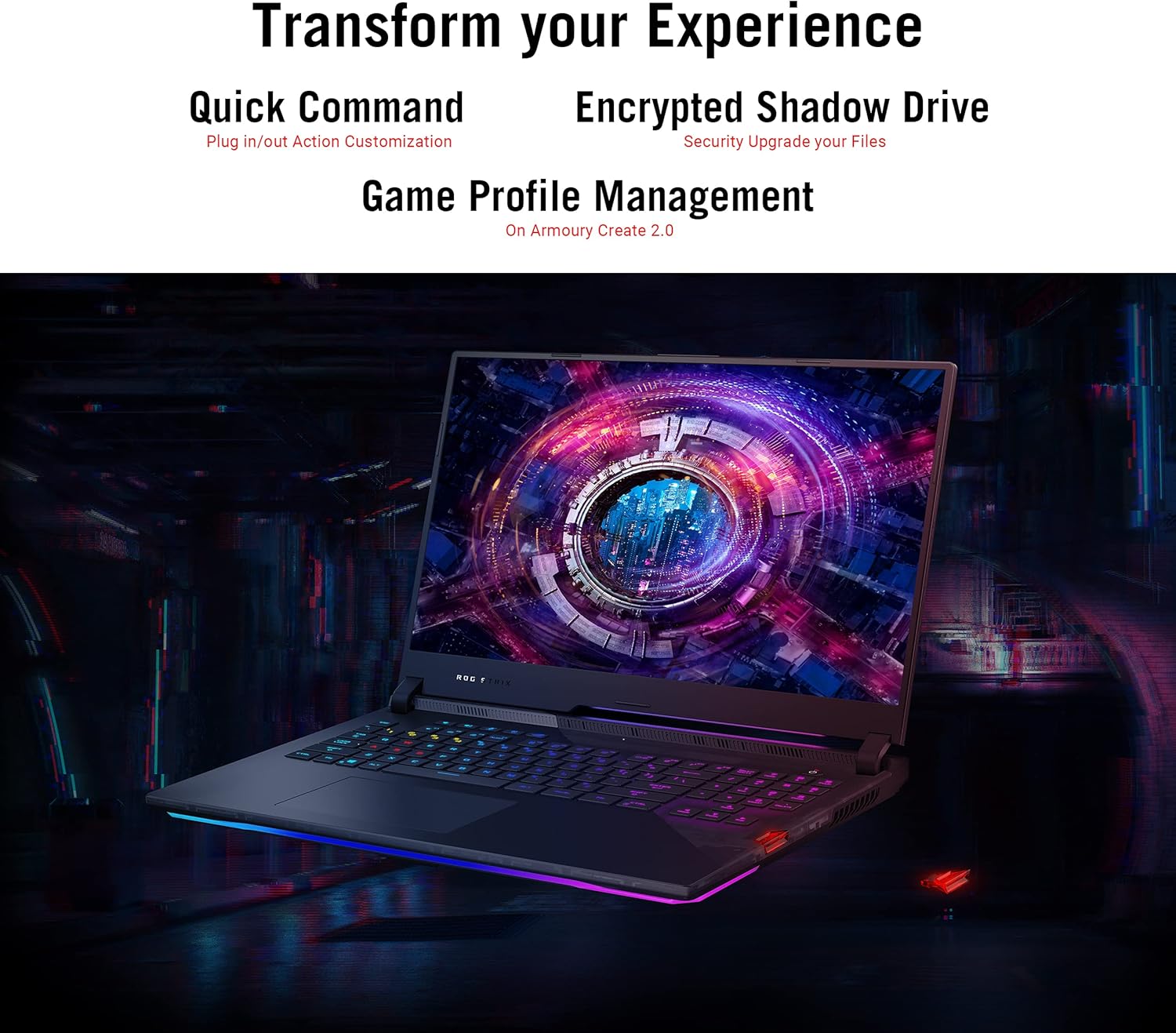
Image 4.5: The laptop display showing the Armoury Crate interface, illustrating features like Quick Command, Encrypted Shadow Drive, and Game Profile Management.
5. Maintenance
5.1. Cleaning Your Laptop
- Screen: Use a soft, lint-free cloth lightly dampened with water or a screen cleaner. Avoid harsh chemicals.
- Keyboard and Chassis: Use a soft cloth. For dust in crevices, use compressed air.
- Vents: Regularly check and clean the cooling vents to ensure proper airflow. Use compressed air to remove dust buildup.
5.2. Battery Care
- Avoid completely discharging the battery frequently.
- Store the laptop in a cool, dry place if not used for extended periods.
- Do not expose the battery to extreme temperatures.
5.3. Software Updates
Regularly update your operating system (Windows Update), graphics drivers (NVIDIA, AMD), and ASUS utilities (MyASUS, Armoury Crate) to ensure optimal performance and security. Ensure updates are completed without interruption.
6. Troubleshooting
6.1. Common Issues and Solutions
| Issue | Possible Solution |
|---|---|
| Laptop does not power on. | Ensure the AC adapter is securely connected to both the laptop and a working power outlet. Check if the power outlet is functional. |
| Screen remains black after power on. | Connect an external monitor to verify if the issue is with the laptop's display. Try pressing Fn + F10 (or the appropriate function key) to toggle display output. |
| System performance is slow. | Check for background applications consuming resources. Ensure drivers are updated. Verify that cooling vents are not obstructed. Adjust power settings to "High Performance". |
| Laptop overheats during use. | Ensure the laptop is on a hard, flat surface to allow proper airflow. Clean dust from cooling vents. Consider using a laptop cooling pad. Monitor temperatures using Armoury Crate. |
| Wi-Fi connection issues. | Restart your router and modem. Ensure Wi-Fi is enabled in Windows settings. Update Wi-Fi drivers. |
| Power adapter gets very hot. | This can be normal during heavy use. Ensure the adapter is in a well-ventilated area and not covered by fabric or carpet. If it becomes excessively hot to touch, discontinue use and contact support. |
| Windows requires disk repair regularly. | Run Windows built-in disk check utility (chkdsk). Ensure all Windows updates are installed correctly. If the issue persists, consider reinstalling Windows or contacting support. |
For more detailed troubleshooting, refer to the ASUS support website or contact their customer service.
7. Specifications
| Feature | Detail |
|---|---|
| Model Name | ASUS ROG Strix Scar 17 G733QSA-PB96 |
| Processor | AMD Ryzen™ 9 5900HX (3.3 GHz, 8 Cores) |
| Graphics Coprocessor | NVIDIA GeForce RTX 3080 |
| Graphics Card RAM Size | 16 GB GDDR6 |
| RAM | 16 GB DDR4 3200 MHz |
| Hard Drive | 1 TB PCIe NVMe M.2 SSD |
| Operating System | Windows 10 Professional |
| Screen Size | 17.3 Inches |
| Screen Resolution | 1920 x 1080 pixels (Full HD) |
| Max Screen Resolution | 1920x1080 Pixels |
| Refresh Rate | 360Hz |
| Response Time | 3ms |
| Wireless Type | 802.11ax (Wi-Fi 6), Bluetooth |
| USB 3.0 Ports | 4 |
| Item Weight | 5.95 pounds (2.7 kg) |
| Product Dimensions (LxWxH) | 15.55 x 11.1 x 0.92 inches (39.5 x 28.2 x 2.3 cm) |
| Color | Black |
| Batteries | 1 Lithium Ion battery (included) |
| Special Features | Opti-Mechanical Per-Key RGB Keyboard, Advanced Cooling System (Liquid Metal) |
8. Warranty and Support
8.1. Warranty Information
Your ASUS ROG Strix Scar 17 G733QSA-PB96 laptop comes with a limited warranty. Please refer to the included Warranty Card for specific terms, conditions, and duration of your product's warranty. Keep your proof of purchase for warranty claims.
Optional protection plans may be available for extended coverage. Check with your retailer or ASUS for details.
8.2. Customer Support
For technical assistance, driver downloads, or further information, please visit the official ASUS support website:
You may also find helpful resources and FAQs on the ASUS ROG community forums.