
Introduction
The LogicMark Guardian Alert 911 Plus is a personal emergency response system designed to provide immediate assistance in critical situations. This device features two-way voice communication, fall detection, and direct connection to 911 emergency services without requiring a landline or monthly fees. It is water-resistant and designed for portability, offering protection both at home and on the go.

Image: The Guardian Alert 911 Plus pendant being worn around the neck by a senior individual, demonstrating its discreet and portable design.
Setup Instructions
1. Initial Charging
Before first use, fully charge your Guardian Alert 911 Plus device. Place the pendant onto the charging base. The device will indicate when charging is complete. A full charge typically provides several months of standby battery life, depending on usage and battery setting.

Image: The Guardian Alert 911 Plus device resting in its charging cradle, connected to a power adapter.
2. Wearing the Device
The Guardian Alert 911 Plus can be worn in several ways for convenience and accessibility:
- Lanyard: Use the provided lanyard to wear the device around your neck. Ensure it is comfortable and accessible.
- Belt Clip: Attach the device to your belt or waistband using the included belt clip.
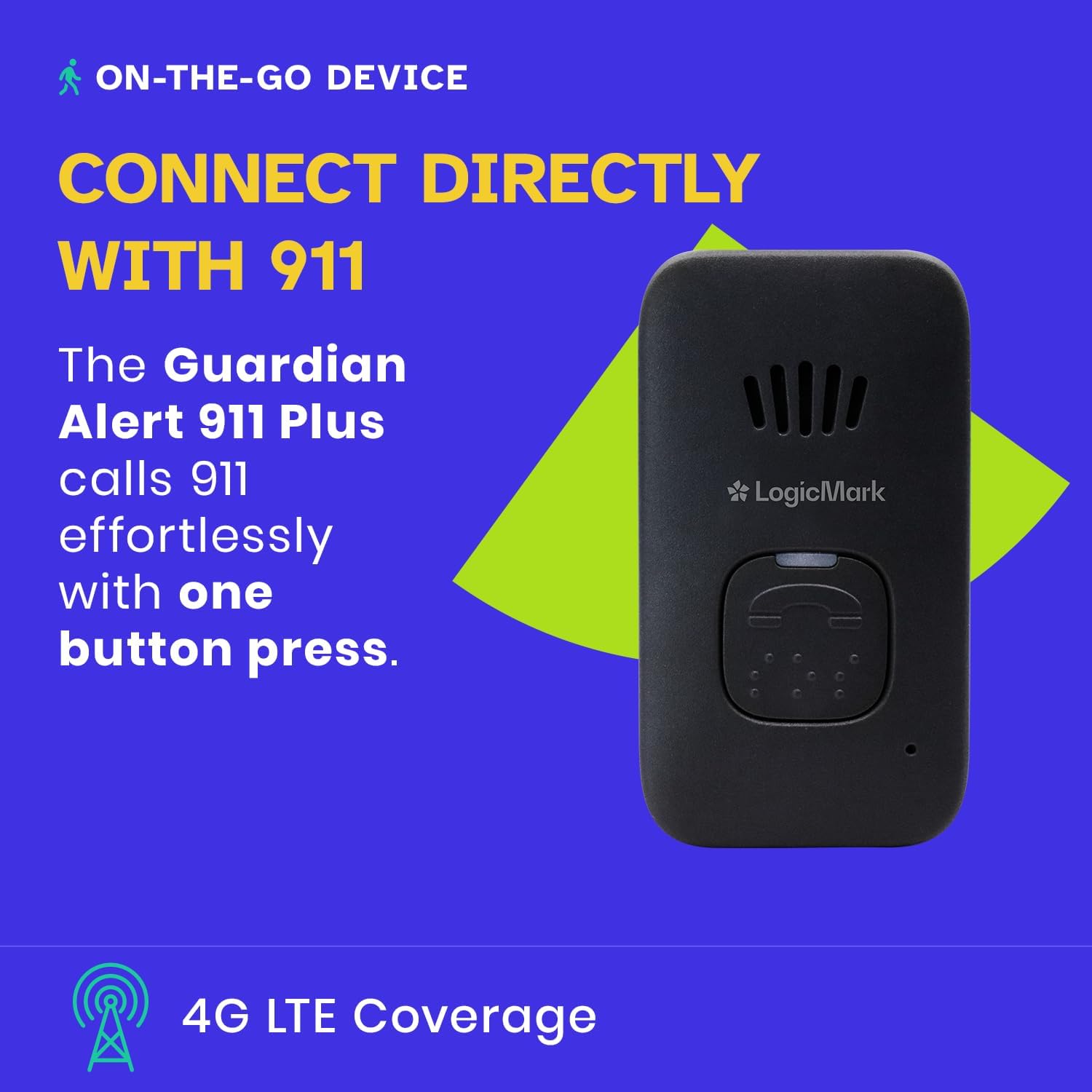
Image: The Guardian Alert 911 Plus device shown with its black lanyard attachment.
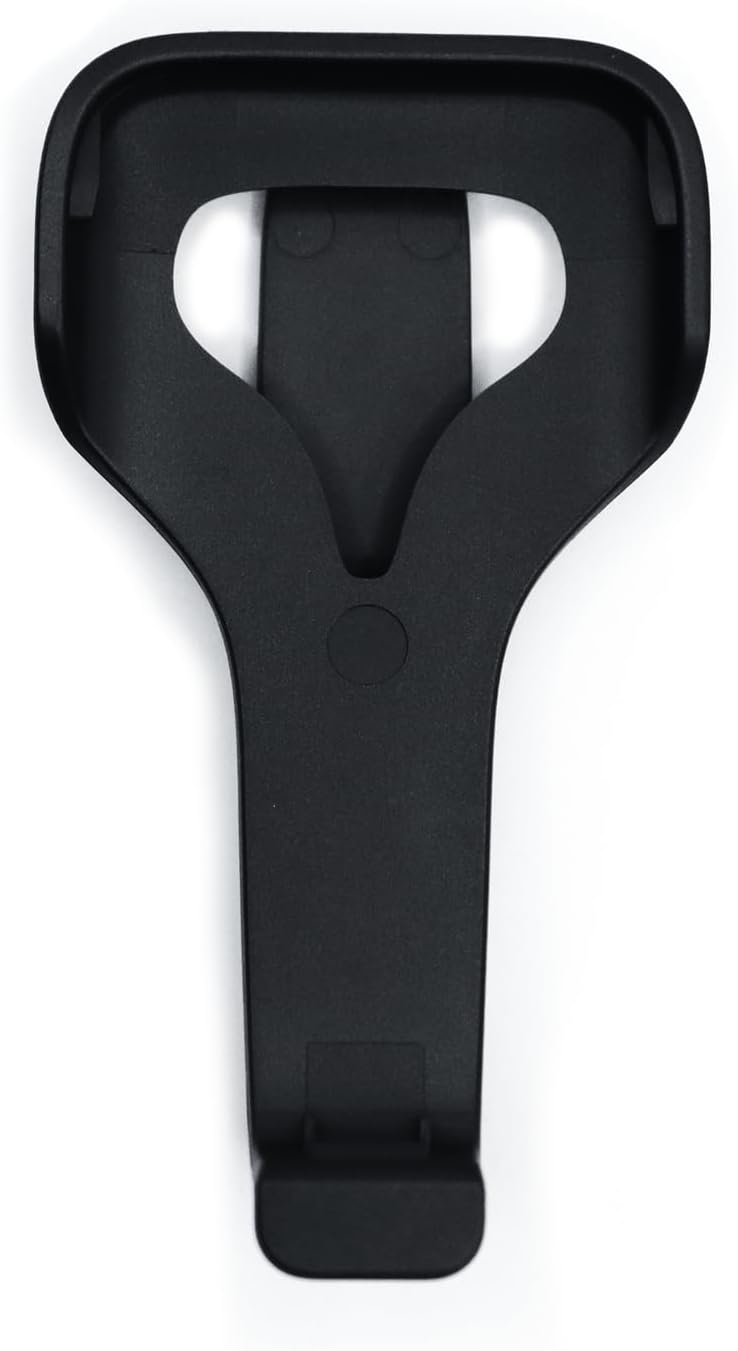
Image: The separate belt clip accessory for the Guardian Alert 911 Plus device.
3. Initial Test
After charging, perform a test call to ensure the device is functioning correctly. Locate the small test button on the device (refer to the device diagram in the Operating section). Press and hold the test button briefly. The device should indicate a successful connection test. This test does not contact emergency services.
Operating Instructions
1. Making an Emergency Call
In an emergency, press and hold the main call button on the front of the pendant. The device will connect directly to 911 emergency services. Speak clearly into the device to communicate with the dispatcher.
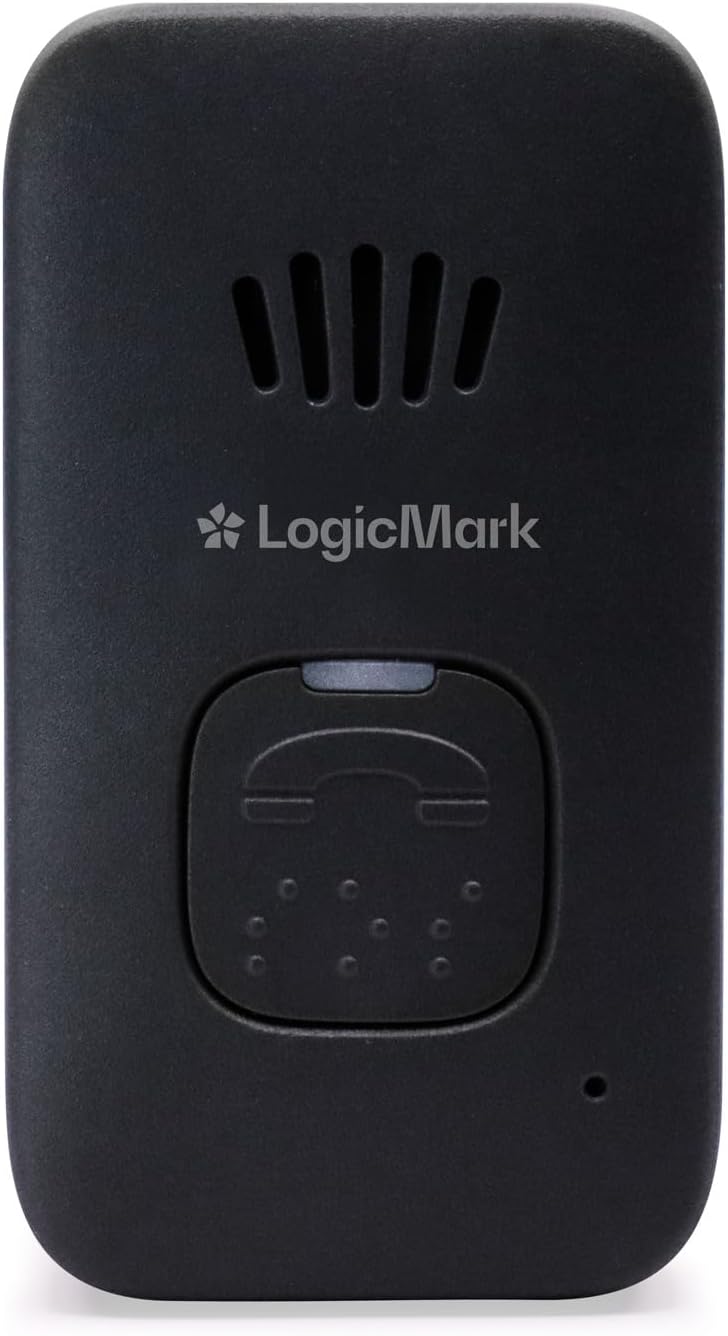
Image: A close-up view of the Guardian Alert 911 Plus device, highlighting the large central call button and speaker grille.
2. Two-Way Communication
The Guardian Alert 911 Plus features a built-in speaker and microphone, allowing for two-way voice communication with emergency personnel. Ensure the device is close enough to your mouth for clear communication.
3. Fall Detection
The device is equipped with proprietary fall detection technology. If a fall is detected, the device will automatically initiate an alert to emergency services. This feature is designed to provide assistance even if you are unable to press the call button. It is important to wear the device consistently for this feature to function effectively.
4. Water Resistance
The Guardian Alert 911 Plus is water-resistant, making it suitable for use in environments where it may get wet, such as in the shower or bath. This ensures continuous protection in high-risk areas for falls.
5. Battery Life and Indicators
The device offers different battery settings. One setting provides approximately 3 months of battery life and includes low battery alerts. Another setting extends battery life to 7-8 months but does not provide low battery notifications. It is recommended to use the setting with low battery alerts to ensure timely recharging.
Maintenance
1. Charging
Regularly charge your device according to the recommended schedule for your chosen battery setting. Always use the provided charging base and power adapter.
2. Cleaning
Clean the device with a soft, damp cloth. Do not use harsh chemicals or abrasive cleaners. Ensure the charging contacts are clean and dry before placing the device on the charging base.
3. Storage
When not in use for extended periods, store the device in a cool, dry place. Ensure it is fully charged before storage and periodically recharge it to maintain battery health.
Troubleshooting
- Device Not Responding: Ensure the device is charged. If the battery is depleted, place it on the charging base.
- No Cell Service: The device operates on a cellular network. If you experience issues connecting to emergency services, move to an area with better cellular reception. Certain geographical locations near international borders may experience issues with local emergency service connection due to signal overlap.
- Fall Detection Not Activating: Ensure the device is worn correctly and securely. Fall detection relies on specific movement patterns; not all falls may be detected.
- Poor Two-Way Communication: Speak clearly and directly towards the device's microphone. Ensure there are no obstructions covering the speaker or microphone.
- Charging Issues: Verify that the charging base is properly connected to power and that the device is correctly seated on the base. Clean charging contacts if necessary.
Specifications
| Feature | Detail |
|---|---|
| Model Number | 40711 |
| Brand | LogicMark |
| Battery Type | Lithium-Ion |
| Control Method | Touch (Button Press) |
| Mounting Type | Tabletop Mount (for charging base), Wearable (Lanyard, Belt Clip) |
| Sensor Technology | Help Button Technology, Fall Detection |
| UPC | 857456001361 |
| Smart Home Compatibility | Smart Home Compatible |
| Item Weight | 12.1 ounces |
| Product Dimensions | 10 x 8 x 2 inches (packaging), 9"L x 7.1"W x 1.9"H (device) |
| Special Features | Rechargeable, Water Resistant, 2-Way Communication, Fall Detection, No Monthly Fees, Direct 911 Connection, No Landline Necessary |
| Included Components | Pendant, Charging Base, Power Adapter, Lanyard, Belt Clip |
| Power Source | Battery Powered |
| Compatible Devices | Smartphone (for potential app integration, though not explicitly detailed for this model) |
Warranty Information
For detailed warranty information regarding your LogicMark Guardian Alert 911 Plus device, please refer to the documentation included with your purchase or visit the official LogicMark website. Warranty terms and conditions may vary.
Customer Support
If you require assistance with your Guardian Alert 911 Plus, have questions about its operation, or need technical support, please contact LogicMark customer service. Contact information can typically be found on the manufacturer's website or in your product packaging.
LogicMark Website: www.logicmark.com


