
1. Introduction
Thank you for purchasing the JYX Bluetooth Speaker with Wireless Microphone, Model D11. This portable audio system is designed to provide high-quality sound and versatile connectivity options for various indoor and outdoor activities. Please read this manual thoroughly before use to ensure proper operation and to maximize your experience with the product.

Image 1.1: JYX Bluetooth Speaker D11 with its accompanying wireless microphone.
2. Package Contents
Please check the package for the following items:
- JYX Bluetooth Speaker (Model D11)
- Wireless Microphone
- USB Charging Cable
- Auxiliary (AUX) Cable
- Rechargeable Lithium-ion Battery
- User Manual

Image 2.1: All components included in the JYX Bluetooth Speaker D11 package: speaker, microphone, USB charging cable, AUX cable, battery, and user manual.
3. Product Overview
3.1 Speaker Features
The JYX D11 speaker is equipped with a 40W output, featuring four drivers (double passive subwoofers and double tweeters) and a large passive bass radiator for enhanced sound quality and bass response. It incorporates Digital Signal Processing (DSP) technology for clear, balanced audio.

Image 3.1: An illustrative view of the speaker's internal drivers, highlighting its sound components.
3.2 Control Panel
The top panel of the speaker houses various controls for power, volume, mode selection, and playback. Familiarize yourself with these buttons for easy operation.

Image 3.2: The top-mounted control panel of the speaker, featuring buttons for power, mode, volume, and playback.
3.3 Rear Panel Ports
The rear panel provides multiple connectivity options, including USB, TF card slot, AUX input, and additional microphone jacks.

Image 3.3: The rear panel of the speaker, displaying various input ports such as USB, TF card slot, and AUX.
4. Setup
4.1 Charging the Speaker
- Connect the USB charging cable to the speaker's charging port and a compatible USB power adapter (not included).
- The charging indicator will illuminate. A full charge typically takes 4-6 hours.
- Once fully charged, disconnect the charging cable.
For optimal battery life, it is recommended to fully charge the speaker before its first use and when it will not be used for an extended period.
4.2 Microphone Setup
The wireless microphone automatically pairs with the speaker upon power-on. Ensure both the speaker and microphone are powered on for automatic connection.
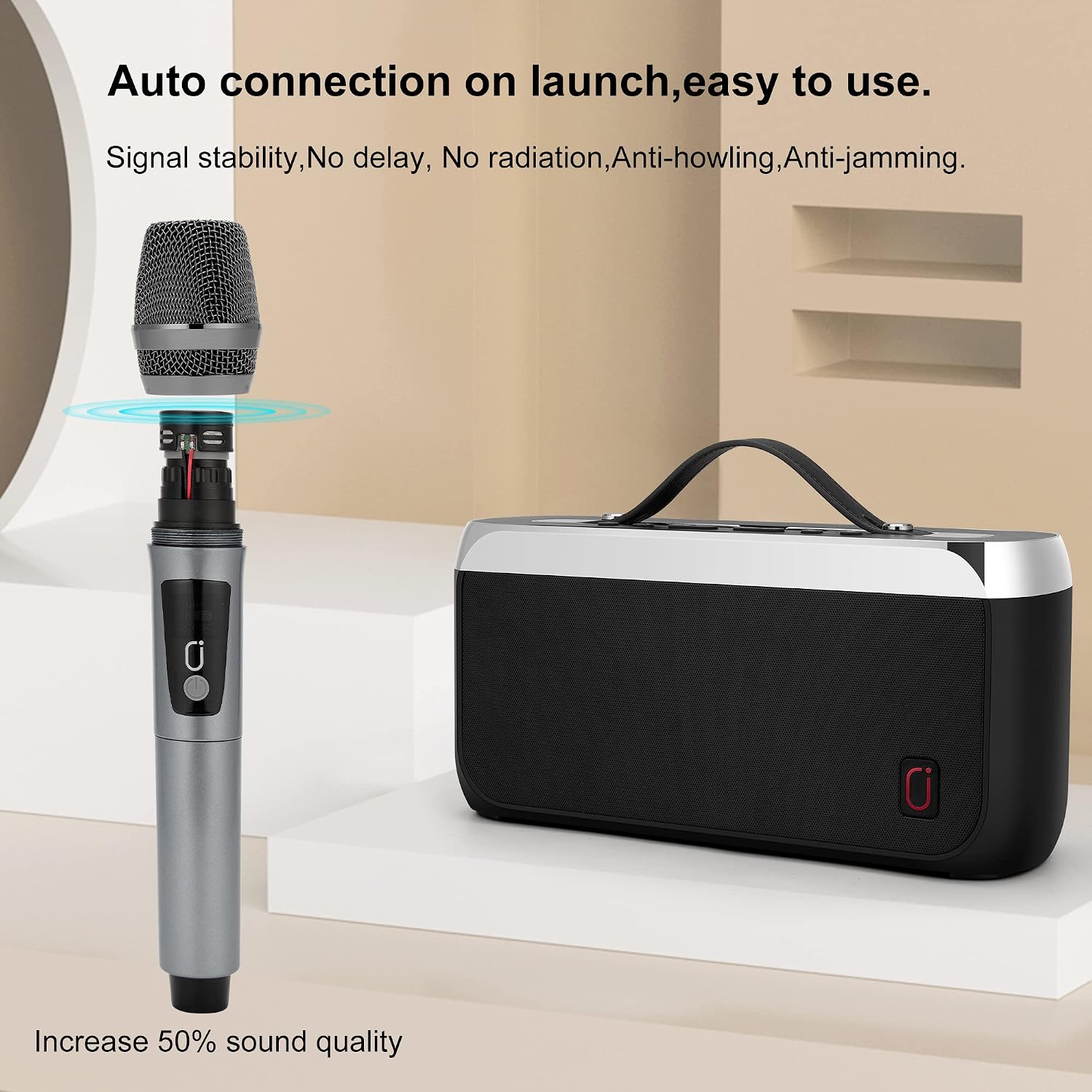
Image 4.1: The wireless microphone establishing an automatic connection with the speaker upon activation.
5. Operating Instructions
5.1 Bluetooth Connection
- Power on the speaker. It will automatically enter Bluetooth pairing mode.
- On your device (smartphone, tablet, PC), enable Bluetooth and search for available devices.
- Select "JYX-D11" from the list to pair. A confirmation sound will indicate successful pairing.
- You can now play audio from your device through the speaker.

Image 5.1: Diagram illustrating the Bluetooth 5.0 technology for stable and fast wireless connections.
5.2 True Wireless Stereo (TWS) Function
To achieve a stereo sound experience, you can connect two JYX D11 speakers wirelessly:
- Ensure both speakers are powered off.
- Power on both speakers. They will enter Bluetooth pairing mode.
- On one of the speakers, press and hold the TWS button (refer to control panel diagram) until you hear a pairing tone.
- The two speakers will connect to each other. A confirmation sound will indicate successful TWS pairing.
- Now, connect your Bluetooth device to one of the paired speakers as described in Section 5.1. Audio will play in stereo across both speakers.

Image 5.2: Two JYX D11 speakers wirelessly interconnected using TWS technology for a stereo audio experience.
5.3 Using the Wireless Microphone
The included wireless microphone automatically connects to the speaker. Simply power on the microphone and speaker. The speaker also features two additional microphone jacks for connecting other wired or wireless microphones (not included).
5.4 FM Radio Operation
- Press the 'M' (Mode) button on the speaker to switch to FM Radio mode.
- Press the Play/Pause button to automatically scan and save available FM stations.
- Use the Previous/Next track buttons to navigate through the saved stations.
5.5 USB/TF Card Playback
Insert a USB flash drive or a TF (MicroSD) card into the respective port on the rear panel. The speaker will automatically detect the storage device and begin playing audio files. Use the playback controls on the speaker to manage your music.
5.6 AUX Input
Connect an external audio device (e.g., MP3 player, computer) to the speaker's AUX input port using the provided 3.5mm auxiliary cable. Press the 'M' (Mode) button to switch to AUX mode. Audio from the connected device will play through the speaker.
6. Maintenance
- Cleaning: Use a soft, dry cloth to clean the speaker's exterior. Do not use abrasive cleaners or solvents.
- Battery Care: To prolong battery life, fully charge the speaker every 3 months if it is not in regular use. Avoid exposing the battery to extreme temperatures.
- Storage: Store the speaker in a cool, dry place away from direct sunlight and moisture.
7. Troubleshooting
| Problem | Possible Cause | Solution |
|---|---|---|
| Speaker does not power on | Low battery; Power button not pressed correctly | Charge the speaker; Press and hold the power button for a few seconds |
| No sound | Volume too low; Incorrect mode selected; Device not paired | Increase volume; Select correct input mode (Bluetooth, AUX, etc.); Re-pair Bluetooth device |
| Microphone not working | Microphone not powered on; Out of range; Battery low | Ensure microphone is powered on; Move closer to speaker; Replace microphone batteries (if applicable) |
| Bluetooth connection unstable | Too far from speaker; Obstructions; Interference | Move device closer to speaker; Remove obstructions; Avoid strong electromagnetic interference |
| TWS pairing fails | Incorrect pairing procedure; Speakers too far apart | Follow TWS pairing instructions carefully; Ensure speakers are within close proximity |
8. Specifications
- Model: D11
- Brand: JYX
- Output Power: 40W
- Connectivity: Bluetooth 5.0, AUX, USB, TF Card, FM Radio
- Battery: 5200mAh Lithium-ion
- Charging Time: 4-6 hours
- Play Time: Up to 12 hours (at 50% volume)
- Special Features: TWS Function, Wireless Microphone Support
- Item Weight: 6.05 pounds
- Package Dimensions: 14.21 x 9.72 x 5.47 inches
9. Safety Information
- Do not expose the speaker to water or excessive moisture.
- Avoid placing the speaker near heat sources or in direct sunlight.
- Do not attempt to disassemble or repair the speaker yourself. Refer to qualified service personnel.
- Keep out of reach of children.
- Use only the provided charging cable or a certified equivalent.
- Do not operate the speaker at excessively high volumes for prolonged periods to prevent hearing damage.
10. Warranty and Support
For warranty information or technical support, please refer to the documentation included with your purchase or contact JYX customer service through their official website or the retailer where the product was purchased. Please retain your proof of purchase for warranty claims.