
Introduction
The GilletteLabs with Exfoliating Bar is engineered to provide Gillette's ultimate shaving experience. This innovative razor features an exfoliating bar built directly into the handle, designed to release trapped hairs before the blades pass. Combined with 2D FlexDisc technology, it contours to your face for a smooth and comfortable shave. This manual provides essential information for setting up, operating, maintaining, and troubleshooting your GilletteLabs razor.

Image: The GilletteLabs with Exfoliating Bar Razor kit, showcasing the handle, four razor blade refills, and the premium magnetic stand.
Package Contents
Verify that all items are present in your GilletteLabs with Exfoliating Bar Razor kit:
- 1 x GilletteLabs Razor Handle
- 4 x GilletteLabs Razor Blade Refills
- 1 x Premium Magnetic Stand
Setup
Attaching a Razor Blade Refill
- Hold the GilletteLabs razor handle firmly.
- Align a new GilletteLabs razor blade refill with the handle's attachment point.
- Push the handle firmly into the blade refill until you hear a click, indicating it is securely attached.

Image: A close-up view of the GilletteLabs razor handle, highlighting its ergonomic design and attachment mechanism for blade refills.
Using the Magnetic Stand
The premium magnetic stand is designed to keep your razor clean, dry, and ready for use. Simply place the razor onto the stand, and the magnetic connection will hold it upright.

Image: The GilletteLabs razor is shown securely resting on its sleek, metallic magnetic stand, ready for storage.
Operating Instructions
For a Smooth Shave
- Prepare Your Skin: Ensure your face is clean. Wet the area to be shaved with warm water to soften the hair. For optimal results, apply a quality shaving cream or gel, such as GilletteLabs Rapid Foaming Shave Gel.
- Engage the Exfoliating Bar: The built-in exfoliating bar is designed to gently clear debris and lift hairs before the blades make contact. Hold the razor at a comfortable angle against your skin.
- Shave with Smooth Strokes: Glide the razor over your skin using light, even strokes. The 2D FlexDisc technology will contour to your face, maintaining optimal contact.
- Utilize the Precision Trimmer: For tricky areas like sideburns or under the nose, use the precision trimmer located on the back of the blade cartridge.
- Rinse Regularly: Rinse the razor head under running water frequently during your shave to prevent clogging and maintain blade performance.
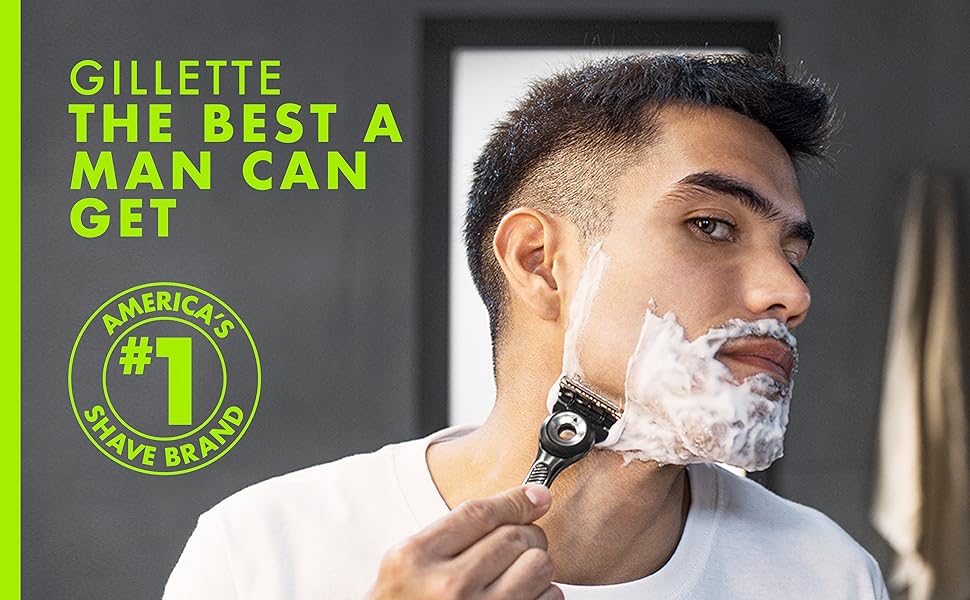
Image: A man demonstrates the proper technique for shaving with the GilletteLabs razor, ensuring a close and comfortable experience.
Key Technologies
The GilletteLabs razor incorporates 5 integrated technologies for an enhanced shaving experience:
- Exfoliating Bar: Releases trapped hairs before the blades pass.
- 5 Anti-Friction Blades: Specially designed for closeness and comfort.
- 2D FlexDisc: Contours to your face to ensure comfort and contact with every stroke.
- Precision Trimmer: For tricky areas like sideburns.
- Everglide Lubrastrip: Provides lubrication for incredible skin comfort.

Image: An exploded view diagram detailing the five integrated technologies of the GilletteLabs razor, including the exfoliating bar, 5 blades, FlexDisc, precision trimmer, and lubrastrip.
Official Product Video
Video: An official product video from Procter & Gamble, showcasing the GilletteLabs Razors for Men with Exfoliating Bar and its features.
Maintenance
Cleaning and Storage
- Rinse Thoroughly: After each shave, rinse the razor head thoroughly under running water to remove all hair and shaving cream residue. Do not tap the razor against the sink, as this can damage the blades.
- Dry the Razor: Gently shake off excess water. For best results, allow the razor to air dry.
- Store on Magnetic Stand: Place the clean, dry razor onto its premium magnetic stand. This keeps the blades elevated, allowing for proper air circulation and preventing contact with surfaces that could dull or damage them.
- Replace Blades: GilletteLabs blades are designed to last up to 30 shaves per refill. Replace the blade cartridge when you notice dullness or discomfort during shaving.
Troubleshooting
Common Issues
- Razor Dragging or Pulling: This often indicates a dull blade. Replace the razor blade refill. Ensure your skin is adequately wet and lubricated with shaving cream or gel.
- Skin Irritation/Razor Burn: Ensure you are using light strokes and not applying excessive pressure. Shave in the direction of hair growth, especially if you have sensitive skin. Make sure your skin is well-prepared with warm water and shaving product.
- Blades Clogging: Rinse the razor head frequently under running water during your shave. If clogging persists, ensure you are using enough shaving cream/gel and that your hair is sufficiently softened.
Specifications
| Feature | Detail |
|---|---|
| Brand | Gillette |
| Model | GilletteLabs with Exfoliating Bar |
| Product Dimensions | 7 x 1.3 x 7.87 inches |
| Item Weight | 11.32 ounces |
| Handle Material | Stainless Steel |
| Number of Blades (per refill) | 4 |
| Special Features | Exfoliating Bar, 2D FlexDisc, Precision Trimmer |
| Skin Type | All |
| UPC | 047400675773 |
Warranty Information
The GilletteLabs razor handle comes with a lifetime warranty for the original purchaser or recipient. Please retain your receipt for proof of purchase. For full terms and conditions, visit Gillette.com/warranty.
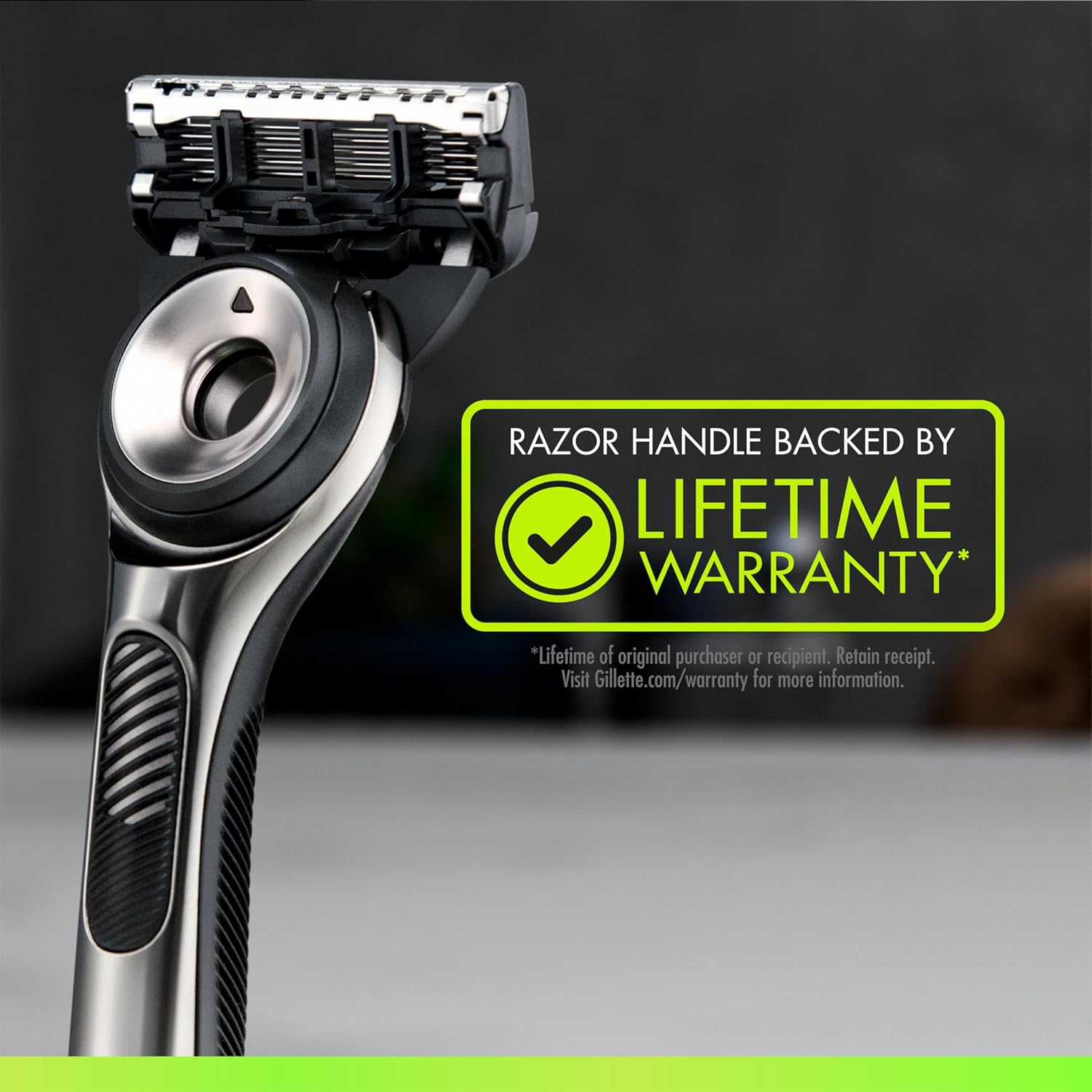
Image: A visual representation of the GilletteLabs razor handle with a prominent 'Lifetime Warranty' badge, indicating product assurance.
Customer Support
For further assistance, product inquiries, or to provide feedback, please visit the official Gillette website or contact their customer service department. Refer to the product packaging for specific contact details or visit the Gillette brand store on Amazon.
Visit the Gillette Store on Amazon.